Sharing brushes
A brush you've made can travel: send it to a friend, keep a copy in Files, or move a whole set to another device without iCloud. Brushes go out as files, and come back in by opening those files.
Brush files and packs
- A brush file (.penciltypebrush)
- One brush: its settings, name and details (subtitle, author, link, license, notes), and a picture of it.
- A pack (.penciltypebrushes)
- Several brushes in one file, each with its picture. A pack of your whole library keeps your sets.
Sharing
- One brush: touch and hold it in the brush picker (or on its set's page in the brush library) and choose Share…. In the library you can also swipe left and tap Share.
- A set: in the picker, its header's ⋯ › Share set…; in the brush library, the set's menu, its swipe (Share) or Share set… on its page.
- Everything: ⋯ › Share all brushes… in the picker, or Settings › Brush library › Export all brushes….
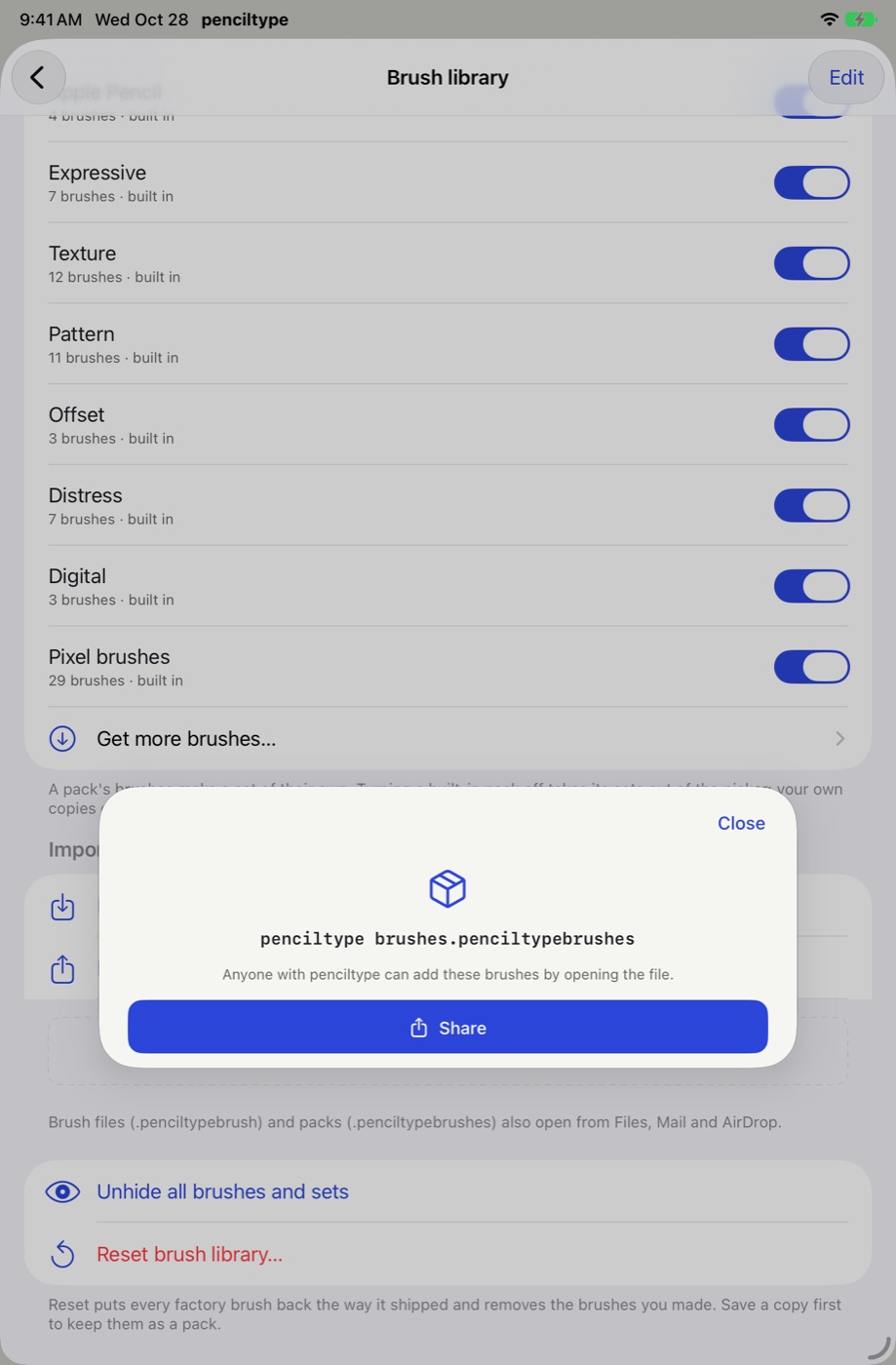
penciltype writes the file, then shows it ready to share:
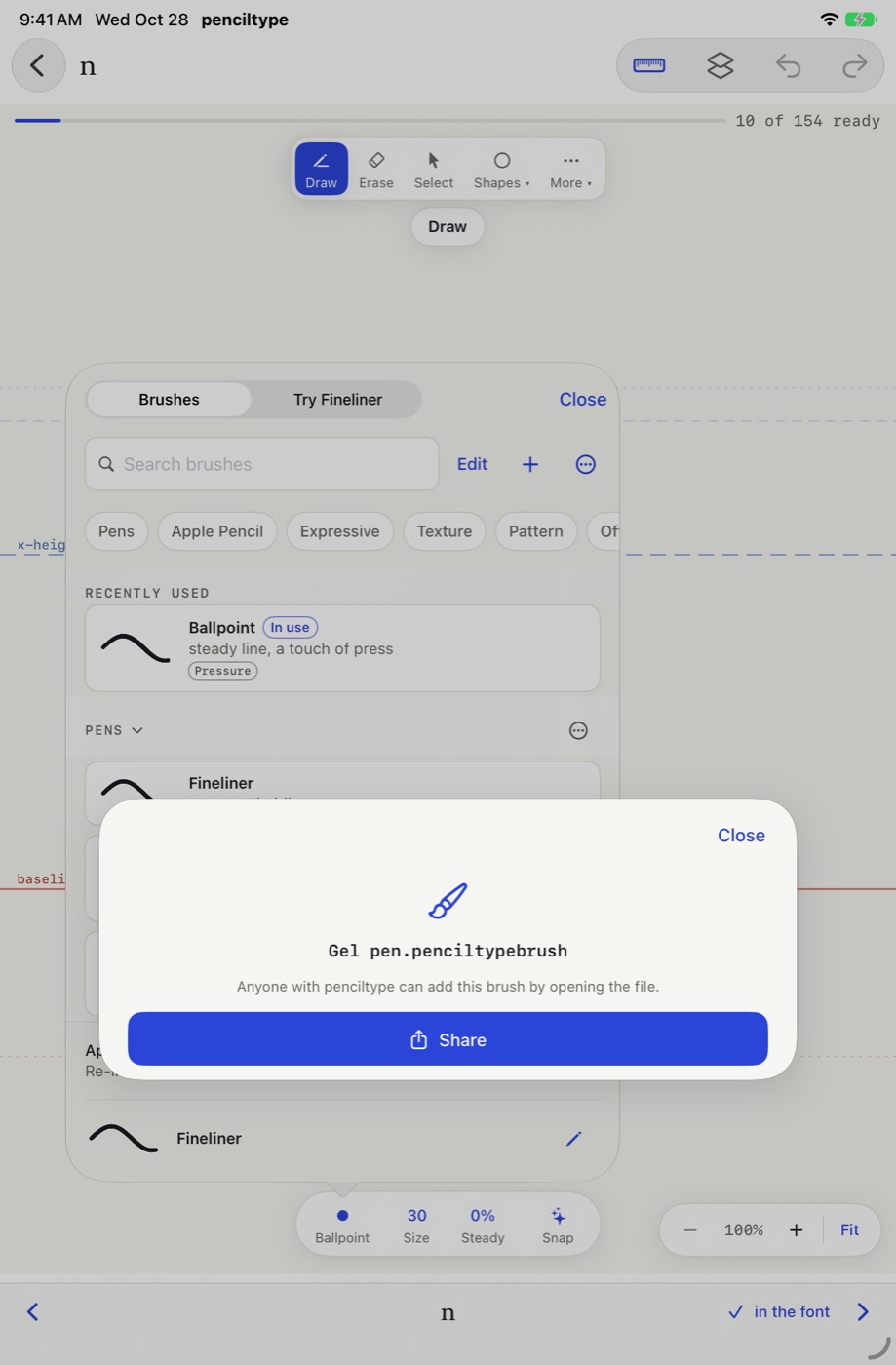
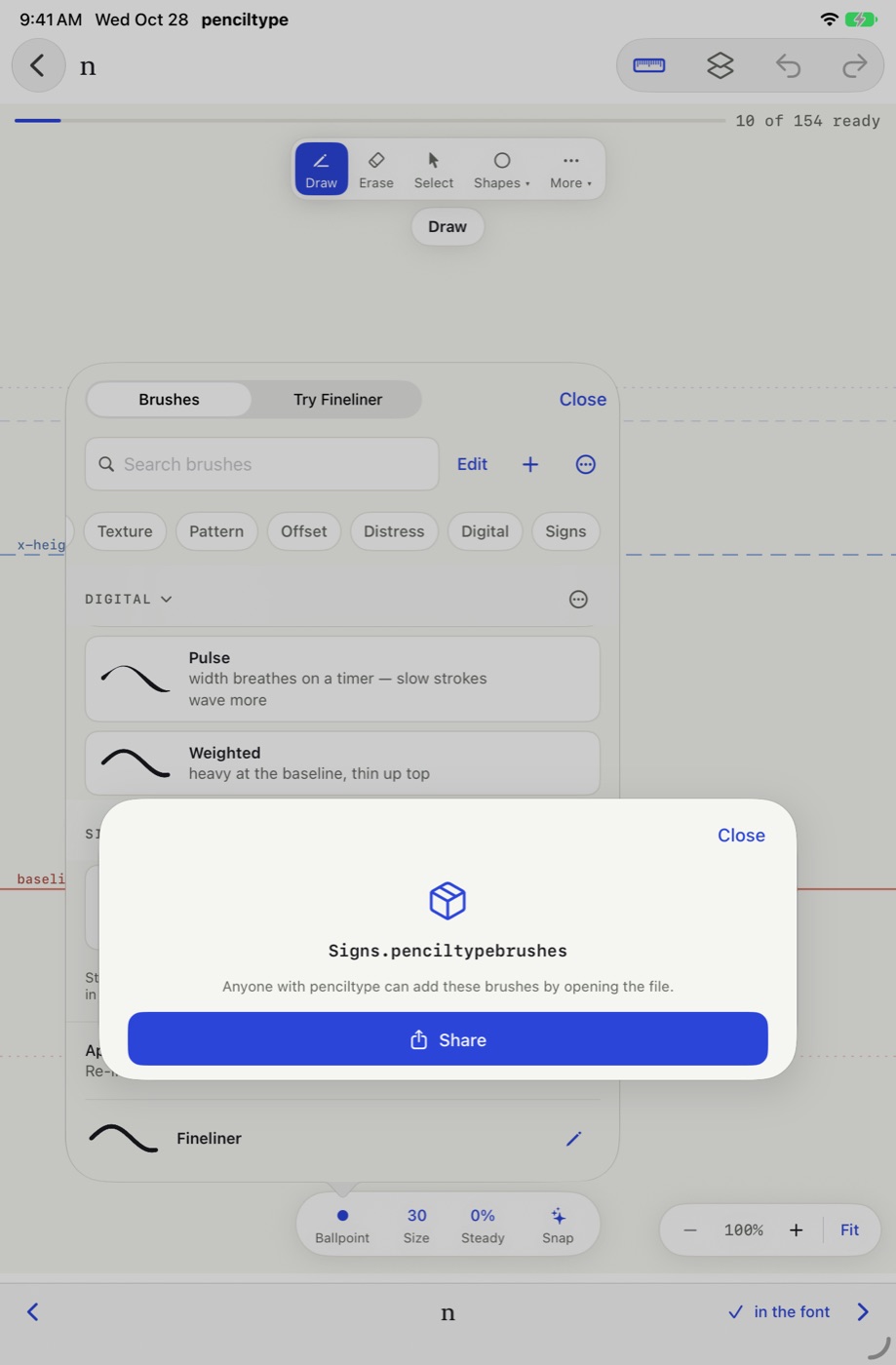
The sheet shows the file's name, and “Anyone with penciltype can add this brush by opening the file.” (or “…add these brushes…” for a pack). Tap Share for the system share sheet: AirDrop, Messages, Mail, Save to Files and the rest. Close puts it away.
- Files are named after the brush or set (“Gel pen.penciltypebrush”, “Signs.penciltypebrushes”), or “penciltype brushes.penciltypebrushes” for everything.
- Hidden brushes and hidden sets are left out.
- The same sheet appears after Reset brush library… › Save a copy first….
Adding brushes someone sent you
Open the file, wherever it is:
- Tap it in Files, Mail, Messages or an AirDrop, and choose penciltype.
- In the brush picker, ⋯ › Import brushes…; or Settings › Brush library › Import brushes…. Both open Files, showing brush files, packs and .json brush files.
- On iPad and Mac, drag the file onto the brush picker's list, or onto Drop a brush file here in the brush library.
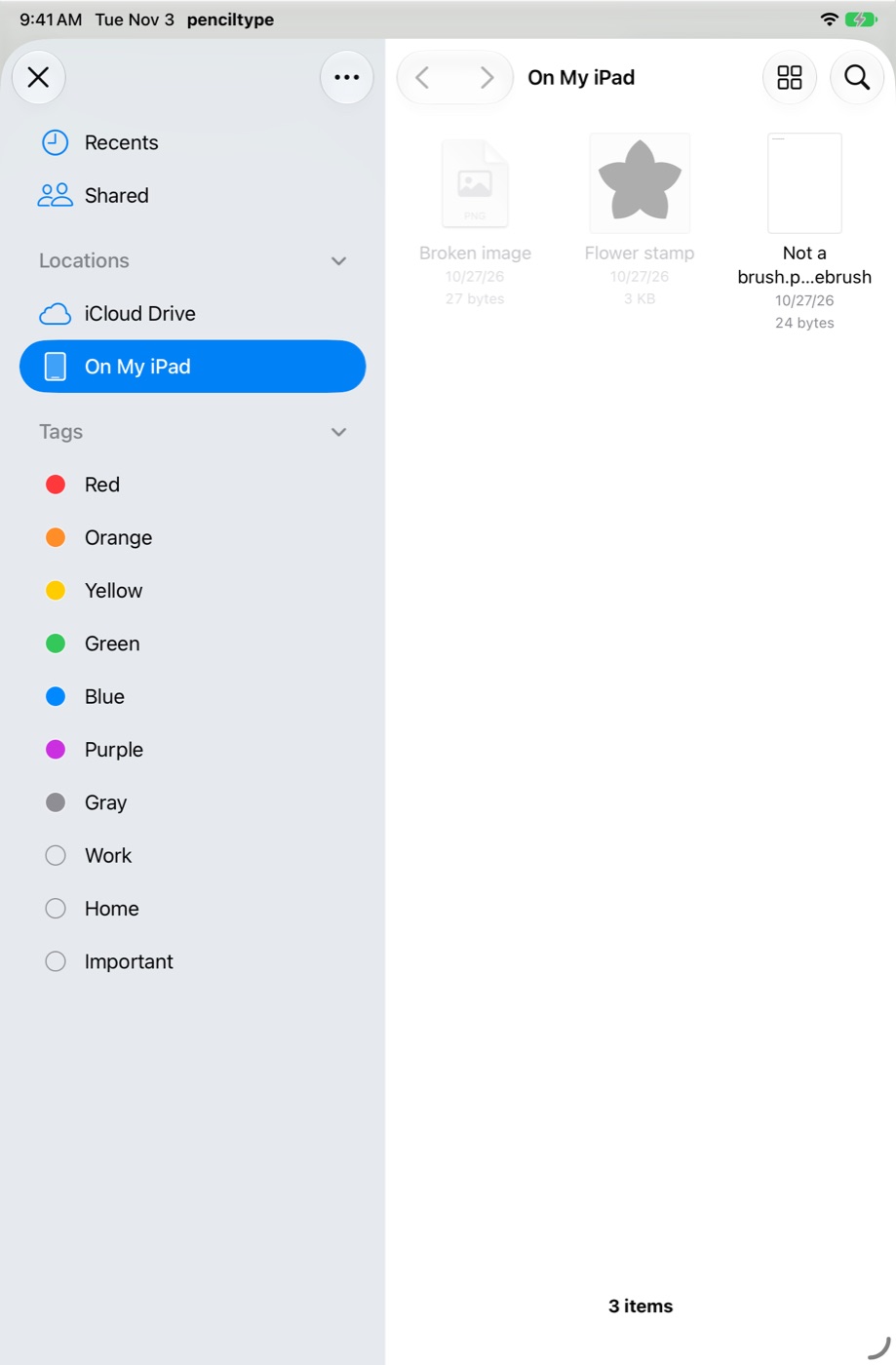
penciltype copies the file in (waiting for it if it's still arriving from iCloud Drive) and shows what's inside on an import sheet. It looks at what the file contains, not at its name: a pack is a pack whatever it's called.
Importing a brush
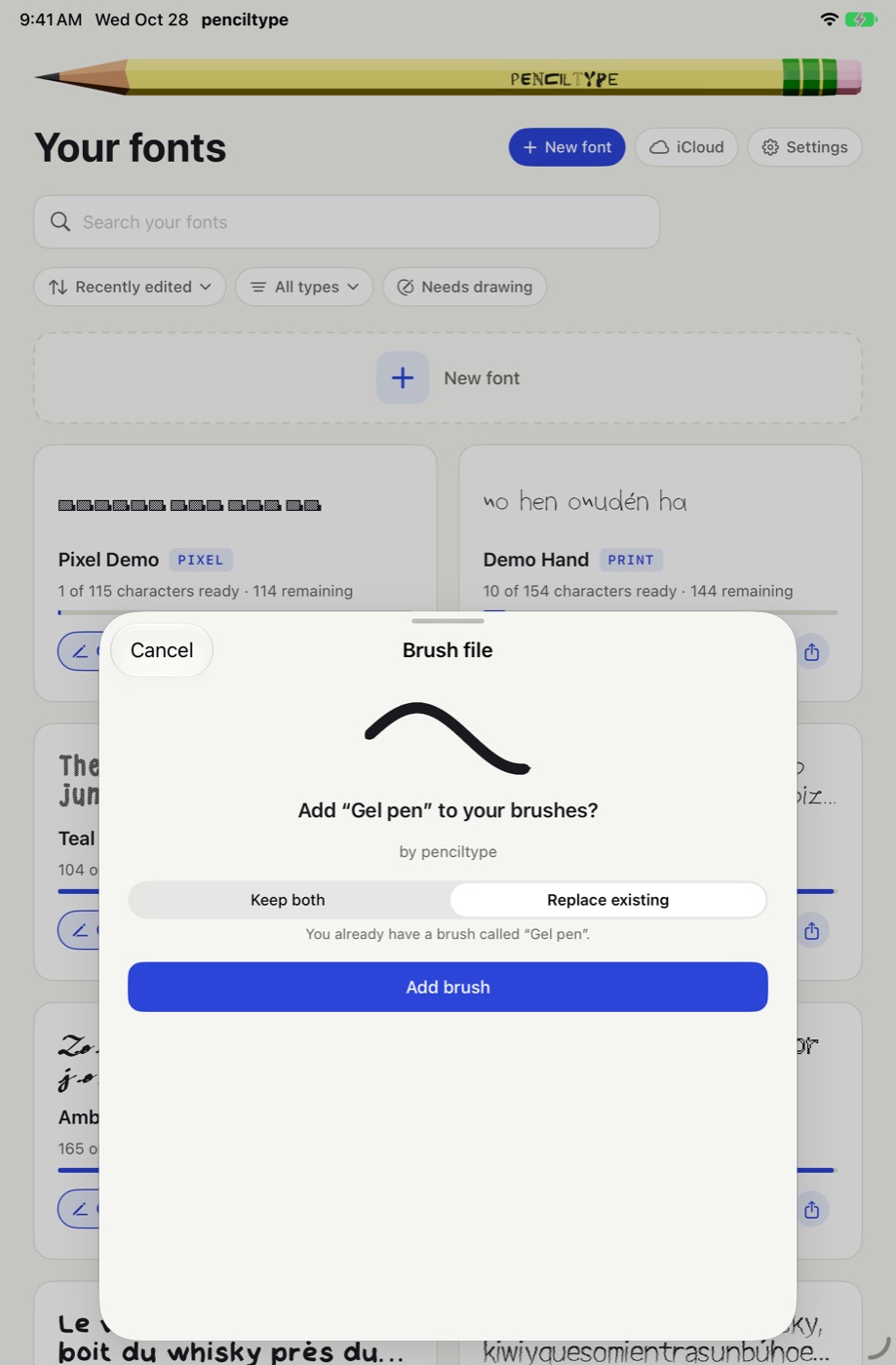
The sheet is titled Brush file. It shows the brush large, asks “Add “brush” to your brushes?”, and gives its description and author.
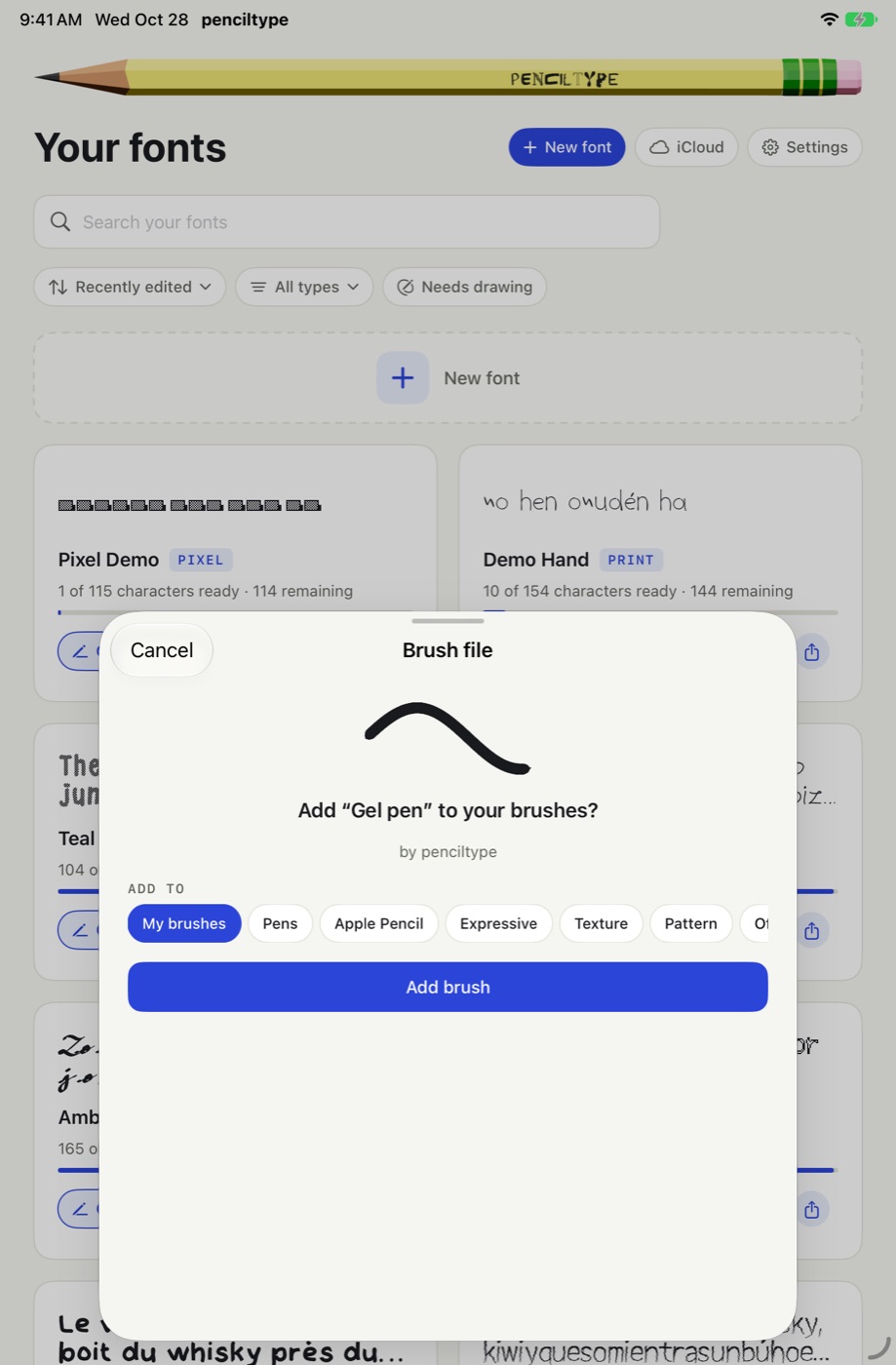
- Add to
- Chips for the set the brush goes into: My brushes and every set you can see of its kind (vector or pixel). The chosen one is filled.
- Add brush
- Adds the brush and closes the sheet. Imported from the picker, the new brush is found and rung in the list.
- Cancel
- Adds nothing.
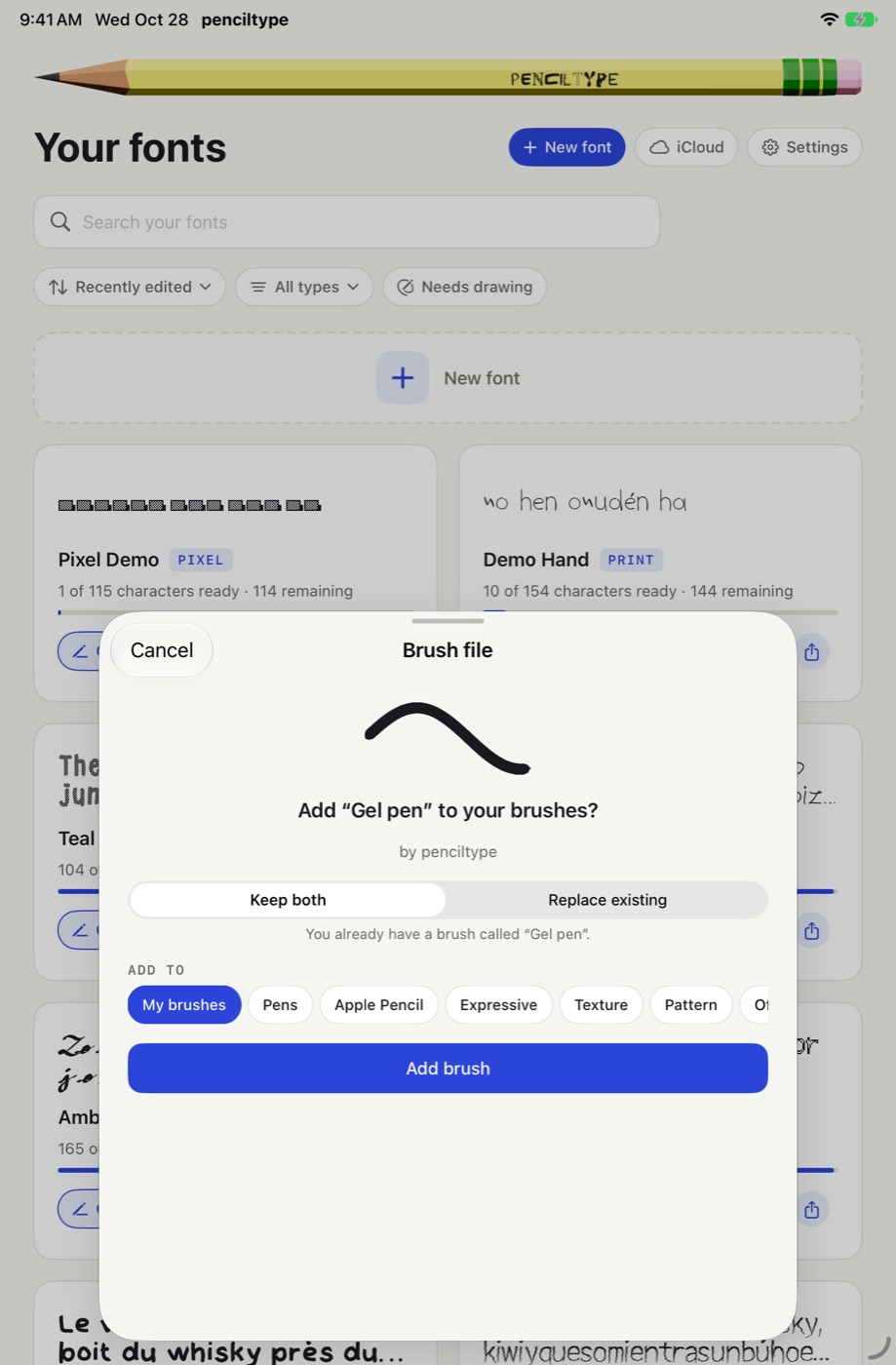
If you already have a brush with the same name, the sheet says “You already have a brush called “brush”.” and asks what to do:
- Keep both adds the new one beside yours.
- Replace existing puts the file's settings onto your brush. Its pins, sets and hidden flag stay, so the Add to chips go away.
An imported brush is always yours: it becomes a brush of your own, whatever it was where it came from.
Importing a pack
The sheet is titled Brush pack: the pack's cover (if it has one), its name, author, version and brush count, its description, and every brush in it with its swatch and description.
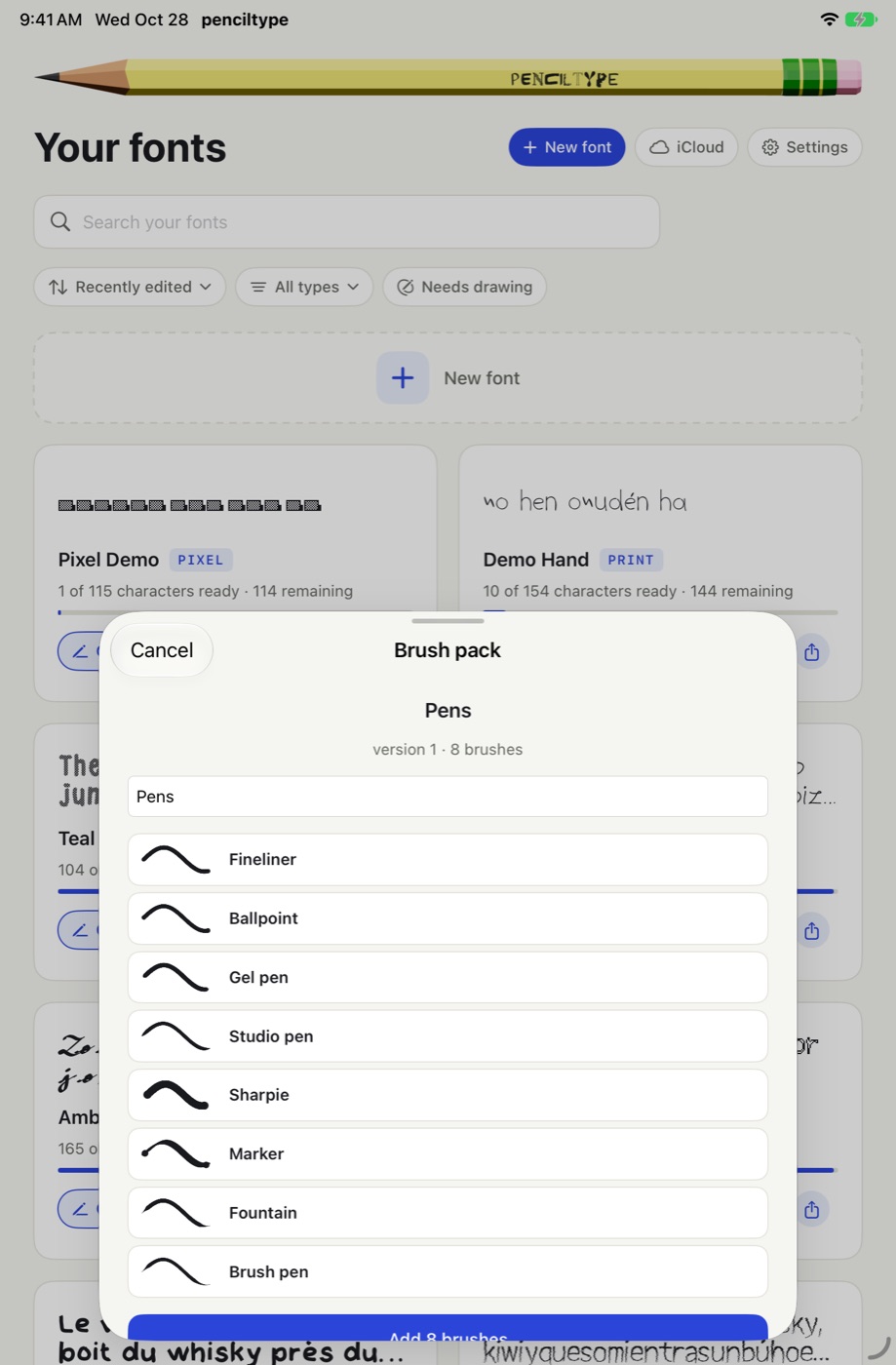
- Set name: the set the brushes land in, filled in with the pack's name. (A pack that names its own sets, or one you've installed before, doesn't ask.)
- Add n brushes installs the pack as a set of its own. It then appears under Packs in the brush library.
- A pack you've installed before says “Already installed (version v) — adding it again updates it.” and the button reads Update pack: brushes land where they were, keeping your pins, hidden brushes and moves.
- “n brushes in this pack need a newer version of penciltype.”: those are skipped; update the app to get them.
- “This pack uses an id reserved for penciltype's own packs and can't be installed.”: the button is dimmed.
When a file can't be opened
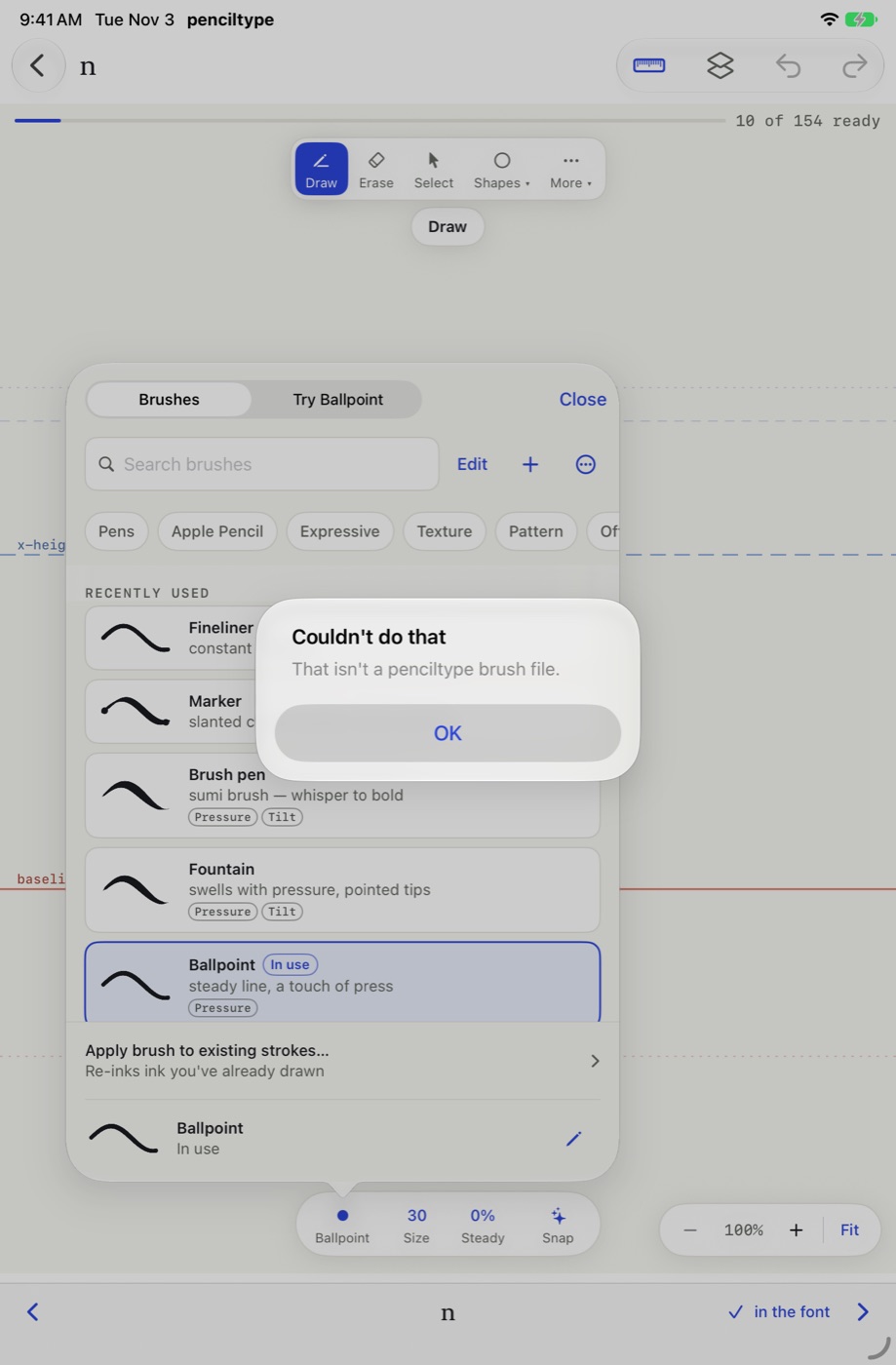
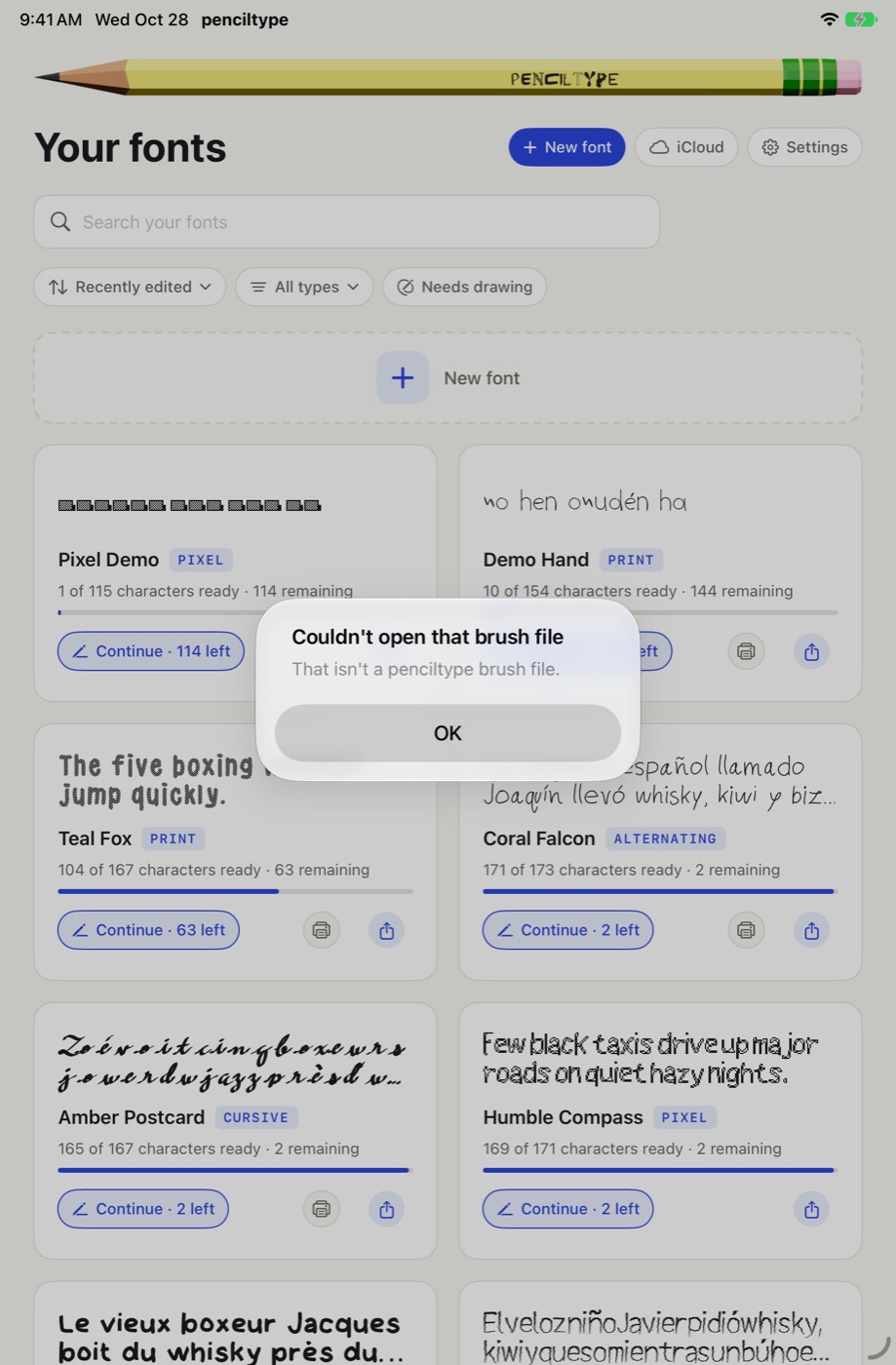
If the file isn't a brush file, or can't be read, penciltype says so. From the picker or the brush library the alert is titled Couldn't do that; for a file opened from Files, Mail or AirDrop, Couldn't open that brush file. The reason is one of:
- “That file is too large to be a brush file.”
- “That isn't a penciltype brush file.”
- “That brush file needs a newer version of penciltype.”
- “That brush file couldn't be read.”
(or the system's own reason). Tap OK. Nothing is added.