PENCILTYPE Download on the App Store

Expressive

Fixed-angle broad nibs, dry media (rake, rough pencil, charcoal), the finger-friendly Flex pen and the pace-driven Speed pen.

How these brushes work

Broad nibs
Flat rectangular nibs held at a fixed angle and bridged from sample to sample, so the line is thick where you move across the nib's edge and thin where you move along it.
Dry media
Pencil, charcoal and dry-brush nibs whose edges are jittered or broken from sample to sample, seeded by position so the same stroke always re-inks and exports identically; Rake splits the line into parallel tines.
Pen family
One parametric engine for the round-nib pens: at every sample a convex nib (round, ellipse or flat) is stamped and neighbouring nibs are bridged, so the stroke is one solid outline. Width is Size times a pressure curve between “Width at a light touch” and “Width at full press”, scaled by your pace (Speed response), the Pencil's lean (Tilt widens) and the start and end tapers; the caps cut or point the ends, and Ink pooling, Bleed and Edge roughness add blots, a soft wobble and a ragged rim. Each factory pen (Fineliner, Ballpoint, Gel pen, Studio pen, Sharpie, Marker, Fountain, Brush pen, Flex) is a recipe of these knobs, so every one can be retuned in Brush Studio.
Digital
Width games and edges: width taken from the stroke's clock (Pulse), its height in the em (Weighted) or your pace (Speed), or only the two edges of the stroke (Outline).

The brushes

Calligraphy

Calligraphy swatch

broad-edge nib at 45°

Factory size 30 · Steady 0%

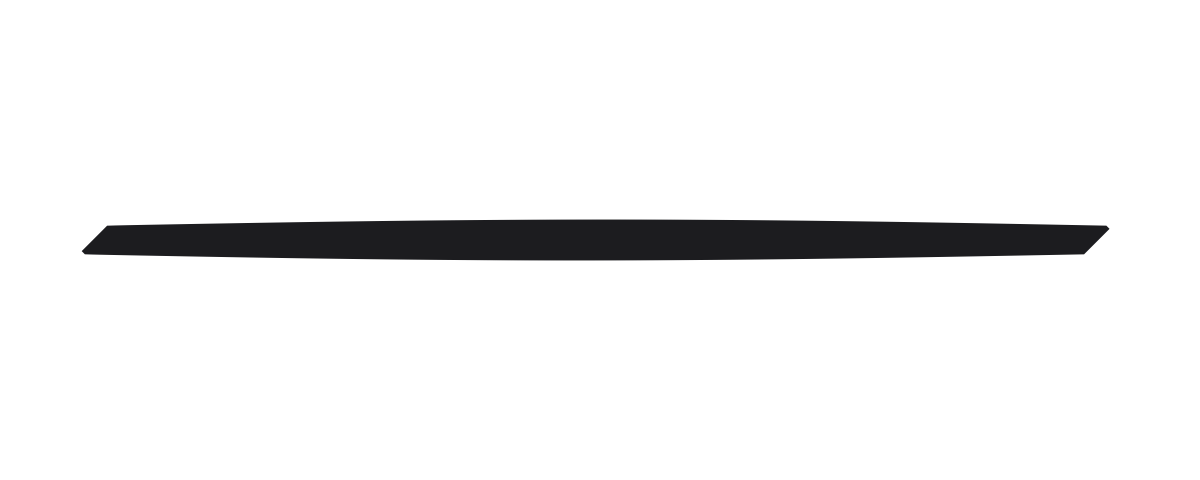
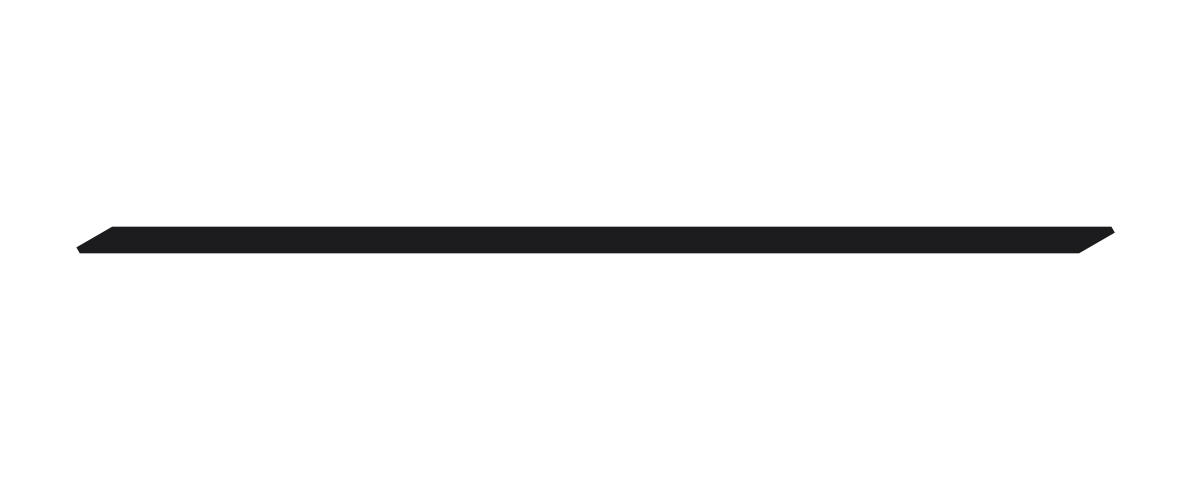
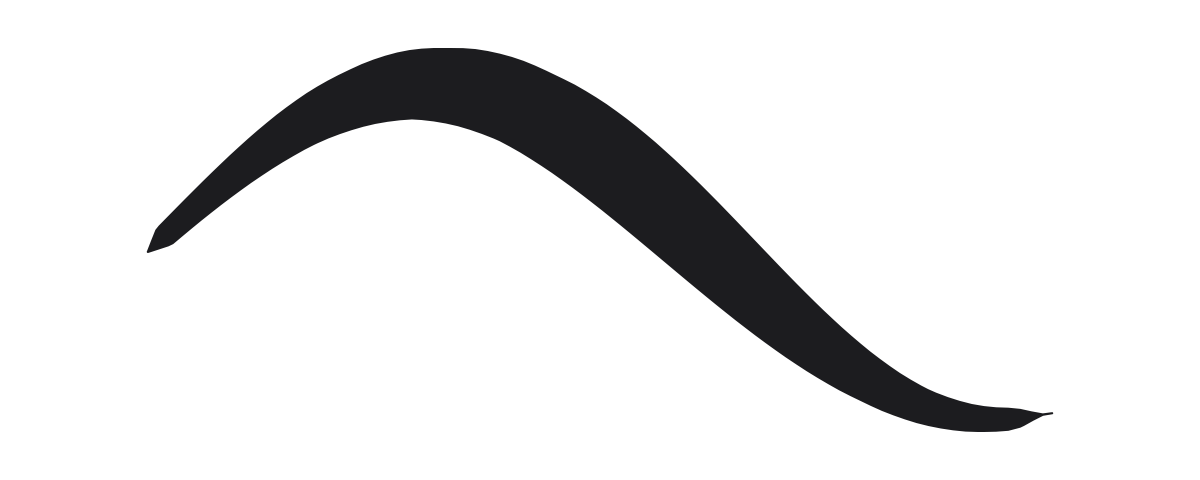
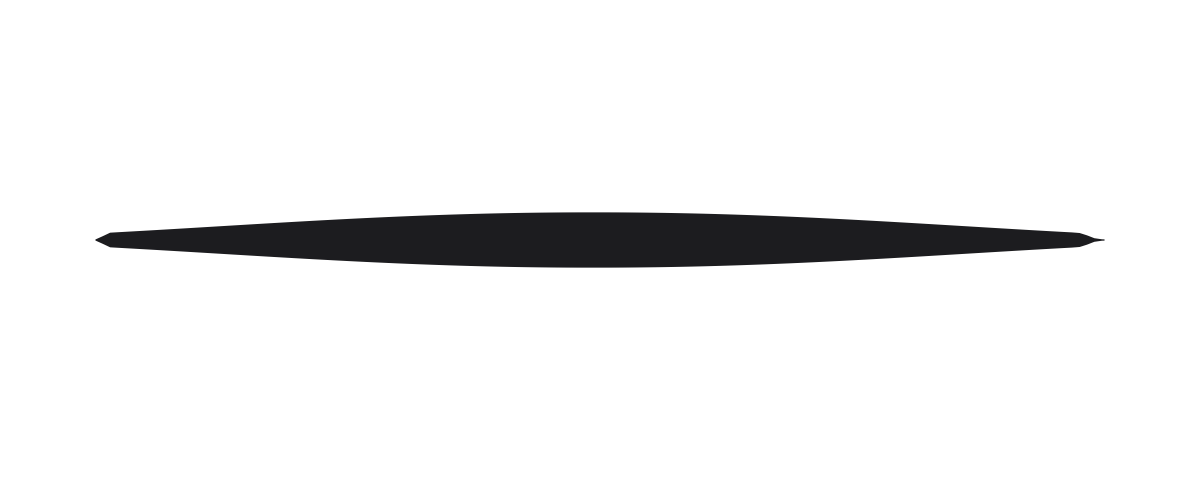
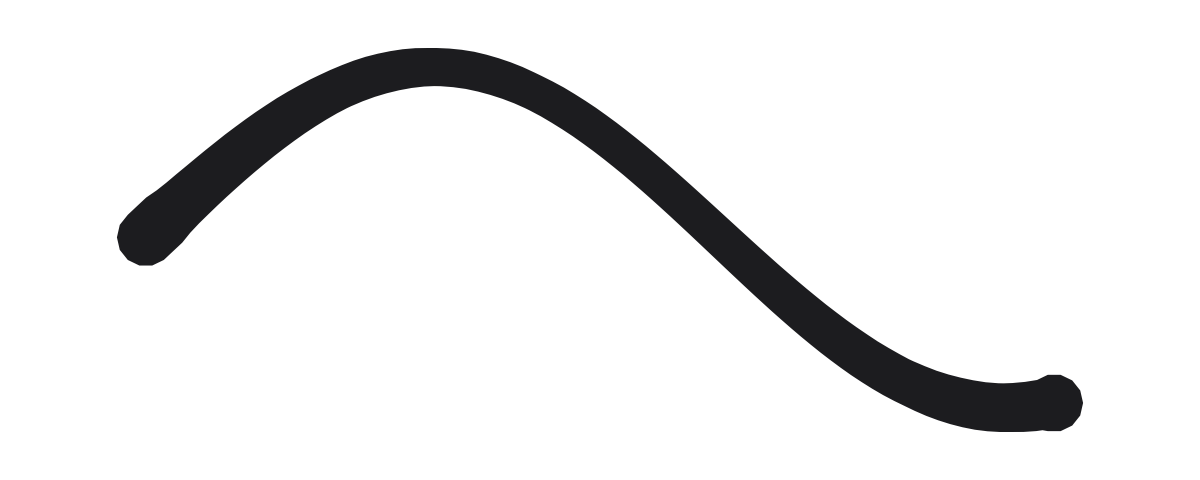
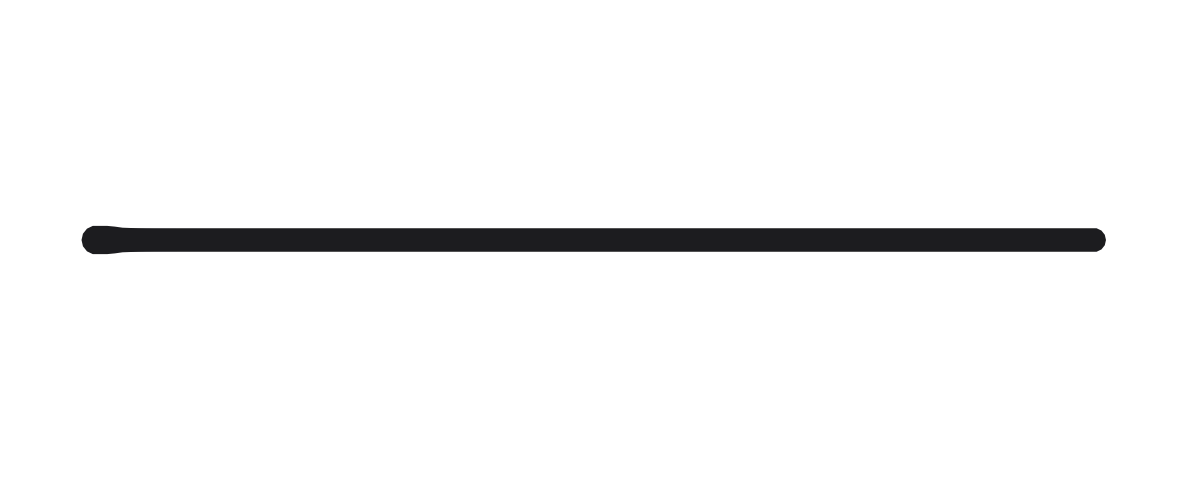
Calligraphy, straight stroke
Straight
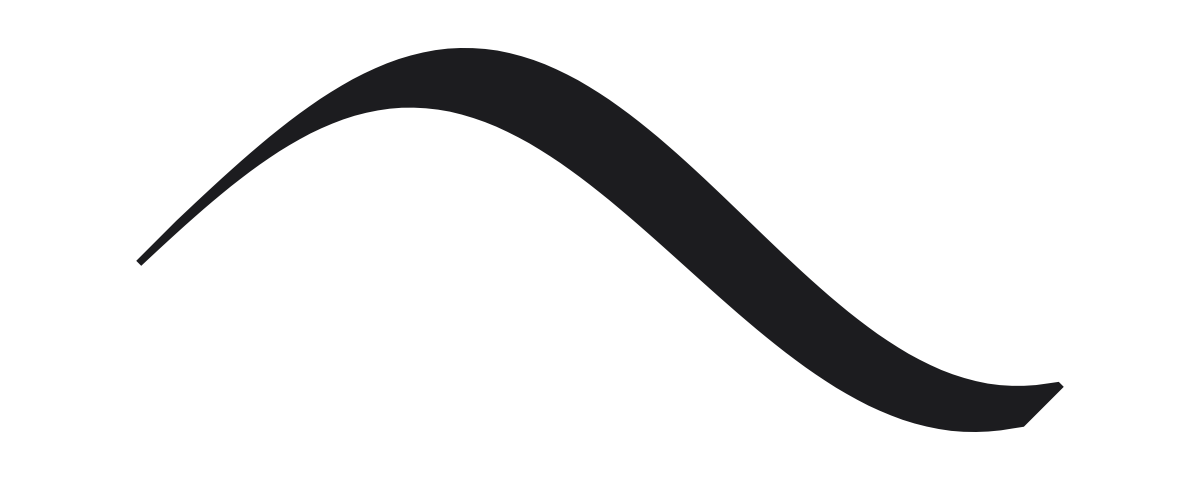
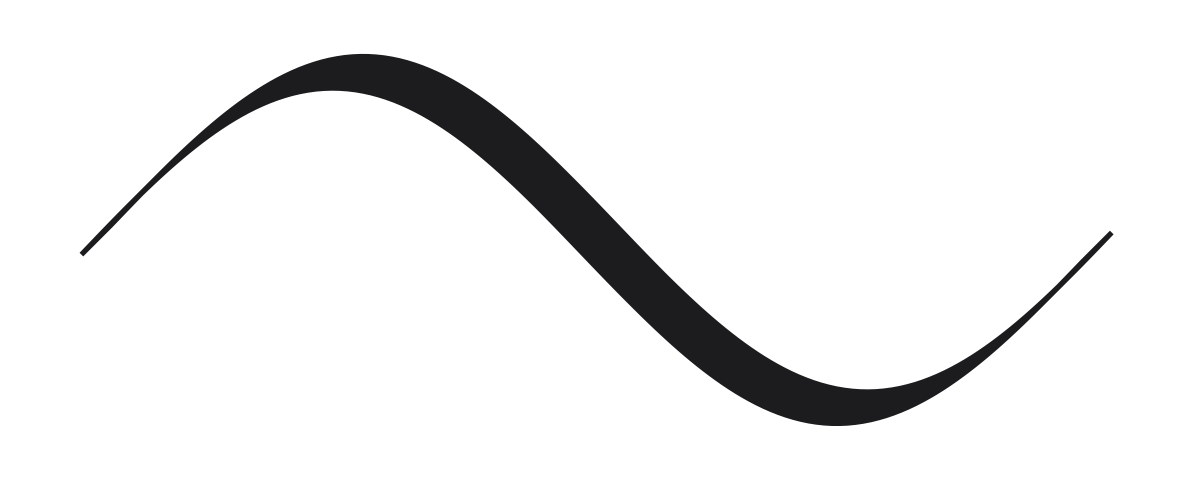
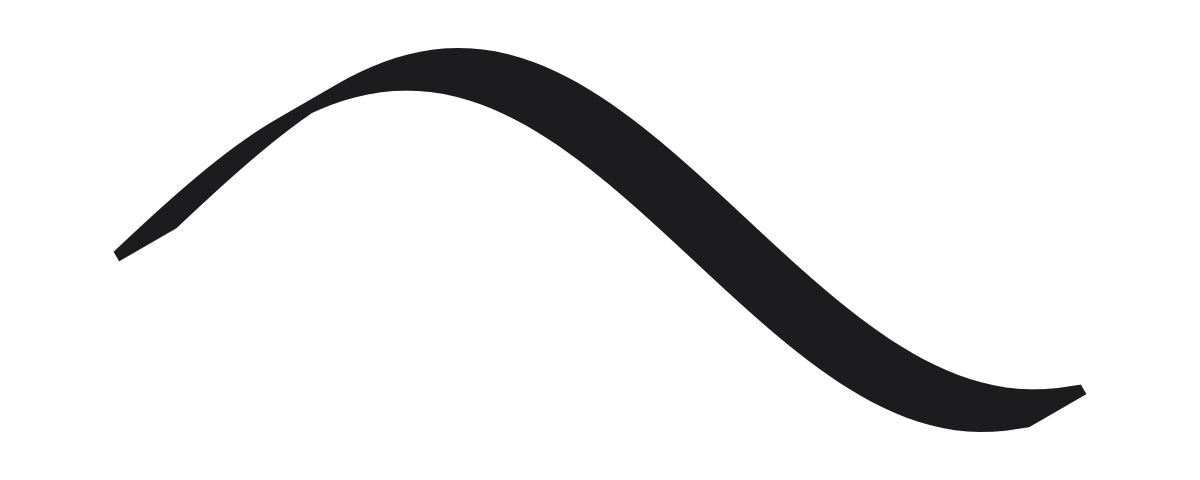
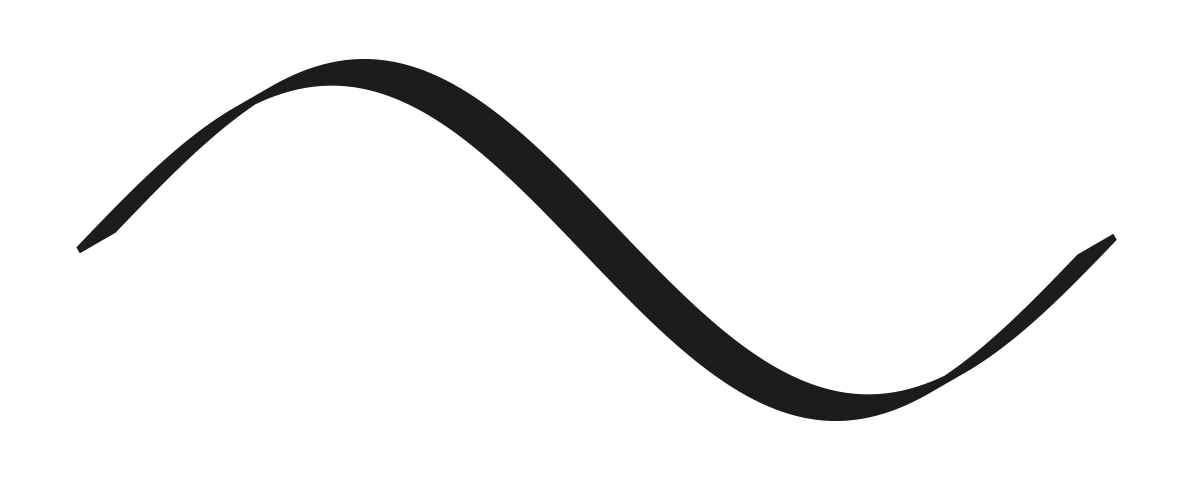
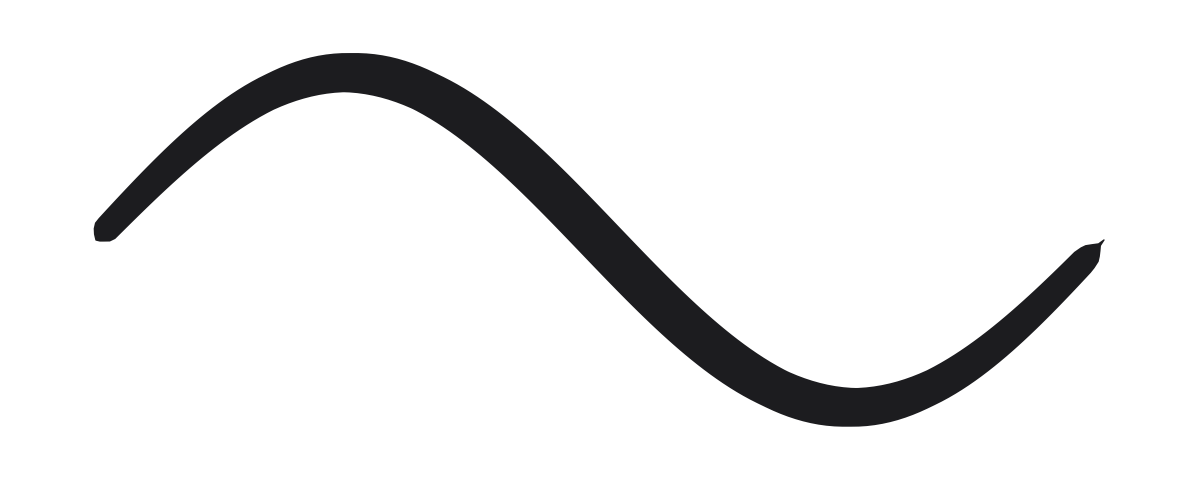
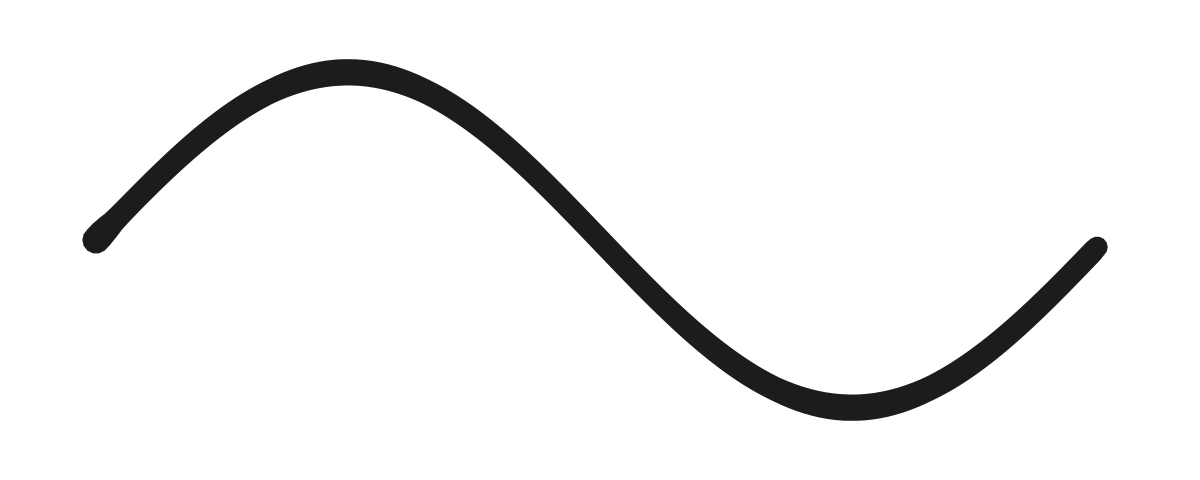
Calligraphy, curved stroke
Curved
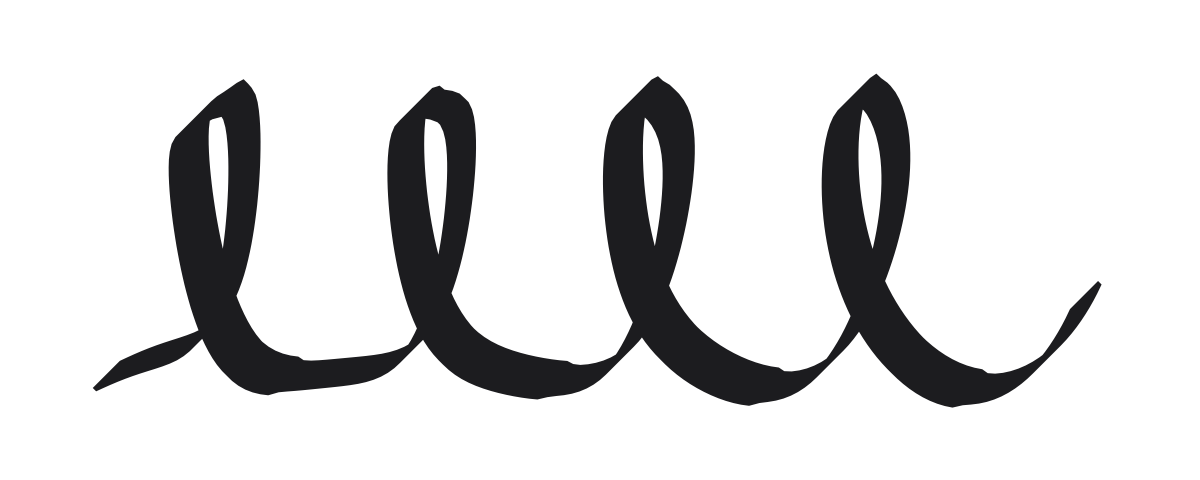
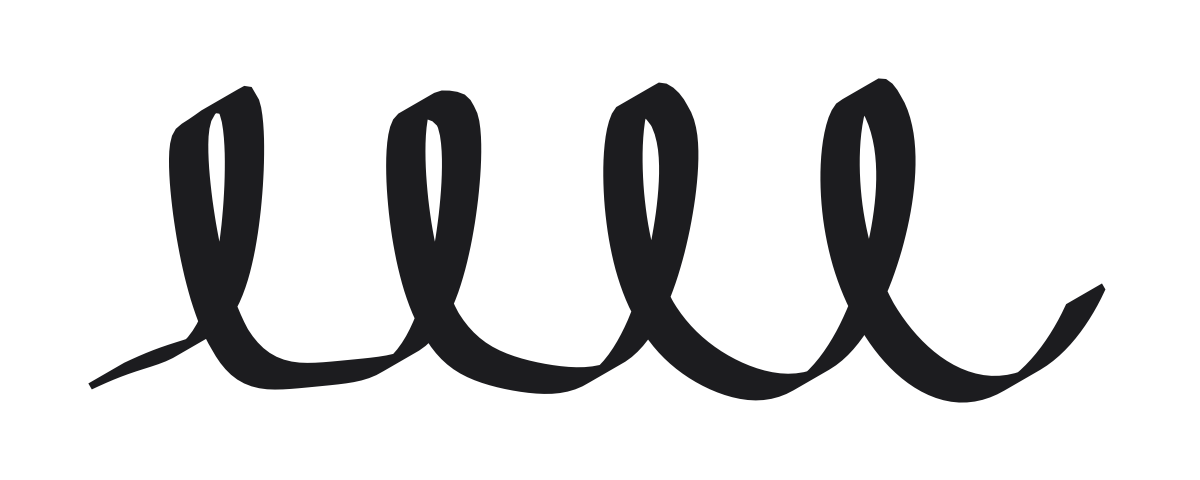
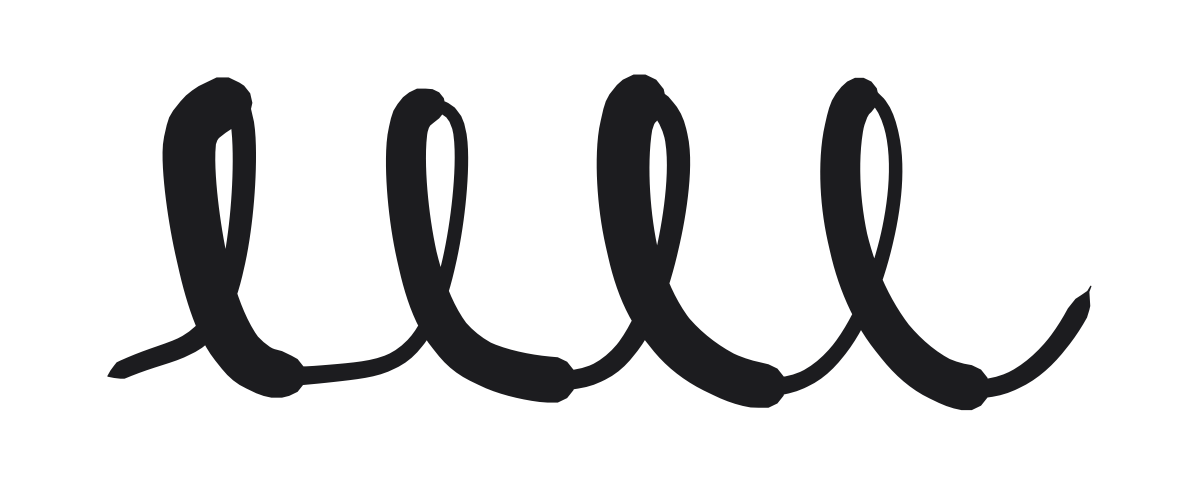
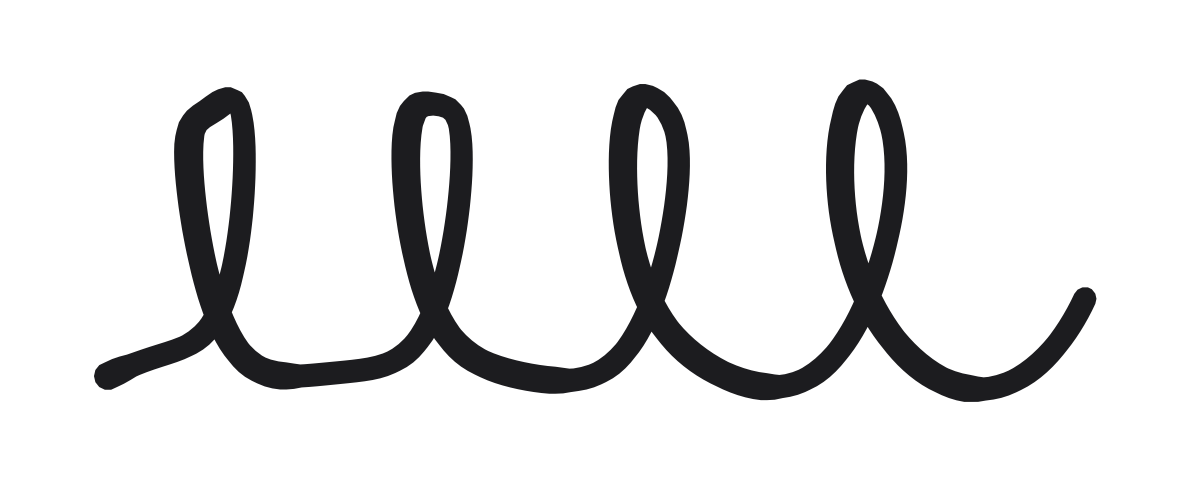
Calligraphy, freehand stroke
Freehand

A broad-edge nib fixed at a steep 45°: a flat rectangle whose edge is 0.9× Size long at the lightest touch and grows to 1.45× at full pressure, one-eighth as thick. Strokes moving across the edge (down and to the right) are thick and strokes along it (up and to the right) are whisper-thin. The angle can't be changed.

Reads: pressure, direction

With a finger: At the default Line weight the edge is about 1.18× Size long; contrast by direction works exactly as with a Pencil.

SettingRangeFactoryWhat it does
Line weight5% – 100% (Light – Heavy)50%The force a finger or mouse stroke is drawn at, since it has no pressure. Shown on the picker's Options page and in the Studio when you draw with a finger or a mouse.
Steady Studio › Steady0% – 100% (None … Strong)0%Smooths a shaky hand by averaging the path over a distance (up to ±120 font units at 100%); the ends stay put. Also a chip on the bottom bar. Brush Studio › Steady.

Tips

  • Plan letters around the 45° axis: down-right diagonals are the heaviest, up-right ones the thinnest.
  • For a different pen angle use Marker, or a pen with a Flat nib, and set its Nib angle.

Chisel

Chisel swatch

thick & thin from the nib angle

Factory size 30 · Steady 0%

Chisel, straight stroke
Straight
Chisel, curved stroke
Curved
Chisel, freehand stroke
Freehand

A thin rectangular nib 1.15× Size long and a sixth as thick, held at the brush's nib angle of 30° from horizontal. The width you see is that nib projected across your direction of travel, so thick and thin come purely from direction; pressure and tilt are ignored. There is no knob to change the angle.

Reads: direction

With a finger: Identical with a finger: nothing it draws needs a Pencil.

SettingRangeFactoryWhat it does
Steady Studio › Steady0% – 100% (None … Strong)0%Smooths a shaky hand by averaging the path over a distance (up to ±120 font units at 100%); the ends stay put. Also a chip on the bottom bar. Brush Studio › Steady.

Tips

  • At 30°, verticals come out thick and lines rising at 30° are hairlines; build letters around that axis.
  • For an adjustable angle use Marker (Nib angle knob) instead.

Rake

Rake swatch

four dry-brush tines

Factory size 30 · Steady 0%

Rake, straight stroke
Straight
Rake, curved stroke
Curved
Rake, freehand stroke
Freehand

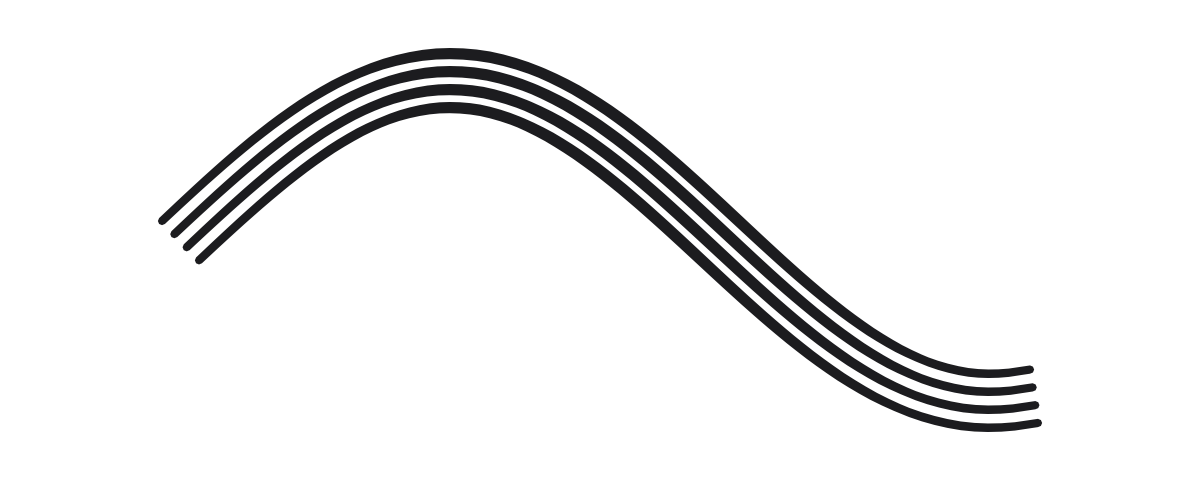
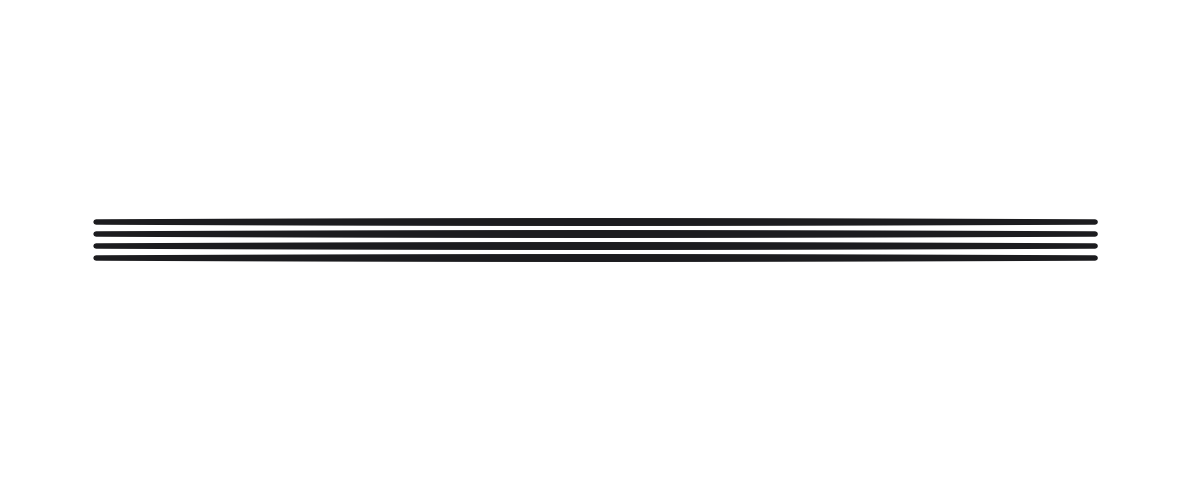
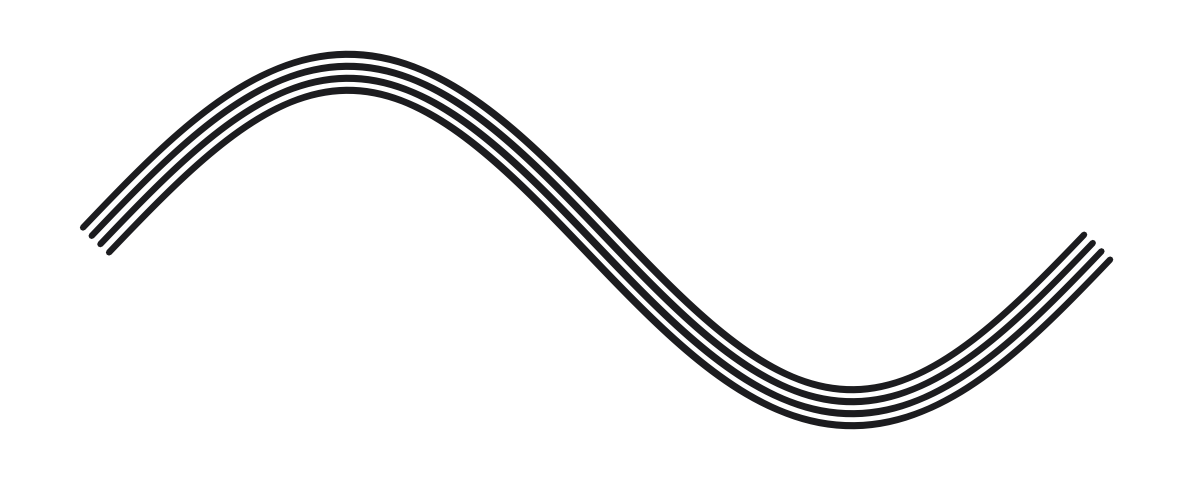
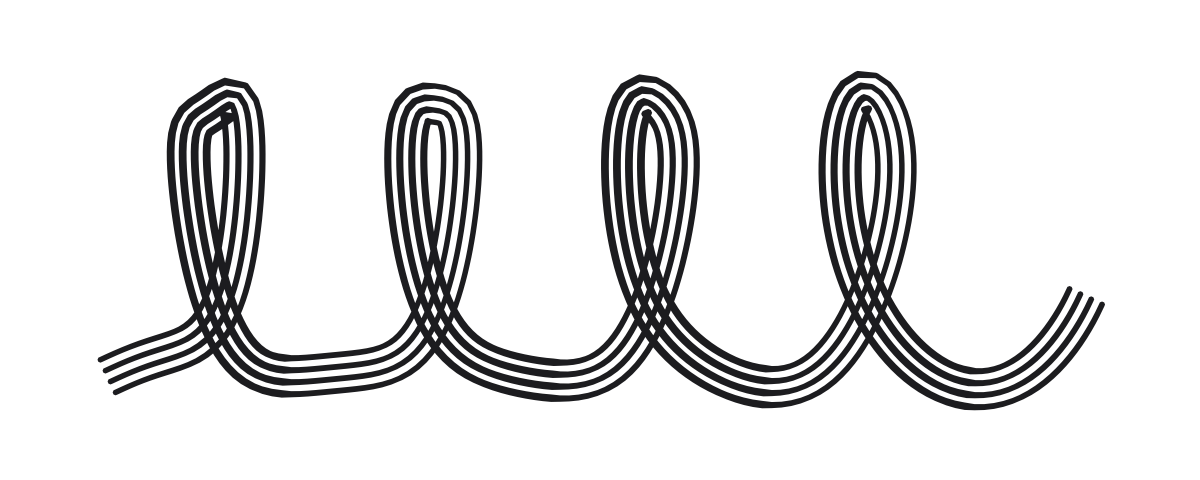
Four thin parallel tines dragged along your line like a dry brush: they sit a third of Size apart, together spanning Size, and each is about 0.18× Size wide. Pressure fattens each tine a little (0.75× to 1.25×). The tines are offset along the stroke's normal, so they stay parallel through curves and crowd together on the inside of tight bends.

Reads: pressure, direction

With a finger: A finger draws at the Line weight; the tines look the same as with a Pencil.

SettingRangeFactoryWhat it does
Tine count Studio › Settings1 – 84How many parallel tines. Brush Studio only.
Tine spread Studio › Settings0.1× – 3.0× (Tight … Wide)1.0×Scales the distance between tines. Brush Studio only.
Line weight5% – 100% (Light – Heavy)50%The force a finger or mouse stroke is drawn at, since it has no pressure. Shown on the picker's Options page and in the Studio when you draw with a finger or a mouse.
Steady Studio › Steady0% – 100% (None … Strong)0%Smooths a shaky hand by averaging the path over a distance (up to ±120 font units at 100%); the ends stay put. Also a chip on the bottom bar. Brush Studio › Steady.

Tips

  • Two or three tines make classic inline display letters.
  • Draw bowls with wide, smooth arcs; tight curves pinch the inner tines together.

Rough pencil

Rough pencil swatch

grainy graphite edge

Factory size 30 · Steady 0%

Rough pencil, straight stroke
Straight
Rough pencil, curved stroke
Curved
Rough pencil, freehand stroke
Freehand

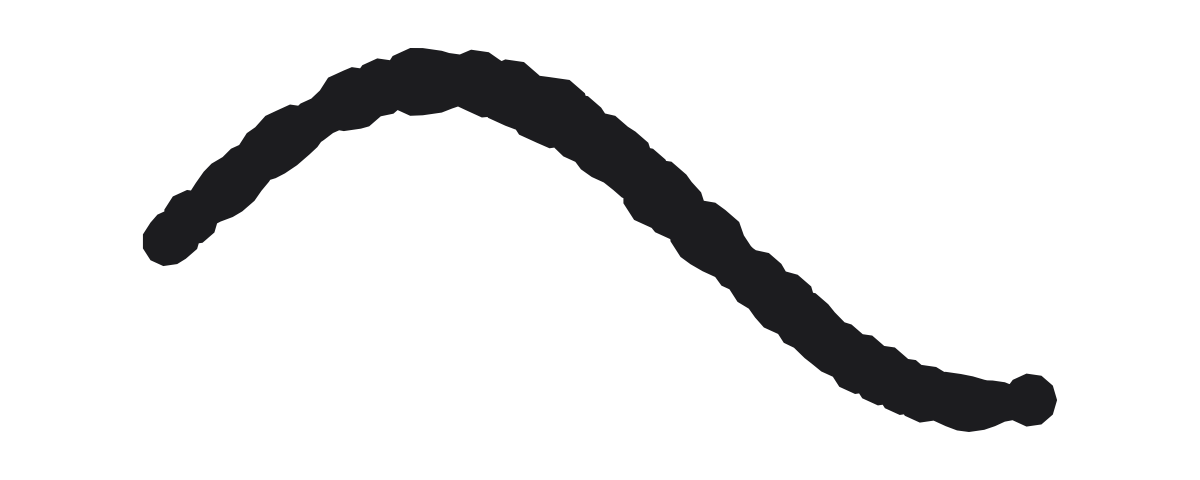
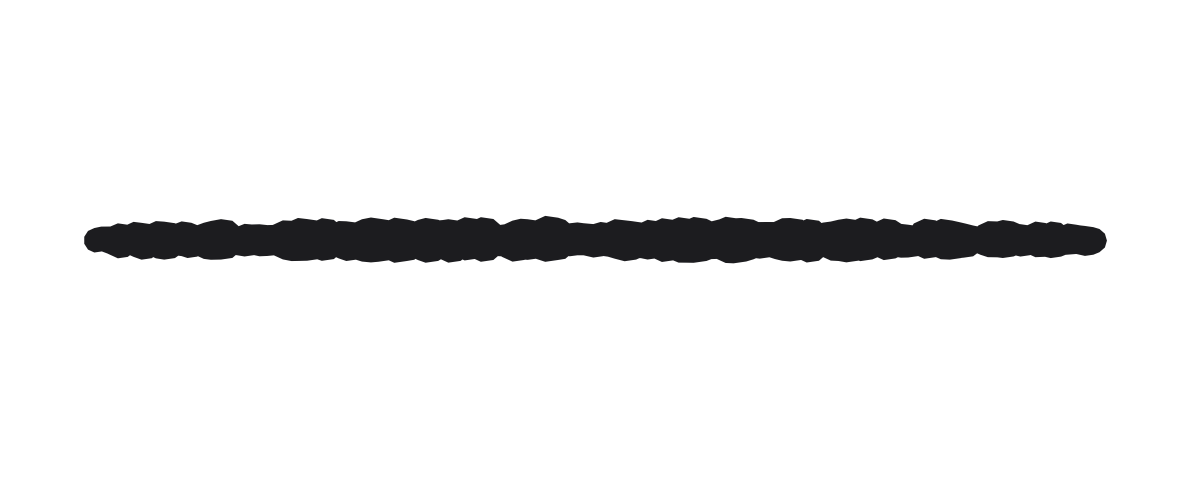
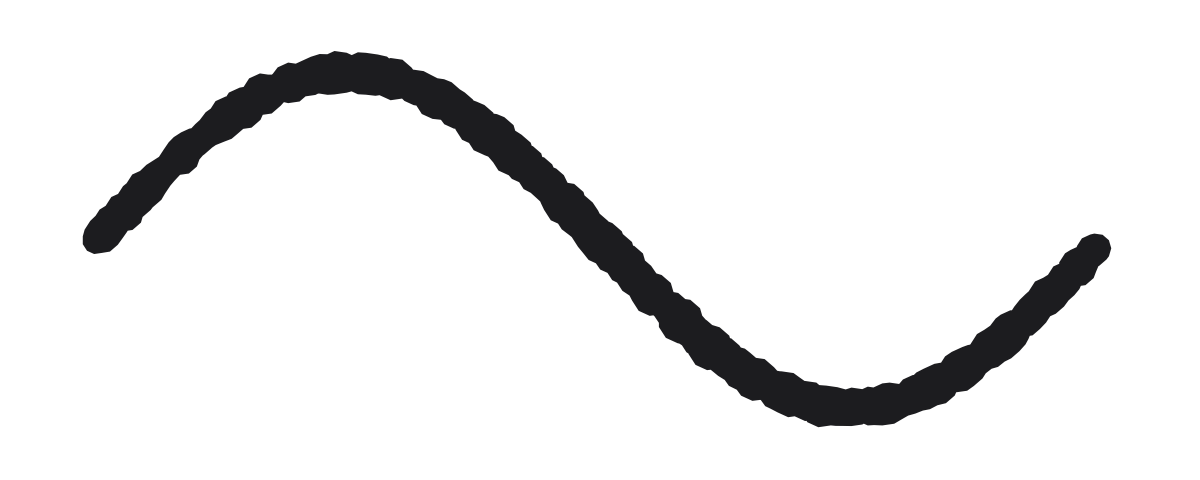
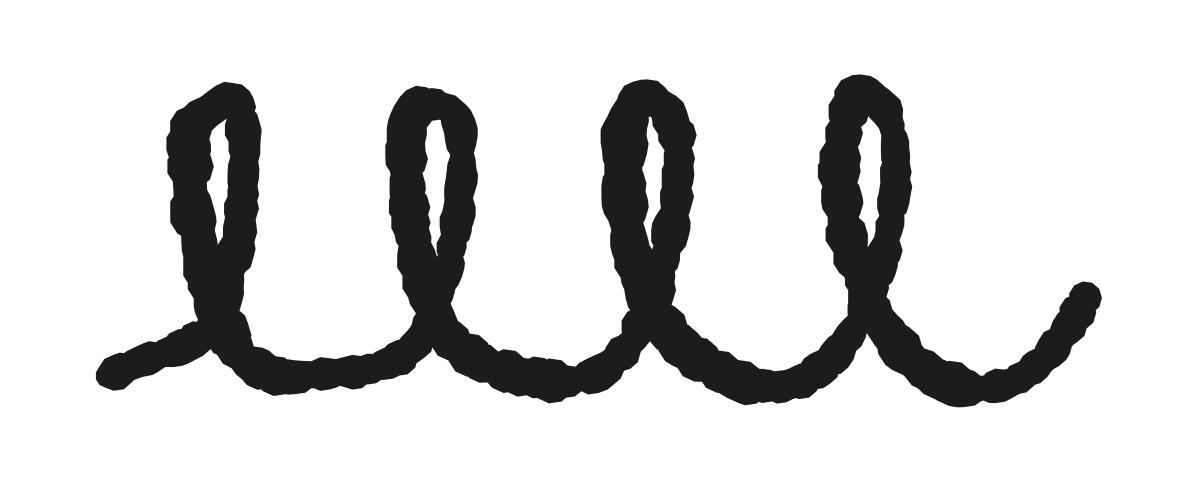
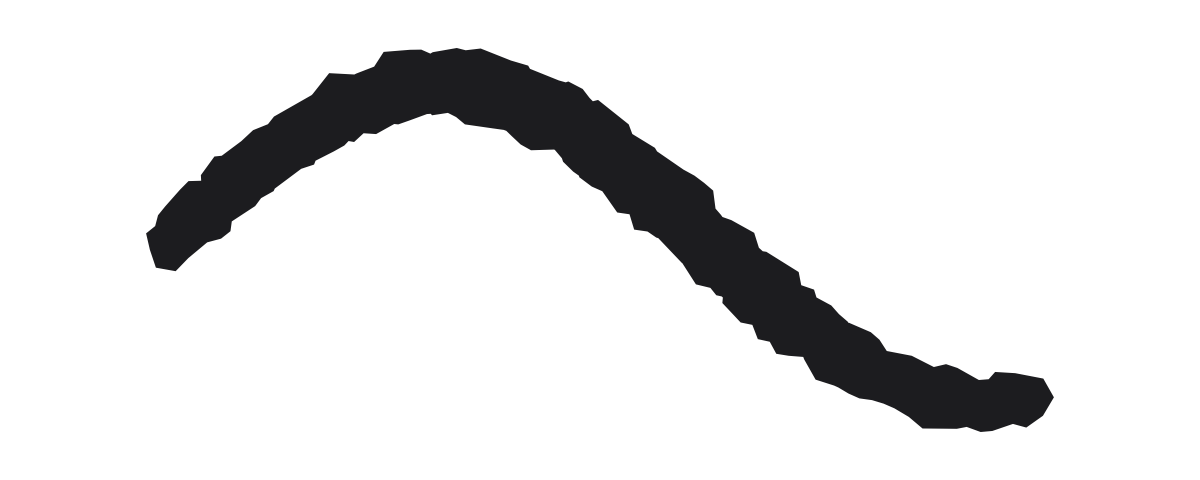
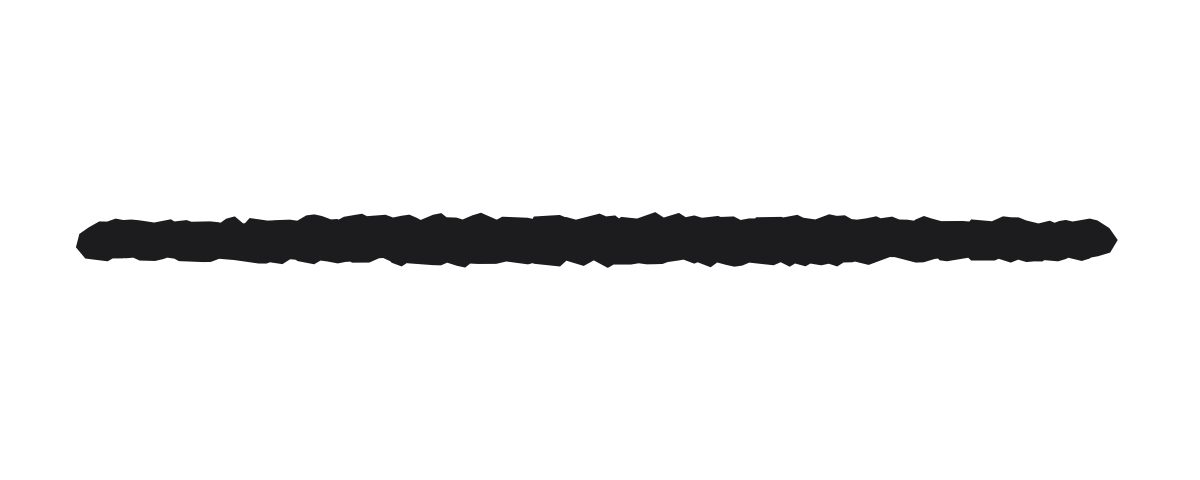
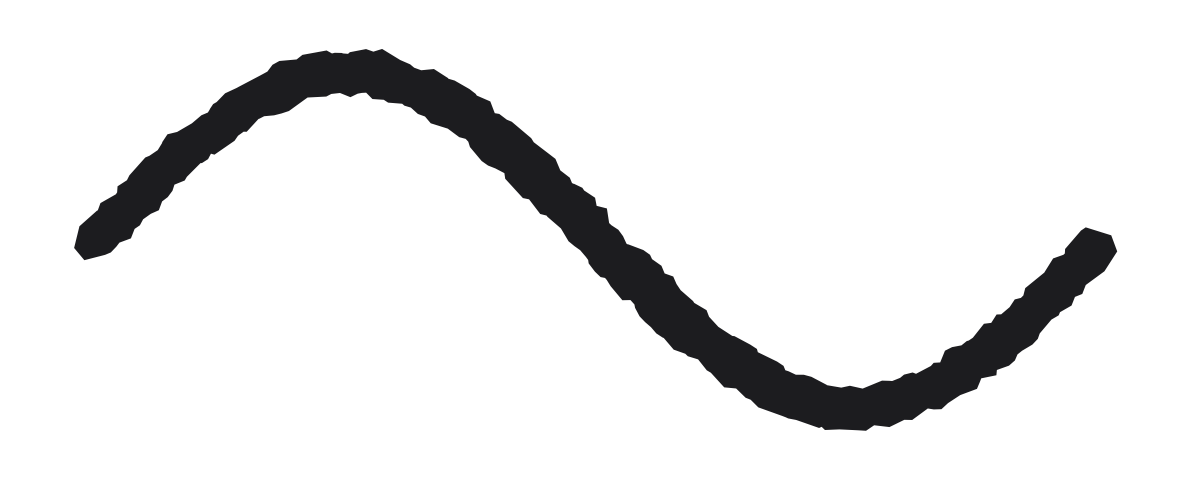
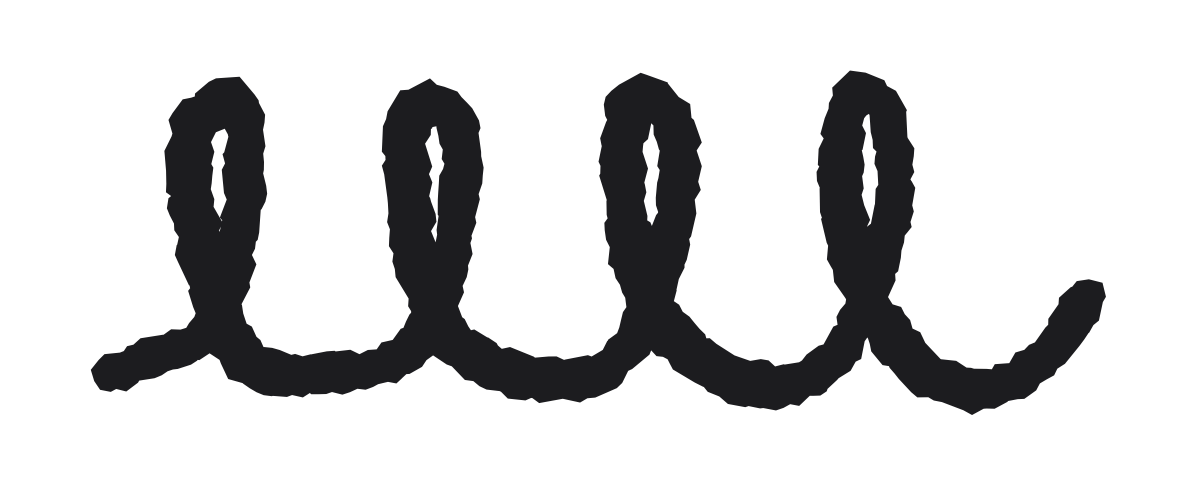
Graphite with a grainy edge: a round nib whose radius jitters from sample to sample (72% to 114%) and whose centre wobbles by a few percent of Size, bridged into a solid stroke with an uneven outline. Pressure widens its base from 0.8× to 1.2× Size. The jitter is seeded by position, so a re-ink or an export reproduces it exactly.

Reads: pressure

With a finger: At the default Line weight it draws about 1.0× Size with the same rough edge.

SettingRangeFactoryWhat it does
Line weight5% – 100% (Light – Heavy)50%The force a finger or mouse stroke is drawn at, since it has no pressure. Shown on the picker's Options page and in the Studio when you draw with a finger or a mouse.
Steady Studio › Steady0% – 100% (None … Strong)0%Smooths a shaky hand by averaging the path over a distance (up to ±120 font units at 100%); the ends stay put. Also a chip on the bottom bar. Brush Studio › Steady.

Tips

  • It reads best at moderate sizes, where the wobble looks like texture rather than lumps.
  • Overlapping passes thicken and roughen the edge further.

Charcoal

Charcoal swatch

broad dry stick — crumbly edges

Factory size 30 · Steady 0%

Charcoal, straight stroke
Straight
Charcoal, curved stroke
Curved
Charcoal, freehand stroke
Freehand

A broad side-stick of charcoal: a nine-sided nib roughly 1.2× Size across whose every corner jitters (62% to 112% of the radius), so the swept edge is crumbly and dry. Pressure widens it a little (0.85× to 1.15×). The jitter is seeded by position, so it never changes on re-ink.

Reads: pressure

With a finger: At the default Line weight it is roughly 1.2× Size across, crumbly edges and all.

SettingRangeFactoryWhat it does
Line weight5% – 100% (Light – Heavy)50%The force a finger or mouse stroke is drawn at, since it has no pressure. Shown on the picker's Options page and in the Studio when you draw with a finger or a mouse.
Steady Studio › Steady0% – 100% (None … Strong)0%Smooths a shaky hand by averaging the path over a distance (up to ±120 font units at 100%); the ends stay put. Also a chip on the bottom bar. Brush Studio › Steady.

Tips

  • It draws wider than Size; lower Size for text weights.
  • Overlap strokes to build heavier, blotchier stems for rough poster letters.

Flex

Flex swatch

tap a second finger while drawing: thick ⇄ thin

Factory size 30 · Steady 12%

Flex, straight stroke
Straight
Flex, curved stroke
Curved
Flex, freehand stroke
Freehand

The finger pen. It is a pressure pen (0.2× to 1.65× Size, eased tapers of 0.4× Size in and 0.8× out, pointed tips), built around a gesture: while drawing with one finger, tap the screen with a second finger to flip the line between light and heavy. For Flex that gesture is always on, even when “Second-finger tap flips line weight” is off in Settings, and the flip sticks across strokes until you tap again. With an Apple Pencil, real pressure drives the width.

Reads: pressure

With a finger: At the default Line weight (50%) it draws about 0.79× Size; a second-finger tap flips to the heavy twin (about 1.46× Size) and another tap back. Finger strokes get 2× Size of extra taper at each end (Finger taper 100%), so every one starts and ends pointed.

SettingRangeFactoryWhat it does
Width at a light touch Studio › Stroke0.00× – 1.50× (Hairline … Bold)0.20×Stroke width at the lightest pressure, as a multiple of Size. Needs pressure: a finger or mouse draws between this and the full-press width at the Line weight. Brush Studio › Stroke. needs pressure
Width at full press Studio › Stroke0.02× – 3.00× (Hairline … Bold)1.65×Stroke width at full pressure, × Size. Set it equal to the light-touch width for a pen that ignores pressure. Brush Studio › Stroke. needs pressure
Pressure feel Studio › Stroke0.30× – 3.00× (Eager … Firm)1.30×The curve between the two widths: below 1 the line swells early, above 1 it takes a firm press. Brush Studio › Stroke. needs pressure
Speed response Studio › Stroke-1.00 – +1.00 (Thinner … Fatter)0.00Negative: fast strokes thin out. Positive: they fatten. At ±1 the width moves by up to 55% between a crawl and a racing stroke (five times the even pace of about 900 font units a second). Brush Studio › Stroke.
Line weight Studio › Stroke5% – 100% (Light … Heavy)50%The force a stroke is drawn at when it has no pressure (a finger or a mouse). On iPhone and iPad, tapping a second finger while drawing flips between this weight and its heavy twin. It never changes strokes already drawn. Brush Studio › Stroke.
Nib shape Studio › Stroke › NibChoices: Round, Ellipse, FlatRoundThe nib's footprint. Ellipse and Flat give thick and thin by direction; Round is the same width every way. Brush Studio › Stroke › Nib.
Nib thinness Studio › Stroke › Nib8% – 100% (Blade … Round)100%An ellipse's or a flat nib's thin side against its wide side; lower is a sharper blade. No effect on a round nib. Brush Studio › Stroke › Nib.
Nib angle follows Studio › Stroke › NibChoices: Fixed, Pencil tilt (needs tilt), Stroke, Barrel roll (needs roll)FixedWhat turns a shaped nib: Fixed holds the Nib angle; Pencil tilt follows the way the Apple Pencil points; Stroke follows the line's own direction plus the Nib angle; Barrel roll follows Apple Pencil Pro's roll. Without that sensor the nib holds the Nib angle. Brush Studio › Stroke › Nib.
Nib angle Studio › Stroke › Nib0° – 180°30°The shaped nib's angle from horizontal (or its offset from the stroke direction on Stroke). No effect on a round nib. For a shaped nib held at a fixed angle it is also on the picker's Options page. Brush Studio › Stroke › Nib.
Tilt widens Studio › Stroke › Nib0% – 100% (None … Strong)0%How much leaning the Apple Pencil broadens the line: at 100% a nearly flat Pencil draws up to 2.2× as wide. Needs tilt. Brush Studio › Stroke › Nib. needs tilt
Ink pooling Studio › Stroke › Dynamics0% – 100% (None … Strong)0%Ink gathers in a round blob where the pen pauses (from about 0.08 s, full at about 0.6 s), up to 1.9× the line's width at 100%. Brush Studio › Stroke › Dynamics.
Edge roughness Studio › Stroke › Dynamics0% – 100% (Even … Strong)0%Jitters the nib's rim inward by up to 35% at 100% for a ragged edge. Works on round and ellipse nibs only; a flat nib stays clean. Brush Studio › Stroke › Dynamics.
Bleed Studio › Stroke › Dynamics0% – 100% (None … Strong)0%A slow outward wobble of the edge, like ink on soft paper: adds up to 12% of Size to the radius. Brush Studio › Stroke › Dynamics.
Start cap Studio › EndsChoices: Round, Flat, Square, Pointed, Chisel, BlobPointedThe start's shape: Round (the nib), Flat (cut square at the end point), Square (cut square half a width past it), Pointed (closes to a point), Chisel (cut along the nib's edge), Blob (a pooled drop 1.35× the nib or more). Brush Studio › Ends.
End cap Studio › EndsChoices: Round, Flat, Square, Pointed, Chisel, BlobPointedThe end's shape, with the same choices as Start cap. Brush Studio › Ends.
Start taper Studio › Ends0.0× – 6.0× (None … Long)0.4×How far the line takes to grow from a point to full width, × Size (the Studio also shows font units). Brush Studio › Ends.
End taper Studio › Ends0.0× – 6.0× (None … Long)0.8×How far before the end the line starts to thin, × Size. Brush Studio › Ends.
Taper shape Studio › EndsChoices: Linear, Ease, Ink, BrushEaseThe tapers' profile: Linear; Ease (an S-curve); Ink (swells quickly, then levels); Brush (stays thin for longer, a long fine tip). Brush Studio › Ends.
Finger taper Studio › Ends0% – 100% (None … Long)100%Extra taper for strokes drawn without tilt data (a finger or a mouse): adds 2 × this × Size to both tapers, so finger strokes still end pointed. Brush Studio › Ends (› Stroke on iPhone and Mac).
Steady Studio › Steady0% – 100% (None … Strong)12%Smooths a shaky hand by averaging the path over a distance (up to ±120 font units at 100%), so it works the same at any speed; the ends stay where you put them. Also a chip on the bottom bar. Brush Studio › Steady.
Pressure curveOff, Linear, Soft, Firm (then five points, 0× – 3× each)OffReplaces the two widths and the feel with five widths from the lightest touch to full force: Linear 0.2× → 1.0×, Soft 0.35× → 1.05×, Firm 0.15× → 1.1×; each point then has its own slider. Made for Apple Pencil pressure; a finger or mouse uses the single point at its Line weight. Brush Studio › Advanced.

Tips

  • Tap the second finger as a downstroke begins for a thick stem, and again for the thin connecting stroke.
  • Line weight sets where “light” sits; its heavy twin follows it.

Speed

Speed swatch

draw fast for thin, slow for fat — or flip it

Factory size 30 · Steady 0%

Speed, straight stroke
Straight
Speed, curved stroke
Curved
Speed, freehand stroke
Freehand

Width follows your pace: about 900 font units a second draws 0.62× Size; five times faster thins it toward 0.24× Size and five times slower fattens it toward 1.0× (at Speed response 70%). Set Fast strokes to “fatter” for the opposite. Pace is measured from the time between evenly spaced samples and stored with the stroke, so a re-ink matches what you drew. The nib is round.

Reads: speed

With a finger: Works the same with a finger, Pencil or mouse: only pace matters.

SettingRangeFactoryWhat it does
Fast strokes Options pageChoices: thinner, fatterthinnerWhether drawing faster makes the line thinner (and slower fatter) or the reverse.
Speed response Options page0% – 100% (Subtle … Strong)70%How hard the width follows your pace; 0% is a constant middle width.
Steady Studio › Steady0% – 100% (None … Strong)0%Smooths a shaky hand by averaging the path over a distance (up to ±120 font units at 100%); the ends stay put. Also a chip on the bottom bar. Brush Studio › Steady.

Tips

  • Flick quickly through hairlines and slow down on stems for contrast without pressure.
  • Lower Speed response if your natural pace makes the weight jumpy.