PENCILTYPE Download on the App Store

Ends & tiles

A catalog pack (CC0) of three pens with pieces at their ends (a ball, a slab serif, an arrowhead) and three tile brushes (chain links, dashes, diamonds).

How these brushes work

Pen family
One parametric engine for the round-nib pens: at every sample a convex nib (round, ellipse or flat) is stamped and neighbouring nibs are bridged, so the stroke is one solid outline. Width is Size times a pressure curve between “Width at a light touch” and “Width at full press”, scaled by your pace (Speed response), the Pencil's lean (Tilt widens) and the start and end tapers; the caps cut or point the ends, and Ink pooling, Bleed and Edge roughness add blots, a soft wobble and a ragged rim. Each factory pen (Fineliner, Ballpoint, Gel pen, Studio pen, Sharpie, Marker, Fountain, Brush pen, Flex) is a recipe of these knobs, so every one can be retuned in Brush Studio.
Tile
A shape you draw or pick is repeated end to end along the stroke, each copy bent to follow the path (or turned rigidly to it), with an optional gap and every other copy flipped; the last copy is cut flat at the stroke's end. Stretched lays a single copy from start to end instead. Until a shape is set, the pen lays plain beads.

The brushes

Ball terminal

Ball terminal swatch

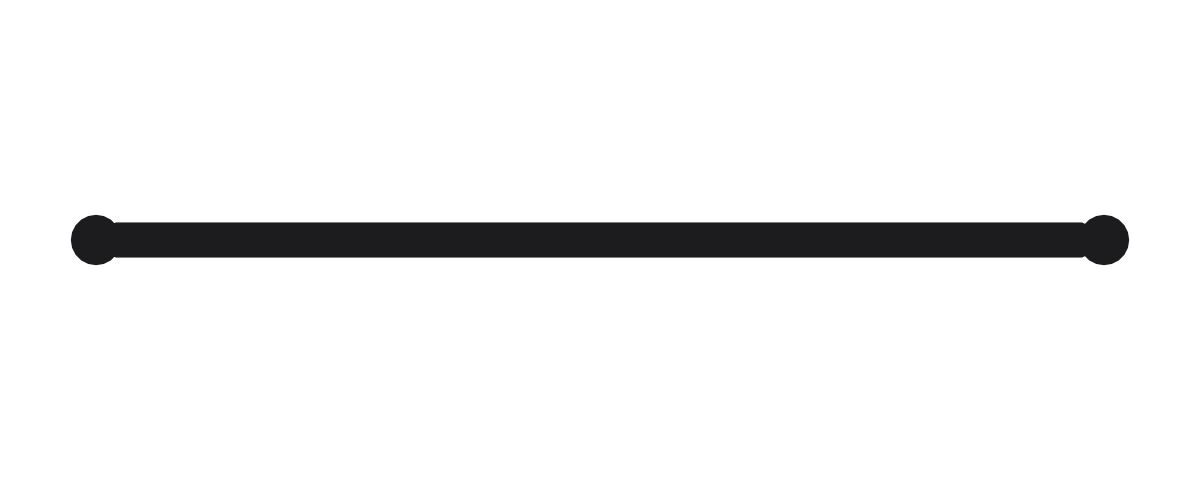
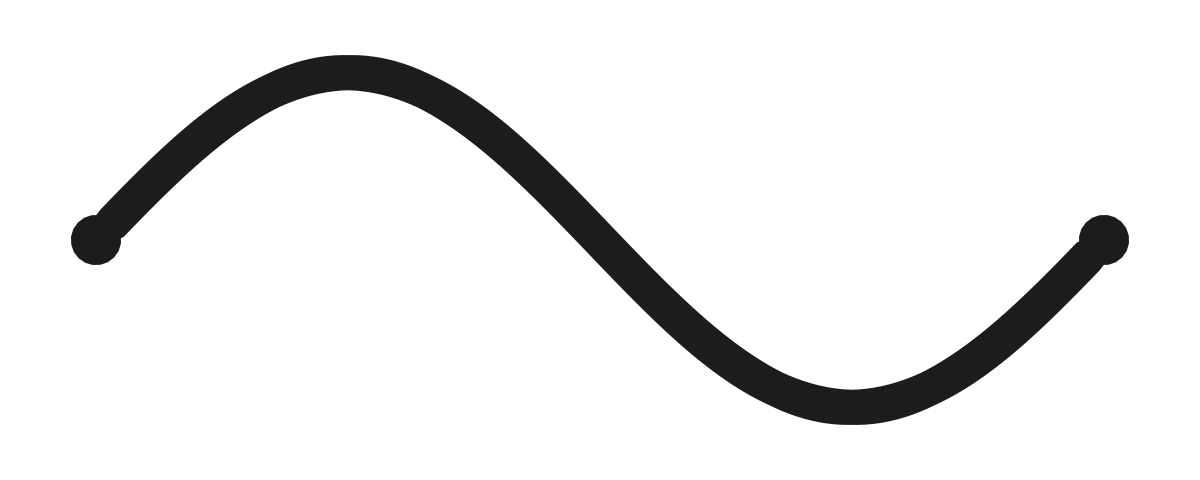
a fineliner with a ball at both ends
Factory size 30 · Steady 12%

Ball terminal, straight stroke
Straight
Ball terminal, curved stroke
Curved
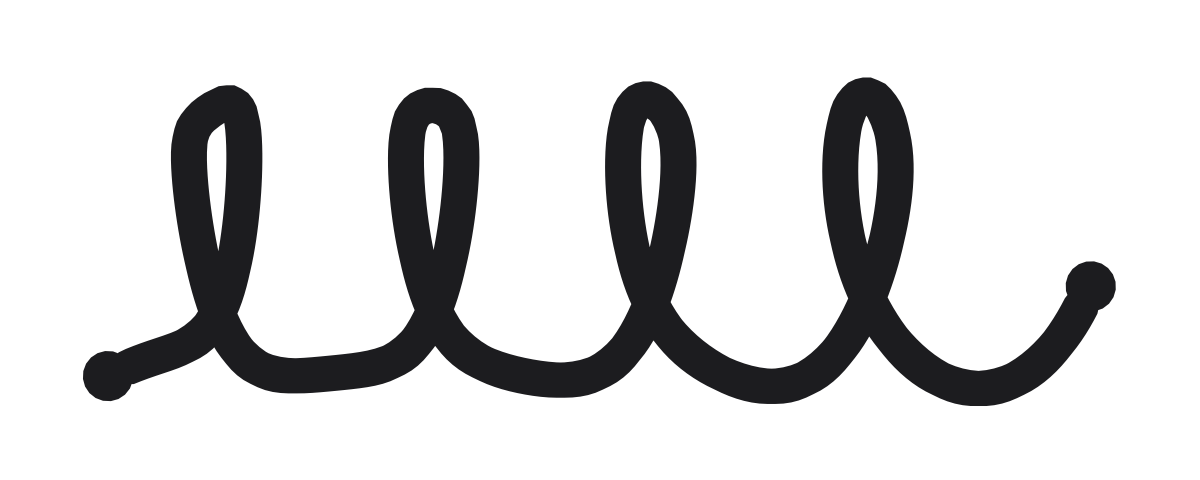
Ball terminal, freehand stroke
Freehand

A Fineliner (round, constant width = Size) with a ball 1.4× Size across centred on each end — the head is a circle and the tail is the head mirrored. The line itself starts and stops 0.6× Size inside the stroke (Body inset), tucked under the balls. Steady is 12%.

Reads: nothing but where you draw

With a finger: Identical to a Pencil stroke: the line and the balls don't depend on pressure or tilt.

SettingRangeFactoryWhat it does
Width at a light touch Studio › Stroke0.00× – 1.50× (Hairline … Bold)1.00×Stroke width at the lightest pressure, as a multiple of Size. Needs pressure: a finger or mouse draws between this and the full-press width at the Line weight. Brush Studio › Stroke. needs pressure
Width at full press Studio › Stroke0.02× – 3.00× (Hairline … Bold)1.00×Stroke width at full pressure, × Size. Set it equal to the light-touch width for a pen that ignores pressure. Brush Studio › Stroke. needs pressure
Pressure feel Studio › Stroke0.30× – 3.00× (Eager … Firm)1.00×The curve between the two widths: below 1 the line swells early, above 1 it takes a firm press. Brush Studio › Stroke. needs pressure
Speed response Studio › Stroke-1.00 – +1.00 (Thinner … Fatter)0.00Negative: fast strokes thin out. Positive: they fatten. At ±1 the width moves by up to 55% between a crawl and a racing stroke (five times the even pace of about 900 font units a second). Brush Studio › Stroke.
Line weight Studio › Stroke5% – 100% (Light … Heavy)50%The force a stroke is drawn at when it has no pressure (a finger or a mouse). On iPhone and iPad, tapping a second finger while drawing flips between this weight and its heavy twin. It never changes strokes already drawn. Brush Studio › Stroke.
Nib shape Studio › Stroke › NibChoices: Round, Ellipse, FlatRoundThe nib's footprint. Ellipse and Flat give thick and thin by direction; Round is the same width every way. Brush Studio › Stroke › Nib.
Nib thinness Studio › Stroke › Nib8% – 100% (Blade … Round)100%An ellipse's or a flat nib's thin side against its wide side; lower is a sharper blade. No effect on a round nib. Brush Studio › Stroke › Nib.
Nib angle follows Studio › Stroke › NibChoices: Fixed, Pencil tilt (needs tilt), Stroke, Barrel roll (needs roll)FixedWhat turns a shaped nib: Fixed holds the Nib angle; Pencil tilt follows the way the Apple Pencil points; Stroke follows the line's own direction plus the Nib angle; Barrel roll follows Apple Pencil Pro's roll. Without that sensor the nib holds the Nib angle. Brush Studio › Stroke › Nib.
Nib angle Studio › Stroke › Nib0° – 180°30°The shaped nib's angle from horizontal (or its offset from the stroke direction on Stroke). No effect on a round nib. For a shaped nib held at a fixed angle it is also on the picker's Options page. Brush Studio › Stroke › Nib.
Tilt widens Studio › Stroke › Nib0% – 100% (None … Strong)0%How much leaning the Apple Pencil broadens the line: at 100% a nearly flat Pencil draws up to 2.2× as wide. Needs tilt. Brush Studio › Stroke › Nib. needs tilt
Ink pooling Studio › Stroke › Dynamics0% – 100% (None … Strong)0%Ink gathers in a round blob where the pen pauses (from about 0.08 s, full at about 0.6 s), up to 1.9× the line's width at 100%. Brush Studio › Stroke › Dynamics.
Edge roughness Studio › Stroke › Dynamics0% – 100% (Even … Strong)0%Jitters the nib's rim inward by up to 35% at 100% for a ragged edge. Works on round and ellipse nibs only; a flat nib stays clean. Brush Studio › Stroke › Dynamics.
Bleed Studio › Stroke › Dynamics0% – 100% (None … Strong)0%A slow outward wobble of the edge, like ink on soft paper: adds up to 12% of Size to the radius. Brush Studio › Stroke › Dynamics.
Start cap Studio › EndsChoices: Round, Flat, Square, Pointed, Chisel, BlobRoundThe start's shape: Round (the nib), Flat (cut square at the end point), Square (cut square half a width past it), Pointed (closes to a point), Chisel (cut along the nib's edge), Blob (a pooled drop 1.35× the nib or more). Brush Studio › Ends.
End cap Studio › EndsChoices: Round, Flat, Square, Pointed, Chisel, BlobRoundThe end's shape, with the same choices as Start cap. Brush Studio › Ends.
Start taper Studio › Ends0.0× – 6.0× (None … Long)0.0×How far the line takes to grow from a point to full width, × Size (the Studio also shows font units). Brush Studio › Ends.
End taper Studio › Ends0.0× – 6.0× (None … Long)0.0×How far before the end the line starts to thin, × Size. Brush Studio › Ends.
Taper shape Studio › EndsChoices: Linear, Ease, Ink, BrushLinearThe tapers' profile: Linear; Ease (an S-curve); Ink (swells quickly, then levels); Brush (stays thin for longer, a long fine tip). Brush Studio › Ends.
Finger taper Studio › Ends0% – 100% (None … Long)0%Extra taper for strokes drawn without tilt data (a finger or a mouse): adds 2 × this × Size to both tapers, so finger strokes still end pointed. Brush Studio › Ends (› Stroke on iPhone and Mac).
HEADdraw a piece in the box, or take a photo, import an image or file, or pick a saved shapea circle (a ball)The piece at the stroke's start, its top pointing back out of the stroke. A new piece starts at Piece size 2.0× and Beyond the end. Brush Studio › Ends.
TailNone, Head, mirrored, Its own pieceHead, mirroredWhat sits at the far end: nothing, the head reflected to face outward, or a piece of its own (drawn in a TAIL box). Brush Studio › Ends.
Piece size0.2× – 4.0× (Small – Large)1.4×Both pieces' size, × Size. Brush Studio › Ends.
Piece offset-1.00 – +1.00 (Out – In)0.00Slides the pieces along the stroke, × Size; negative puts them before the start and past the end. Brush Studio › Ends.
Piece sitsOn the end, Beyond the endOn the endOn the end centres each piece on the end point; Beyond the end sets its base there so the whole piece lies past the stroke. Brush Studio › Ends.
Body inset0.0× – 3.0× (None – Long)0.6×How far after the head and before the tail the line itself starts and stops, × Size — the body is trimmed at both ends whether or not a piece is there. Brush Studio › Ends.
Steady Studio › Steady0% – 100% (None … Strong)12%Smooths a shaky hand by averaging the path over a distance (up to ±120 font units at 100%), so it works the same at any speed; the ends stay where you put them. Also a chip on the bottom bar. Brush Studio › Steady.
Pressure curveOff, Linear, Soft, Firm (then five points, 0× – 3× each)OffReplaces the two widths and the feel with five widths from the lightest touch to full force: Linear 0.2× → 1.0×, Soft 0.35× → 1.05×, Firm 0.15× → 1.1×; each point then has its own slider. Made for Apple Pencil pressure; a finger or mouse uses the single point at its Line weight. Brush Studio › Advanced.

Tips

  • Ideal for ball terminals on letters like a, c, f, j and r: start or end the stroke where the ball should sit.
  • Every stroke gets both balls; for a ball at one end only, set Tail to None in the Studio.
Serif pen

Serif pen swatch

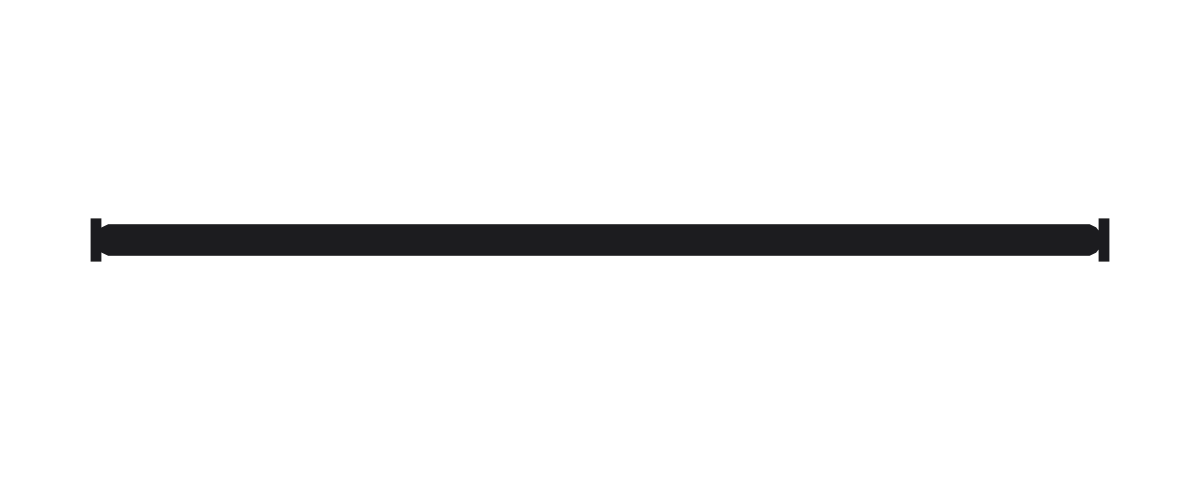
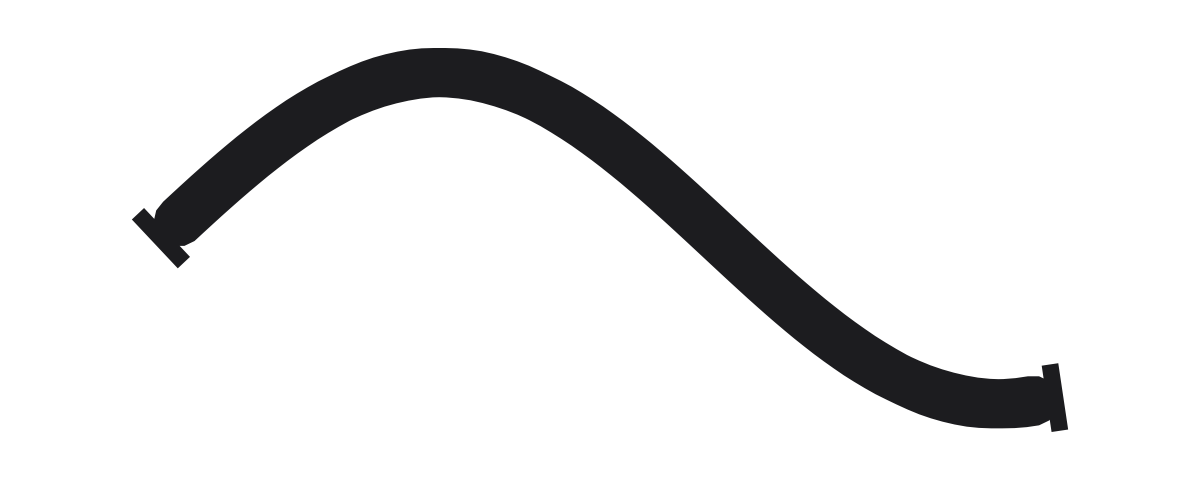
slab serifs at the start and the end

Factory size 30 · Steady 0%

Serif pen, straight stroke
Straight
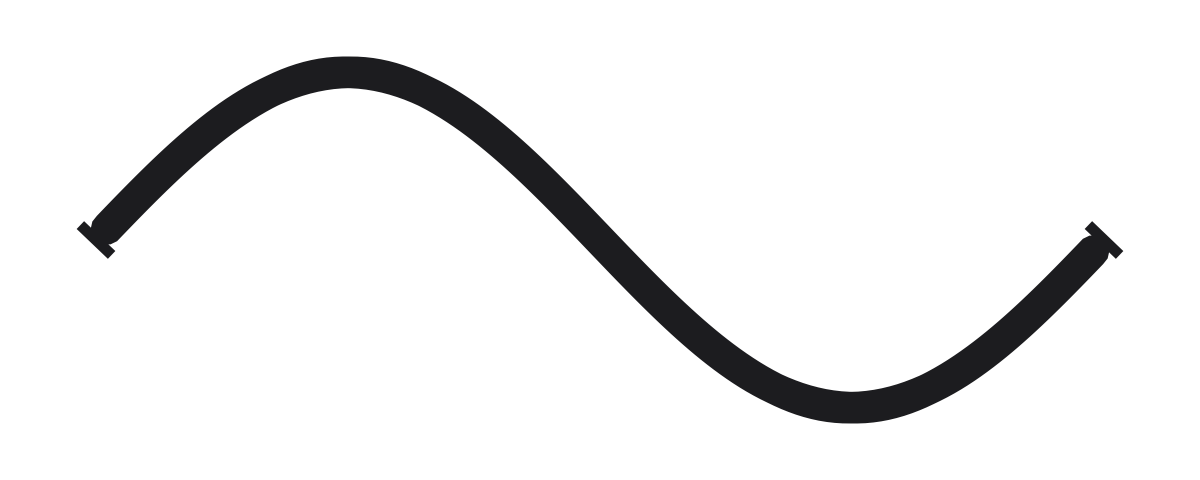
Serif pen, curved stroke
Curved
Serif pen, freehand stroke
Freehand

A constant line 0.9× Size wide with a slab serif at both ends: a bar 1.2× Size wide and 0.3× Size thick laid square across the stroke and centred on its end point (the tail is the head mirrored). The line starts and stops 0.3× Size inside. Serifs turn with the stroke's direction at each end, so a diagonal stroke gets a serif square to the diagonal, not to the baseline.

Reads: direction

With a finger: Identical to a Pencil stroke: nothing depends on pressure or tilt.

SettingRangeFactoryWhat it does
Width at a light touch Studio › Stroke0.00× – 1.50× (Hairline … Bold)0.90×Stroke width at the lightest pressure, as a multiple of Size. Needs pressure: a finger or mouse draws between this and the full-press width at the Line weight. Brush Studio › Stroke. needs pressure
Width at full press Studio › Stroke0.02× – 3.00× (Hairline … Bold)0.90×Stroke width at full pressure, × Size. Set it equal to the light-touch width for a pen that ignores pressure. Brush Studio › Stroke. needs pressure
Pressure feel Studio › Stroke0.30× – 3.00× (Eager … Firm)1.00×The curve between the two widths: below 1 the line swells early, above 1 it takes a firm press. Brush Studio › Stroke. needs pressure
Speed response Studio › Stroke-1.00 – +1.00 (Thinner … Fatter)0.00Negative: fast strokes thin out. Positive: they fatten. At ±1 the width moves by up to 55% between a crawl and a racing stroke (five times the even pace of about 900 font units a second). Brush Studio › Stroke.
Line weight Studio › Stroke5% – 100% (Light … Heavy)50%The force a stroke is drawn at when it has no pressure (a finger or a mouse). On iPhone and iPad, tapping a second finger while drawing flips between this weight and its heavy twin. It never changes strokes already drawn. Brush Studio › Stroke.
Nib shape Studio › Stroke › NibChoices: Round, Ellipse, FlatRoundThe nib's footprint. Ellipse and Flat give thick and thin by direction; Round is the same width every way. Brush Studio › Stroke › Nib.
Nib thinness Studio › Stroke › Nib8% – 100% (Blade … Round)100%An ellipse's or a flat nib's thin side against its wide side; lower is a sharper blade. No effect on a round nib. Brush Studio › Stroke › Nib.
Nib angle follows Studio › Stroke › NibChoices: Fixed, Pencil tilt (needs tilt), Stroke, Barrel roll (needs roll)FixedWhat turns a shaped nib: Fixed holds the Nib angle; Pencil tilt follows the way the Apple Pencil points; Stroke follows the line's own direction plus the Nib angle; Barrel roll follows Apple Pencil Pro's roll. Without that sensor the nib holds the Nib angle. Brush Studio › Stroke › Nib.
Nib angle Studio › Stroke › Nib0° – 180°30°The shaped nib's angle from horizontal (or its offset from the stroke direction on Stroke). No effect on a round nib. For a shaped nib held at a fixed angle it is also on the picker's Options page. Brush Studio › Stroke › Nib.
Tilt widens Studio › Stroke › Nib0% – 100% (None … Strong)0%How much leaning the Apple Pencil broadens the line: at 100% a nearly flat Pencil draws up to 2.2× as wide. Needs tilt. Brush Studio › Stroke › Nib. needs tilt
Ink pooling Studio › Stroke › Dynamics0% – 100% (None … Strong)0%Ink gathers in a round blob where the pen pauses (from about 0.08 s, full at about 0.6 s), up to 1.9× the line's width at 100%. Brush Studio › Stroke › Dynamics.
Edge roughness Studio › Stroke › Dynamics0% – 100% (Even … Strong)0%Jitters the nib's rim inward by up to 35% at 100% for a ragged edge. Works on round and ellipse nibs only; a flat nib stays clean. Brush Studio › Stroke › Dynamics.
Bleed Studio › Stroke › Dynamics0% – 100% (None … Strong)0%A slow outward wobble of the edge, like ink on soft paper: adds up to 12% of Size to the radius. Brush Studio › Stroke › Dynamics.
Start cap Studio › EndsChoices: Round, Flat, Square, Pointed, Chisel, BlobRoundThe start's shape: Round (the nib), Flat (cut square at the end point), Square (cut square half a width past it), Pointed (closes to a point), Chisel (cut along the nib's edge), Blob (a pooled drop 1.35× the nib or more). Brush Studio › Ends.
End cap Studio › EndsChoices: Round, Flat, Square, Pointed, Chisel, BlobRoundThe end's shape, with the same choices as Start cap. Brush Studio › Ends.
Start taper Studio › Ends0.0× – 6.0× (None … Long)0.0×How far the line takes to grow from a point to full width, × Size (the Studio also shows font units). Brush Studio › Ends.
End taper Studio › Ends0.0× – 6.0× (None … Long)0.0×How far before the end the line starts to thin, × Size. Brush Studio › Ends.
Taper shape Studio › EndsChoices: Linear, Ease, Ink, BrushLinearThe tapers' profile: Linear; Ease (an S-curve); Ink (swells quickly, then levels); Brush (stays thin for longer, a long fine tip). Brush Studio › Ends.
Finger taper Studio › Ends0% – 100% (None … Long)0%Extra taper for strokes drawn without tilt data (a finger or a mouse): adds 2 × this × Size to both tapers, so finger strokes still end pointed. Brush Studio › Ends (› Stroke on iPhone and Mac).
HEADdraw a piece in the box, or take a photo, import an image or file, or pick a saved shapea bar (slab serif)The piece at the stroke's start, its top pointing back out of the stroke. A new piece starts at Piece size 2.0× and Beyond the end. Brush Studio › Ends.
TailNone, Head, mirrored, Its own pieceHead, mirroredWhat sits at the far end: nothing, the head reflected to face outward, or a piece of its own (drawn in a TAIL box). Brush Studio › Ends.
Piece size0.2× – 4.0× (Small – Large)1.2×Both pieces' size, × Size. Brush Studio › Ends.
Piece offset-1.00 – +1.00 (Out – In)0.00Slides the pieces along the stroke, × Size; negative puts them before the start and past the end. Brush Studio › Ends.
Piece sitsOn the end, Beyond the endOn the endOn the end centres each piece on the end point; Beyond the end sets its base there so the whole piece lies past the stroke. Brush Studio › Ends.
Body inset0.0× – 3.0× (None – Long)0.3×How far after the head and before the tail the line itself starts and stops, × Size — the body is trimmed at both ends whether or not a piece is there. Brush Studio › Ends.
Steady Studio › Steady0% – 100% (None … Strong)0%Smooths a shaky hand by averaging the path over a distance (up to ±120 font units at 100%), so it works the same at any speed; the ends stay where you put them. Also a chip on the bottom bar. Brush Studio › Steady.
Pressure curveOff, Linear, Soft, Firm (then five points, 0× – 3× each)OffReplaces the two widths and the feel with five widths from the lightest touch to full force: Linear 0.2× → 1.0×, Soft 0.35× → 1.05×, Firm 0.15× → 1.1×; each point then has its own slider. Made for Apple Pencil pressure; a finger or mouse uses the single point at its Line weight. Brush Studio › Advanced.

Tips

  • Draw stems vertically for level slab serifs.
  • For bracket-free slab letters draw each stem as one stroke; serifs only go on stroke ends.

Arrow pen

Arrow pen swatch

an arrowhead where the stroke ends

Factory size 30 · Steady 0%

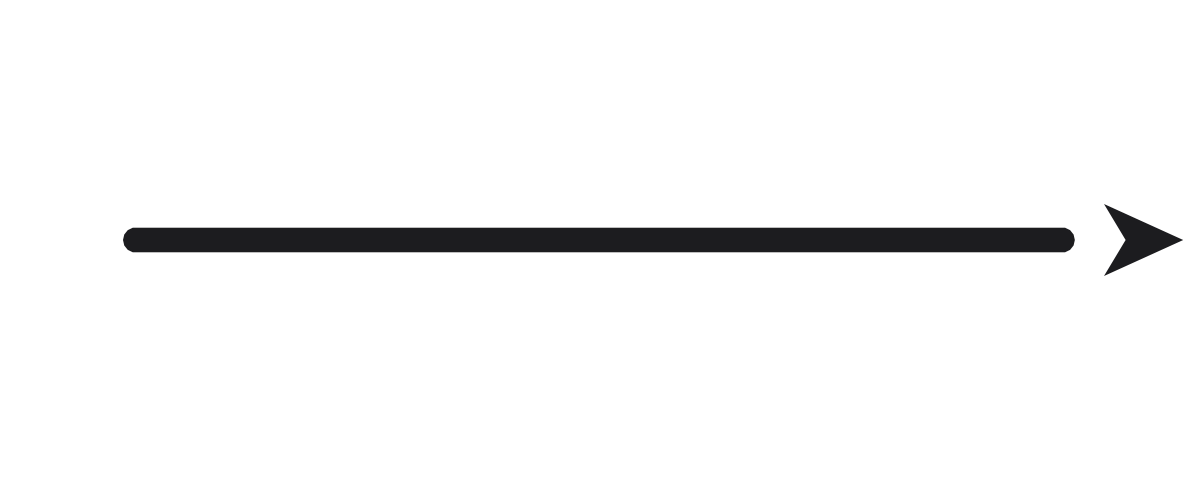
Arrow pen, straight stroke
Straight
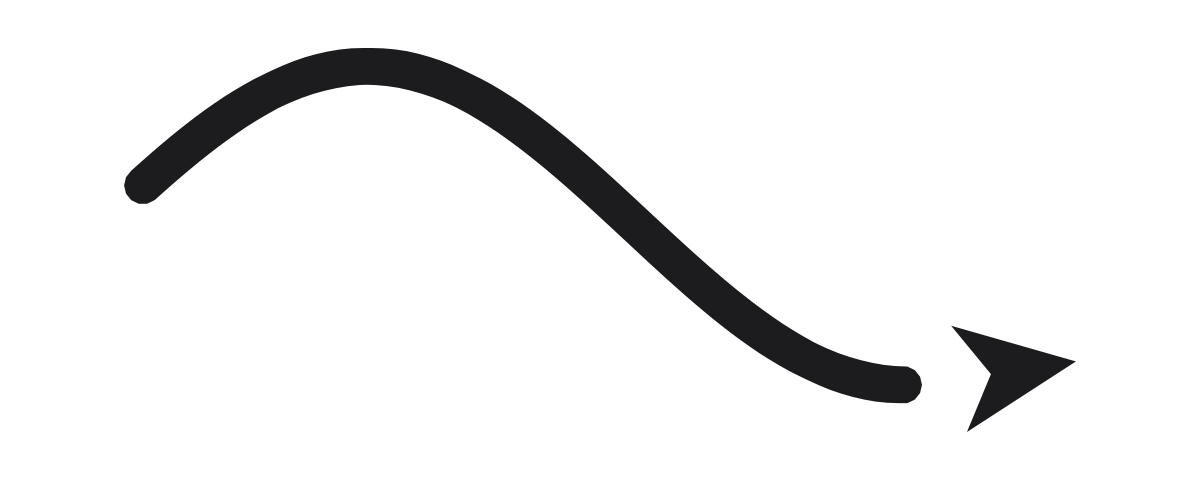
Arrow pen, curved stroke
Curved
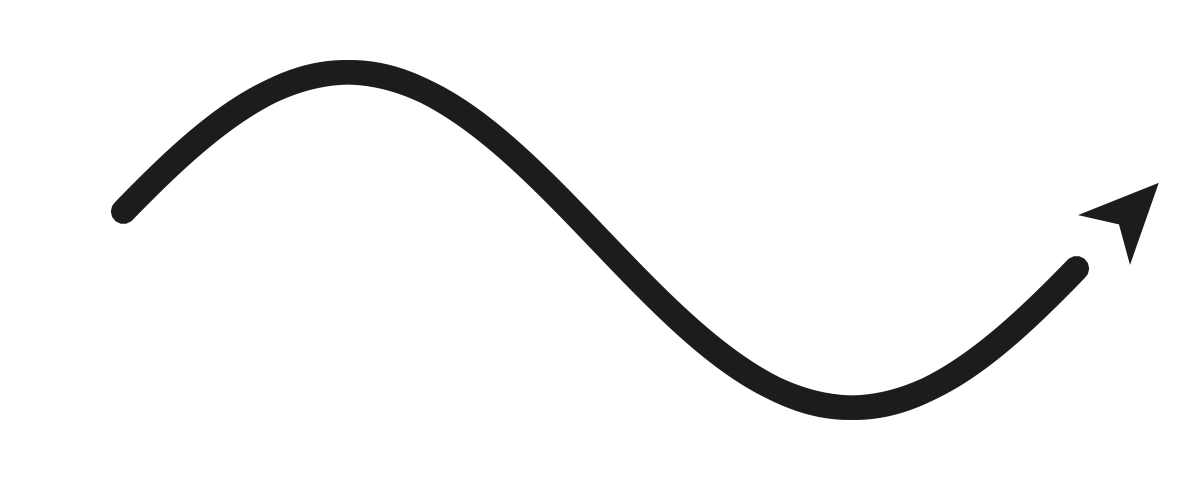
Arrow pen, freehand stroke
Freehand

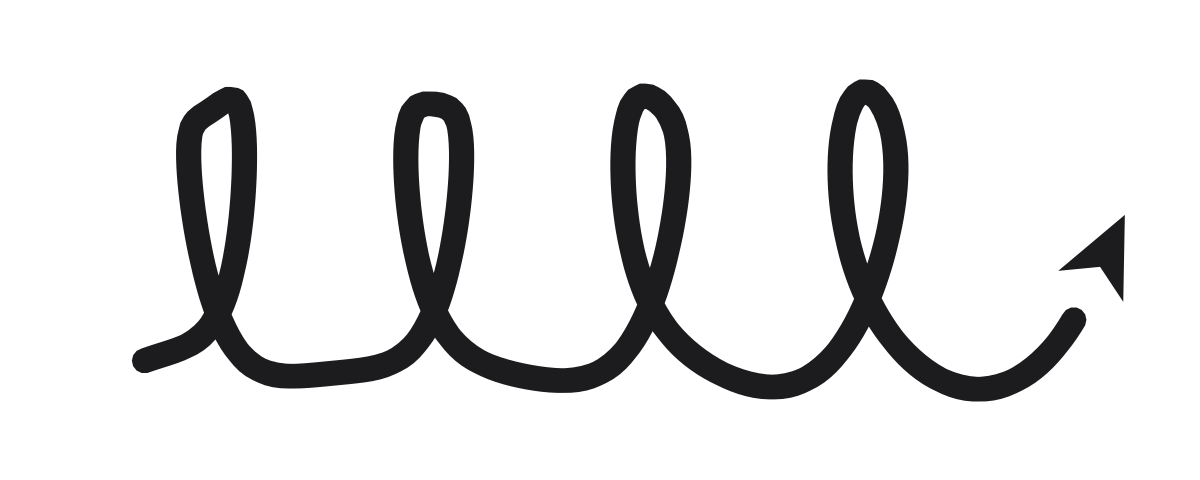
A constant line 0.7× Size wide ending in an arrowhead: a notched dart 2.2× Size long and 2× Size wide whose base sits on the point where you lift, so it lies wholly beyond the line, pointing on in the stroke's last direction. There is no head piece, but Body inset 1× Size trims the line at both ends, so it starts about a Size after you touch down and stops short, leaving a small gap before the arrowhead.

Reads: direction

With a finger: Identical to a Pencil stroke: nothing depends on pressure or tilt.

SettingRangeFactoryWhat it does
Width at a light touch Studio › Stroke0.00× – 1.50× (Hairline … Bold)0.70×Stroke width at the lightest pressure, as a multiple of Size. Needs pressure: a finger or mouse draws between this and the full-press width at the Line weight. Brush Studio › Stroke. needs pressure
Width at full press Studio › Stroke0.02× – 3.00× (Hairline … Bold)0.70×Stroke width at full pressure, × Size. Set it equal to the light-touch width for a pen that ignores pressure. Brush Studio › Stroke. needs pressure
Pressure feel Studio › Stroke0.30× – 3.00× (Eager … Firm)1.00×The curve between the two widths: below 1 the line swells early, above 1 it takes a firm press. Brush Studio › Stroke. needs pressure
Speed response Studio › Stroke-1.00 – +1.00 (Thinner … Fatter)0.00Negative: fast strokes thin out. Positive: they fatten. At ±1 the width moves by up to 55% between a crawl and a racing stroke (five times the even pace of about 900 font units a second). Brush Studio › Stroke.
Line weight Studio › Stroke5% – 100% (Light … Heavy)50%The force a stroke is drawn at when it has no pressure (a finger or a mouse). On iPhone and iPad, tapping a second finger while drawing flips between this weight and its heavy twin. It never changes strokes already drawn. Brush Studio › Stroke.
Nib shape Studio › Stroke › NibChoices: Round, Ellipse, FlatRoundThe nib's footprint. Ellipse and Flat give thick and thin by direction; Round is the same width every way. Brush Studio › Stroke › Nib.
Nib thinness Studio › Stroke › Nib8% – 100% (Blade … Round)100%An ellipse's or a flat nib's thin side against its wide side; lower is a sharper blade. No effect on a round nib. Brush Studio › Stroke › Nib.
Nib angle follows Studio › Stroke › NibChoices: Fixed, Pencil tilt (needs tilt), Stroke, Barrel roll (needs roll)FixedWhat turns a shaped nib: Fixed holds the Nib angle; Pencil tilt follows the way the Apple Pencil points; Stroke follows the line's own direction plus the Nib angle; Barrel roll follows Apple Pencil Pro's roll. Without that sensor the nib holds the Nib angle. Brush Studio › Stroke › Nib.
Nib angle Studio › Stroke › Nib0° – 180°30°The shaped nib's angle from horizontal (or its offset from the stroke direction on Stroke). No effect on a round nib. For a shaped nib held at a fixed angle it is also on the picker's Options page. Brush Studio › Stroke › Nib.
Tilt widens Studio › Stroke › Nib0% – 100% (None … Strong)0%How much leaning the Apple Pencil broadens the line: at 100% a nearly flat Pencil draws up to 2.2× as wide. Needs tilt. Brush Studio › Stroke › Nib. needs tilt
Ink pooling Studio › Stroke › Dynamics0% – 100% (None … Strong)0%Ink gathers in a round blob where the pen pauses (from about 0.08 s, full at about 0.6 s), up to 1.9× the line's width at 100%. Brush Studio › Stroke › Dynamics.
Edge roughness Studio › Stroke › Dynamics0% – 100% (Even … Strong)0%Jitters the nib's rim inward by up to 35% at 100% for a ragged edge. Works on round and ellipse nibs only; a flat nib stays clean. Brush Studio › Stroke › Dynamics.
Bleed Studio › Stroke › Dynamics0% – 100% (None … Strong)0%A slow outward wobble of the edge, like ink on soft paper: adds up to 12% of Size to the radius. Brush Studio › Stroke › Dynamics.
Start cap Studio › EndsChoices: Round, Flat, Square, Pointed, Chisel, BlobRoundThe start's shape: Round (the nib), Flat (cut square at the end point), Square (cut square half a width past it), Pointed (closes to a point), Chisel (cut along the nib's edge), Blob (a pooled drop 1.35× the nib or more). Brush Studio › Ends.
End cap Studio › EndsChoices: Round, Flat, Square, Pointed, Chisel, BlobRoundThe end's shape, with the same choices as Start cap. Brush Studio › Ends.
Start taper Studio › Ends0.0× – 6.0× (None … Long)0.0×How far the line takes to grow from a point to full width, × Size (the Studio also shows font units). Brush Studio › Ends.
End taper Studio › Ends0.0× – 6.0× (None … Long)0.0×How far before the end the line starts to thin, × Size. Brush Studio › Ends.
Taper shape Studio › EndsChoices: Linear, Ease, Ink, BrushLinearThe tapers' profile: Linear; Ease (an S-curve); Ink (swells quickly, then levels); Brush (stays thin for longer, a long fine tip). Brush Studio › Ends.
Finger taper Studio › Ends0% – 100% (None … Long)0%Extra taper for strokes drawn without tilt data (a finger or a mouse): adds 2 × this × Size to both tapers, so finger strokes still end pointed. Brush Studio › Ends (› Stroke on iPhone and Mac).
HEADdraw a piece in the box, or take a photo, import an image or file, or pick a saved shapenoneThe piece at the stroke's start, its top pointing back out of the stroke. A new piece starts at Piece size 2.0× and Beyond the end. Brush Studio › Ends.
TailNone, Head, mirrored, Its own pieceIts own piece (an arrowhead)What sits at the far end: nothing, the head reflected to face outward, or a piece of its own (drawn in a TAIL box). Brush Studio › Ends.
Piece size0.2× – 4.0× (Small – Large)2.2×Both pieces' size, × Size. Brush Studio › Ends.
Piece offset-1.00 – +1.00 (Out – In)0.00Slides the pieces along the stroke, × Size; negative puts them before the start and past the end. Brush Studio › Ends.
Piece sitsOn the end, Beyond the endBeyond the endOn the end centres each piece on the end point; Beyond the end sets its base there so the whole piece lies past the stroke. Brush Studio › Ends.
Body inset0.0× – 3.0× (None – Long)1.0×How far after the head and before the tail the line itself starts and stops, × Size — the body is trimmed at both ends whether or not a piece is there. Brush Studio › Ends.
Steady Studio › Steady0% – 100% (None … Strong)0%Smooths a shaky hand by averaging the path over a distance (up to ±120 font units at 100%), so it works the same at any speed; the ends stay where you put them. Also a chip on the bottom bar. Brush Studio › Steady.
Pressure curveOff, Linear, Soft, Firm (then five points, 0× – 3× each)OffReplaces the two widths and the feel with five widths from the lightest touch to full force: Linear 0.2× → 1.0×, Soft 0.35× → 1.05×, Firm 0.15× → 1.1×; each point then has its own slider. Made for Apple Pencil pressure; a finger or mouse uses the single point at its Line weight. Brush Studio › Advanced.

Tips

  • The arrow points the way you were moving as you lifted, so finish strokes in the direction you want it to point.
  • Lower Body inset to 0 in the Studio to join the line to the arrowhead.

Chain

Chain swatch

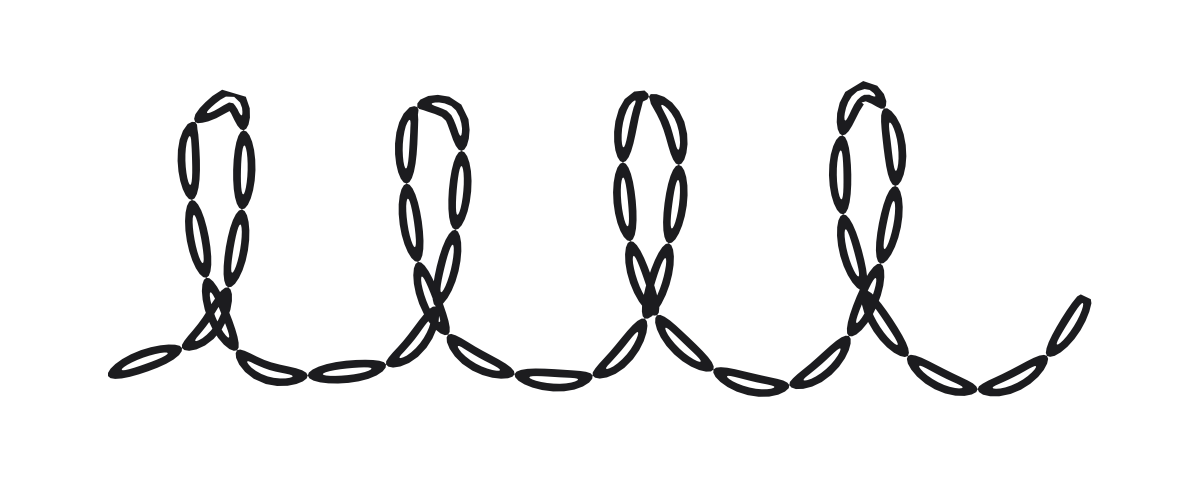
links bent along your line

Factory size 30 · Steady 0%

Chain, straight stroke
Straight
Chain, curved stroke
Curved
Chain, freehand stroke
Freehand

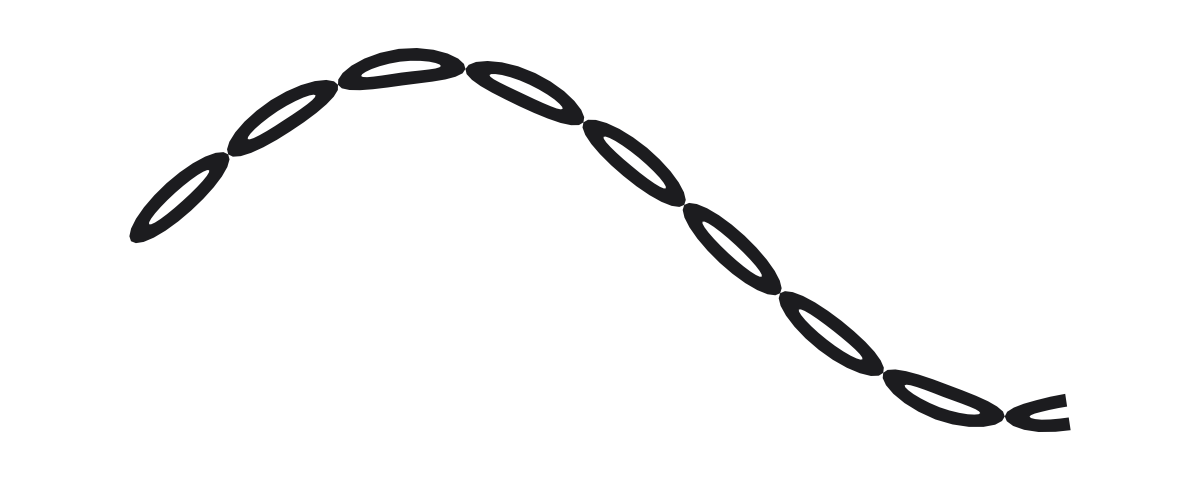
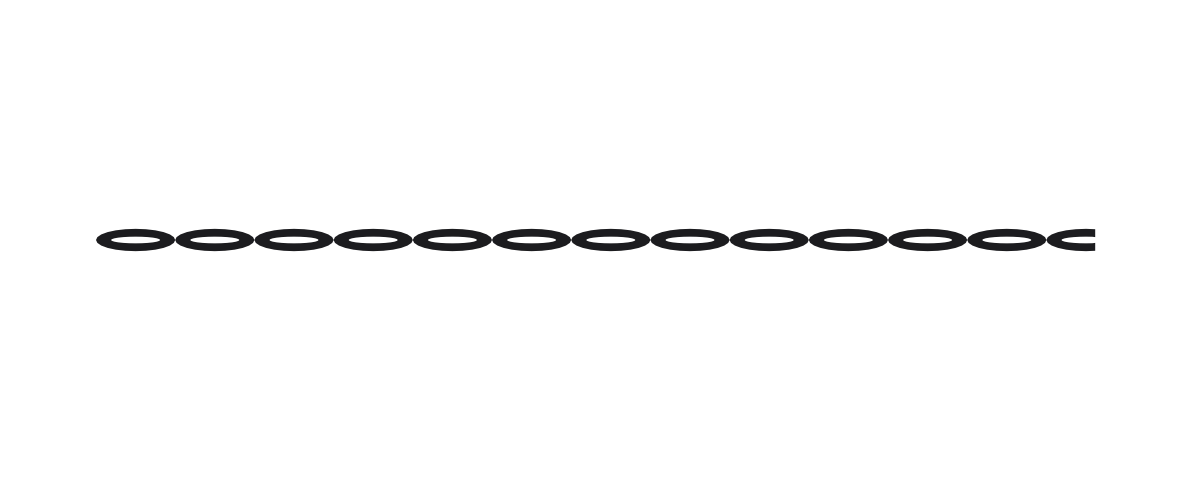
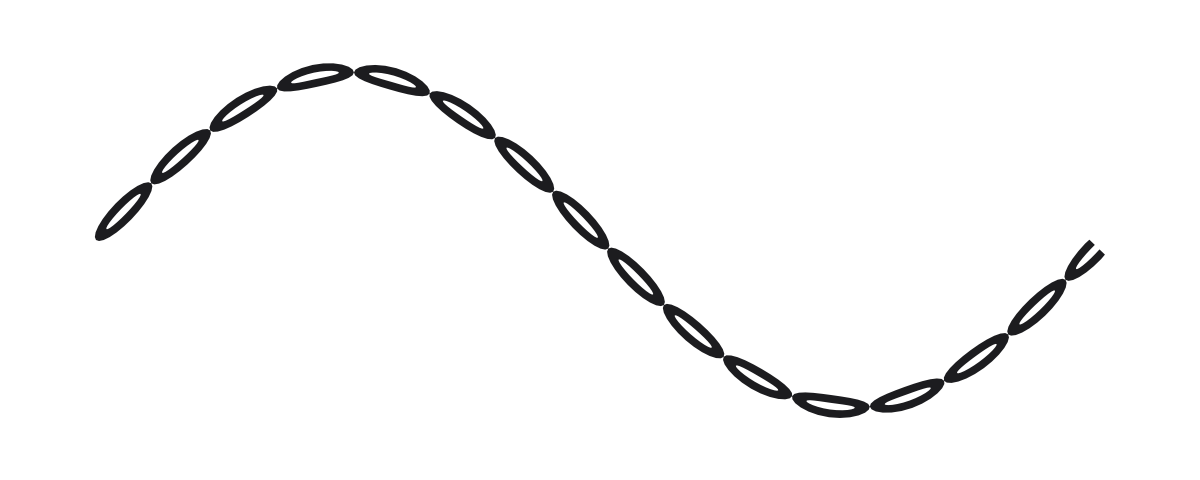
Chain links bent along your line: an oval link with a slot cut through it (the slot stays a real hole), 2.2× Size long and about 0.62× Size tall, repeated end to end with no gap; every other link is flipped across the stroke. Each link bends to follow curves, and the last one is cut flat where the stroke ends.

Reads: direction

With a finger: Identical with a finger: the tile pen reads no pressure or tilt.

SettingRangeFactoryWhat it does
BodyPen line, Stretched, Repeated, StampedRepeatedRepeated lays the shape end to end; Stretched lays one copy from start to end; Stamped drops copies at a spacing (the Art brush); Pen line goes back to a pen. Brush Studio › Shape.
SHAPEdraw it in the box, or take a photo, import an image or file, or pick a saved shapean oval link with a slot cut through itThe tile. Its width runs along the stroke (scaled to Tile length) and its height across it (scaled to Size); a piece holds at most 4 rings and 96 points. Brush Studio › Shape.
Tile length Studio › Shape0.5× – 6.0× (Short … Long)2.2×Each tile's length along the stroke, × Size (the Studio also shows font units).
Gap between tiles Studio › Shape0.0× – 2.0× (None … Wide)0.0×Space between tiles along the stroke, × Size.
Bend along the stroke Studio › Shape0 – 11On bends each tile to follow the path; off lays rigid copies turned to the stroke's direction at their middle.
Flip every other tile Studio › Shape0 – 11Mirrors every second tile across the stroke.
Steady Studio › Steady0% – 100% (None … Strong)0%Smooths a shaky hand by averaging the path over a distance (up to ±120 font units at 100%); the ends stay put. Also a chip on the bottom bar. Brush Studio › Steady.

Tips

  • End strokes at whole-link lengths (multiples of 2.2× Size) to avoid a cut link.
  • Draw slowly through tight curves: links bend with the path and can pinch.

Dashes

Dashes swatch

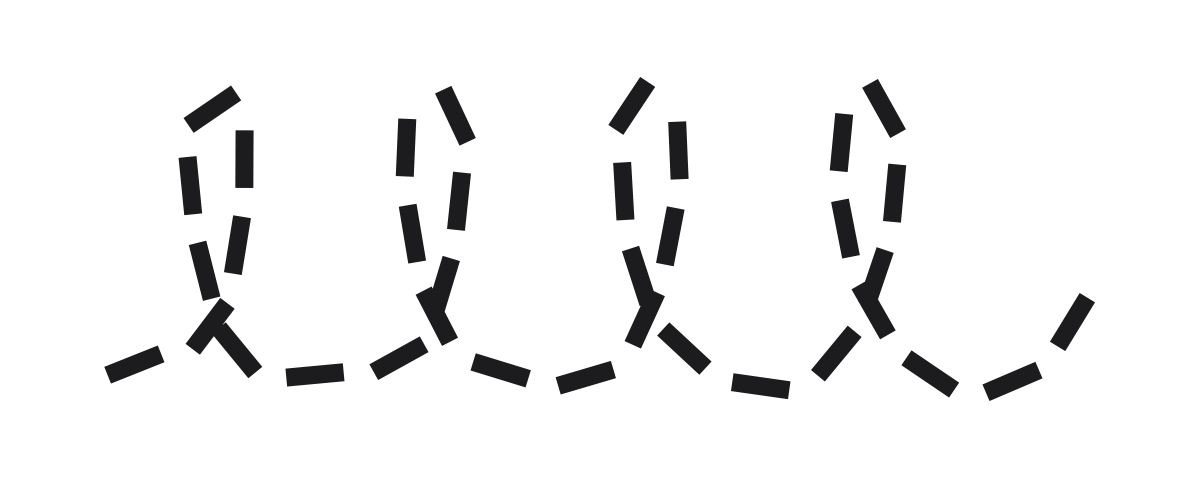
a dashed line, each dash cut square

Factory size 30 · Steady 0%

Dashes, straight stroke
Straight
Dashes, curved stroke
Curved
Dashes, freehand stroke
Freehand

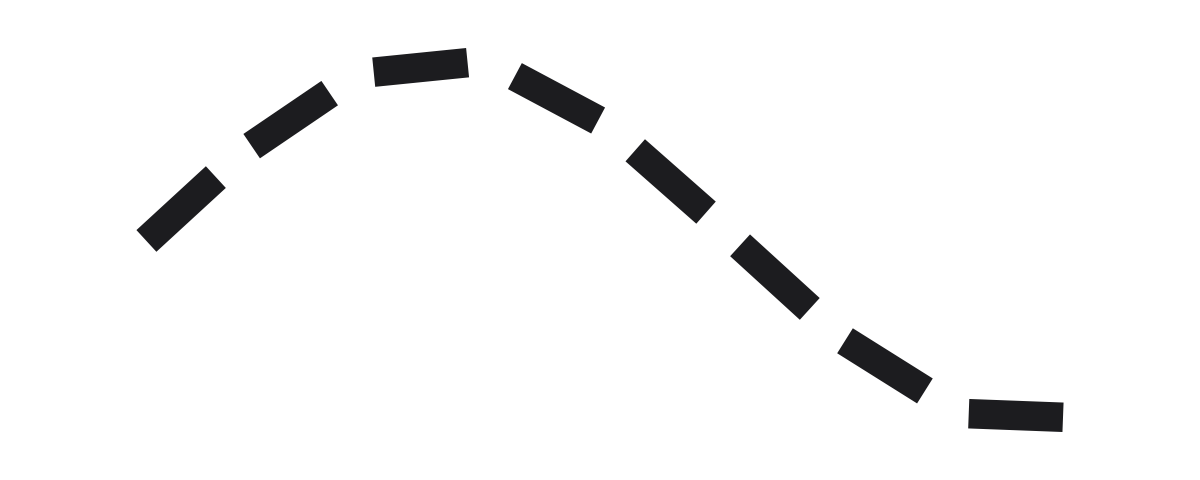
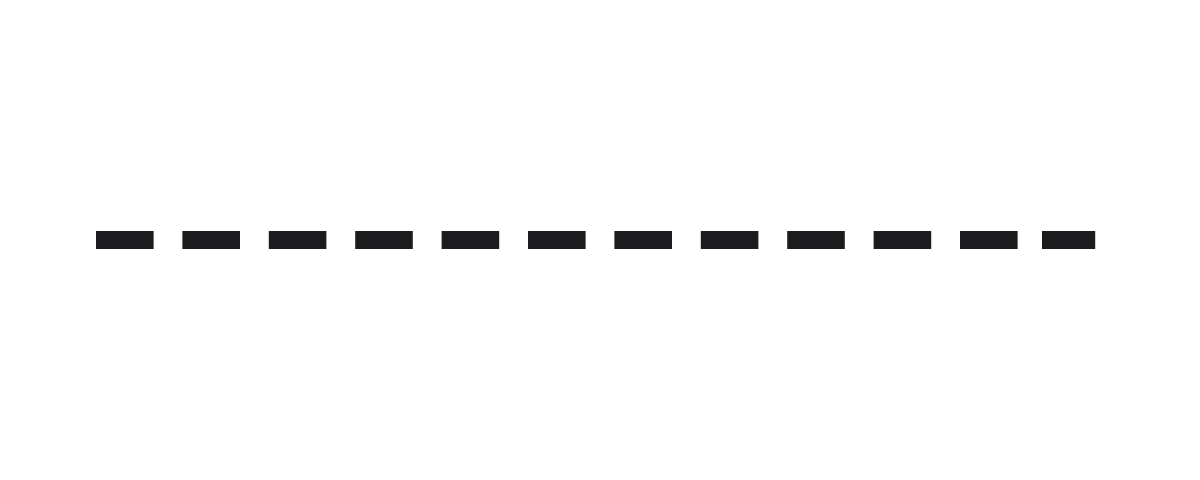
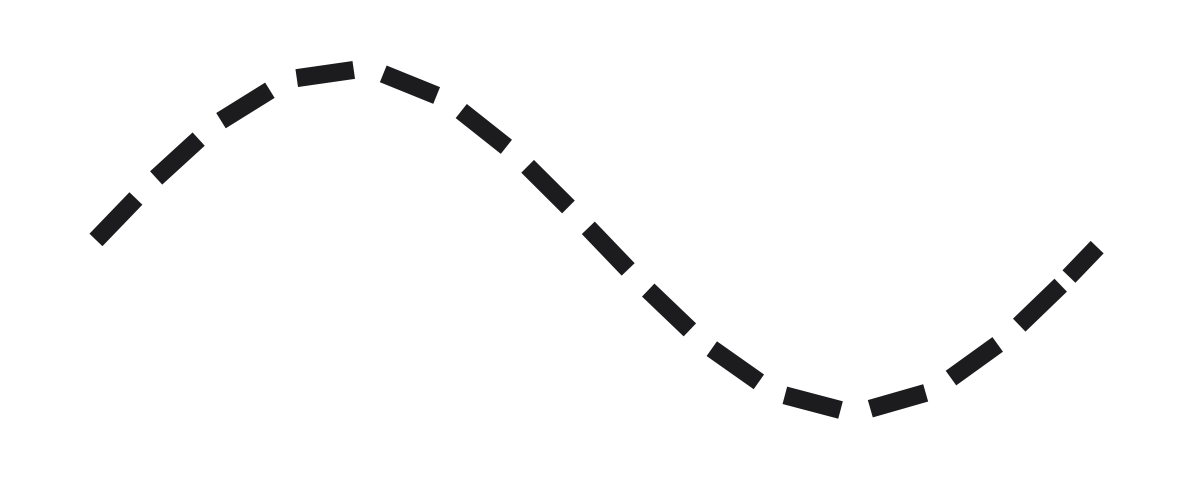
A dashed line: rectangles 1.6× Size long and 0.5× Size tall with a 0.8× Size gap between them. Bend is off, so each dash stays straight, turned to the stroke's direction at its middle; on a curve the dashes stay rigid. The last dash is cut flat where the stroke ends.

Reads: direction

With a finger: Identical with a finger: the tile pen reads no pressure or tilt.

SettingRangeFactoryWhat it does
BodyPen line, Stretched, Repeated, StampedRepeatedRepeated lays the shape end to end; Stretched lays one copy from start to end; Stamped drops copies at a spacing (the Art brush); Pen line goes back to a pen. Brush Studio › Shape.
SHAPEdraw it in the box, or take a photo, import an image or file, or pick a saved shapea rectangle (a dash)The tile. Its width runs along the stroke (scaled to Tile length) and its height across it (scaled to Size); a piece holds at most 4 rings and 96 points. Brush Studio › Shape.
Tile length Studio › Shape0.5× – 6.0× (Short … Long)1.6×Each tile's length along the stroke, × Size (the Studio also shows font units).
Gap between tiles Studio › Shape0.0× – 2.0× (None … Wide)0.8×Space between tiles along the stroke, × Size.
Bend along the stroke Studio › Shape0 – 10On bends each tile to follow the path; off lays rigid copies turned to the stroke's direction at their middle.
Flip every other tile Studio › Shape0 – 10Mirrors every second tile across the stroke.
Steady Studio › Steady0% – 100% (None … Strong)0%Smooths a shaky hand by averaging the path over a distance (up to ±120 font units at 100%); the ends stay put. Also a chip on the bottom bar. Brush Studio › Steady.

Tips

  • Dashes stay straight on curves, so tight bends look segmented; turn Bend on for curved dashes.
  • Adjust Gap between tiles for dotted (short gap) or sparse (long gap) dash rhythms.

Diamonds

Diamonds swatch

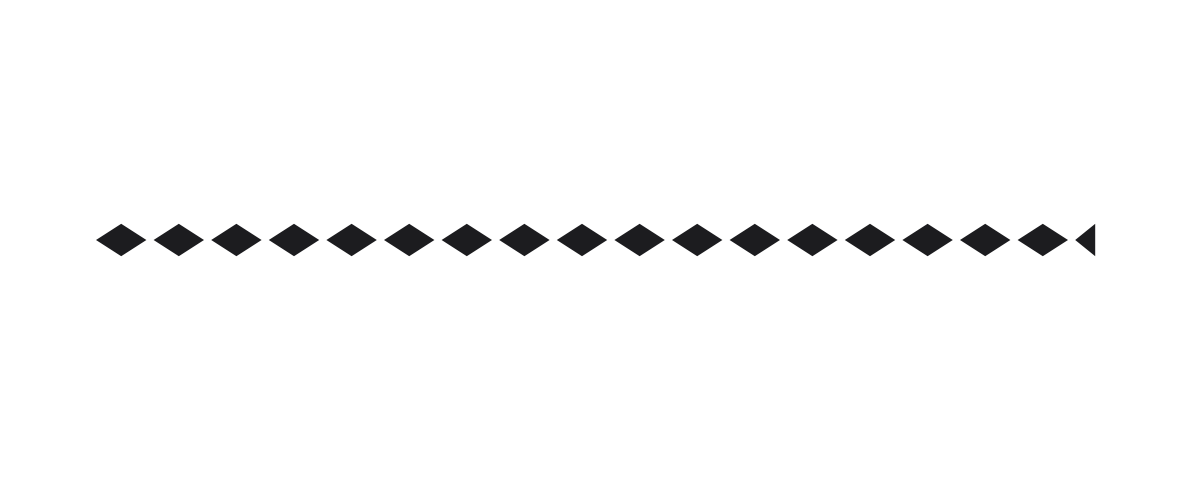
a string of diamonds

Factory size 30 · Steady 0%

Diamonds, straight stroke
Straight
Diamonds, curved stroke
Curved
Diamonds, freehand stroke
Freehand

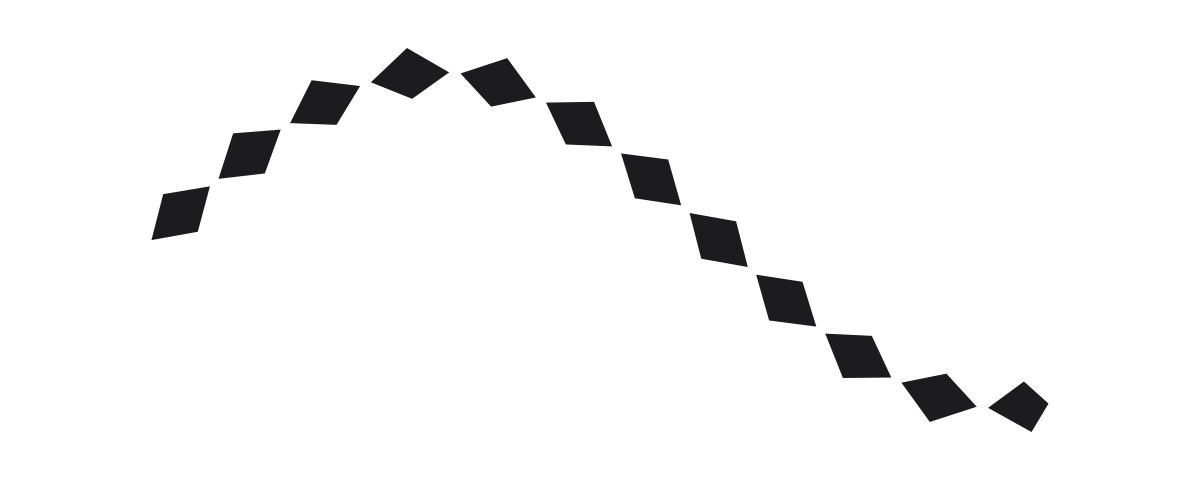
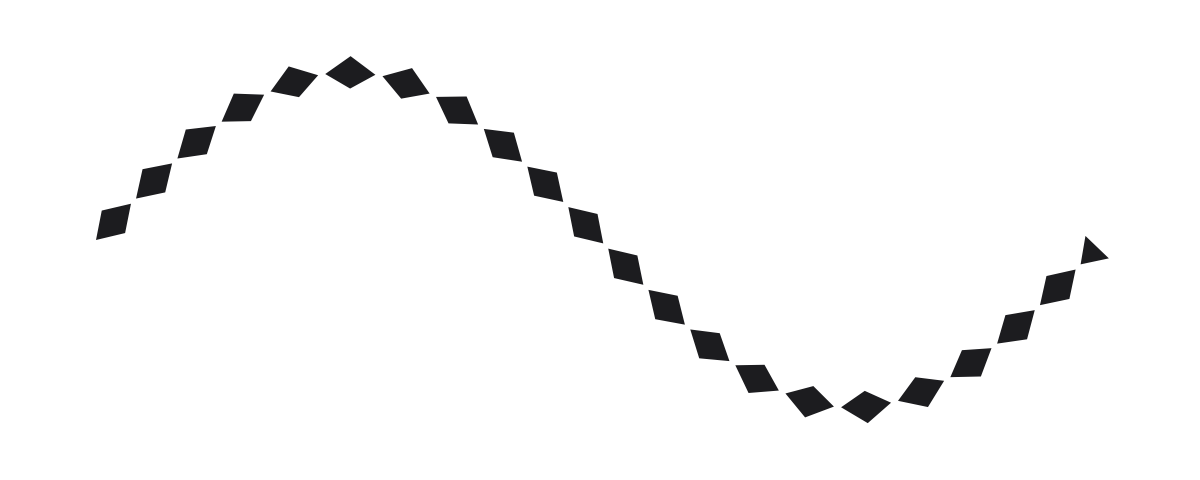
A string of diamonds: rhombuses 1.4× Size long and 0.9× Size tall with a small 0.2× Size gap, each bent to follow the line. The last diamond is cut flat where the stroke ends.

Reads: direction

With a finger: Identical with a finger: the tile pen reads no pressure or tilt.

SettingRangeFactoryWhat it does
BodyPen line, Stretched, Repeated, StampedRepeatedRepeated lays the shape end to end; Stretched lays one copy from start to end; Stamped drops copies at a spacing (the Art brush); Pen line goes back to a pen. Brush Studio › Shape.
SHAPEdraw it in the box, or take a photo, import an image or file, or pick a saved shapea diamond (rhombus)The tile. Its width runs along the stroke (scaled to Tile length) and its height across it (scaled to Size); a piece holds at most 4 rings and 96 points. Brush Studio › Shape.
Tile length Studio › Shape0.5× – 6.0× (Short … Long)1.4×Each tile's length along the stroke, × Size (the Studio also shows font units).
Gap between tiles Studio › Shape0.0× – 2.0× (None … Wide)0.2×Space between tiles along the stroke, × Size.
Bend along the stroke Studio › Shape0 – 11On bends each tile to follow the path; off lays rigid copies turned to the stroke's direction at their middle.
Flip every other tile Studio › Shape0 – 10Mirrors every second tile across the stroke.
Steady Studio › Steady0% – 100% (None … Strong)0%Smooths a shaky hand by averaging the path over a distance (up to ±120 font units at 100%); the ends stay put. Also a chip on the bottom bar. Brush Studio › Steady.

Tips

  • Keep curves gentle: bent diamonds distort on tight turns.
  • Set the gap to 0 for diamonds that touch point to point.