Pens
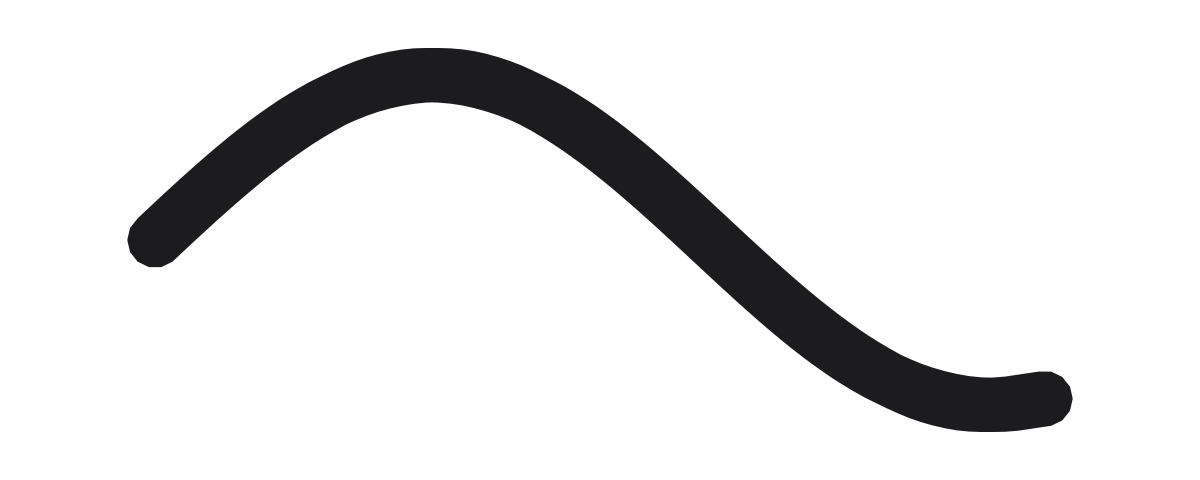
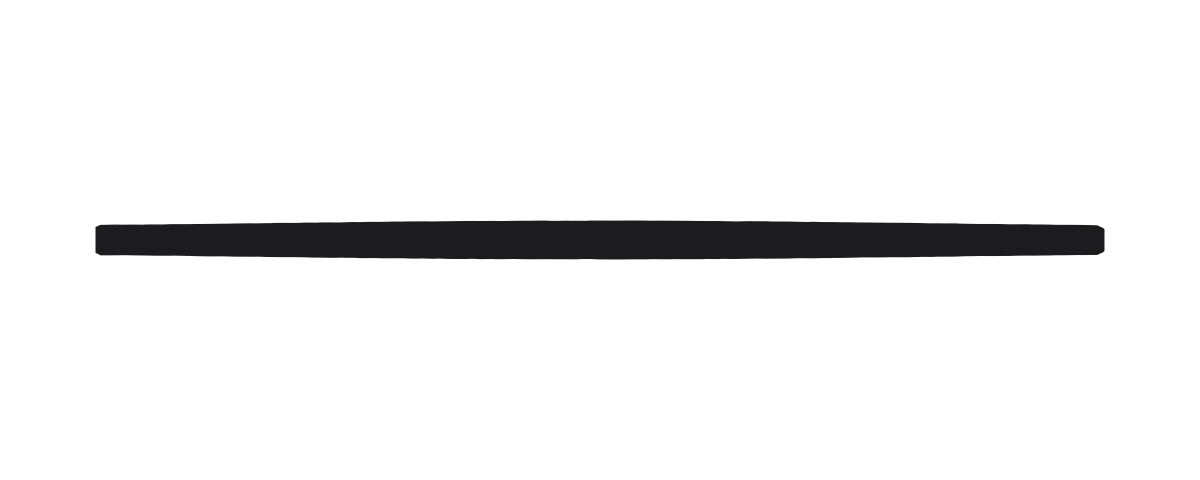
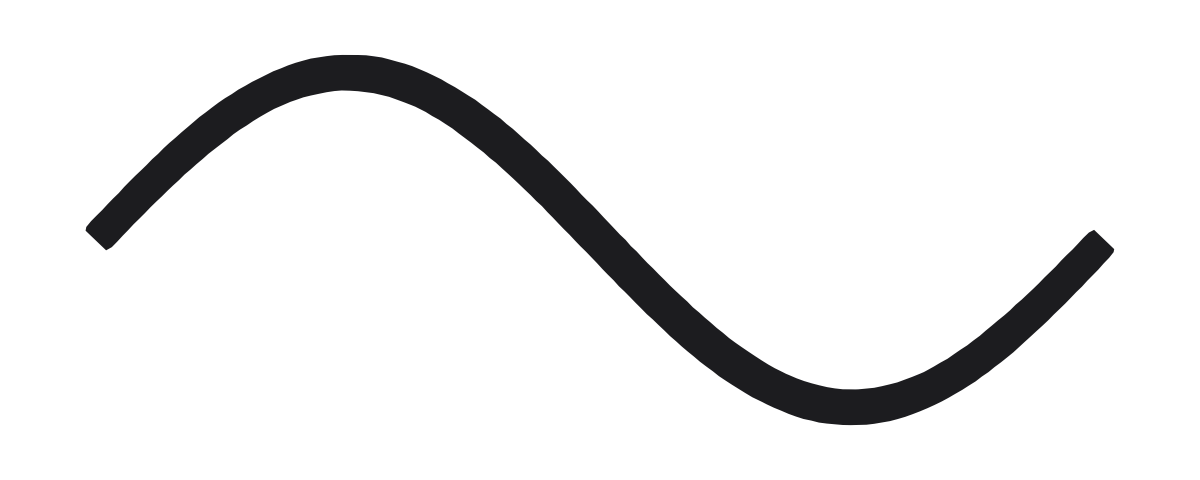
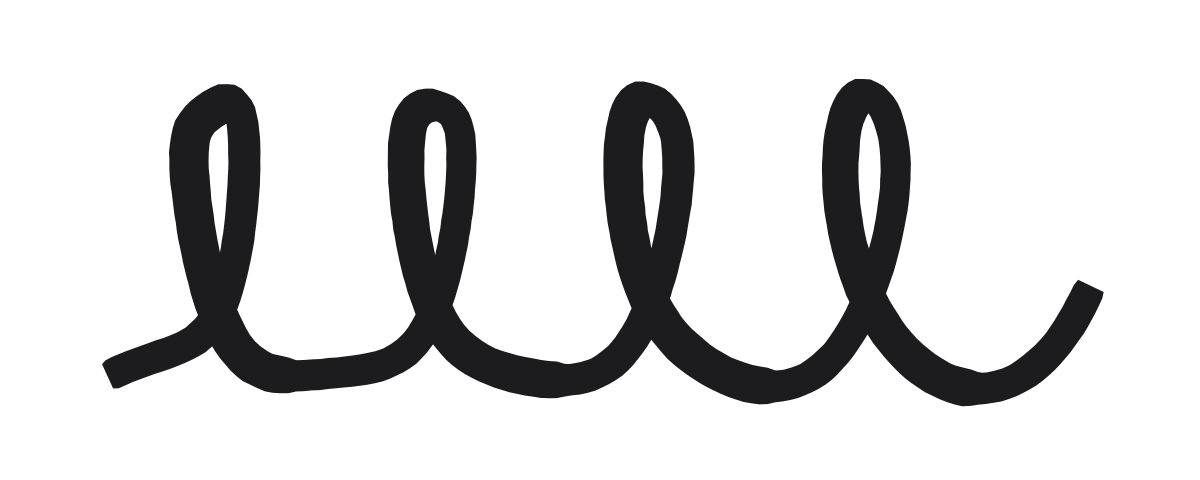
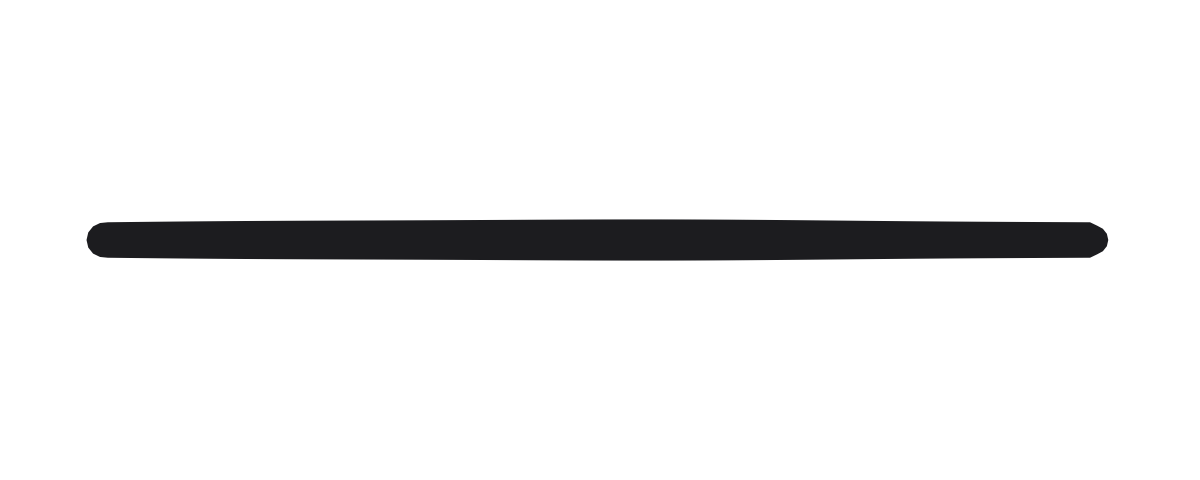
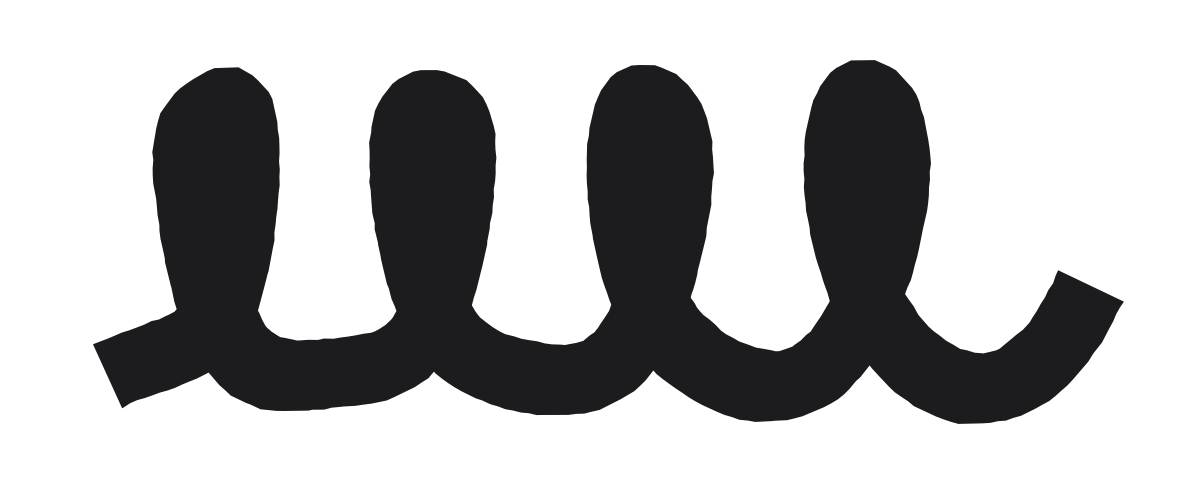
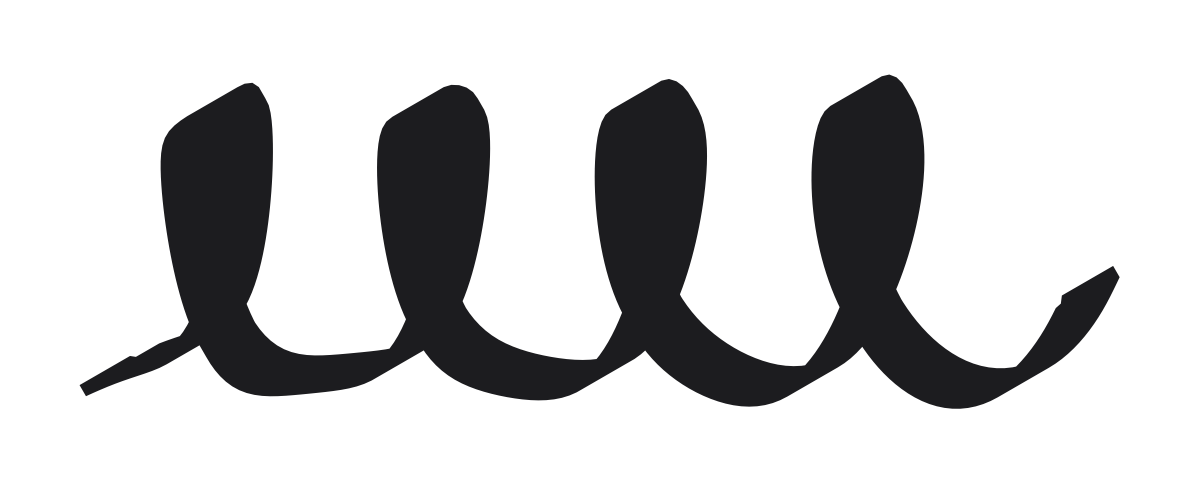
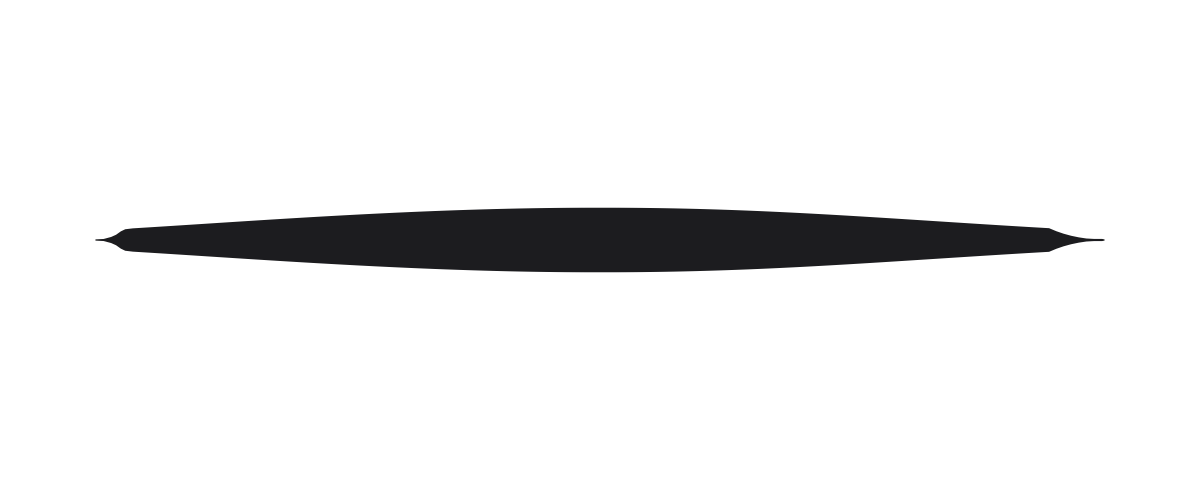
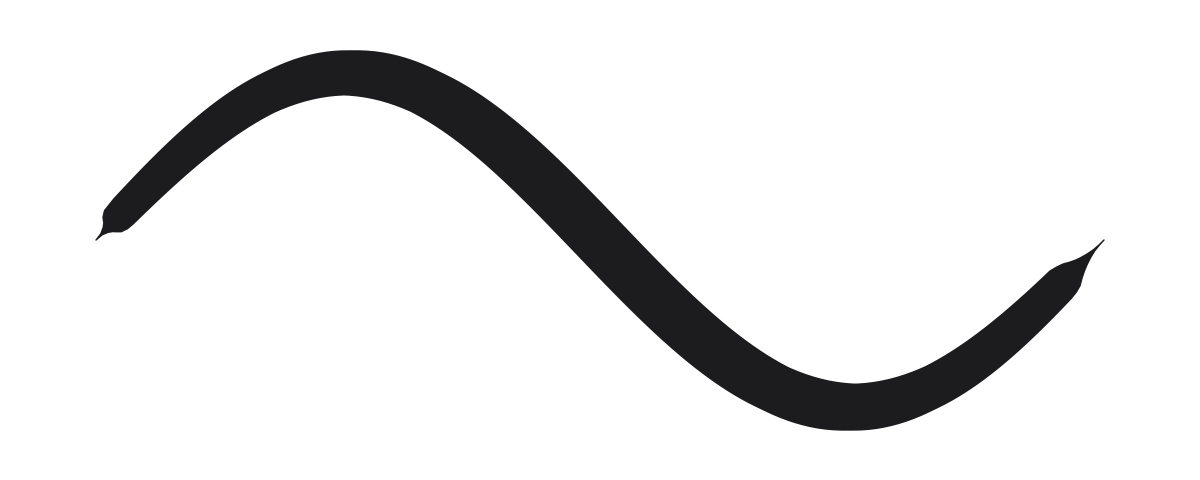
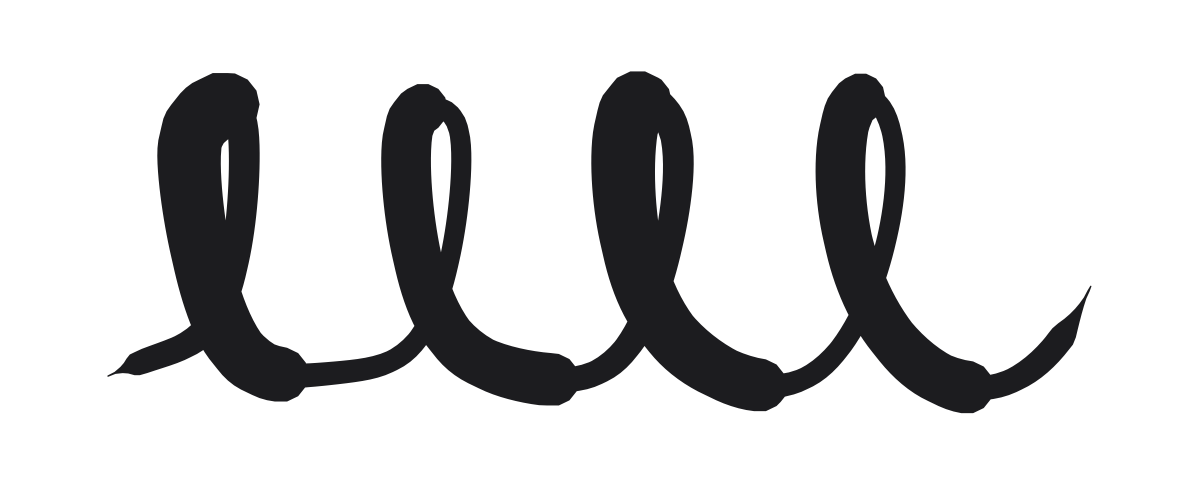
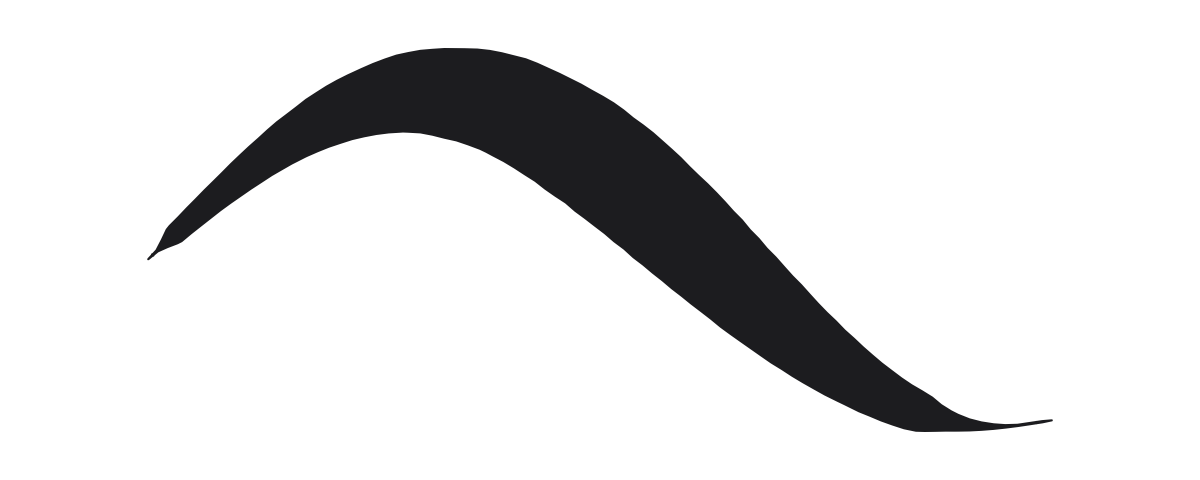
The parametric pen family's factory recipes, from the constant Fineliner through ballpoint, gel and inking pens to the bold Sharpie, the chisel Marker, the Fountain and the whisper-to-bold Brush pen.
How these brushes work
- Pen family
- One parametric engine for the round-nib pens: at every sample a convex nib (round, ellipse or flat) is stamped and neighbouring nibs are bridged, so the stroke is one solid outline. Width is Size times a pressure curve between “Width at a light touch” and “Width at full press”, scaled by your pace (Speed response), the Pencil's lean (Tilt widens) and the start and end tapers; the caps cut or point the ends, and Ink pooling, Bleed and Edge roughness add blots, a soft wobble and a ragged rim. Each factory pen (Fineliner, Ballpoint, Gel pen, Studio pen, Sharpie, Marker, Fountain, Brush pen, Flex) is a recipe of these knobs, so every one can be retuned in Brush Studio.
The brushes
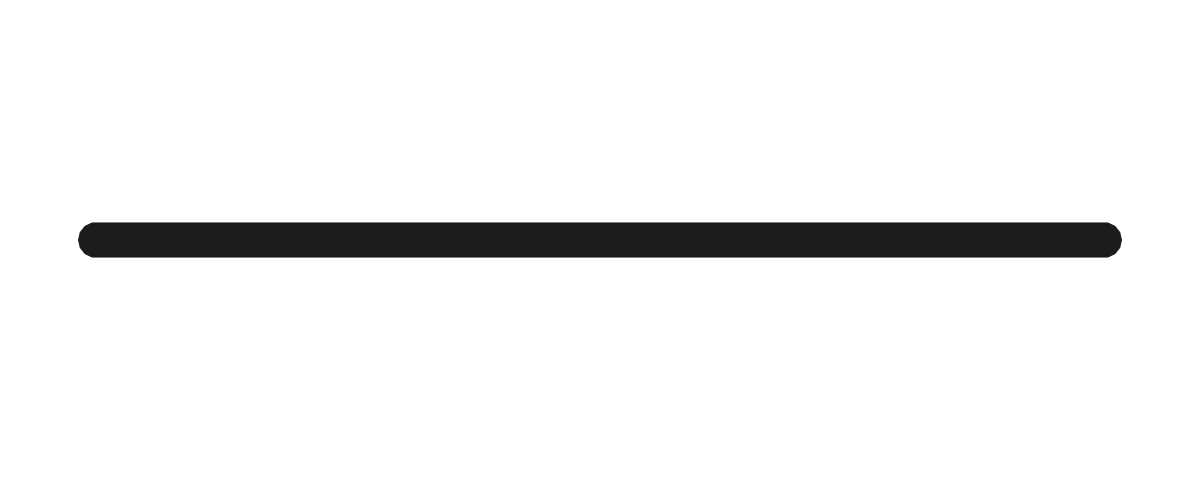
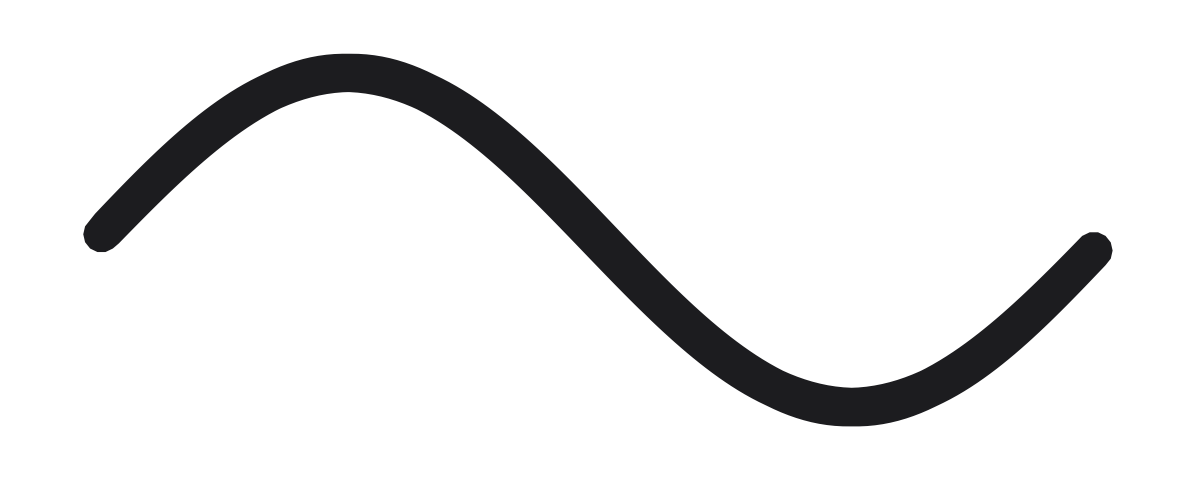
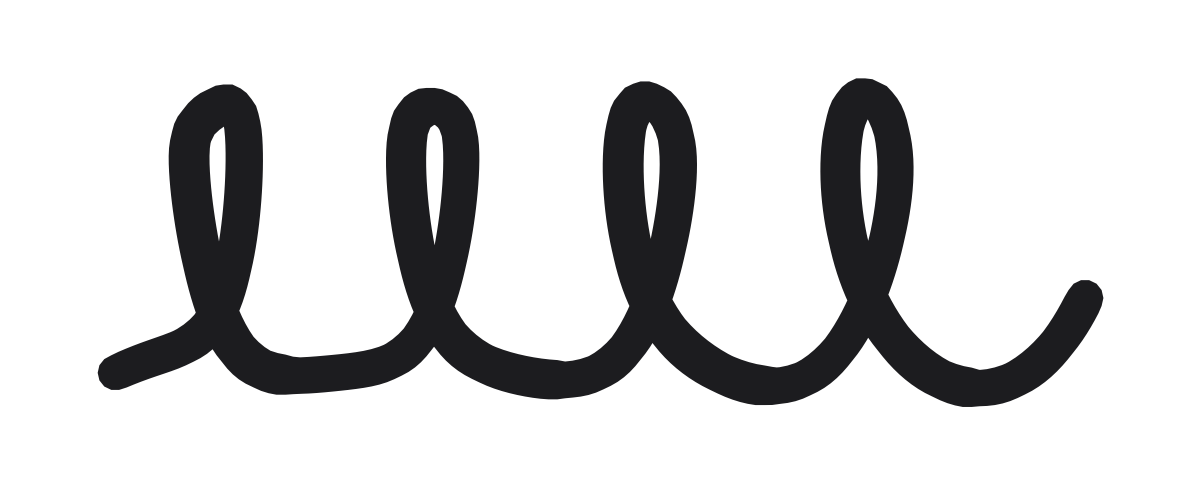
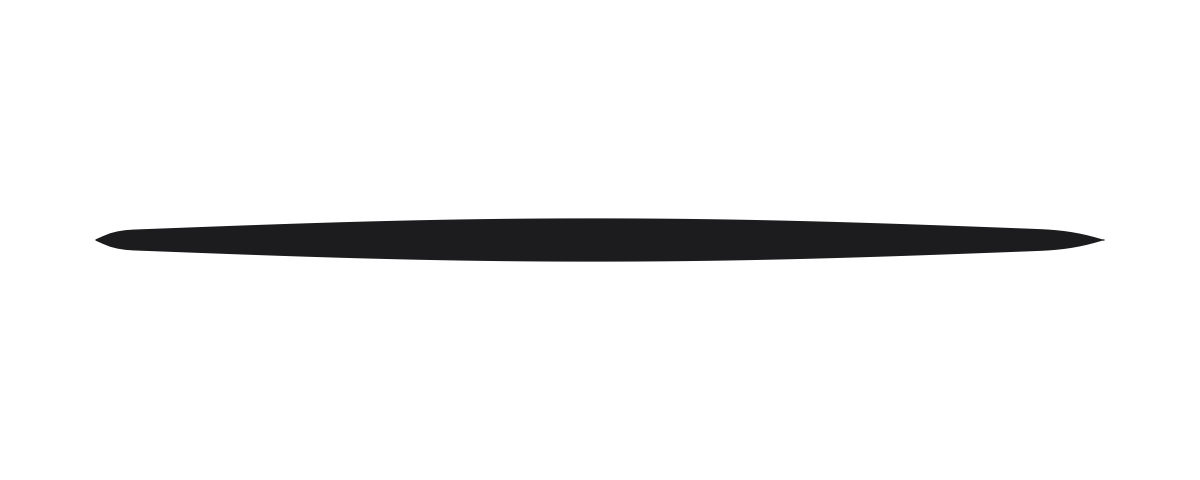
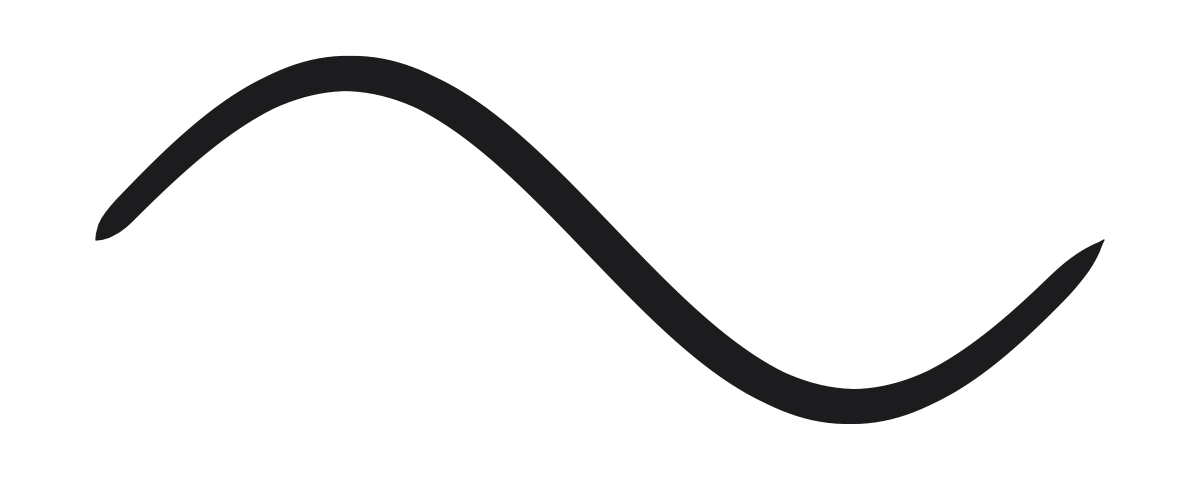
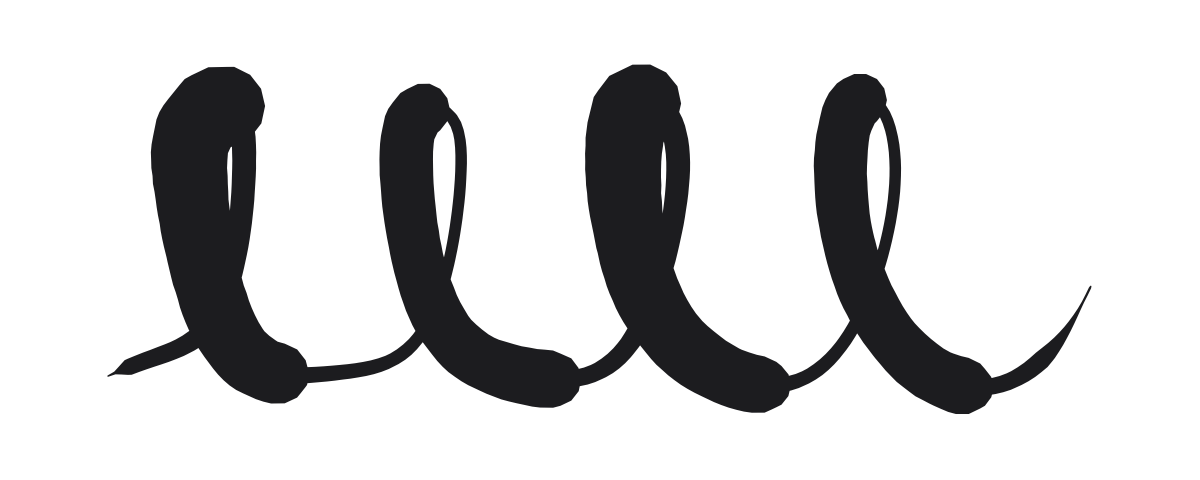
A round nib exactly as wide as Size, swept along your line: pressure, speed and tilt never change the width, and both ends are round. It is the plain technical pen of the parametric family (a bare pen with no recipe draws as this one). Like every pen in the family, the stroke ends exactly where you lifted, so a loop closed back on its start shows no seam. Steady is preset at 12%.
Reads: nothing but where you draw
With a finger: Identical to a Pencil stroke: nothing it draws depends on pressure or tilt, and its Finger taper is 0%, so finger strokes keep round ends.
| Setting | Range | Factory | What it does |
|---|
| Width at a light touch Studio › Stroke | 0.00× – 1.50× (Hairline … Bold) | 1.00× | Stroke width at the lightest pressure, as a multiple of Size. Needs pressure: a finger or mouse draws between this and the full-press width at the Line weight. Brush Studio › Stroke. needs pressure |
| Width at full press Studio › Stroke | 0.02× – 3.00× (Hairline … Bold) | 1.00× | Stroke width at full pressure, × Size. Set it equal to the light-touch width for a pen that ignores pressure. Brush Studio › Stroke. needs pressure |
| Pressure feel Studio › Stroke | 0.30× – 3.00× (Eager … Firm) | 1.00× | The curve between the two widths: below 1 the line swells early, above 1 it takes a firm press. Brush Studio › Stroke. needs pressure |
| Speed response Studio › Stroke | -1.00 – +1.00 (Thinner … Fatter) | 0.00 | Negative: fast strokes thin out. Positive: they fatten. At ±1 the width moves by up to 55% between a crawl and a racing stroke (five times the even pace of about 900 font units a second). Brush Studio › Stroke. |
| Line weight Studio › Stroke | 5% – 100% (Light … Heavy) | 50% | The force a stroke is drawn at when it has no pressure (a finger or a mouse). On iPhone and iPad, tapping a second finger while drawing flips between this weight and its heavy twin. It never changes strokes already drawn. Brush Studio › Stroke. |
| Nib shape Studio › Stroke › Nib | Choices: Round, Ellipse, Flat | Round | The nib's footprint. Ellipse and Flat give thick and thin by direction; Round is the same width every way. Brush Studio › Stroke › Nib. |
| Nib thinness Studio › Stroke › Nib | 8% – 100% (Blade … Round) | 100% | An ellipse's or a flat nib's thin side against its wide side; lower is a sharper blade. No effect on a round nib. Brush Studio › Stroke › Nib. |
| Nib angle follows Studio › Stroke › Nib | Choices: Fixed, Pencil tilt (needs tilt), Stroke, Barrel roll (needs roll) | Fixed | What turns a shaped nib: Fixed holds the Nib angle; Pencil tilt follows the way the Apple Pencil points; Stroke follows the line's own direction plus the Nib angle; Barrel roll follows Apple Pencil Pro's roll. Without that sensor the nib holds the Nib angle. Brush Studio › Stroke › Nib. |
| Nib angle Studio › Stroke › Nib | 0° – 180° | 30° | The shaped nib's angle from horizontal (or its offset from the stroke direction on Stroke). No effect on a round nib. For a shaped nib held at a fixed angle it is also on the picker's Options page. Brush Studio › Stroke › Nib. |
| Tilt widens Studio › Stroke › Nib | 0% – 100% (None … Strong) | 0% | How much leaning the Apple Pencil broadens the line: at 100% a nearly flat Pencil draws up to 2.2× as wide. Needs tilt. Brush Studio › Stroke › Nib. needs tilt |
| Ink pooling Studio › Stroke › Dynamics | 0% – 100% (None … Strong) | 0% | Ink gathers in a round blob where the pen pauses (from about 0.08 s, full at about 0.6 s), up to 1.9× the line's width at 100%. Brush Studio › Stroke › Dynamics. |
| Edge roughness Studio › Stroke › Dynamics | 0% – 100% (Even … Strong) | 0% | Jitters the nib's rim inward by up to 35% at 100% for a ragged edge. Works on round and ellipse nibs only; a flat nib stays clean. Brush Studio › Stroke › Dynamics. |
| Bleed Studio › Stroke › Dynamics | 0% – 100% (None … Strong) | 0% | A slow outward wobble of the edge, like ink on soft paper: adds up to 12% of Size to the radius. Brush Studio › Stroke › Dynamics. |
| Start cap Studio › Ends | Choices: Round, Flat, Square, Pointed, Chisel, Blob | Round | The start's shape: Round (the nib), Flat (cut square at the end point), Square (cut square half a width past it), Pointed (closes to a point), Chisel (cut along the nib's edge), Blob (a pooled drop 1.35× the nib or more). Brush Studio › Ends. |
| End cap Studio › Ends | Choices: Round, Flat, Square, Pointed, Chisel, Blob | Round | The end's shape, with the same choices as Start cap. Brush Studio › Ends. |
| Start taper Studio › Ends | 0.0× – 6.0× (None … Long) | 0.0× | How far the line takes to grow from a point to full width, × Size (the Studio also shows font units). Brush Studio › Ends. |
| End taper Studio › Ends | 0.0× – 6.0× (None … Long) | 0.0× | How far before the end the line starts to thin, × Size. Brush Studio › Ends. |
| Taper shape Studio › Ends | Choices: Linear, Ease, Ink, Brush | Linear | The tapers' profile: Linear; Ease (an S-curve); Ink (swells quickly, then levels); Brush (stays thin for longer, a long fine tip). Brush Studio › Ends. |
| Finger taper Studio › Ends | 0% – 100% (None … Long) | 0% | Extra taper for strokes drawn without tilt data (a finger or a mouse): adds 2 × this × Size to both tapers, so finger strokes still end pointed. Brush Studio › Ends (› Stroke on iPhone and Mac). |
| Steady Studio › Steady | 0% – 100% (None … Strong) | 12% | Smooths a shaky hand by averaging the path over a distance (up to ±120 font units at 100%), so it works the same at any speed; the ends stay where you put them. Also a chip on the bottom bar. Brush Studio › Steady. |
| Pressure curve | Off, Linear, Soft, Firm (then five points, 0× – 3× each) | Off | Replaces the two widths and the feel with five widths from the lightest touch to full force: Linear 0.2× → 1.0×, Soft 0.35× → 1.05×, Firm 0.15× → 1.1×; each point then has its own slider. Made for Apple Pencil pressure; a finger or mouse uses the single point at its Line weight. Brush Studio › Advanced. |
Tips
- The workhorse for monoline and geometric letters: Size alone sets every stem's weight.
- Raise Steady for long, smooth curves; the weight stays constant whatever your hand does.
- Give it Pointed caps or a Start/End taper in the Studio if you want calligraphic terminals.
Ballpoint
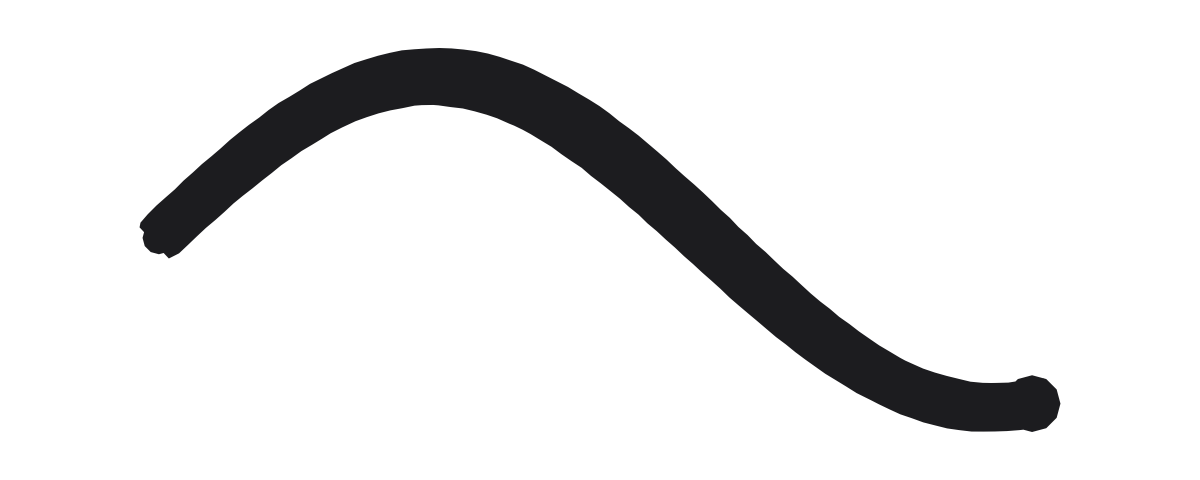
steady line, a touch of press
Factory size 30 · Steady 10%
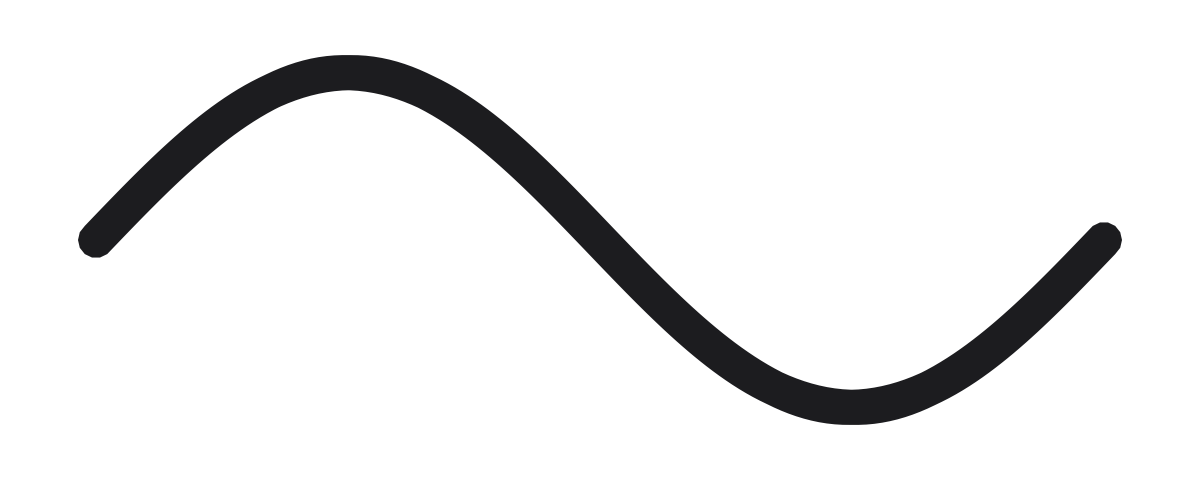
A round nib that stays close to Size: pressure moves it only between 0.82× and 1.12× on a firm curve (feel 1.40), and fast strokes thin it slightly (Speed response -0.12). Wherever the pen rests for more than about 0.08 s the ink pools into a round blob (Ink pooling 70%), like a ballpoint blotting at a pause. Both ends get a short ink-shaped taper (0.15× Size) and are cut flat across the stroke, and the rim is very slightly rough (8%).
Reads: pressure, speed
With a finger: A finger has no pressure or tilt: it draws at the Line weight (50% by default), and with “Speed shades the line” on in Settings (the default) fast finger strokes come out lighter. That is about 0.93× Size. Pauses still pool ink, because pooling reads time, not pressure.
| Setting | Range | Factory | What it does |
|---|
| Width at a light touch Studio › Stroke | 0.00× – 1.50× (Hairline … Bold) | 0.82× | Stroke width at the lightest pressure, as a multiple of Size. Needs pressure: a finger or mouse draws between this and the full-press width at the Line weight. Brush Studio › Stroke. needs pressure |
| Width at full press Studio › Stroke | 0.02× – 3.00× (Hairline … Bold) | 1.12× | Stroke width at full pressure, × Size. Set it equal to the light-touch width for a pen that ignores pressure. Brush Studio › Stroke. needs pressure |
| Pressure feel Studio › Stroke | 0.30× – 3.00× (Eager … Firm) | 1.40× | The curve between the two widths: below 1 the line swells early, above 1 it takes a firm press. Brush Studio › Stroke. needs pressure |
| Speed response Studio › Stroke | -1.00 – +1.00 (Thinner … Fatter) | -0.12 | Negative: fast strokes thin out. Positive: they fatten. At ±1 the width moves by up to 55% between a crawl and a racing stroke (five times the even pace of about 900 font units a second). Brush Studio › Stroke. |
| Line weight Studio › Stroke | 5% – 100% (Light … Heavy) | 50% | The force a stroke is drawn at when it has no pressure (a finger or a mouse). On iPhone and iPad, tapping a second finger while drawing flips between this weight and its heavy twin. It never changes strokes already drawn. Brush Studio › Stroke. |
| Nib shape Studio › Stroke › Nib | Choices: Round, Ellipse, Flat | Round | The nib's footprint. Ellipse and Flat give thick and thin by direction; Round is the same width every way. Brush Studio › Stroke › Nib. |
| Nib thinness Studio › Stroke › Nib | 8% – 100% (Blade … Round) | 100% | An ellipse's or a flat nib's thin side against its wide side; lower is a sharper blade. No effect on a round nib. Brush Studio › Stroke › Nib. |
| Nib angle follows Studio › Stroke › Nib | Choices: Fixed, Pencil tilt (needs tilt), Stroke, Barrel roll (needs roll) | Fixed | What turns a shaped nib: Fixed holds the Nib angle; Pencil tilt follows the way the Apple Pencil points; Stroke follows the line's own direction plus the Nib angle; Barrel roll follows Apple Pencil Pro's roll. Without that sensor the nib holds the Nib angle. Brush Studio › Stroke › Nib. |
| Nib angle Studio › Stroke › Nib | 0° – 180° | 30° | The shaped nib's angle from horizontal (or its offset from the stroke direction on Stroke). No effect on a round nib. For a shaped nib held at a fixed angle it is also on the picker's Options page. Brush Studio › Stroke › Nib. |
| Tilt widens Studio › Stroke › Nib | 0% – 100% (None … Strong) | 0% | How much leaning the Apple Pencil broadens the line: at 100% a nearly flat Pencil draws up to 2.2× as wide. Needs tilt. Brush Studio › Stroke › Nib. needs tilt |
| Ink pooling Studio › Stroke › Dynamics | 0% – 100% (None … Strong) | 70% | Ink gathers in a round blob where the pen pauses (from about 0.08 s, full at about 0.6 s), up to 1.9× the line's width at 100%. Brush Studio › Stroke › Dynamics. |
| Edge roughness Studio › Stroke › Dynamics | 0% – 100% (Even … Strong) | 8% | Jitters the nib's rim inward by up to 35% at 100% for a ragged edge. Works on round and ellipse nibs only; a flat nib stays clean. Brush Studio › Stroke › Dynamics. |
| Bleed Studio › Stroke › Dynamics | 0% – 100% (None … Strong) | 0% | A slow outward wobble of the edge, like ink on soft paper: adds up to 12% of Size to the radius. Brush Studio › Stroke › Dynamics. |
| Start cap Studio › Ends | Choices: Round, Flat, Square, Pointed, Chisel, Blob | Flat | The start's shape: Round (the nib), Flat (cut square at the end point), Square (cut square half a width past it), Pointed (closes to a point), Chisel (cut along the nib's edge), Blob (a pooled drop 1.35× the nib or more). Brush Studio › Ends. |
| End cap Studio › Ends | Choices: Round, Flat, Square, Pointed, Chisel, Blob | Flat | The end's shape, with the same choices as Start cap. Brush Studio › Ends. |
| Start taper Studio › Ends | 0.0× – 6.0× (None … Long) | 0.2× | How far the line takes to grow from a point to full width, × Size (the Studio also shows font units). Brush Studio › Ends. |
| End taper Studio › Ends | 0.0× – 6.0× (None … Long) | 0.2× | How far before the end the line starts to thin, × Size. Brush Studio › Ends. |
| Taper shape Studio › Ends | Choices: Linear, Ease, Ink, Brush | Ink | The tapers' profile: Linear; Ease (an S-curve); Ink (swells quickly, then levels); Brush (stays thin for longer, a long fine tip). Brush Studio › Ends. |
| Finger taper Studio › Ends | 0% – 100% (None … Long) | 0% | Extra taper for strokes drawn without tilt data (a finger or a mouse): adds 2 × this × Size to both tapers, so finger strokes still end pointed. Brush Studio › Ends (› Stroke on iPhone and Mac). |
| Steady Studio › Steady | 0% – 100% (None … Strong) | 10% | Smooths a shaky hand by averaging the path over a distance (up to ±120 font units at 100%), so it works the same at any speed; the ends stay where you put them. Also a chip on the bottom bar. Brush Studio › Steady. |
| Pressure curve | Off, Linear, Soft, Firm (then five points, 0× – 3× each) | Off | Replaces the two widths and the feel with five widths from the lightest touch to full force: Linear 0.2× → 1.0×, Soft 0.35× → 1.05×, Firm 0.15× → 1.1×; each point then has its own slider. Made for Apple Pencil pressure; a finger or mouse uses the single point at its Line weight. Brush Studio › Advanced. |
Tips
- Pause deliberately at the starts of strokes and at corners for ballpoint blots; keep moving for clean joins.
- For an even monoline, set Ink pooling to 0% in Brush Studio › Stroke › Dynamics.
Gel pen
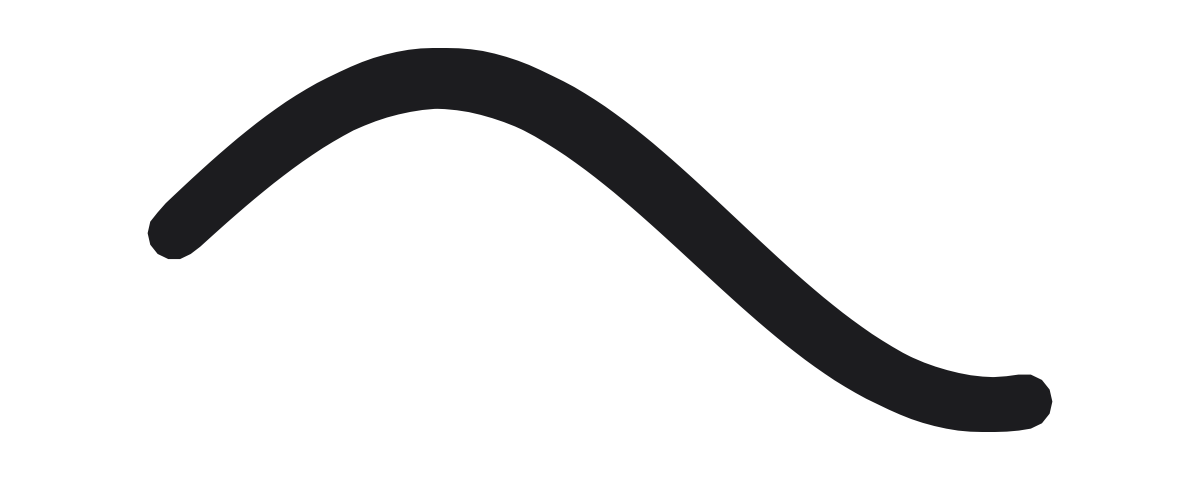
smooth and even, a slightly swollen edge
Factory size 30 · Steady 15%
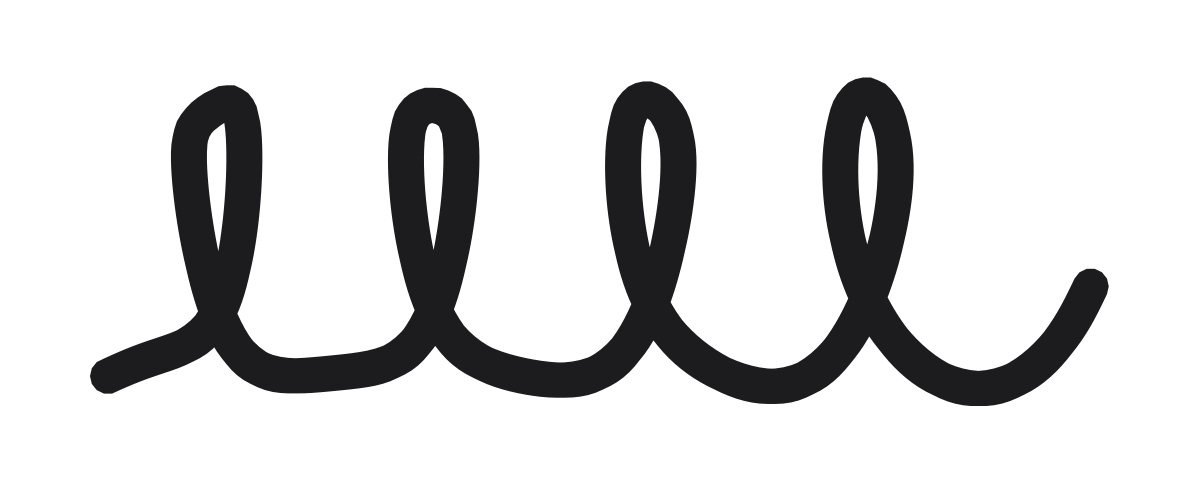
A smooth round pen: pressure takes it from 0.95× to 1.15× Size, eased tapers grow it in over 0.25× Size and let it go over 0.4× Size, and both ends are round. A light bleed (15%) makes the edge swell outward in a slow wobble, and a little pooling (25%) gathers ink where you pause. Speed doesn't change it.
Reads: pressure, speed
With a finger: A finger has no pressure or tilt: it draws at the Line weight (50% by default), and with “Speed shades the line” on in Settings (the default) fast finger strokes come out lighter. That is about 1.04× Size, and finger strokes get a little extra taper (Finger taper 20% adds 0.4× Size at each end).
| Setting | Range | Factory | What it does |
|---|
| Width at a light touch Studio › Stroke | 0.00× – 1.50× (Hairline … Bold) | 0.95× | Stroke width at the lightest pressure, as a multiple of Size. Needs pressure: a finger or mouse draws between this and the full-press width at the Line weight. Brush Studio › Stroke. needs pressure |
| Width at full press Studio › Stroke | 0.02× – 3.00× (Hairline … Bold) | 1.15× | Stroke width at full pressure, × Size. Set it equal to the light-touch width for a pen that ignores pressure. Brush Studio › Stroke. needs pressure |
| Pressure feel Studio › Stroke | 0.30× – 3.00× (Eager … Firm) | 1.20× | The curve between the two widths: below 1 the line swells early, above 1 it takes a firm press. Brush Studio › Stroke. needs pressure |
| Speed response Studio › Stroke | -1.00 – +1.00 (Thinner … Fatter) | 0.00 | Negative: fast strokes thin out. Positive: they fatten. At ±1 the width moves by up to 55% between a crawl and a racing stroke (five times the even pace of about 900 font units a second). Brush Studio › Stroke. |
| Line weight Studio › Stroke | 5% – 100% (Light … Heavy) | 50% | The force a stroke is drawn at when it has no pressure (a finger or a mouse). On iPhone and iPad, tapping a second finger while drawing flips between this weight and its heavy twin. It never changes strokes already drawn. Brush Studio › Stroke. |
| Nib shape Studio › Stroke › Nib | Choices: Round, Ellipse, Flat | Round | The nib's footprint. Ellipse and Flat give thick and thin by direction; Round is the same width every way. Brush Studio › Stroke › Nib. |
| Nib thinness Studio › Stroke › Nib | 8% – 100% (Blade … Round) | 100% | An ellipse's or a flat nib's thin side against its wide side; lower is a sharper blade. No effect on a round nib. Brush Studio › Stroke › Nib. |
| Nib angle follows Studio › Stroke › Nib | Choices: Fixed, Pencil tilt (needs tilt), Stroke, Barrel roll (needs roll) | Fixed | What turns a shaped nib: Fixed holds the Nib angle; Pencil tilt follows the way the Apple Pencil points; Stroke follows the line's own direction plus the Nib angle; Barrel roll follows Apple Pencil Pro's roll. Without that sensor the nib holds the Nib angle. Brush Studio › Stroke › Nib. |
| Nib angle Studio › Stroke › Nib | 0° – 180° | 30° | The shaped nib's angle from horizontal (or its offset from the stroke direction on Stroke). No effect on a round nib. For a shaped nib held at a fixed angle it is also on the picker's Options page. Brush Studio › Stroke › Nib. |
| Tilt widens Studio › Stroke › Nib | 0% – 100% (None … Strong) | 0% | How much leaning the Apple Pencil broadens the line: at 100% a nearly flat Pencil draws up to 2.2× as wide. Needs tilt. Brush Studio › Stroke › Nib. needs tilt |
| Ink pooling Studio › Stroke › Dynamics | 0% – 100% (None … Strong) | 25% | Ink gathers in a round blob where the pen pauses (from about 0.08 s, full at about 0.6 s), up to 1.9× the line's width at 100%. Brush Studio › Stroke › Dynamics. |
| Edge roughness Studio › Stroke › Dynamics | 0% – 100% (Even … Strong) | 0% | Jitters the nib's rim inward by up to 35% at 100% for a ragged edge. Works on round and ellipse nibs only; a flat nib stays clean. Brush Studio › Stroke › Dynamics. |
| Bleed Studio › Stroke › Dynamics | 0% – 100% (None … Strong) | 15% | A slow outward wobble of the edge, like ink on soft paper: adds up to 12% of Size to the radius. Brush Studio › Stroke › Dynamics. |
| Start cap Studio › Ends | Choices: Round, Flat, Square, Pointed, Chisel, Blob | Round | The start's shape: Round (the nib), Flat (cut square at the end point), Square (cut square half a width past it), Pointed (closes to a point), Chisel (cut along the nib's edge), Blob (a pooled drop 1.35× the nib or more). Brush Studio › Ends. |
| End cap Studio › Ends | Choices: Round, Flat, Square, Pointed, Chisel, Blob | Round | The end's shape, with the same choices as Start cap. Brush Studio › Ends. |
| Start taper Studio › Ends | 0.0× – 6.0× (None … Long) | 0.2× | How far the line takes to grow from a point to full width, × Size (the Studio also shows font units). Brush Studio › Ends. |
| End taper Studio › Ends | 0.0× – 6.0× (None … Long) | 0.4× | How far before the end the line starts to thin, × Size. Brush Studio › Ends. |
| Taper shape Studio › Ends | Choices: Linear, Ease, Ink, Brush | Ease | The tapers' profile: Linear; Ease (an S-curve); Ink (swells quickly, then levels); Brush (stays thin for longer, a long fine tip). Brush Studio › Ends. |
| Finger taper Studio › Ends | 0% – 100% (None … Long) | 20% | Extra taper for strokes drawn without tilt data (a finger or a mouse): adds 2 × this × Size to both tapers, so finger strokes still end pointed. Brush Studio › Ends (› Stroke on iPhone and Mac). |
| Steady Studio › Steady | 0% – 100% (None … Strong) | 15% | Smooths a shaky hand by averaging the path over a distance (up to ±120 font units at 100%), so it works the same at any speed; the ends stay where you put them. Also a chip on the bottom bar. Brush Studio › Steady. |
| Pressure curve | Off, Linear, Soft, Firm (then five points, 0× – 3× each) | Off | Replaces the two widths and the feel with five widths from the lightest touch to full force: Linear 0.2× → 1.0×, Soft 0.35× → 1.05×, Firm 0.15× → 1.1×; each point then has its own slider. Made for Apple Pencil pressure; a finger or mouse uses the single point at its Line weight. Brush Studio › Advanced. |
Tips
- Good for rounded, friendly monoline lettering; the bleed softens joins.
- Set Bleed to 0% for crisper edges at small sizes.
Studio pen
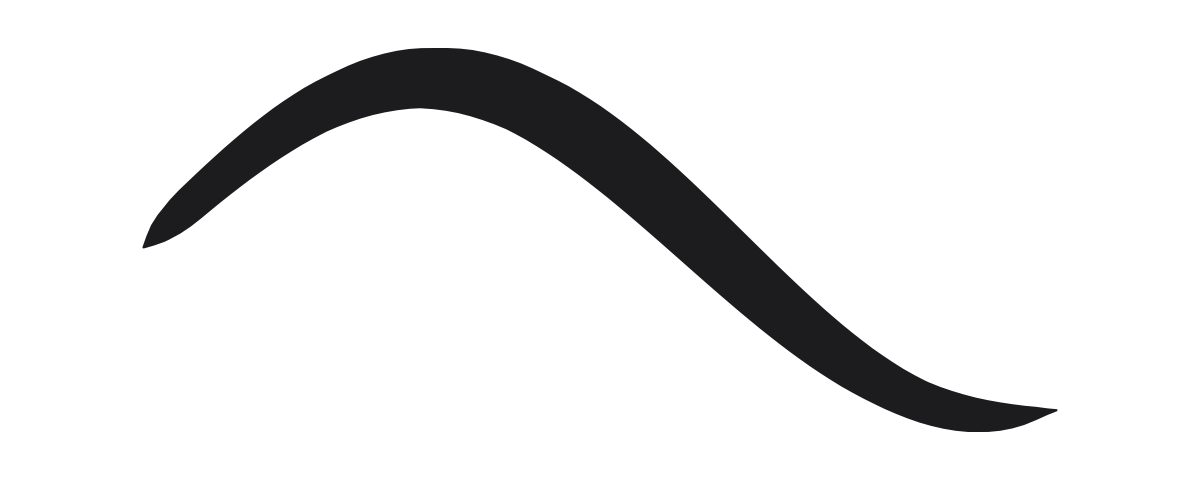
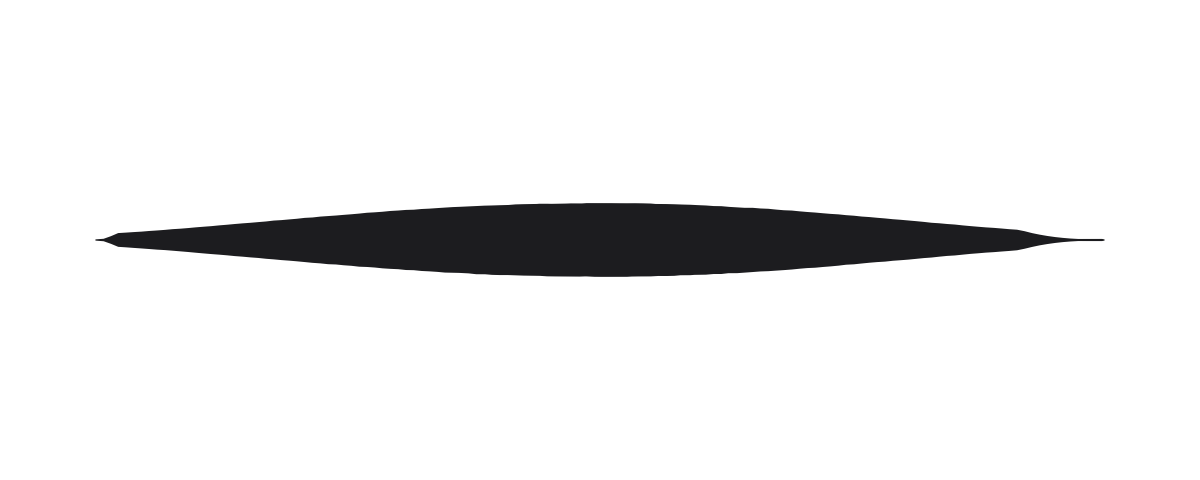
thin to thick to thin, pointed tips
Factory size 30 · Steady 30%
The clean inking pen. Pressure takes the width from 0.35× to 1.25× Size, long ink-shaped tapers (1.2× Size in, 2.0× out) bring both ends to a fine point, and fast strokes thin out (Speed response -0.25). There is no pooling, bleed or roughness, so the edges stay crisp. Steady is preset fairly high (30%) for smooth inked curves.
Reads: pressure, speed
With a finger: A finger has no pressure or tilt: it draws at the Line weight (50% by default), and with “Speed shades the line” on in Settings (the default) fast finger strokes come out lighter. That is about 0.77× Size; finger strokes get much longer tapers (Finger taper 60% adds 1.2× Size at each end), so they still start and finish pointed. A second-finger tap mid-stroke flips to the heavy weight, about 1.15× Size.
| Setting | Range | Factory | What it does |
|---|
| Width at a light touch Studio › Stroke | 0.00× – 1.50× (Hairline … Bold) | 0.35× | Stroke width at the lightest pressure, as a multiple of Size. Needs pressure: a finger or mouse draws between this and the full-press width at the Line weight. Brush Studio › Stroke. needs pressure |
| Width at full press Studio › Stroke | 0.02× – 3.00× (Hairline … Bold) | 1.25× | Stroke width at full pressure, × Size. Set it equal to the light-touch width for a pen that ignores pressure. Brush Studio › Stroke. needs pressure |
| Pressure feel Studio › Stroke | 0.30× – 3.00× (Eager … Firm) | 1.10× | The curve between the two widths: below 1 the line swells early, above 1 it takes a firm press. Brush Studio › Stroke. needs pressure |
| Speed response Studio › Stroke | -1.00 – +1.00 (Thinner … Fatter) | -0.25 | Negative: fast strokes thin out. Positive: they fatten. At ±1 the width moves by up to 55% between a crawl and a racing stroke (five times the even pace of about 900 font units a second). Brush Studio › Stroke. |
| Line weight Studio › Stroke | 5% – 100% (Light … Heavy) | 50% | The force a stroke is drawn at when it has no pressure (a finger or a mouse). On iPhone and iPad, tapping a second finger while drawing flips between this weight and its heavy twin. It never changes strokes already drawn. Brush Studio › Stroke. |
| Nib shape Studio › Stroke › Nib | Choices: Round, Ellipse, Flat | Round | The nib's footprint. Ellipse and Flat give thick and thin by direction; Round is the same width every way. Brush Studio › Stroke › Nib. |
| Nib thinness Studio › Stroke › Nib | 8% – 100% (Blade … Round) | 100% | An ellipse's or a flat nib's thin side against its wide side; lower is a sharper blade. No effect on a round nib. Brush Studio › Stroke › Nib. |
| Nib angle follows Studio › Stroke › Nib | Choices: Fixed, Pencil tilt (needs tilt), Stroke, Barrel roll (needs roll) | Fixed | What turns a shaped nib: Fixed holds the Nib angle; Pencil tilt follows the way the Apple Pencil points; Stroke follows the line's own direction plus the Nib angle; Barrel roll follows Apple Pencil Pro's roll. Without that sensor the nib holds the Nib angle. Brush Studio › Stroke › Nib. |
| Nib angle Studio › Stroke › Nib | 0° – 180° | 30° | The shaped nib's angle from horizontal (or its offset from the stroke direction on Stroke). No effect on a round nib. For a shaped nib held at a fixed angle it is also on the picker's Options page. Brush Studio › Stroke › Nib. |
| Tilt widens Studio › Stroke › Nib | 0% – 100% (None … Strong) | 0% | How much leaning the Apple Pencil broadens the line: at 100% a nearly flat Pencil draws up to 2.2× as wide. Needs tilt. Brush Studio › Stroke › Nib. needs tilt |
| Ink pooling Studio › Stroke › Dynamics | 0% – 100% (None … Strong) | 0% | Ink gathers in a round blob where the pen pauses (from about 0.08 s, full at about 0.6 s), up to 1.9× the line's width at 100%. Brush Studio › Stroke › Dynamics. |
| Edge roughness Studio › Stroke › Dynamics | 0% – 100% (Even … Strong) | 0% | Jitters the nib's rim inward by up to 35% at 100% for a ragged edge. Works on round and ellipse nibs only; a flat nib stays clean. Brush Studio › Stroke › Dynamics. |
| Bleed Studio › Stroke › Dynamics | 0% – 100% (None … Strong) | 0% | A slow outward wobble of the edge, like ink on soft paper: adds up to 12% of Size to the radius. Brush Studio › Stroke › Dynamics. |
| Start cap Studio › Ends | Choices: Round, Flat, Square, Pointed, Chisel, Blob | Pointed | The start's shape: Round (the nib), Flat (cut square at the end point), Square (cut square half a width past it), Pointed (closes to a point), Chisel (cut along the nib's edge), Blob (a pooled drop 1.35× the nib or more). Brush Studio › Ends. |
| End cap Studio › Ends | Choices: Round, Flat, Square, Pointed, Chisel, Blob | Pointed | The end's shape, with the same choices as Start cap. Brush Studio › Ends. |
| Start taper Studio › Ends | 0.0× – 6.0× (None … Long) | 1.2× | How far the line takes to grow from a point to full width, × Size (the Studio also shows font units). Brush Studio › Ends. |
| End taper Studio › Ends | 0.0× – 6.0× (None … Long) | 2.0× | How far before the end the line starts to thin, × Size. Brush Studio › Ends. |
| Taper shape Studio › Ends | Choices: Linear, Ease, Ink, Brush | Ink | The tapers' profile: Linear; Ease (an S-curve); Ink (swells quickly, then levels); Brush (stays thin for longer, a long fine tip). Brush Studio › Ends. |
| Finger taper Studio › Ends | 0% – 100% (None … Long) | 60% | Extra taper for strokes drawn without tilt data (a finger or a mouse): adds 2 × this × Size to both tapers, so finger strokes still end pointed. Brush Studio › Ends (› Stroke on iPhone and Mac). |
| Steady Studio › Steady | 0% – 100% (None … Strong) | 30% | Smooths a shaky hand by averaging the path over a distance (up to ±120 font units at 100%), so it works the same at any speed; the ends stay where you put them. Also a chip on the bottom bar. Brush Studio › Steady. |
| Pressure curve | Off, Linear, Soft, Firm (then five points, 0× – 3× each) | Off | Replaces the two widths and the feel with five widths from the lightest touch to full force: Linear 0.2× → 1.0×, Soft 0.35× → 1.05×, Firm 0.15× → 1.1×; each point then has its own slider. Made for Apple Pencil pressure; a finger or mouse uses the single point at its Line weight. Brush Studio › Advanced. |
Tips
- Press into downstrokes and lighten on upstrokes for comic-style inking contrast.
- Short strokes may never reach full width because the tapers take most of them; shorten Start taper and End taper for small letters.
A bold marker about twice as wide as Size (1.85× to 2.05×; pressure barely matters). Both ends are cut flat across the stroke with no taper. A strong bleed (45%) swells and wobbles the edge outward, a little roughness (12%) frays it, and pausing pools extra ink (35%), most visibly at an end where you hold still before lifting.
Reads: pressure, speed
With a finger: A finger has no pressure or tilt: it draws at the Line weight (50% by default), and with “Speed shades the line” on in Settings (the default) fast finger strokes come out lighter. That is about 1.95× Size, practically the same as with a Pencil; with no finger taper the flat ends stay flat.
| Setting | Range | Factory | What it does |
|---|
| Width at a light touch Studio › Stroke | 0.00× – 1.50× (Hairline … Bold) | 1.85× | Stroke width at the lightest pressure, as a multiple of Size. Needs pressure: a finger or mouse draws between this and the full-press width at the Line weight. Brush Studio › Stroke. needs pressure |
| Width at full press Studio › Stroke | 0.02× – 3.00× (Hairline … Bold) | 2.05× | Stroke width at full pressure, × Size. Set it equal to the light-touch width for a pen that ignores pressure. Brush Studio › Stroke. needs pressure |
| Pressure feel Studio › Stroke | 0.30× – 3.00× (Eager … Firm) | 1.00× | The curve between the two widths: below 1 the line swells early, above 1 it takes a firm press. Brush Studio › Stroke. needs pressure |
| Speed response Studio › Stroke | -1.00 – +1.00 (Thinner … Fatter) | 0.00 | Negative: fast strokes thin out. Positive: they fatten. At ±1 the width moves by up to 55% between a crawl and a racing stroke (five times the even pace of about 900 font units a second). Brush Studio › Stroke. |
| Line weight Studio › Stroke | 5% – 100% (Light … Heavy) | 50% | The force a stroke is drawn at when it has no pressure (a finger or a mouse). On iPhone and iPad, tapping a second finger while drawing flips between this weight and its heavy twin. It never changes strokes already drawn. Brush Studio › Stroke. |
| Nib shape Studio › Stroke › Nib | Choices: Round, Ellipse, Flat | Round | The nib's footprint. Ellipse and Flat give thick and thin by direction; Round is the same width every way. Brush Studio › Stroke › Nib. |
| Nib thinness Studio › Stroke › Nib | 8% – 100% (Blade … Round) | 100% | An ellipse's or a flat nib's thin side against its wide side; lower is a sharper blade. No effect on a round nib. Brush Studio › Stroke › Nib. |
| Nib angle follows Studio › Stroke › Nib | Choices: Fixed, Pencil tilt (needs tilt), Stroke, Barrel roll (needs roll) | Fixed | What turns a shaped nib: Fixed holds the Nib angle; Pencil tilt follows the way the Apple Pencil points; Stroke follows the line's own direction plus the Nib angle; Barrel roll follows Apple Pencil Pro's roll. Without that sensor the nib holds the Nib angle. Brush Studio › Stroke › Nib. |
| Nib angle Studio › Stroke › Nib | 0° – 180° | 30° | The shaped nib's angle from horizontal (or its offset from the stroke direction on Stroke). No effect on a round nib. For a shaped nib held at a fixed angle it is also on the picker's Options page. Brush Studio › Stroke › Nib. |
| Tilt widens Studio › Stroke › Nib | 0% – 100% (None … Strong) | 0% | How much leaning the Apple Pencil broadens the line: at 100% a nearly flat Pencil draws up to 2.2× as wide. Needs tilt. Brush Studio › Stroke › Nib. needs tilt |
| Ink pooling Studio › Stroke › Dynamics | 0% – 100% (None … Strong) | 35% | Ink gathers in a round blob where the pen pauses (from about 0.08 s, full at about 0.6 s), up to 1.9× the line's width at 100%. Brush Studio › Stroke › Dynamics. |
| Edge roughness Studio › Stroke › Dynamics | 0% – 100% (Even … Strong) | 12% | Jitters the nib's rim inward by up to 35% at 100% for a ragged edge. Works on round and ellipse nibs only; a flat nib stays clean. Brush Studio › Stroke › Dynamics. |
| Bleed Studio › Stroke › Dynamics | 0% – 100% (None … Strong) | 45% | A slow outward wobble of the edge, like ink on soft paper: adds up to 12% of Size to the radius. Brush Studio › Stroke › Dynamics. |
| Start cap Studio › Ends | Choices: Round, Flat, Square, Pointed, Chisel, Blob | Flat | The start's shape: Round (the nib), Flat (cut square at the end point), Square (cut square half a width past it), Pointed (closes to a point), Chisel (cut along the nib's edge), Blob (a pooled drop 1.35× the nib or more). Brush Studio › Ends. |
| End cap Studio › Ends | Choices: Round, Flat, Square, Pointed, Chisel, Blob | Flat | The end's shape, with the same choices as Start cap. Brush Studio › Ends. |
| Start taper Studio › Ends | 0.0× – 6.0× (None … Long) | 0.0× | How far the line takes to grow from a point to full width, × Size (the Studio also shows font units). Brush Studio › Ends. |
| End taper Studio › Ends | 0.0× – 6.0× (None … Long) | 0.0× | How far before the end the line starts to thin, × Size. Brush Studio › Ends. |
| Taper shape Studio › Ends | Choices: Linear, Ease, Ink, Brush | Linear | The tapers' profile: Linear; Ease (an S-curve); Ink (swells quickly, then levels); Brush (stays thin for longer, a long fine tip). Brush Studio › Ends. |
| Finger taper Studio › Ends | 0% – 100% (None … Long) | 0% | Extra taper for strokes drawn without tilt data (a finger or a mouse): adds 2 × this × Size to both tapers, so finger strokes still end pointed. Brush Studio › Ends (› Stroke on iPhone and Mac). |
| Steady Studio › Steady | 0% – 100% (None … Strong) | 8% | Smooths a shaky hand by averaging the path over a distance (up to ±120 font units at 100%), so it works the same at any speed; the ends stay where you put them. Also a chip on the bottom bar. Brush Studio › Steady. |
| Pressure curve | Off, Linear, Soft, Firm (then five points, 0× – 3× each) | Off | Replaces the two widths and the feel with five widths from the lightest touch to full force: Linear 0.2× → 1.0×, Soft 0.35× → 1.05×, Firm 0.15× → 1.1×; each point then has its own slider. Made for Apple Pencil pressure; a finger or mouse uses the single point at its Line weight. Brush Studio › Advanced. |
Tips
- It draws about twice the Size number: halve Size to match a Fineliner's weight.
- Overlap strokes freely for bold display letters; they union into one clean shape.
- Lift without pausing to avoid a pooled blob at the end.
Marker
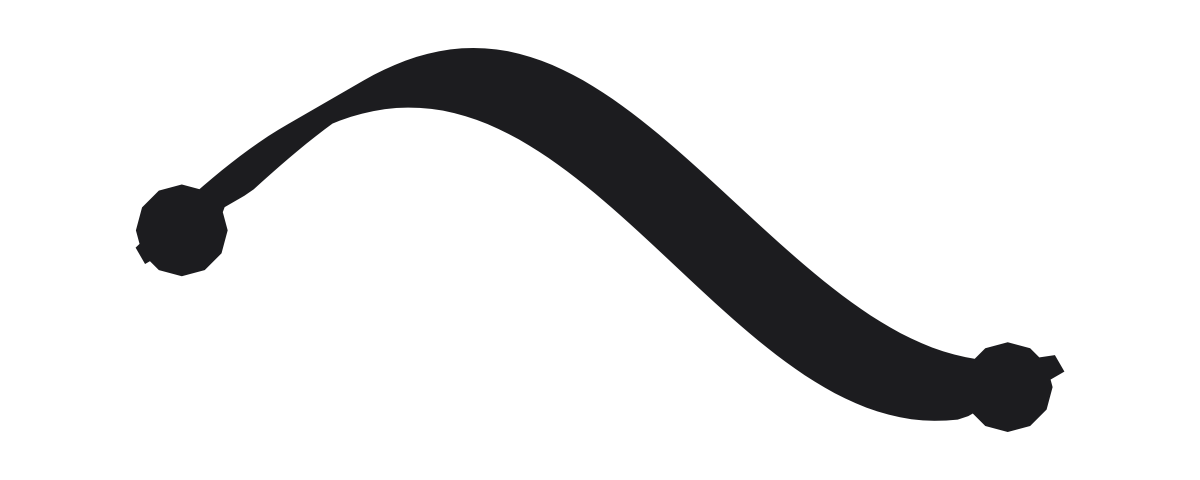
slanted chisel strokes, thick and thin
Factory size 30 · Steady 10%
A chisel-tip marker: a flat nib 1.6× Size long and 22% as thick, held at a fixed 30°. Moving across the edge draws the full width and moving along it a thin line, so stems, hairlines and diagonals get broad-edge contrast with no pressure at all. Both ends are cut along the nib's edge (Chisel caps), so every stroke starts and ends on a slant. Light pooling and bleed (20% each) give a felt-tip edge; pausing at an untapered end leaves a round blob nearly twice Size across.
Reads: direction, speed
With a finger: Draws exactly as with a Pencil, since width never depends on pressure. Because the nib angle is fixed, the Nib angle knob is offered on the picker's Options page as well as in the Studio.
| Setting | Range | Factory | What it does |
|---|
| Width at a light touch Studio › Stroke | 0.00× – 1.50× (Hairline … Bold) | 1.60× | Stroke width at the lightest pressure, as a multiple of Size. Needs pressure: a finger or mouse draws between this and the full-press width at the Line weight. Brush Studio › Stroke. needs pressure |
| Width at full press Studio › Stroke | 0.02× – 3.00× (Hairline … Bold) | 1.60× | Stroke width at full pressure, × Size. Set it equal to the light-touch width for a pen that ignores pressure. Brush Studio › Stroke. needs pressure |
| Pressure feel Studio › Stroke | 0.30× – 3.00× (Eager … Firm) | 1.00× | The curve between the two widths: below 1 the line swells early, above 1 it takes a firm press. Brush Studio › Stroke. needs pressure |
| Speed response Studio › Stroke | -1.00 – +1.00 (Thinner … Fatter) | 0.00 | Negative: fast strokes thin out. Positive: they fatten. At ±1 the width moves by up to 55% between a crawl and a racing stroke (five times the even pace of about 900 font units a second). Brush Studio › Stroke. |
| Line weight Studio › Stroke | 5% – 100% (Light … Heavy) | 50% | The force a stroke is drawn at when it has no pressure (a finger or a mouse). On iPhone and iPad, tapping a second finger while drawing flips between this weight and its heavy twin. It never changes strokes already drawn. Brush Studio › Stroke. |
| Nib shape Studio › Stroke › Nib | Choices: Round, Ellipse, Flat | Flat | The nib's footprint. Ellipse and Flat give thick and thin by direction; Round is the same width every way. Brush Studio › Stroke › Nib. |
| Nib thinness Studio › Stroke › Nib | 8% – 100% (Blade … Round) | 22% | An ellipse's or a flat nib's thin side against its wide side; lower is a sharper blade. No effect on a round nib. Brush Studio › Stroke › Nib. |
| Nib angle follows Studio › Stroke › Nib | Choices: Fixed, Pencil tilt (needs tilt), Stroke, Barrel roll (needs roll) | Fixed | What turns a shaped nib: Fixed holds the Nib angle; Pencil tilt follows the way the Apple Pencil points; Stroke follows the line's own direction plus the Nib angle; Barrel roll follows Apple Pencil Pro's roll. Without that sensor the nib holds the Nib angle. Brush Studio › Stroke › Nib. |
| Nib angle Studio › Stroke › Nib | 0° – 180° | 30° | The shaped nib's angle from horizontal (or its offset from the stroke direction on Stroke). No effect on a round nib. For a shaped nib held at a fixed angle it is also on the picker's Options page. Brush Studio › Stroke › Nib. |
| Tilt widens Studio › Stroke › Nib | 0% – 100% (None … Strong) | 0% | How much leaning the Apple Pencil broadens the line: at 100% a nearly flat Pencil draws up to 2.2× as wide. Needs tilt. Brush Studio › Stroke › Nib. needs tilt |
| Ink pooling Studio › Stroke › Dynamics | 0% – 100% (None … Strong) | 20% | Ink gathers in a round blob where the pen pauses (from about 0.08 s, full at about 0.6 s), up to 1.9× the line's width at 100%. Brush Studio › Stroke › Dynamics. |
| Edge roughness Studio › Stroke › Dynamics | 0% – 100% (Even … Strong) | 0% | Jitters the nib's rim inward by up to 35% at 100% for a ragged edge. Works on round and ellipse nibs only; a flat nib stays clean. Brush Studio › Stroke › Dynamics. |
| Bleed Studio › Stroke › Dynamics | 0% – 100% (None … Strong) | 20% | A slow outward wobble of the edge, like ink on soft paper: adds up to 12% of Size to the radius. Brush Studio › Stroke › Dynamics. |
| Start cap Studio › Ends | Choices: Round, Flat, Square, Pointed, Chisel, Blob | Chisel | The start's shape: Round (the nib), Flat (cut square at the end point), Square (cut square half a width past it), Pointed (closes to a point), Chisel (cut along the nib's edge), Blob (a pooled drop 1.35× the nib or more). Brush Studio › Ends. |
| End cap Studio › Ends | Choices: Round, Flat, Square, Pointed, Chisel, Blob | Chisel | The end's shape, with the same choices as Start cap. Brush Studio › Ends. |
| Start taper Studio › Ends | 0.0× – 6.0× (None … Long) | 0.0× | How far the line takes to grow from a point to full width, × Size (the Studio also shows font units). Brush Studio › Ends. |
| End taper Studio › Ends | 0.0× – 6.0× (None … Long) | 0.0× | How far before the end the line starts to thin, × Size. Brush Studio › Ends. |
| Taper shape Studio › Ends | Choices: Linear, Ease, Ink, Brush | Linear | The tapers' profile: Linear; Ease (an S-curve); Ink (swells quickly, then levels); Brush (stays thin for longer, a long fine tip). Brush Studio › Ends. |
| Finger taper Studio › Ends | 0% – 100% (None … Long) | 0% | Extra taper for strokes drawn without tilt data (a finger or a mouse): adds 2 × this × Size to both tapers, so finger strokes still end pointed. Brush Studio › Ends (› Stroke on iPhone and Mac). |
| Steady Studio › Steady | 0% – 100% (None … Strong) | 10% | Smooths a shaky hand by averaging the path over a distance (up to ±120 font units at 100%), so it works the same at any speed; the ends stay where you put them. Also a chip on the bottom bar. Brush Studio › Steady. |
| Pressure curve | Off, Linear, Soft, Firm (then five points, 0× – 3× each) | Off | Replaces the two widths and the feel with five widths from the lightest touch to full force: Linear 0.2× → 1.0×, Soft 0.35× → 1.05×, Firm 0.15× → 1.1×; each point then has its own slider. Made for Apple Pencil pressure; a finger or mouse uses the single point at its Line weight. Brush Studio › Advanced. |
Tips
- Change Nib angle to set your letters' stress: 30°–45° for italic, 0° for thick verticals and thin horizontals.
- Set Nib angle follows to Stroke for a nib that turns with the line, or Pencil tilt to steer it with the Pencil.
- Edge roughness has no effect on this flat nib.
Fountain
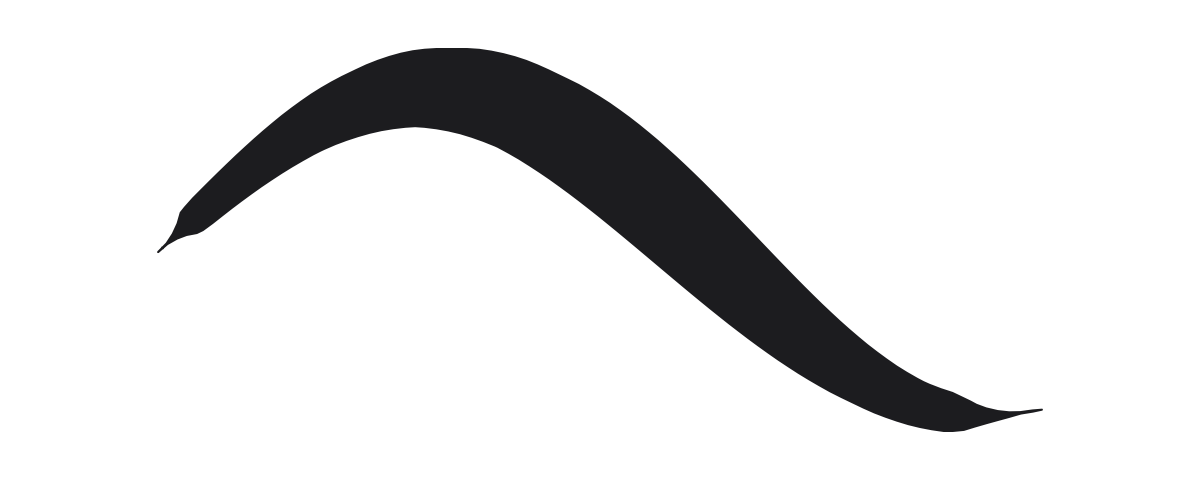
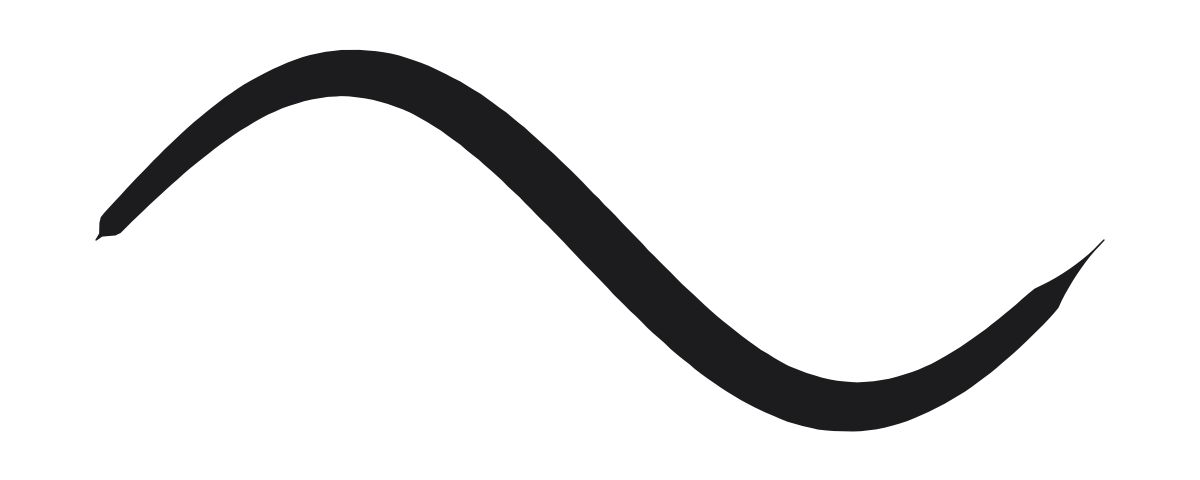
swells with pressure, pointed tips
Factory size 30 · Steady 15%
A flex-nib fountain pen: pressure swells it from 0.32× to 1.75× Size on a slightly firm curve (1.35), with long brush-shaped tapers (0.9× Size in, 1.6× out) to pointed tips. Leaning the Apple Pencil broadens it a little (Tilt widens 25%), and a touch of pooling and bleed (15%, 10%) softens pauses and edges.
Reads: pressure, tilt, speed
With a finger: A finger has no pressure or tilt: it draws at the Line weight (50% by default), and with “Speed shades the line” on in Settings (the default) fast finger strokes come out lighter. That is about 0.88× Size with no tilt widening, and an extra 1.0× Size of taper at each end (Finger taper 50%). A second-finger tap flips to the heavy weight, about 1.56× Size.
| Setting | Range | Factory | What it does |
|---|
| Width at a light touch Studio › Stroke | 0.00× – 1.50× (Hairline … Bold) | 0.32× | Stroke width at the lightest pressure, as a multiple of Size. Needs pressure: a finger or mouse draws between this and the full-press width at the Line weight. Brush Studio › Stroke. needs pressure |
| Width at full press Studio › Stroke | 0.02× – 3.00× (Hairline … Bold) | 1.75× | Stroke width at full pressure, × Size. Set it equal to the light-touch width for a pen that ignores pressure. Brush Studio › Stroke. needs pressure |
| Pressure feel Studio › Stroke | 0.30× – 3.00× (Eager … Firm) | 1.35× | The curve between the two widths: below 1 the line swells early, above 1 it takes a firm press. Brush Studio › Stroke. needs pressure |
| Speed response Studio › Stroke | -1.00 – +1.00 (Thinner … Fatter) | 0.00 | Negative: fast strokes thin out. Positive: they fatten. At ±1 the width moves by up to 55% between a crawl and a racing stroke (five times the even pace of about 900 font units a second). Brush Studio › Stroke. |
| Line weight Studio › Stroke | 5% – 100% (Light … Heavy) | 50% | The force a stroke is drawn at when it has no pressure (a finger or a mouse). On iPhone and iPad, tapping a second finger while drawing flips between this weight and its heavy twin. It never changes strokes already drawn. Brush Studio › Stroke. |
| Nib shape Studio › Stroke › Nib | Choices: Round, Ellipse, Flat | Round | The nib's footprint. Ellipse and Flat give thick and thin by direction; Round is the same width every way. Brush Studio › Stroke › Nib. |
| Nib thinness Studio › Stroke › Nib | 8% – 100% (Blade … Round) | 100% | An ellipse's or a flat nib's thin side against its wide side; lower is a sharper blade. No effect on a round nib. Brush Studio › Stroke › Nib. |
| Nib angle follows Studio › Stroke › Nib | Choices: Fixed, Pencil tilt (needs tilt), Stroke, Barrel roll (needs roll) | Fixed | What turns a shaped nib: Fixed holds the Nib angle; Pencil tilt follows the way the Apple Pencil points; Stroke follows the line's own direction plus the Nib angle; Barrel roll follows Apple Pencil Pro's roll. Without that sensor the nib holds the Nib angle. Brush Studio › Stroke › Nib. |
| Nib angle Studio › Stroke › Nib | 0° – 180° | 30° | The shaped nib's angle from horizontal (or its offset from the stroke direction on Stroke). No effect on a round nib. For a shaped nib held at a fixed angle it is also on the picker's Options page. Brush Studio › Stroke › Nib. |
| Tilt widens Studio › Stroke › Nib | 0% – 100% (None … Strong) | 25% | How much leaning the Apple Pencil broadens the line: at 100% a nearly flat Pencil draws up to 2.2× as wide. Needs tilt. Brush Studio › Stroke › Nib. needs tilt |
| Ink pooling Studio › Stroke › Dynamics | 0% – 100% (None … Strong) | 15% | Ink gathers in a round blob where the pen pauses (from about 0.08 s, full at about 0.6 s), up to 1.9× the line's width at 100%. Brush Studio › Stroke › Dynamics. |
| Edge roughness Studio › Stroke › Dynamics | 0% – 100% (Even … Strong) | 0% | Jitters the nib's rim inward by up to 35% at 100% for a ragged edge. Works on round and ellipse nibs only; a flat nib stays clean. Brush Studio › Stroke › Dynamics. |
| Bleed Studio › Stroke › Dynamics | 0% – 100% (None … Strong) | 10% | A slow outward wobble of the edge, like ink on soft paper: adds up to 12% of Size to the radius. Brush Studio › Stroke › Dynamics. |
| Start cap Studio › Ends | Choices: Round, Flat, Square, Pointed, Chisel, Blob | Pointed | The start's shape: Round (the nib), Flat (cut square at the end point), Square (cut square half a width past it), Pointed (closes to a point), Chisel (cut along the nib's edge), Blob (a pooled drop 1.35× the nib or more). Brush Studio › Ends. |
| End cap Studio › Ends | Choices: Round, Flat, Square, Pointed, Chisel, Blob | Pointed | The end's shape, with the same choices as Start cap. Brush Studio › Ends. |
| Start taper Studio › Ends | 0.0× – 6.0× (None … Long) | 0.9× | How far the line takes to grow from a point to full width, × Size (the Studio also shows font units). Brush Studio › Ends. |
| End taper Studio › Ends | 0.0× – 6.0× (None … Long) | 1.6× | How far before the end the line starts to thin, × Size. Brush Studio › Ends. |
| Taper shape Studio › Ends | Choices: Linear, Ease, Ink, Brush | Brush | The tapers' profile: Linear; Ease (an S-curve); Ink (swells quickly, then levels); Brush (stays thin for longer, a long fine tip). Brush Studio › Ends. |
| Finger taper Studio › Ends | 0% – 100% (None … Long) | 50% | Extra taper for strokes drawn without tilt data (a finger or a mouse): adds 2 × this × Size to both tapers, so finger strokes still end pointed. Brush Studio › Ends (› Stroke on iPhone and Mac). |
| Steady Studio › Steady | 0% – 100% (None … Strong) | 15% | Smooths a shaky hand by averaging the path over a distance (up to ±120 font units at 100%), so it works the same at any speed; the ends stay where you put them. Also a chip on the bottom bar. Brush Studio › Steady. |
| Pressure curve | Off, Linear, Soft, Firm (then five points, 0× – 3× each) | Off | Replaces the two widths and the feel with five widths from the lightest touch to full force: Linear 0.2× → 1.0×, Soft 0.35× → 1.05×, Firm 0.15× → 1.1×; each point then has its own slider. Made for Apple Pencil pressure; a finger or mouse uses the single point at its Line weight. Brush Studio › Advanced. |
Tips
- Copperplate-style contrast: press on downstrokes, release on upstrokes and joins.
- Lower Pressure feel below 1 if the swell comes too late for your hand.
A sumi brush: from a whisper (0.12× Size) to bold (1.9×) on a firm pressure curve (1.6), so the line stays thin until you really press. It enters over 0.6× Size and trails off in a long brush tail (2.4×) to pointed tips. Fast strokes thin noticeably (Speed response -0.35), leaning the Pencil broadens it (Tilt widens 40%), pauses pool ink (30%), and the rim is faintly rough and bleeding.
Reads: pressure, tilt, speed
With a finger: A finger has no pressure or tilt: it draws at the Line weight (50% by default), and with “Speed shades the line” on in Settings (the default) fast finger strokes come out lighter. That is about 0.71× Size, with an extra 1.6× Size of taper at each end (Finger taper 80%); a second-finger tap flips to about 1.6× Size.
| Setting | Range | Factory | What it does |
|---|
| Width at a light touch Studio › Stroke | 0.00× – 1.50× (Hairline … Bold) | 0.12× | Stroke width at the lightest pressure, as a multiple of Size. Needs pressure: a finger or mouse draws between this and the full-press width at the Line weight. Brush Studio › Stroke. needs pressure |
| Width at full press Studio › Stroke | 0.02× – 3.00× (Hairline … Bold) | 1.90× | Stroke width at full pressure, × Size. Set it equal to the light-touch width for a pen that ignores pressure. Brush Studio › Stroke. needs pressure |
| Pressure feel Studio › Stroke | 0.30× – 3.00× (Eager … Firm) | 1.60× | The curve between the two widths: below 1 the line swells early, above 1 it takes a firm press. Brush Studio › Stroke. needs pressure |
| Speed response Studio › Stroke | -1.00 – +1.00 (Thinner … Fatter) | -0.35 | Negative: fast strokes thin out. Positive: they fatten. At ±1 the width moves by up to 55% between a crawl and a racing stroke (five times the even pace of about 900 font units a second). Brush Studio › Stroke. |
| Line weight Studio › Stroke | 5% – 100% (Light … Heavy) | 50% | The force a stroke is drawn at when it has no pressure (a finger or a mouse). On iPhone and iPad, tapping a second finger while drawing flips between this weight and its heavy twin. It never changes strokes already drawn. Brush Studio › Stroke. |
| Nib shape Studio › Stroke › Nib | Choices: Round, Ellipse, Flat | Round | The nib's footprint. Ellipse and Flat give thick and thin by direction; Round is the same width every way. Brush Studio › Stroke › Nib. |
| Nib thinness Studio › Stroke › Nib | 8% – 100% (Blade … Round) | 100% | An ellipse's or a flat nib's thin side against its wide side; lower is a sharper blade. No effect on a round nib. Brush Studio › Stroke › Nib. |
| Nib angle follows Studio › Stroke › Nib | Choices: Fixed, Pencil tilt (needs tilt), Stroke, Barrel roll (needs roll) | Fixed | What turns a shaped nib: Fixed holds the Nib angle; Pencil tilt follows the way the Apple Pencil points; Stroke follows the line's own direction plus the Nib angle; Barrel roll follows Apple Pencil Pro's roll. Without that sensor the nib holds the Nib angle. Brush Studio › Stroke › Nib. |
| Nib angle Studio › Stroke › Nib | 0° – 180° | 30° | The shaped nib's angle from horizontal (or its offset from the stroke direction on Stroke). No effect on a round nib. For a shaped nib held at a fixed angle it is also on the picker's Options page. Brush Studio › Stroke › Nib. |
| Tilt widens Studio › Stroke › Nib | 0% – 100% (None … Strong) | 40% | How much leaning the Apple Pencil broadens the line: at 100% a nearly flat Pencil draws up to 2.2× as wide. Needs tilt. Brush Studio › Stroke › Nib. needs tilt |
| Ink pooling Studio › Stroke › Dynamics | 0% – 100% (None … Strong) | 30% | Ink gathers in a round blob where the pen pauses (from about 0.08 s, full at about 0.6 s), up to 1.9× the line's width at 100%. Brush Studio › Stroke › Dynamics. |
| Edge roughness Studio › Stroke › Dynamics | 0% – 100% (Even … Strong) | 5% | Jitters the nib's rim inward by up to 35% at 100% for a ragged edge. Works on round and ellipse nibs only; a flat nib stays clean. Brush Studio › Stroke › Dynamics. |
| Bleed Studio › Stroke › Dynamics | 0% – 100% (None … Strong) | 10% | A slow outward wobble of the edge, like ink on soft paper: adds up to 12% of Size to the radius. Brush Studio › Stroke › Dynamics. |
| Start cap Studio › Ends | Choices: Round, Flat, Square, Pointed, Chisel, Blob | Pointed | The start's shape: Round (the nib), Flat (cut square at the end point), Square (cut square half a width past it), Pointed (closes to a point), Chisel (cut along the nib's edge), Blob (a pooled drop 1.35× the nib or more). Brush Studio › Ends. |
| End cap Studio › Ends | Choices: Round, Flat, Square, Pointed, Chisel, Blob | Pointed | The end's shape, with the same choices as Start cap. Brush Studio › Ends. |
| Start taper Studio › Ends | 0.0× – 6.0× (None … Long) | 0.6× | How far the line takes to grow from a point to full width, × Size (the Studio also shows font units). Brush Studio › Ends. |
| End taper Studio › Ends | 0.0× – 6.0× (None … Long) | 2.4× | How far before the end the line starts to thin, × Size. Brush Studio › Ends. |
| Taper shape Studio › Ends | Choices: Linear, Ease, Ink, Brush | Brush | The tapers' profile: Linear; Ease (an S-curve); Ink (swells quickly, then levels); Brush (stays thin for longer, a long fine tip). Brush Studio › Ends. |
| Finger taper Studio › Ends | 0% – 100% (None … Long) | 80% | Extra taper for strokes drawn without tilt data (a finger or a mouse): adds 2 × this × Size to both tapers, so finger strokes still end pointed. Brush Studio › Ends (› Stroke on iPhone and Mac). |
| Steady Studio › Steady | 0% – 100% (None … Strong) | 25% | Smooths a shaky hand by averaging the path over a distance (up to ±120 font units at 100%), so it works the same at any speed; the ends stay where you put them. Also a chip on the bottom bar. Brush Studio › Steady. |
| Pressure curve | Off, Linear, Soft, Firm (then five points, 0× – 3× each) | Off | Replaces the two widths and the feel with five widths from the lightest touch to full force: Linear 0.2× → 1.0×, Soft 0.35× → 1.05×, Firm 0.15× → 1.1×; each point then has its own slider. Made for Apple Pencil pressure; a finger or mouse uses the single point at its Line weight. Brush Studio › Advanced. |
Tips
- Brush script: slow, heavy downstrokes and quick, light upstrokes — speed and pressure both thin the line.
- Short strokes stay thin because of the long tail; shorten End taper for compact letters.