Motion
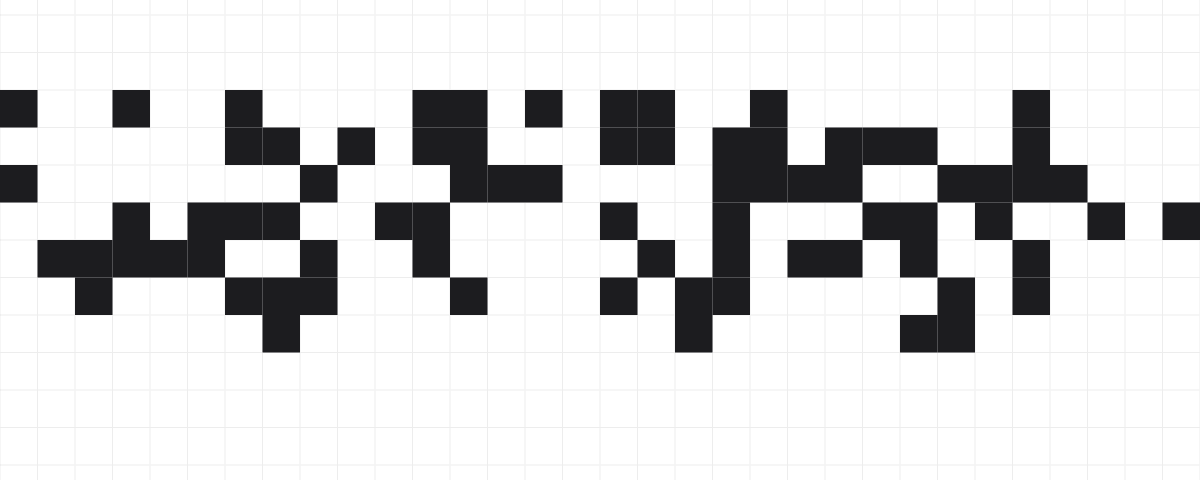
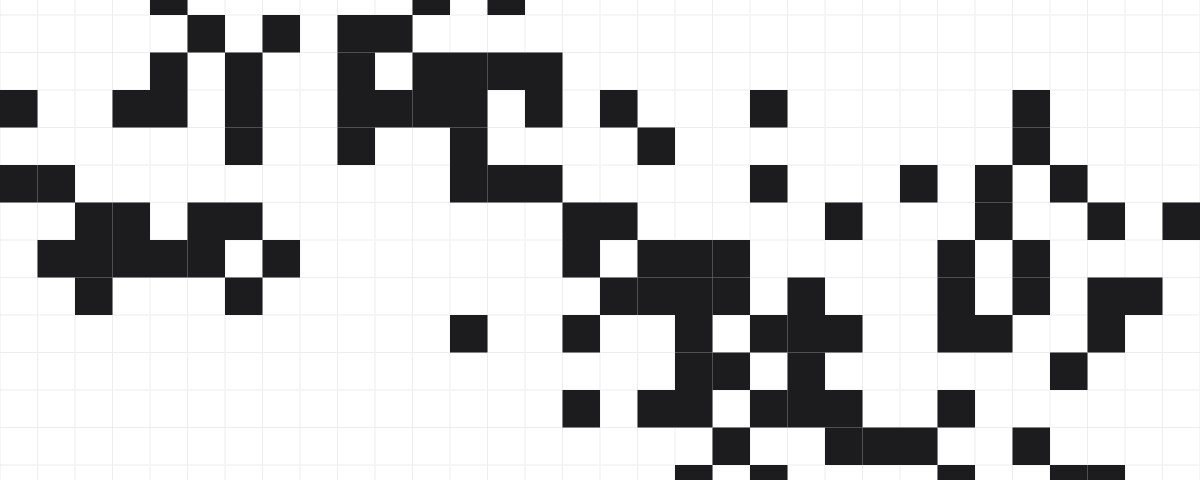
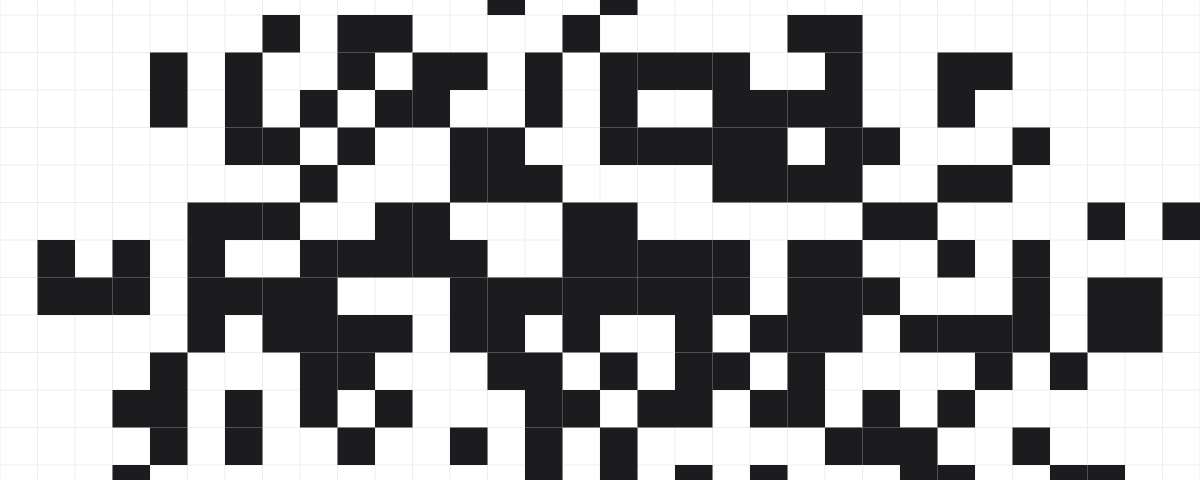
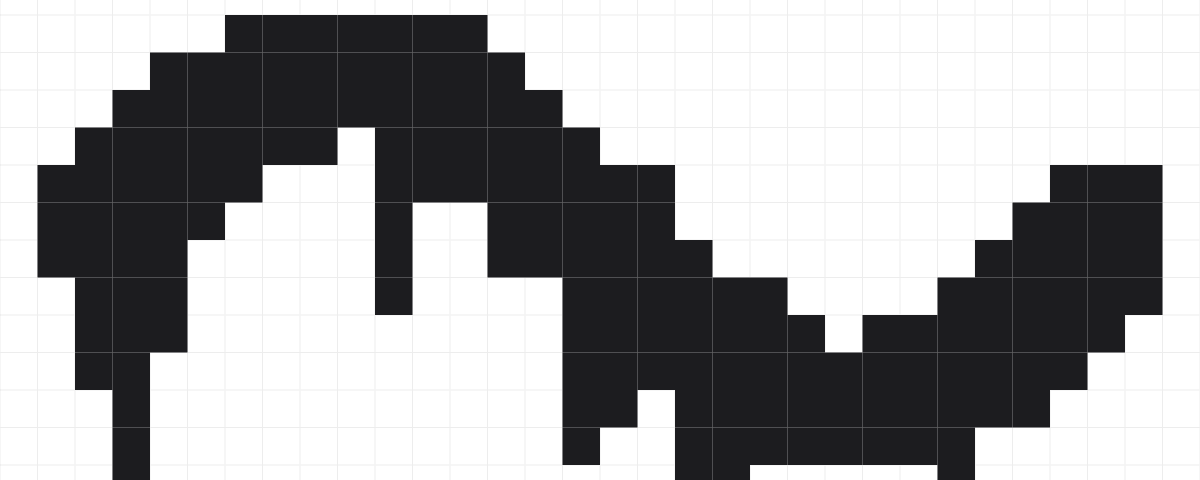
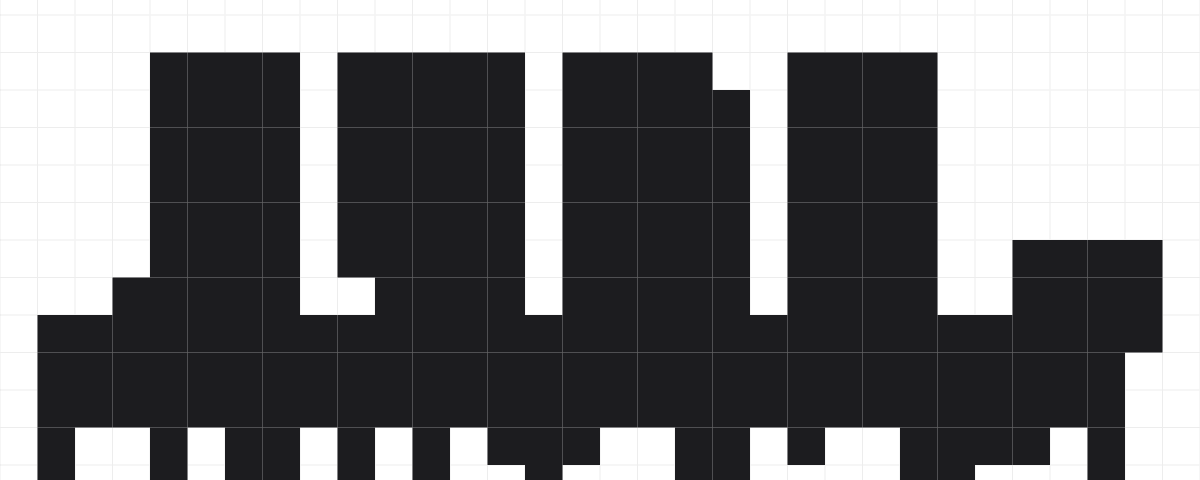
Copies and displacement: an offset shadow, trailing echoes, swaying rows, row tears, wandering cells and drips.
How these brushes work
- Pixel brushes
- For pixel fonts, drawn on a grid of cells spanning the em. A drag stamps a square of Size × Size cells every half cell along its path; each mode then shapes the stamp, filters it through a pattern fixed to the grid, shears its rows, or adds copies, growth or wear. Cells are stored as they are painted, so randomness is baked in; erasing keeps the fixed patterns (dither, scanlines, stipple, hatches, tiles, crackle, weighted) and erases a plain square for the rest.
The brushes
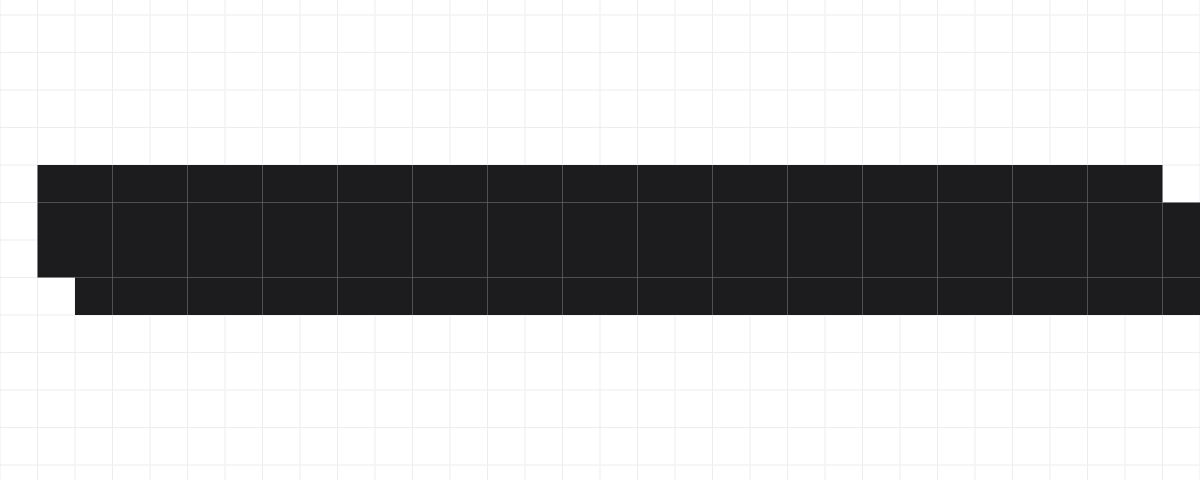
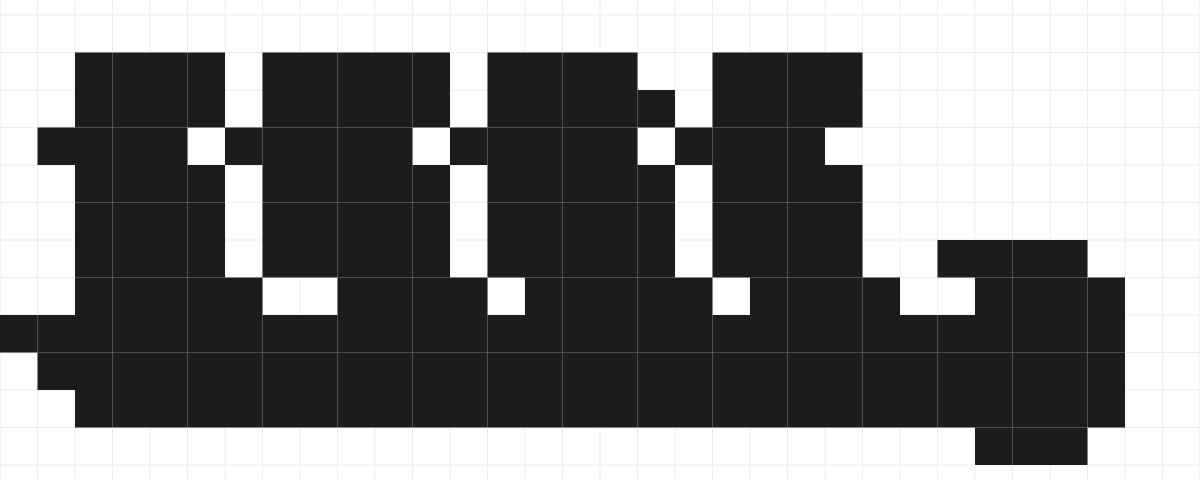
Paints the stamp and a copy of it shifted by Shift left/right and Shift down/up cells — by default half the Size (at least one cell) right and down — so every stroke gets a solid drop shadow. Erasing with it clears a plain square.
Reads: nothing but where you draw
With a finger: Works the same with a finger, an Apple Pencil or a mouse: pixel brushes never read pressure or tilt, only where you drag.
| Setting | Range | Factory | What it does |
|---|
| Shift left/right Options page | ← 16 – → 16 | → 1 | Where the copy lands sideways, in cells. |
| Shift down/up Options page | ↓ 16 – ↑ 16 | ↓ 1 | Where the copy lands vertically, in cells. |
Tips
- In one colour the shadow merges with the stroke; shift it more than the Size for a separate copy.
- Keep the same shift across a font so every letter is lit from one side.
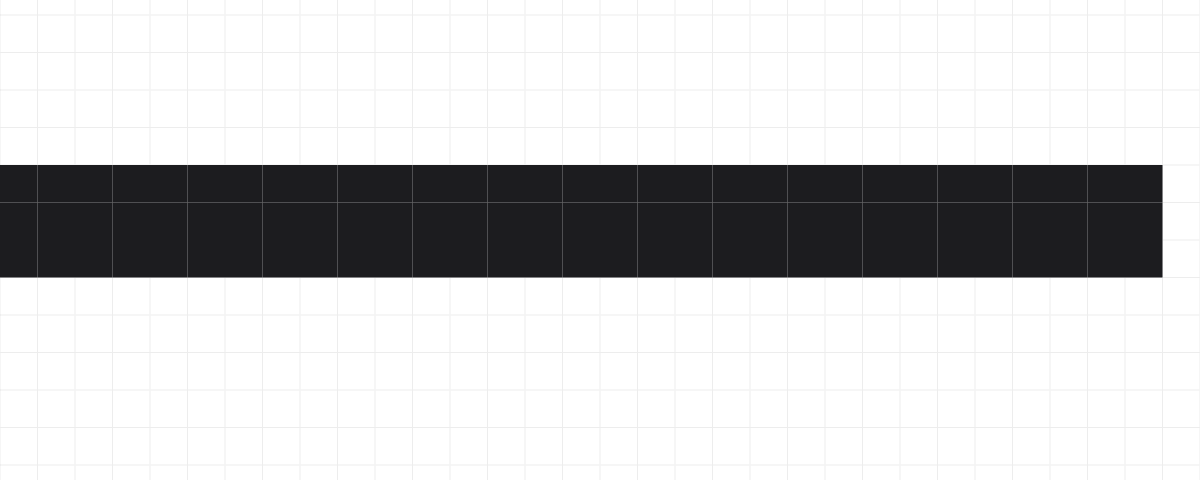
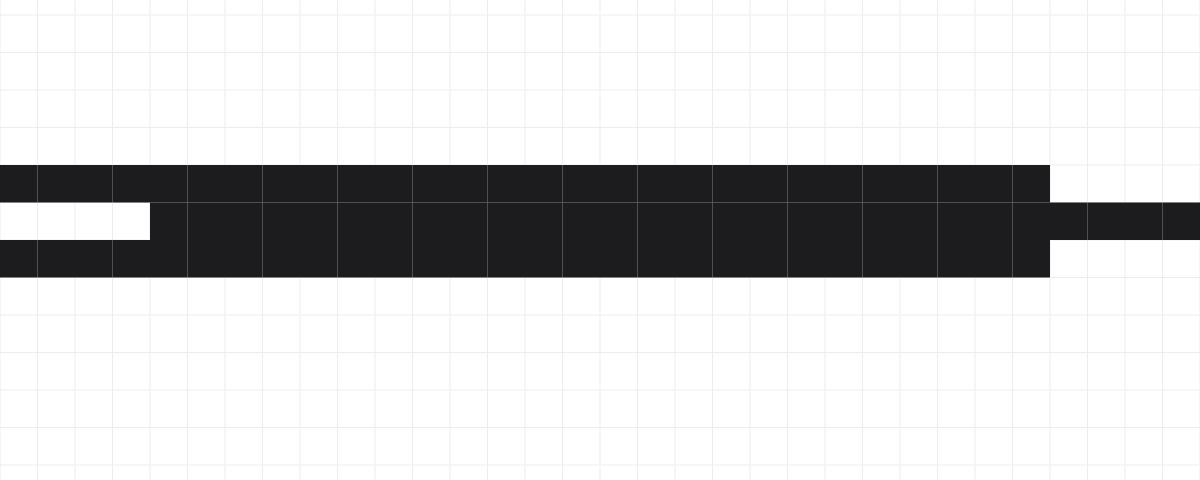
Paints the stamp plus Echo count copies trailing behind the direction you drag, each Echo spacing cells further back (Size + 1 by default). Before the drag has a direction (the first touch), copies land to the right. Erasing with it clears a plain square.
Reads: direction
With a finger: Works the same with a finger, an Apple Pencil or a mouse; only the drag's direction matters.
| Setting | Range | Factory | What it does |
|---|
| Echo count Options page | Choices: 1, 2, 3, 4 | 2 | How many copies trail the stamp. |
| Echo spacing Options page | 1 – 16 | 4 | Cells between copies. Also sized by the Pattern chip on the bottom bar. |
Tips
- Echoes trail behind your motion, so the drawing direction decides which side they fall on.
- A spacing of Size + 1 or more keeps copies separate; smaller merges them into a smear.
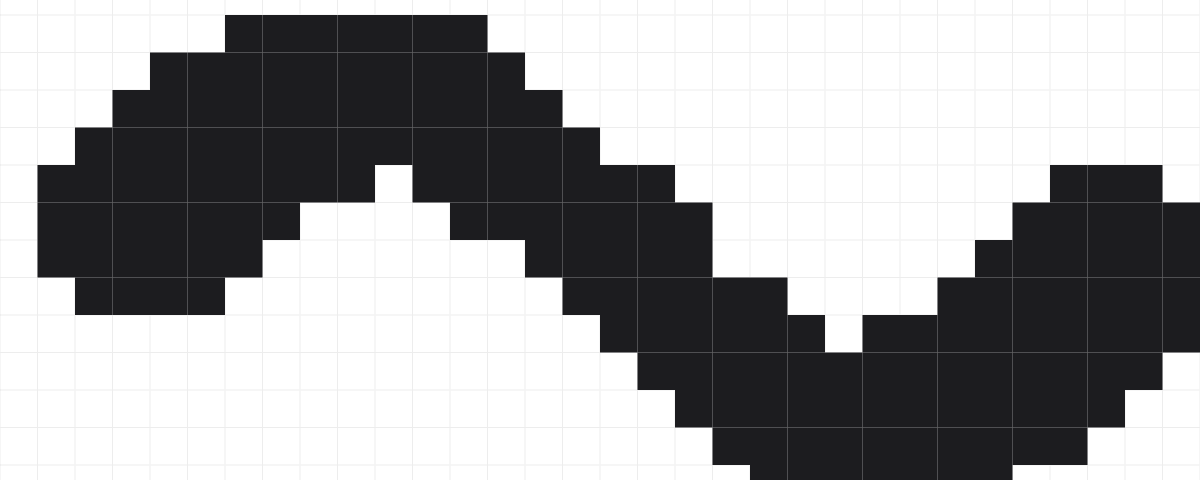
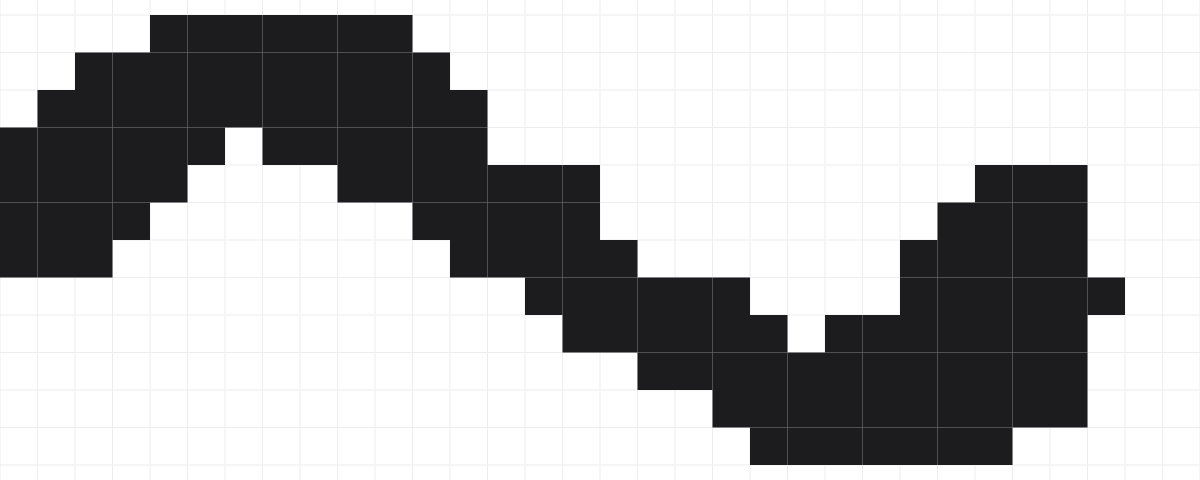
Shifts each row of the stamp sideways by a sine of its height: up to (Size + 2) × Sway width cells, repeating every Wave length rows (6 × (Size + 1) by default). The sway belongs to the grid, so every stroke sways in step. Erasing with it clears a plain square.
Reads: nothing but where you draw
With a finger: Works the same with a finger, an Apple Pencil or a mouse: pixel brushes never read pressure or tilt, only where you drag.
| Setting | Range | Factory | What it does |
|---|
| Sway width Options page · pen bar: Sway | 0% – 100% (Narrow … Wide) | 50% | How far rows sway sideways. Also a chip on the bottom bar (“Sway”). |
| Wave length Options page | 4 – 64 | 24 | Rows per full sway. |
Tips
- Draw straight stems and let the brush add the wave.
- Horizontal strokes only shift; the sway shows on verticals and diagonals.
Shifts each row of the stamp sideways by a fixed amount for that row — up to 2 + Size cells either way, now and then 2.6× that — so the stroke tears. The tears stay put for a row within one drag (a coherent shear) and change with every new drag. Erasing with it clears a plain square.
Reads: nothing but where you draw
With a finger: Works the same with a finger, an Apple Pencil or a mouse: pixel brushes never read pressure or tilt, only where you drag.
No settings of its own beyond size.
Tips
- Tears can land far from the line; leave room around letters.
- Redraw a stroke for a different tear: each drag gets its own seed.
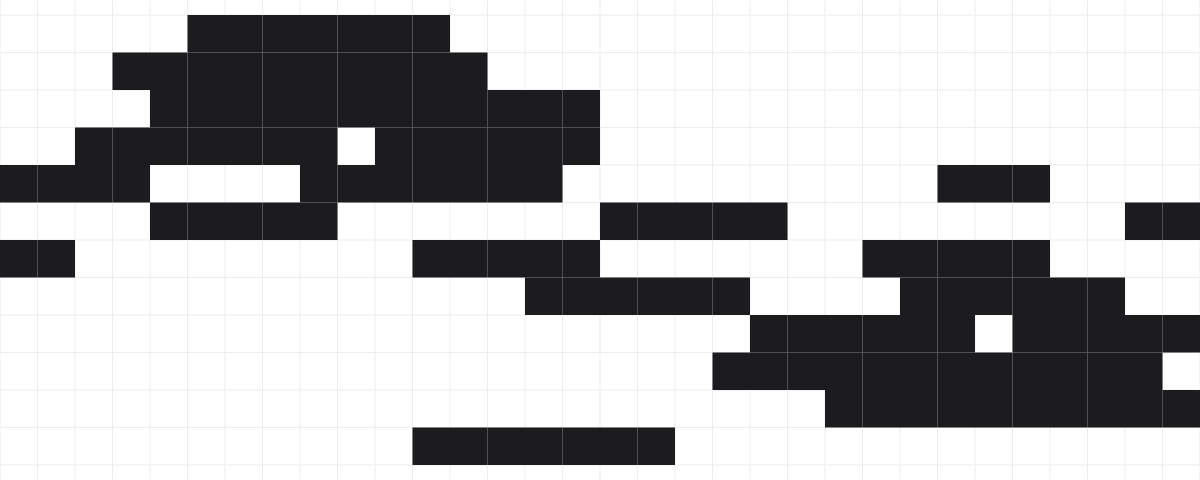
Moves every cell of the stamp by a random offset of up to 1 + 1.5 × Size × Scatter distance cells in x and y (seeded per stroke), so pixels wander off the line. Erasing with it clears a plain square.
Reads: nothing but where you draw
With a finger: Works the same with a finger, an Apple Pencil or a mouse: pixel brushes never read pressure or tilt, only where you drag.
| Setting | Range | Factory | What it does |
|---|
| Scatter distance Options page · pen bar: Distance | 0% – 100% (Near … Far) | 50% | How far cells wander. Also a chip on the bottom bar (“Distance”). |
Tips
- Keep Scatter distance low for letters that still read.
- Go over a stroke again for more scattered pixels: a new drag scatters differently.
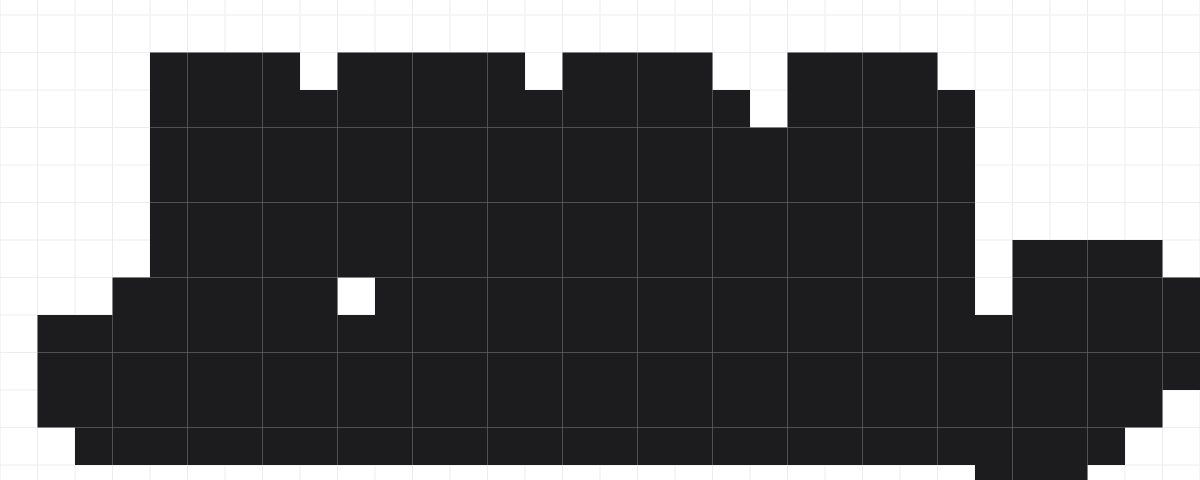
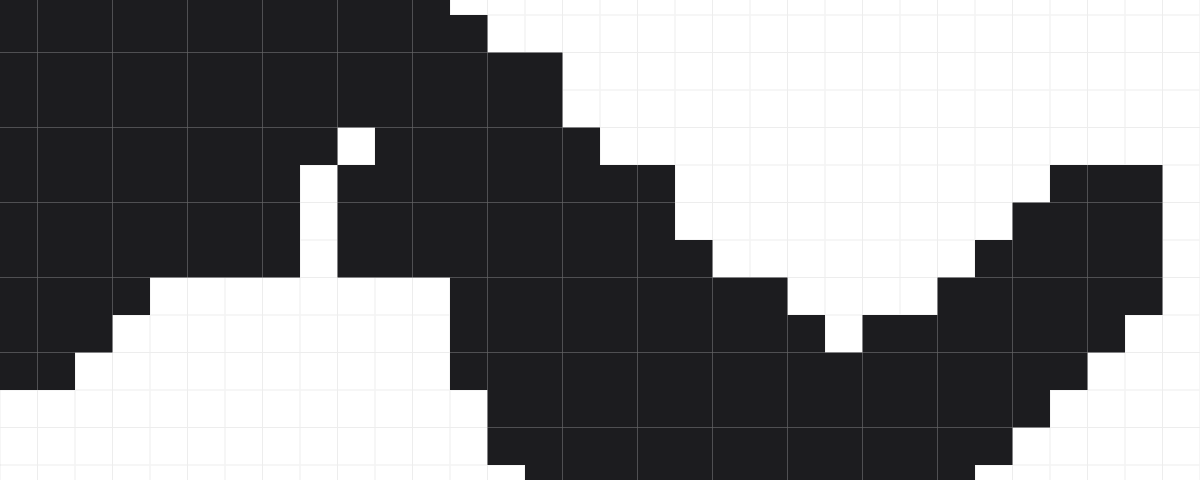
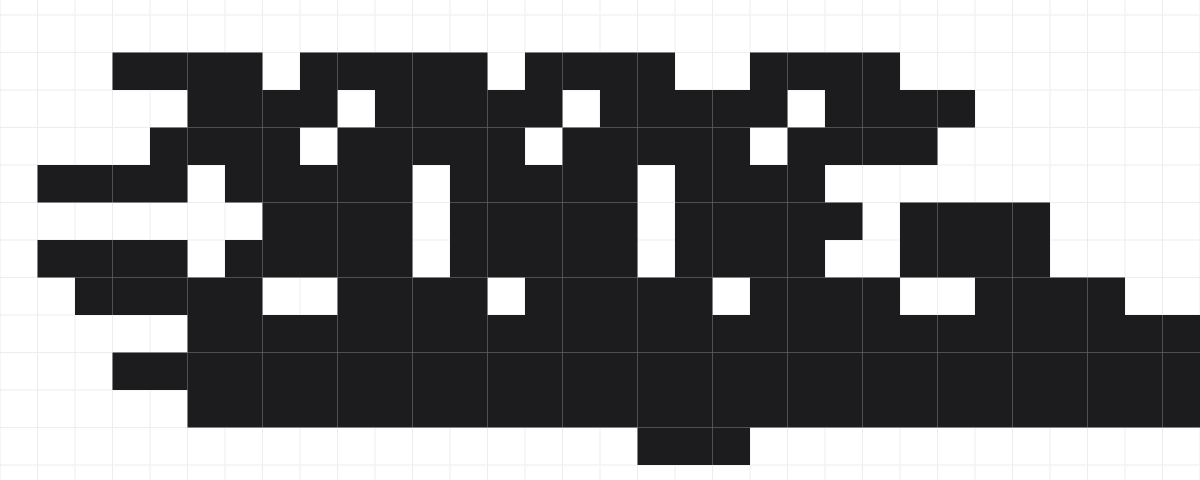
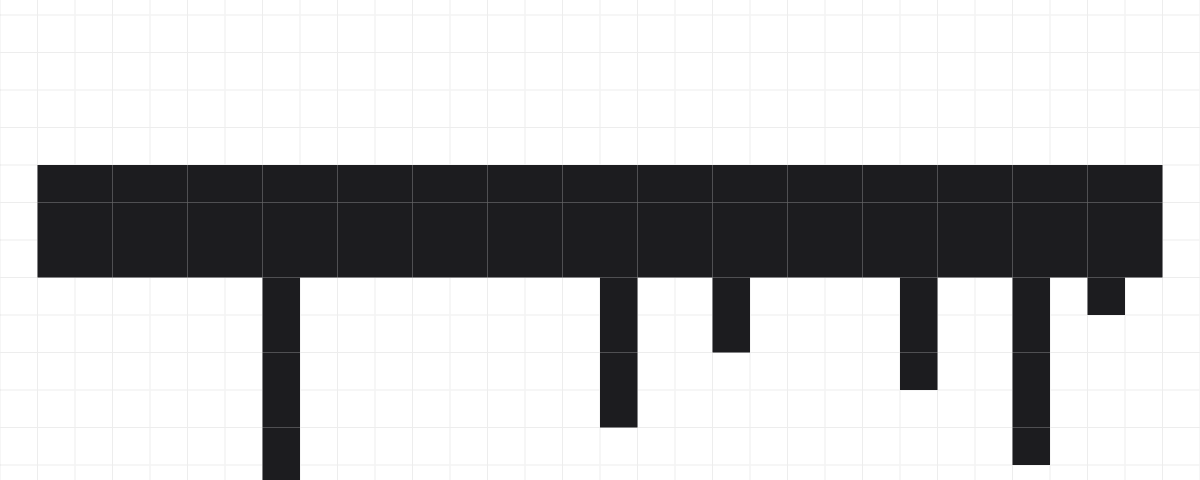
Cells along the bottom edge of each stamp sometimes run straight down: each has an 8% + 25% × Drip frequency chance (about 20% at the default) of a run 1 to Drip length cells long (2 × Size + 1 by default). Drips always fall toward the bottom of the grid. Erasing with it clears a plain square.
Reads: nothing but where you draw
With a finger: Works the same with a finger, an Apple Pencil or a mouse: pixel brushes never read pressure or tilt, only where you drag.
| Setting | Range | Factory | What it does |
|---|
| Drip frequency Options page | 0% – 100% (Rare … Frequent) | 50% | How often bottom cells drip. |
| Drip length Options page | 2 – 32 | 7 | Longest drip in cells. Also sized by the Pattern chip on the bottom bar. |
Tips
- Horizontal strokes collect the most drips.
- Drips may run into the descender; check the letters below.