Texture
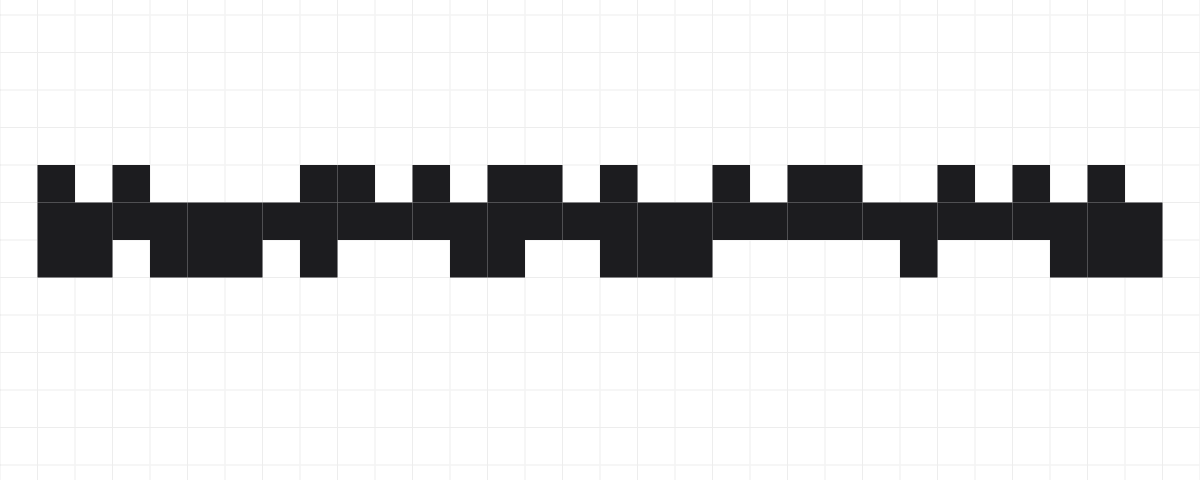
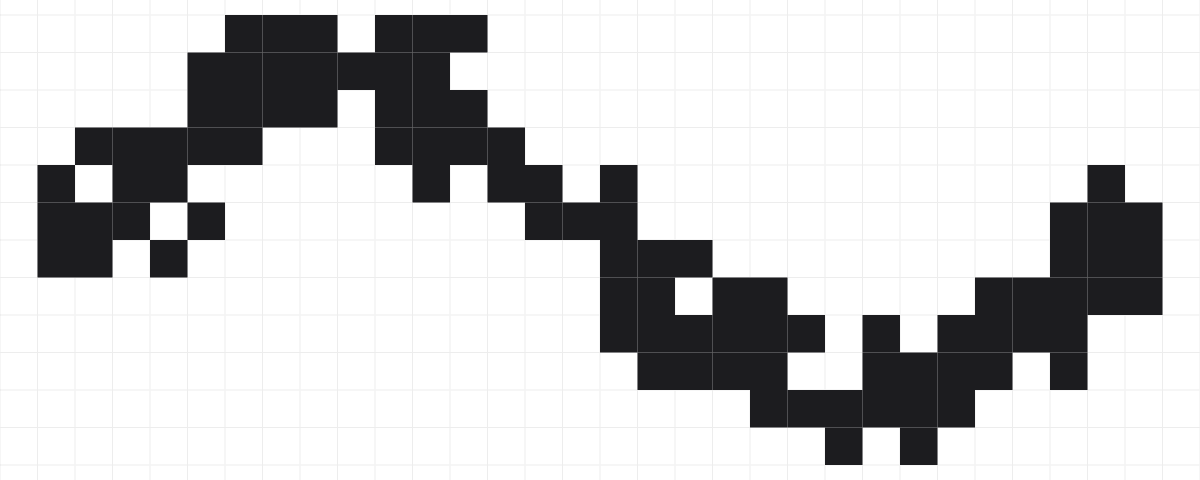
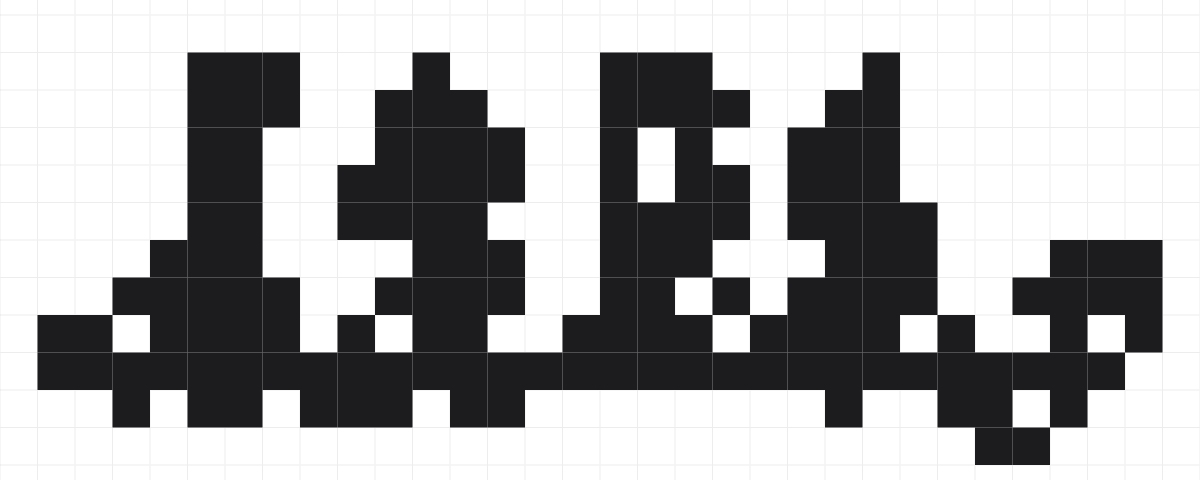
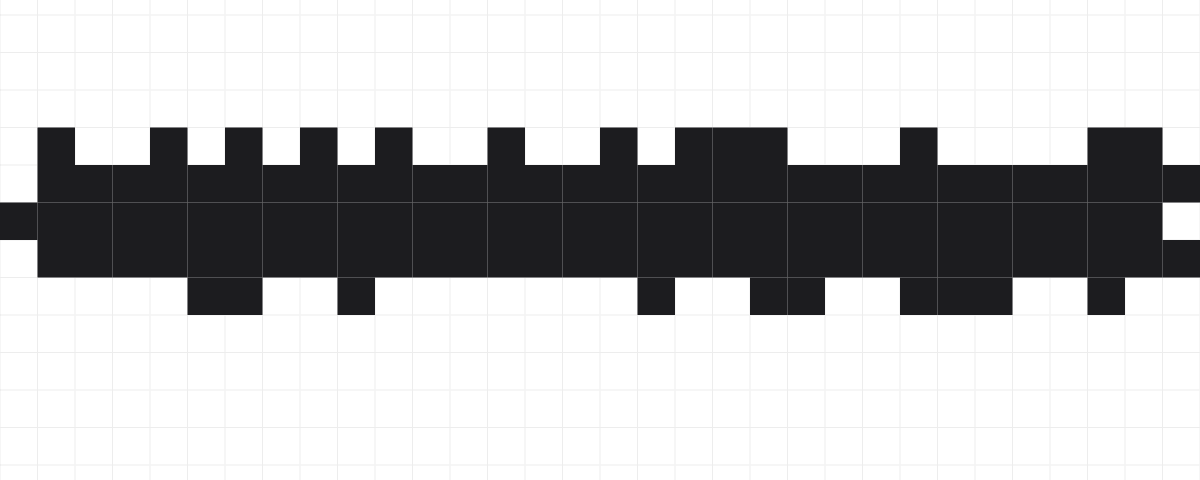
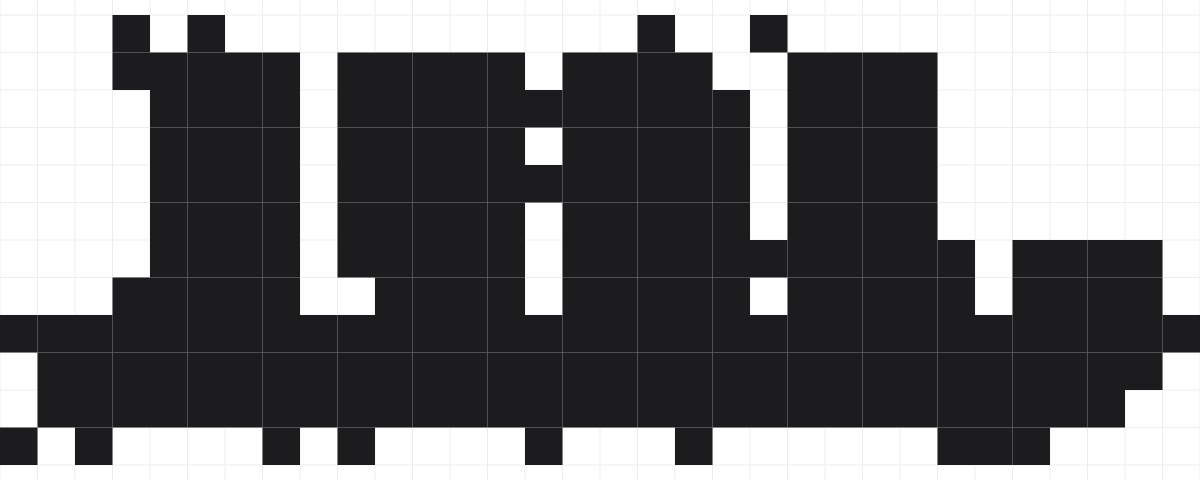
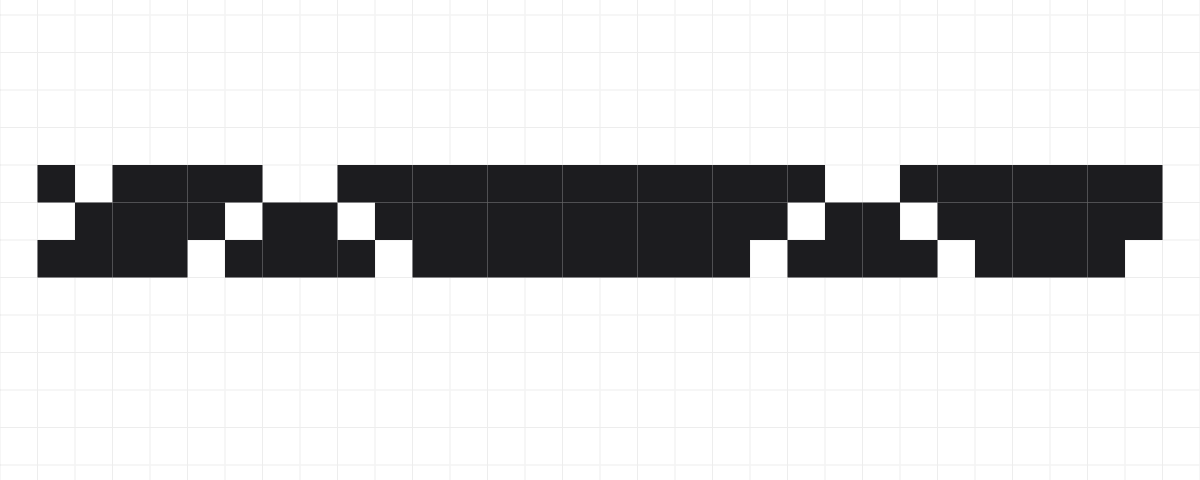
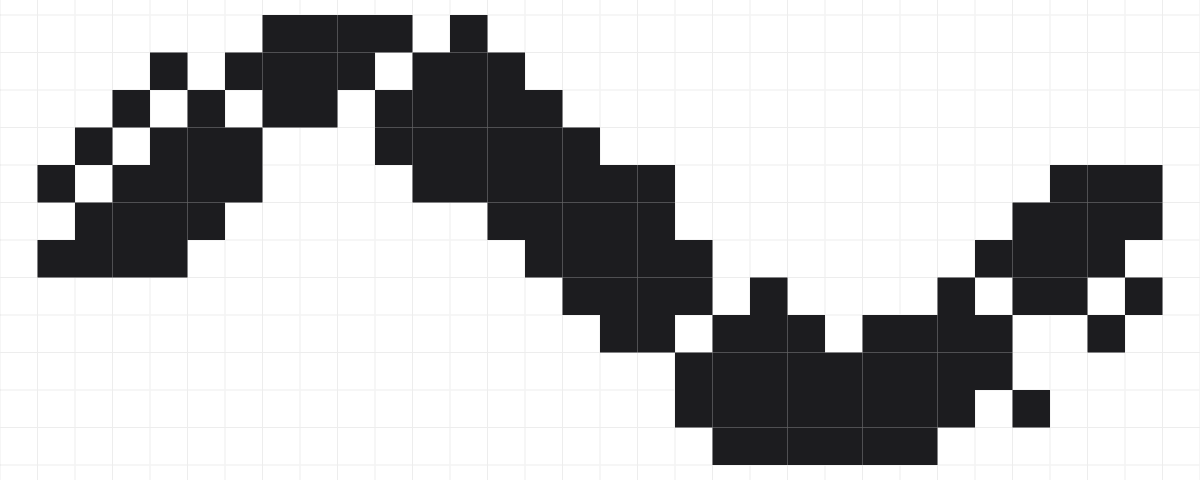
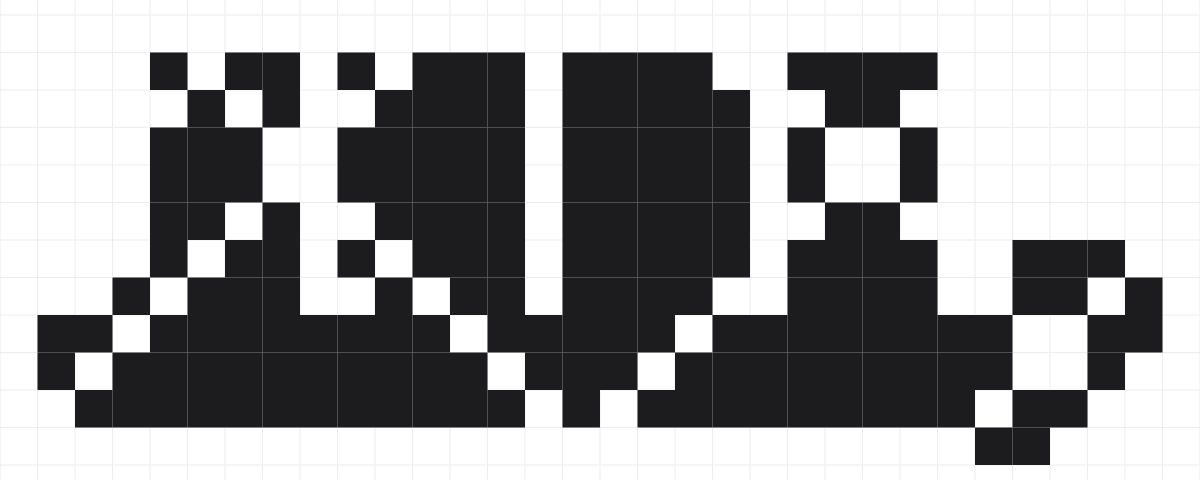
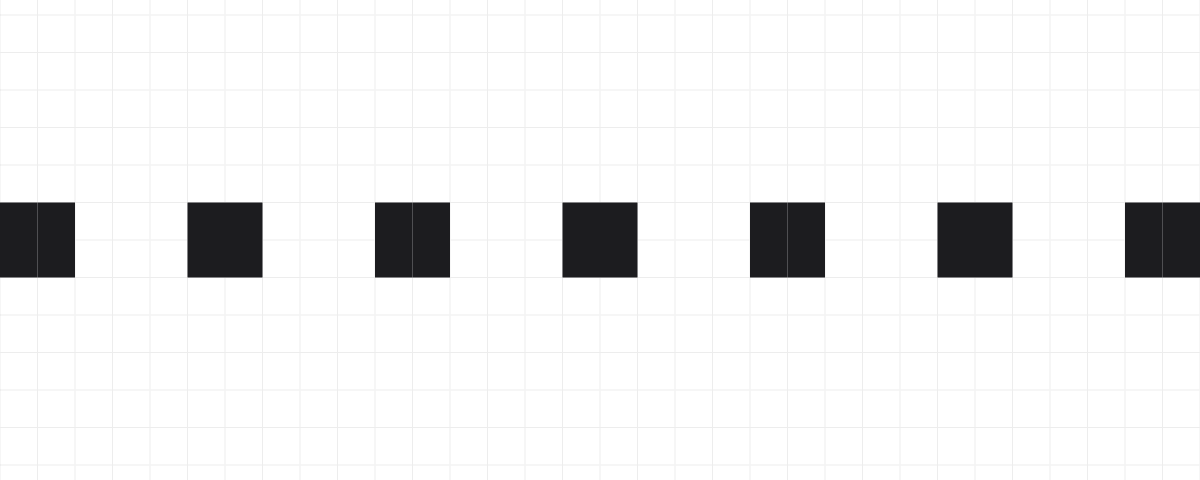
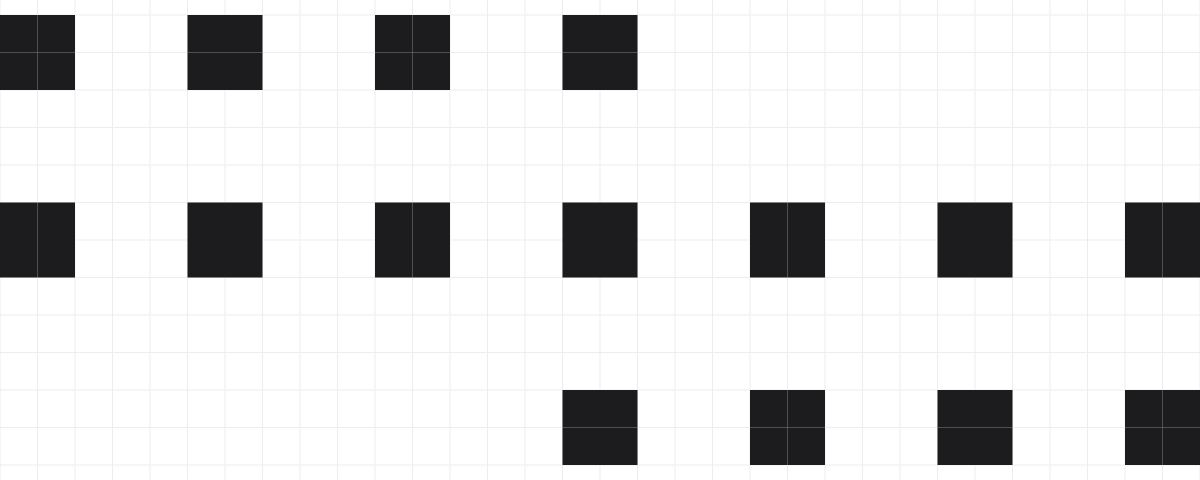
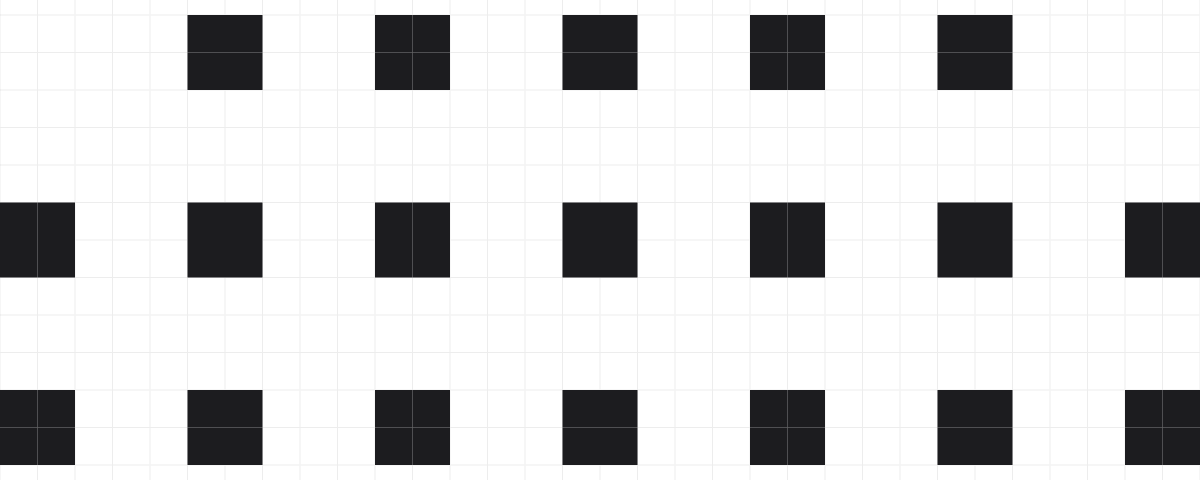
Edge damage on the grid: worn borders, blooming neighbours, fuzz, diagonal cracks and magnetic clusters.
How these brushes work
- Pixel brushes
- For pixel fonts, drawn on a grid of cells spanning the em. A drag stamps a square of Size × Size cells every half cell along its path; each mode then shapes the stamp, filters it through a pattern fixed to the grid, shears its rows, or adds copies, growth or wear. Cells are stored as they are painted, so randomness is baked in; erasing keeps the fixed patterns (dither, scanlines, stipple, hatches, tiles, crackle, weighted) and erases a plain square for the rest.
The brushes
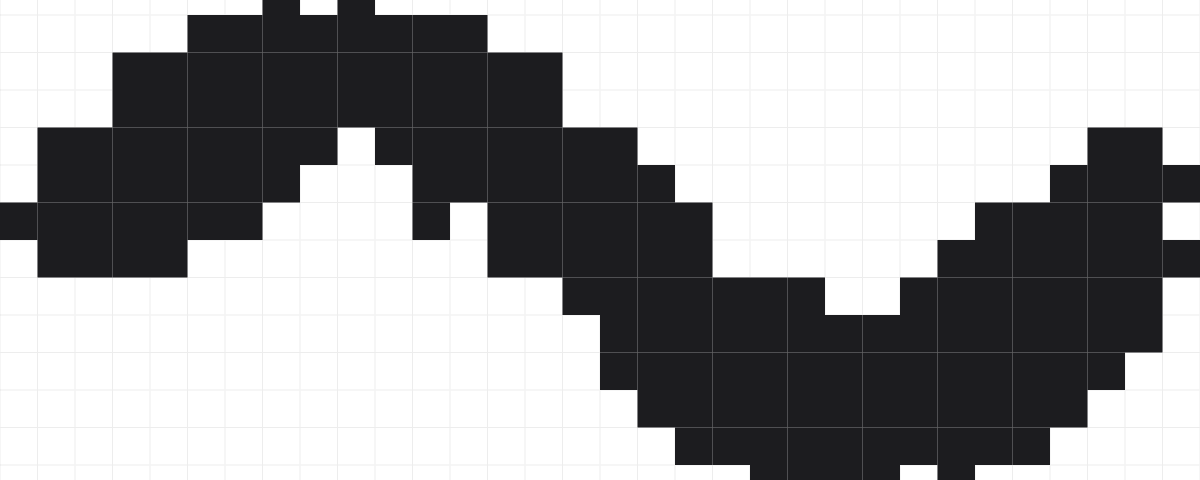
Removes the cells on each stamp's border where a fixed per-cell value falls under Wear depth (50%), so the stroke's flanks wear away while its core stays solid. Erasing with it clears a plain square.
Reads: nothing but where you draw
With a finger: Works the same with a finger, an Apple Pencil or a mouse: pixel brushes never read pressure or tilt, only where you drag.
| Setting | Range | Factory | What it does |
|---|
| Wear depth Options page · pen bar: Wear | 0% – 100% (Shallow … Deep) | 50% | How much of the border wears away. Also a chip on the bottom bar (“Wear”). |
Tips
- Wear shows on the outside of a stroke; overlapping strokes refill each other's edges.
- Use Size 3 or more so a solid core remains.
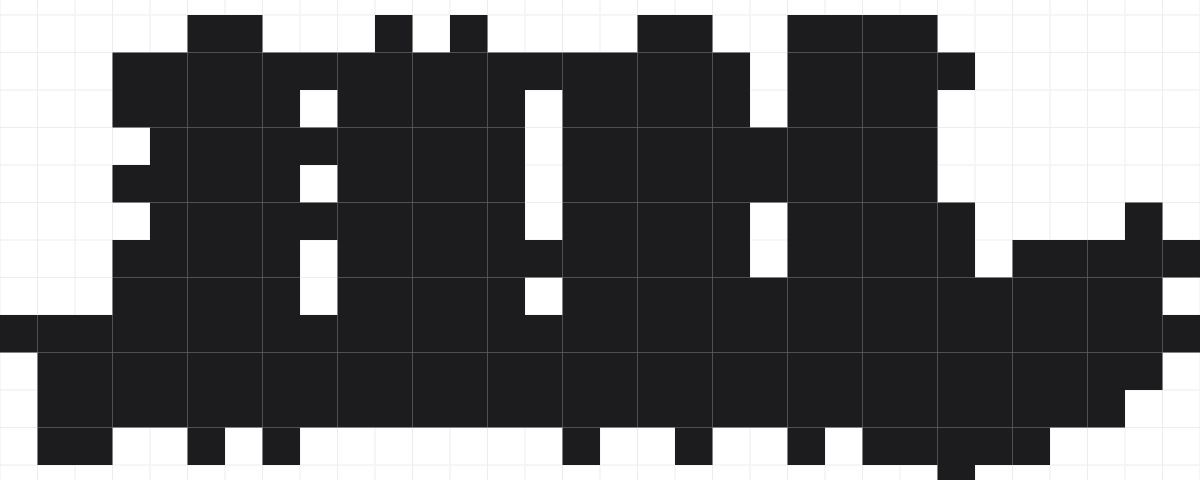
Each stamped cell spreads into its four neighbours wherever a fixed per-cell value falls under Bloom size (50%), so the stroke grows soft, lumpy edges. Erasing with it clears a plain square.
Reads: nothing but where you draw
With a finger: Works the same with a finger, an Apple Pencil or a mouse: pixel brushes never read pressure or tilt, only where you drag.
| Setting | Range | Factory | What it does |
|---|
| Bloom size Options page · pen bar: Spread | 0% – 100% (Small … Large) | 50% | How readily cells spread to their neighbours. Also a chip on the bottom bar (“Spread”). |
Tips
- Bloom adds weight: use a smaller Size than you would for Solid.
- High Bloom size closes small counters; check letters like e and a.
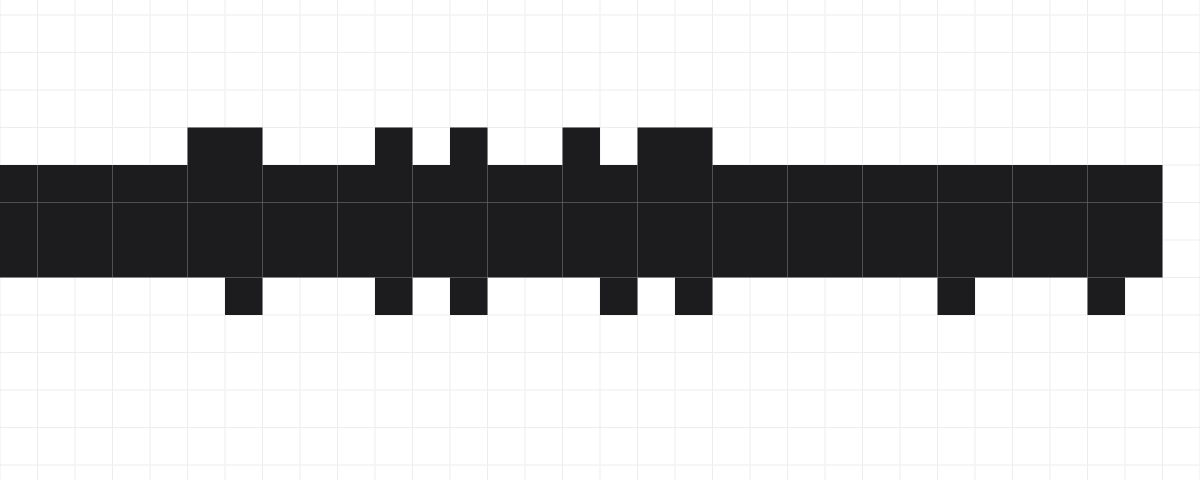
Adds sparse cells in the ring just around each stamp (its eight neighbours, each with a 40% × Edge fuzz chance, 20% at the default) and leaves the stamp itself untouched. Erasing with it clears a plain square.
Reads: nothing but where you draw
With a finger: Works the same with a finger, an Apple Pencil or a mouse: pixel brushes never read pressure or tilt, only where you drag.
| Setting | Range | Factory | What it does |
|---|
| Edge fuzz Options page · pen bar: Specks | 0% – 100% (Few … Many) | 50% | How many specks ring the edge. Also a chip on the bottom bar (“Specks”). |
Tips
- Fuzz reads best at Size 2 or more, where a solid core sits inside the specks.
- Lower Edge fuzz for a subtle printed-on-felt look.
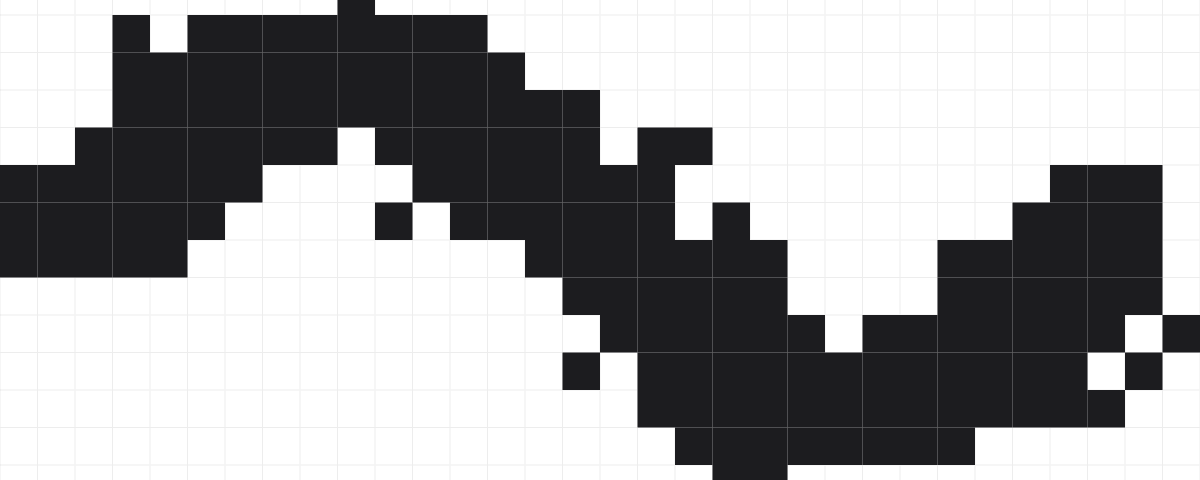
Cuts one-cell cracks diagonally across the grid every Crack spacing diagonals (both directions; Size + 2 by default, at least 3); each crack line is on or off by its own value against Crack frequency (50%). The cracks belong to the grid, so they run straight on across strokes. Erasing with it clears only its own pattern.
Reads: nothing but where you draw
With a finger: Works the same with a finger, an Apple Pencil or a mouse: pixel brushes never read pressure or tilt, only where you drag.
| Setting | Range | Factory | What it does |
|---|
| Crack frequency Options page · pen bar: Cracks | 0% – 100% (Rare … Frequent) | 50% | Share of crack lines that break the ink. Also a chip on the bottom bar (“Cracks”). |
| Crack spacing Options page | 3 – 32 | 5 | Diagonals between cracks. |
Tips
- Use a Size several cells larger than the spacing so cracks cross inside the stroke.
- Erasing in crackle cracks an existing solid letter.
Snaps every stamped cell to the nearest anchor of a coarse grid (Cluster spacing cells apart, Size + 2 by default) and paints a 2 × 2 cluster there, so strokes become rows of separate clumps. Erasing with it clears a plain square.
Reads: nothing but where you draw
With a finger: Works the same with a finger, an Apple Pencil or a mouse: pixel brushes never read pressure or tilt, only where you drag.
| Setting | Range | Factory | What it does |
|---|
| Cluster spacing Options page | 2 – 32 | 5 | Cells between cluster anchors. Also sized by the Pattern chip on the bottom bar. |
Tips
- Clusters sit on a shared grid, so letters line up in dotted rows.
- A spacing of 2 fuses clusters into a chunky solid line.