Distress
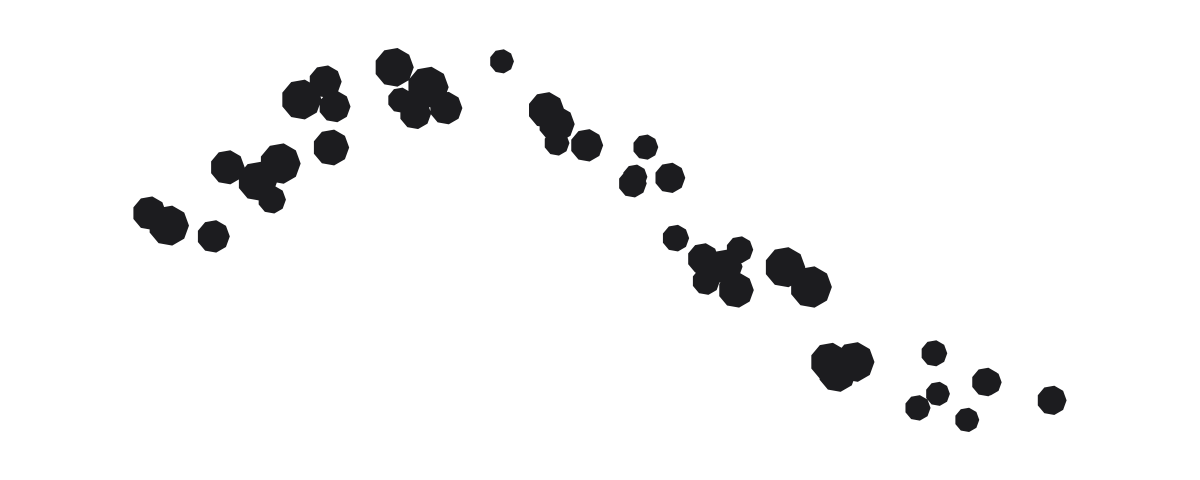
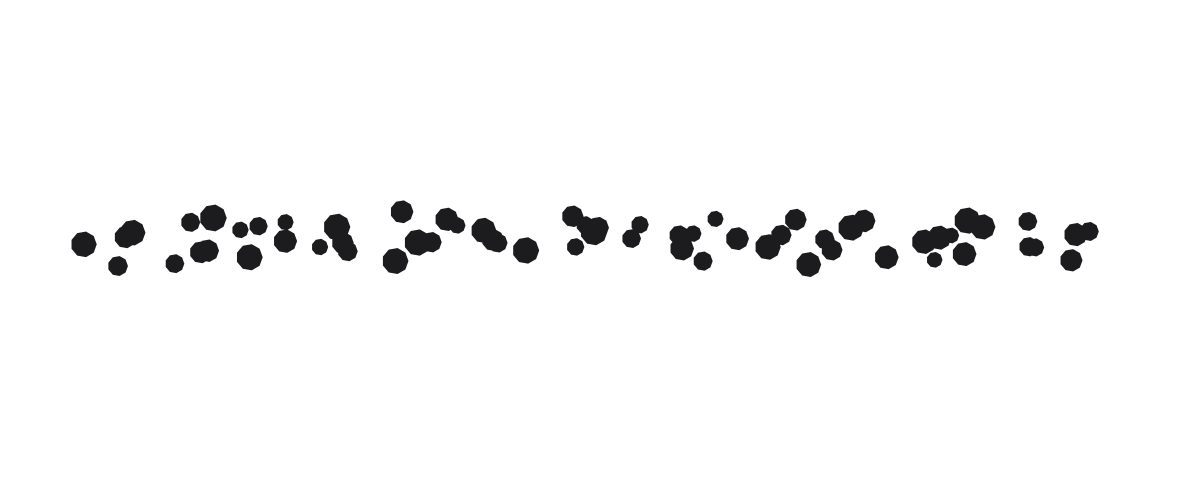
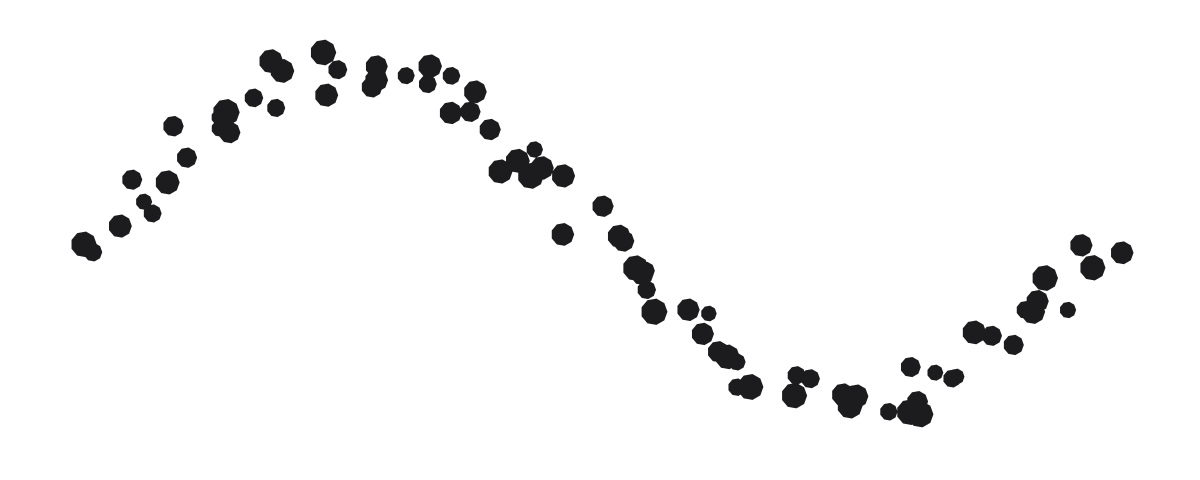
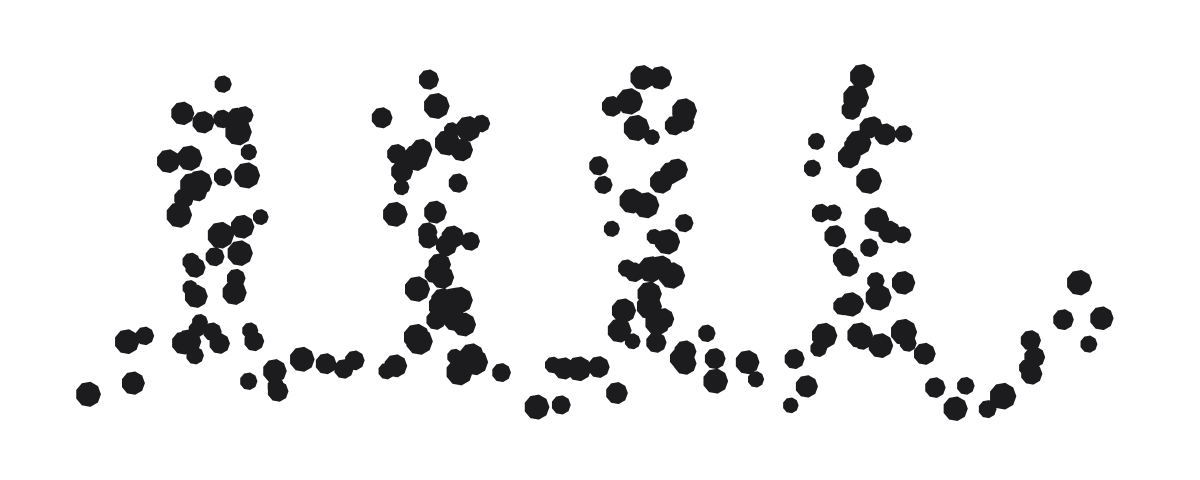
Worn, blooming, scattered, cracked, fuzzed, dripping and clustered ink, each with one strength knob.
How these brushes work
- Distress
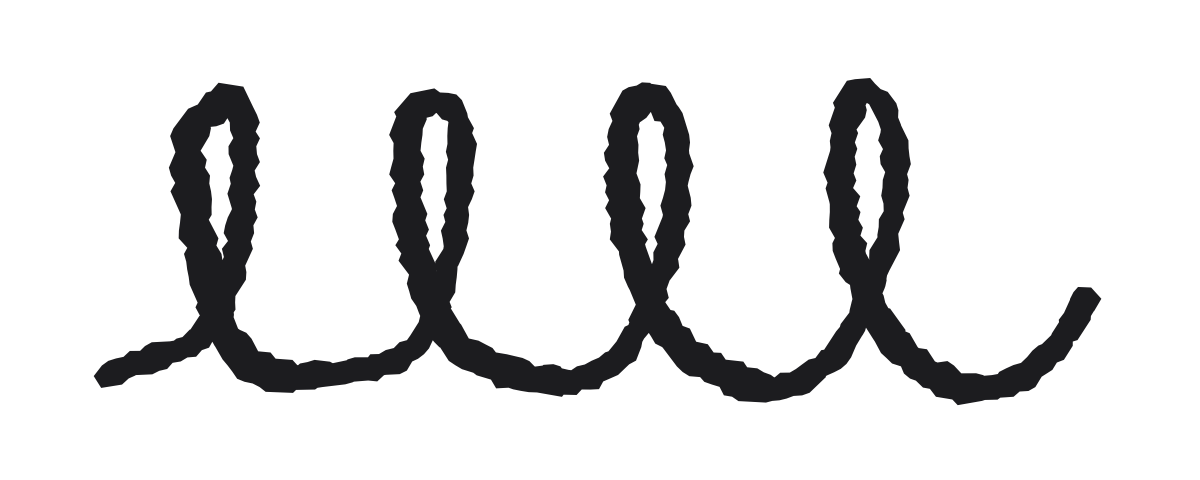
- A round body (or loose beads) with damage added along the way — bitten edges, budding lobes, breaks, rim specks, drips, wandering or clustering beads — set by one strength knob and seeded by position, so the damage is the same on every re-ink.
The brushes
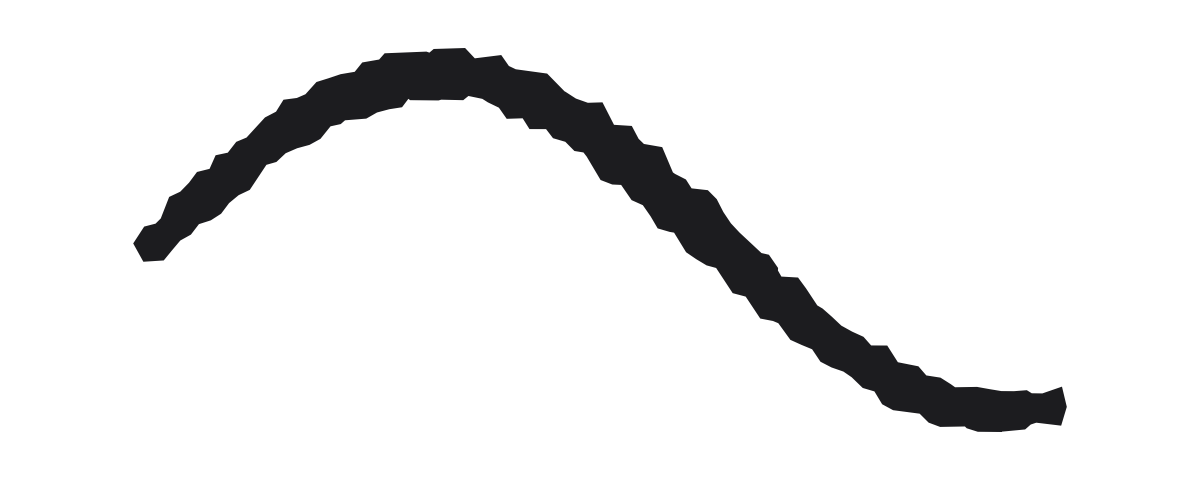
A six-sided nib whose corners are bitten inward by up to half their length (at Wear depth 1.0×), differently at every sample, so the bridged outline is ragged and worn while the core stays solid. Pressure sets the body width (0.8× to 1.2× Size). The bites are seeded by position, so re-inks match.
Reads: pressure
With a finger: The body is drawn at the Line weight; the wear is the same.
| Setting | Range | Factory | What it does |
|---|
| Wear depth Options page · pen bar: Wear | 0.2× – 3.0× (Shallow … Deep) | 1.0× | How deep the bites go: from a quarter of the radius at 0.2× to three-quarters at 3.0×. Also a chip on the bottom bar (“Wear”). |
| Line weight | 5% – 100% (Light – Heavy) | 50% | The force a finger or mouse stroke is drawn at, since it has no pressure. Shown on the picker's Options page and in the Studio when you draw with a finger or a mouse. |
| Steady Studio › Steady | 0% – 100% (None … Strong) | 0% | Smooths a shaky hand by averaging the path over a distance (up to ±120 font units at 100%); the ends stay put. Also a chip on the bottom bar. Brush Studio › Steady. |
Tips
- Raise Wear depth for letterpress-style worn type; keep it low for a subtle, organic edge.
- Overlapping strokes cover each other's wear, so worn edges show best on single strokes.
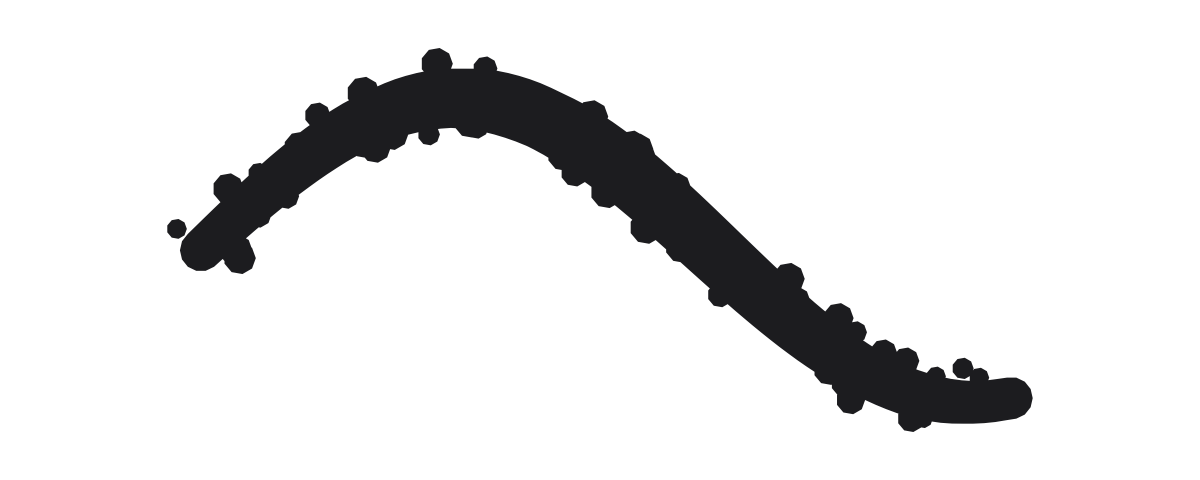
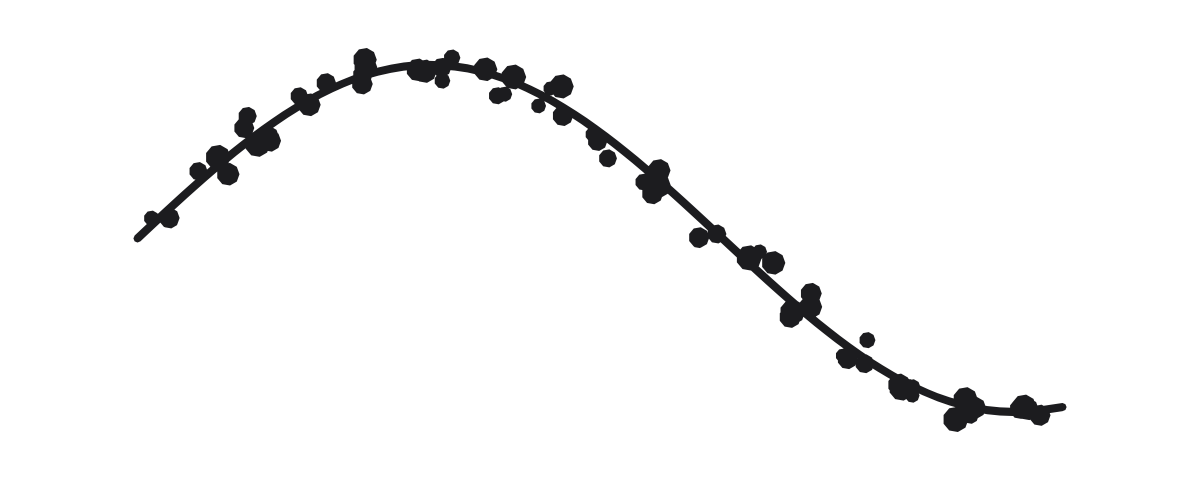
A round body (0.7× to 1.3× Size with pressure) with rounded lobes budding off it at every other sample: one lobe (two half the time at the default) set 0.4× to 0.7× Size from the line, each about 0.36× to 0.68× Size across. Bloom size makes the lobes bigger and more frequent.
Reads: pressure
With a finger: The body is drawn at the Line weight; the lobes are the same.
| Setting | Range | Factory | What it does |
|---|
| Bloom size Options page · pen bar: Spread | 0.2× – 3.0× (Small … Large) | 1.0× | Lobe size and how often a second lobe appears. Also a chip on the bottom bar (“Spread”). |
| Line weight | 5% – 100% (Light – Heavy) | 50% | The force a finger or mouse stroke is drawn at, since it has no pressure. Shown on the picker's Options page and in the Studio when you draw with a finger or a mouse. |
| Steady Studio › Steady | 0% – 100% (None … Strong) | 0% | Smooths a shaky hand by averaging the path over a distance (up to ±120 font units at 100%); the ends stay put. Also a chip on the bottom bar. Brush Studio › Steady. |
Tips
- Good for ink-on-blotter or soft organic display letters.
- Lobes reach beyond the line, so give letters extra spacing at high Bloom size.
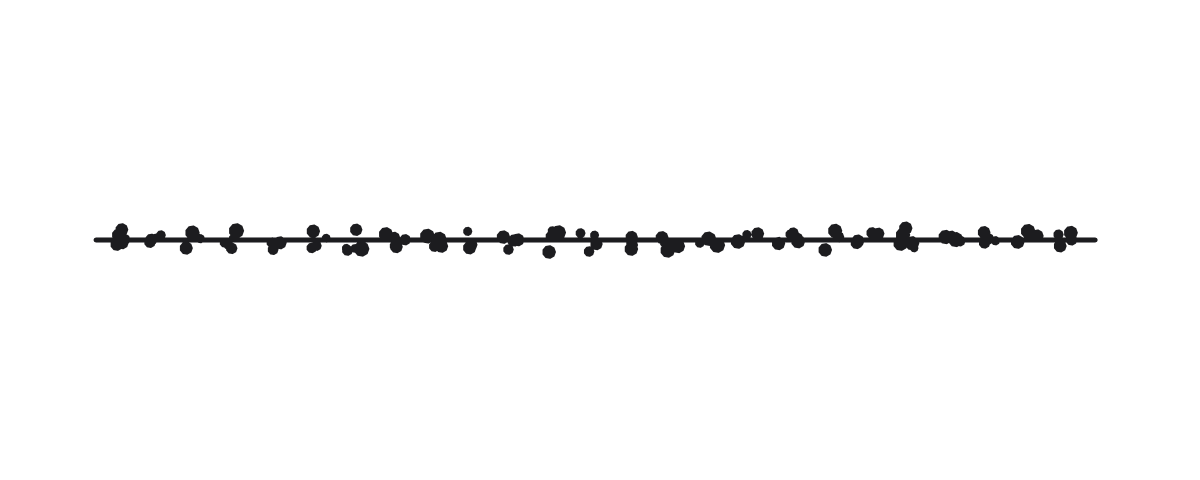
No solid line: at every other sample a bead (0.44× to 0.76× Size across) lands in a random direction up to 0.8× Size from the line (at Scatter distance 1.0×), with no bridges between beads, so the line breaks into drifting dots. Pressure plays no part; beads are seeded by position.
Reads: nothing but where you draw
With a finger: Identical with a finger.
| Setting | Range | Factory | What it does |
|---|
| Scatter distance Options page · pen bar: Distance | 0.2× – 3.0× (Near … Far) | 1.0× | How far beads wander: 0.3× Size at 0.2×, 0.8× at 1.0×, 1.3× at 3.0×. Also a chip on the bottom bar (“Distance”). |
| Steady Studio › Steady | 0% – 100% (None … Strong) | 0% | Smooths a shaky hand by averaging the path over a distance (up to ±120 font units at 100%); the ends stay put. Also a chip on the bottom bar. Brush Studio › Steady. |
Tips
- Keep Scatter distance low for a letter that still reads; raise it for dissolving effects.
- Draw slowly over a stroke twice for denser beads where the samples land differently.
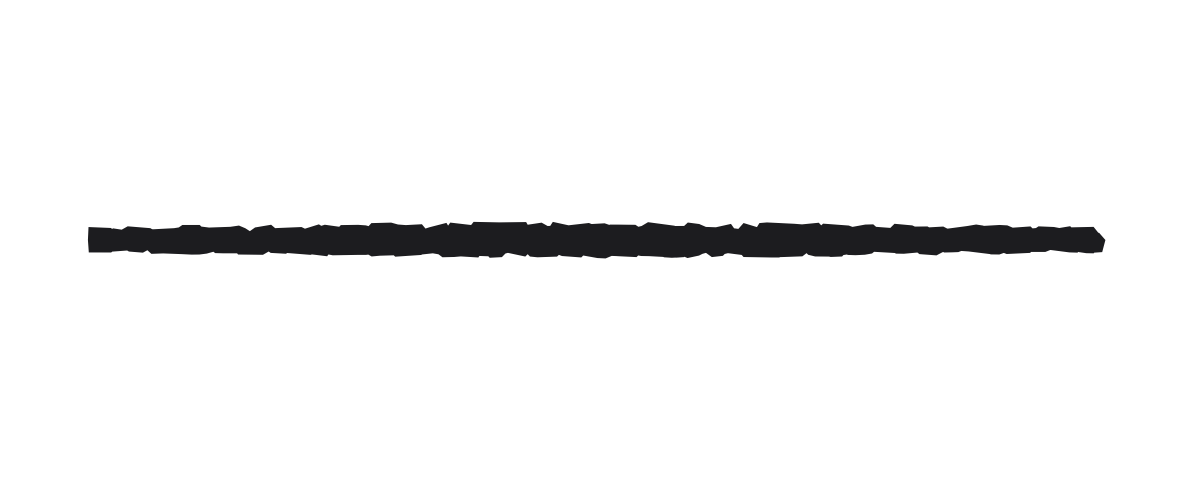
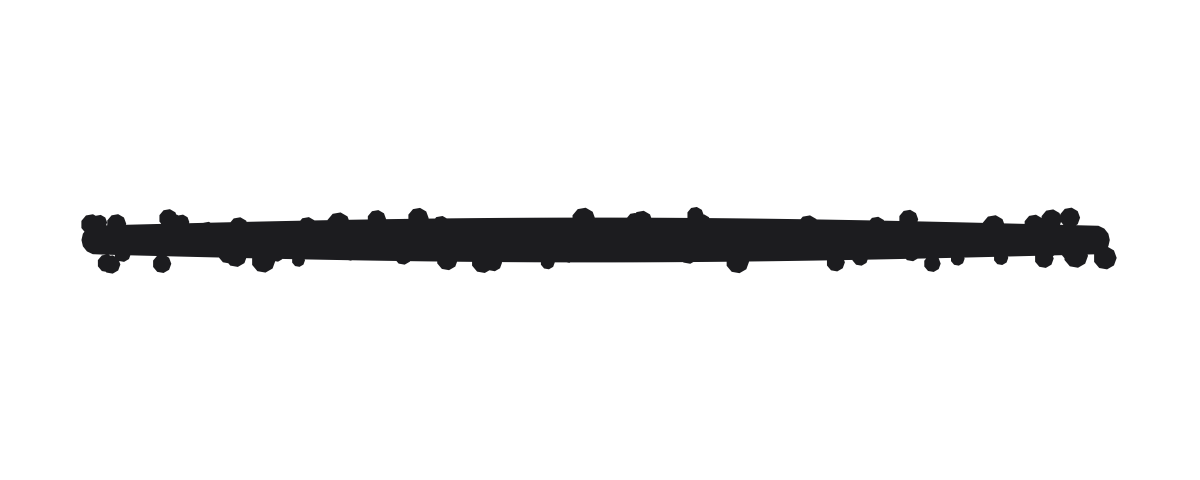
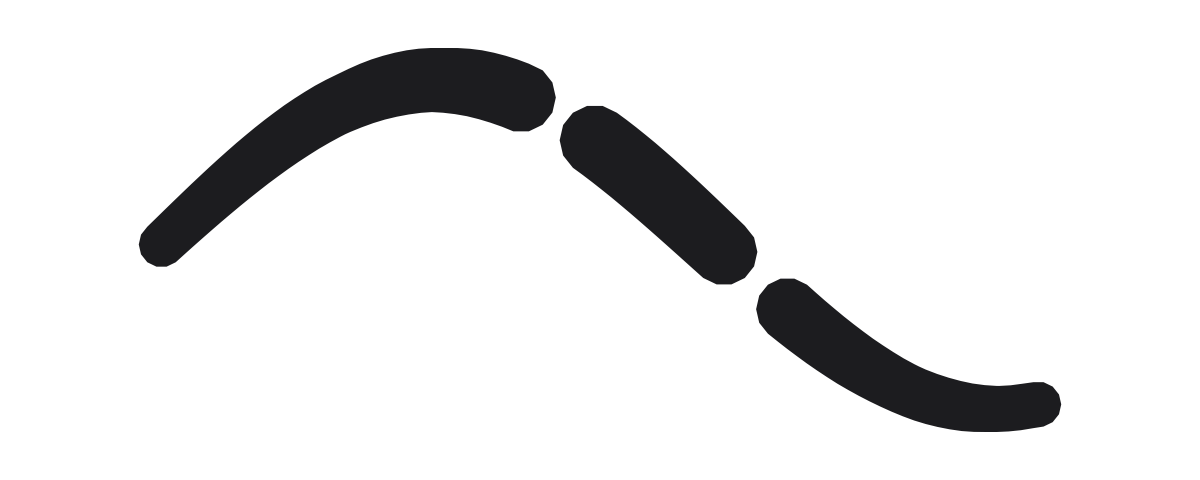
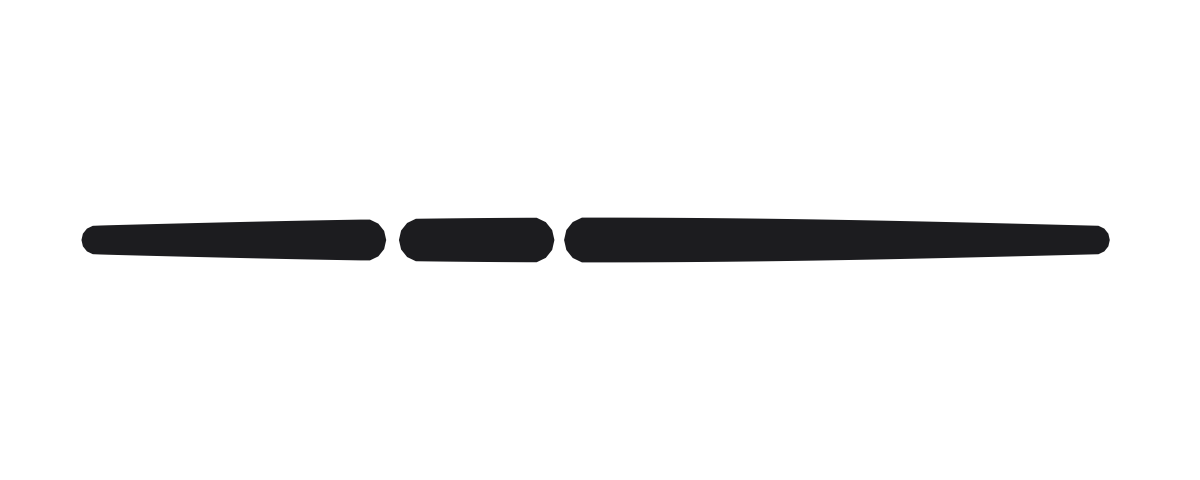
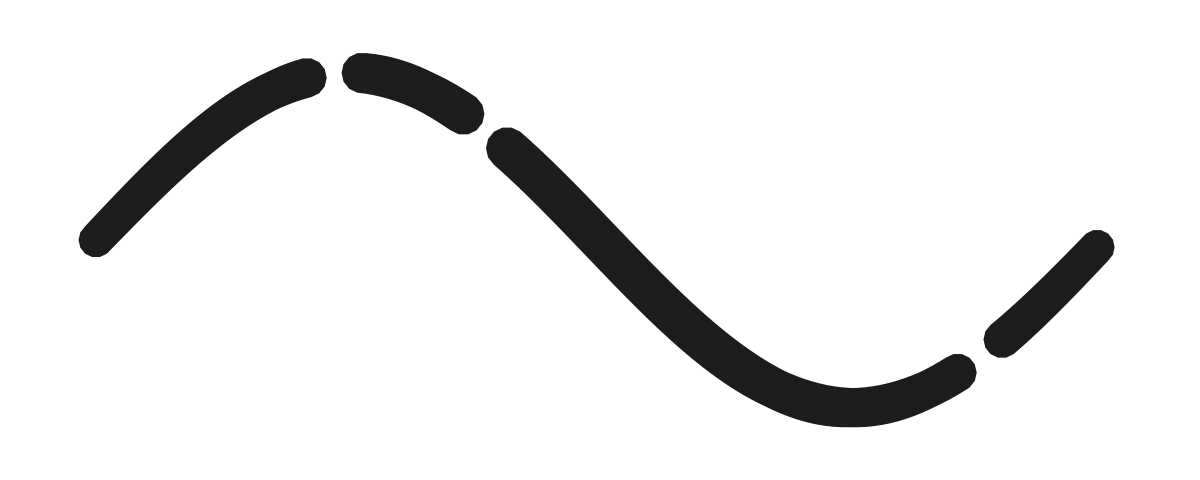
A round body (0.7× to 1.3× Size with pressure) bridged from sample to sample, except that in runs of seven samples the bridges go missing at random (16% of runs at the default), leaving clean breaks about half a Size wide across the stroke. Where the breaks fall is fixed by the sample count, so a re-ink matches.
Reads: pressure
With a finger: The body is drawn at the Line weight; the breaks are the same.
| Setting | Range | Factory | What it does |
|---|
| Crack frequency Options page · pen bar: Cracks | 0.2× – 3.0× (Rare … Frequent) | 1.0× | How many runs break: 6% at 0.2×, 16% at 1.0×, 26% at 3.0×. Also a chip on the bottom bar (“Cracks”). |
| Line weight | 5% – 100% (Light – Heavy) | 50% | The force a finger or mouse stroke is drawn at, since it has no pressure. Shown on the picker's Options page and in the Studio when you draw with a finger or a mouse. |
| Steady Studio › Steady | 0% – 100% (None … Strong) | 0% | Smooths a shaky hand by averaging the path over a distance (up to ±120 font units at 100%); the ends stay put. Also a chip on the bottom bar. Brush Studio › Steady. |
Tips
- Short strokes may have no break at all; breaks show on longer strokes.
- Combine with a bold Size for stencil-like cracked letters.
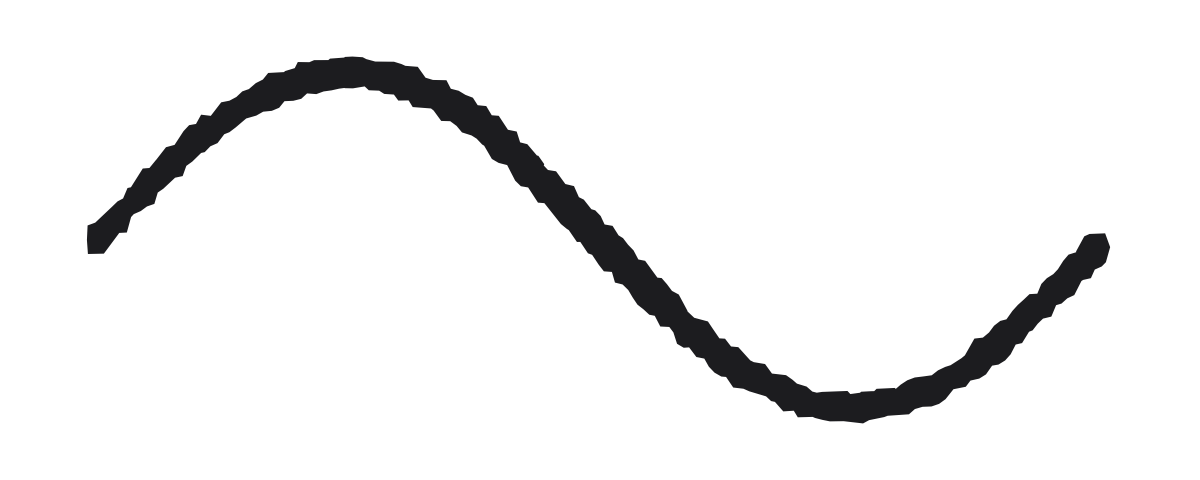
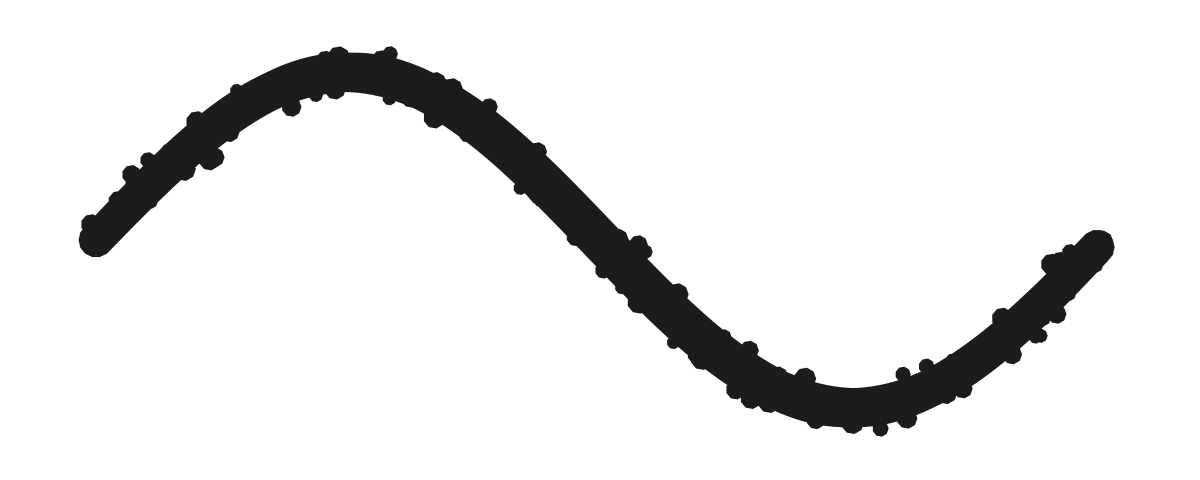
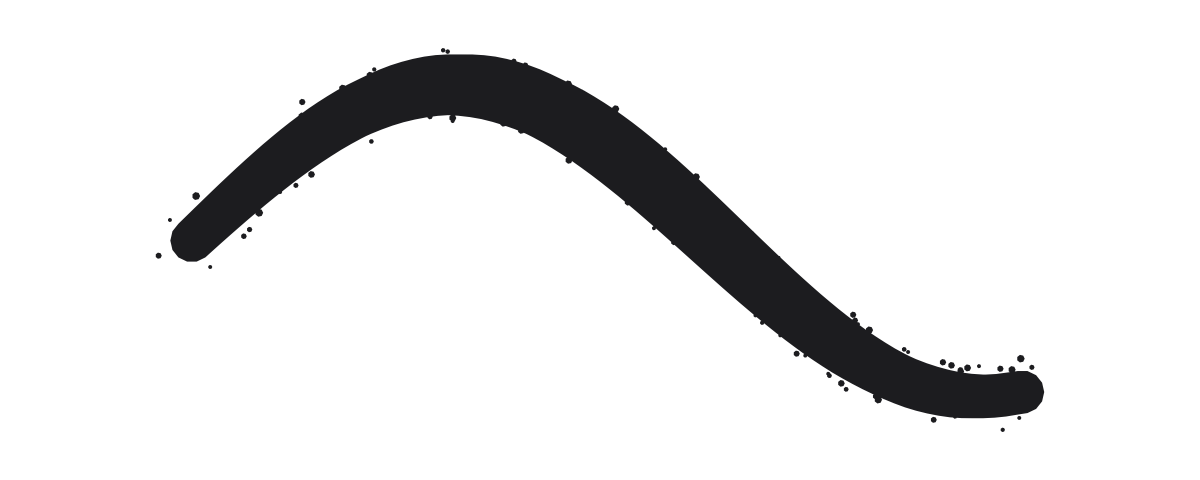
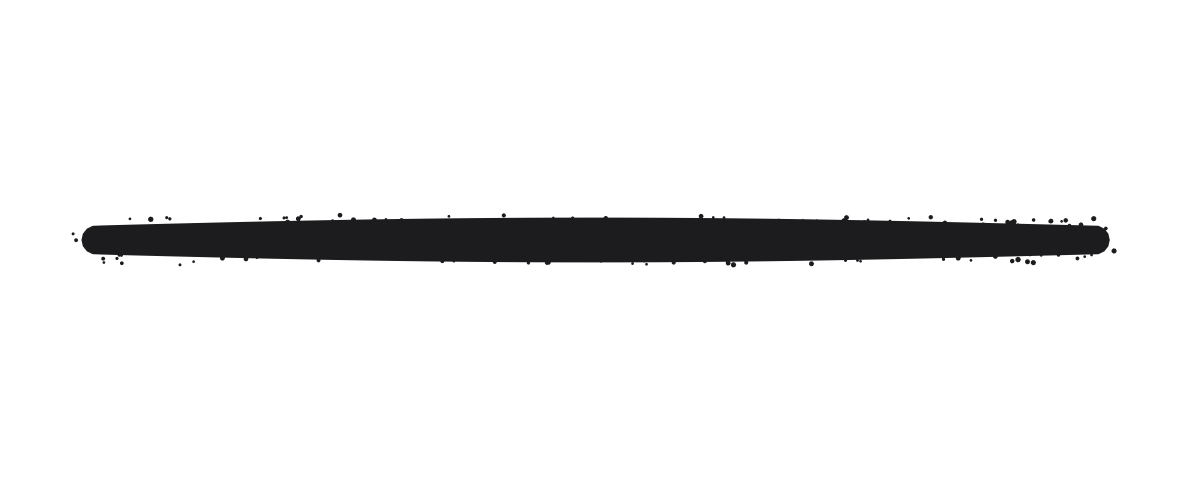
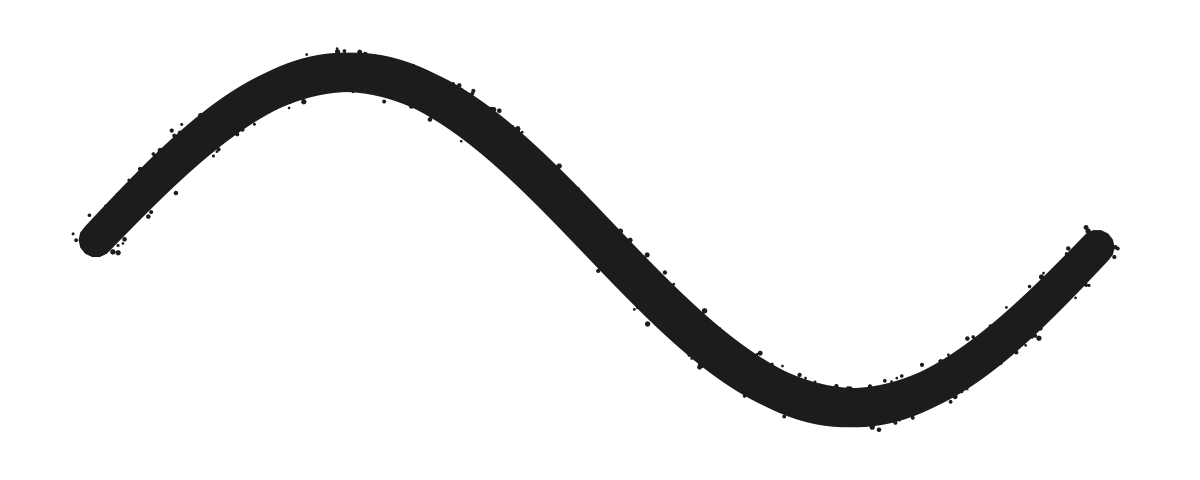
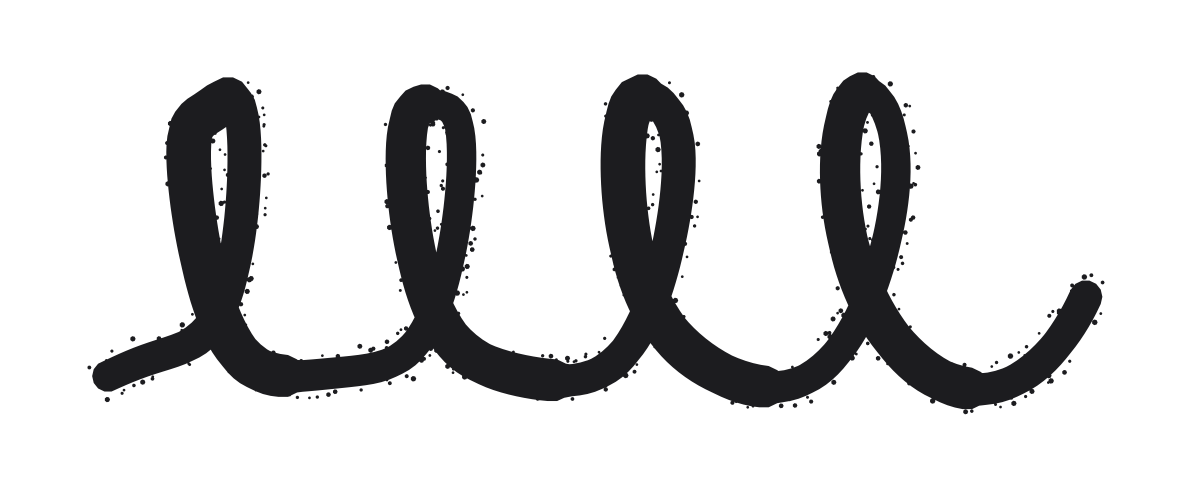
A round body (0.7× to 1.3× Size with pressure) plus two or three tiny specks per sample in a band just outside the line (half a Size to 0.7× Size from its centre), each 0.06× to 0.16× Size across, so the rim looks fuzzy while the core stays solid. Specks are seeded by position.
Reads: pressure
With a finger: The body is drawn at the Line weight; the specks are the same.
| Setting | Range | Factory | What it does |
|---|
| Edge fuzz Options page · pen bar: Specks | 0.2× – 3.0× (Few … Many) | 1.0× | How many specks ring the edge. Also a chip on the bottom bar (“Specks”). |
| Line weight | 5% – 100% (Light – Heavy) | 50% | The force a finger or mouse stroke is drawn at, since it has no pressure. Shown on the picker's Options page and in the Studio when you draw with a finger or a mouse. |
| Steady Studio › Steady | 0% – 100% (None … Strong) | 0% | Smooths a shaky hand by averaging the path over a distance (up to ±120 font units at 100%); the ends stay put. Also a chip on the bottom bar. Brush Studio › Steady. |
Tips
- Each speck is a separate outline in the font; very small specks may be lost when curves are fitted.
- Good for felt, fur or worn-print textures at medium sizes.
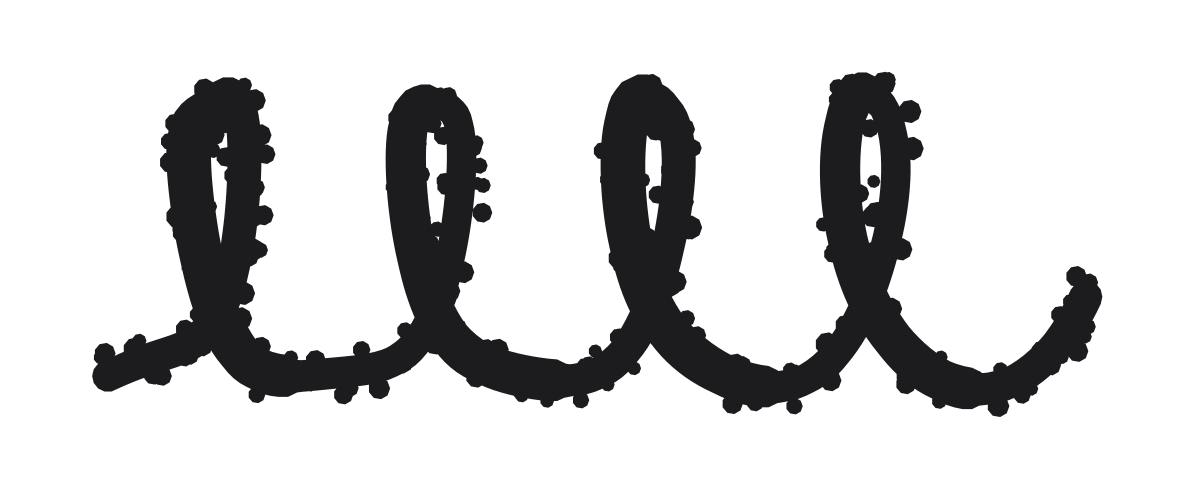
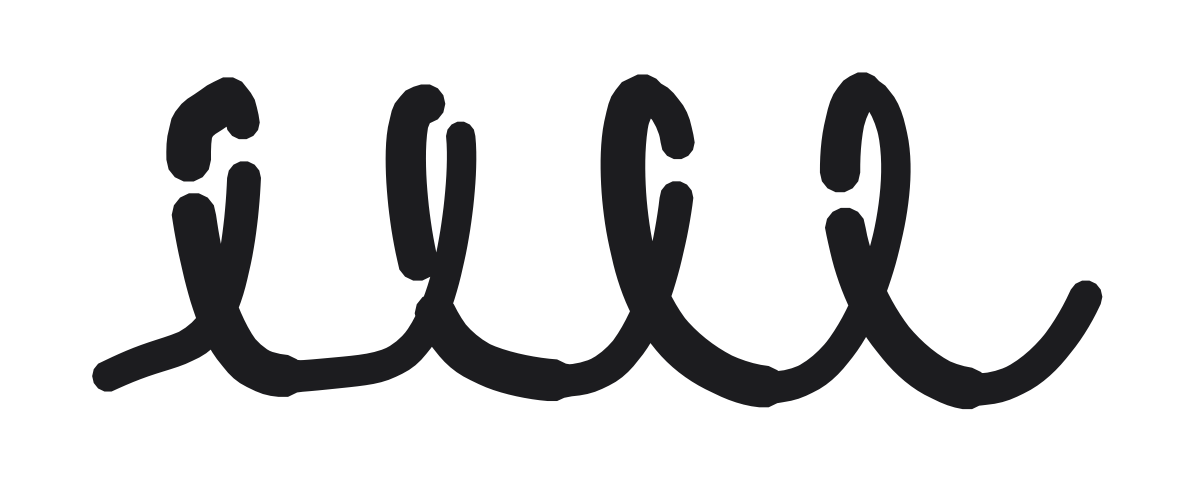
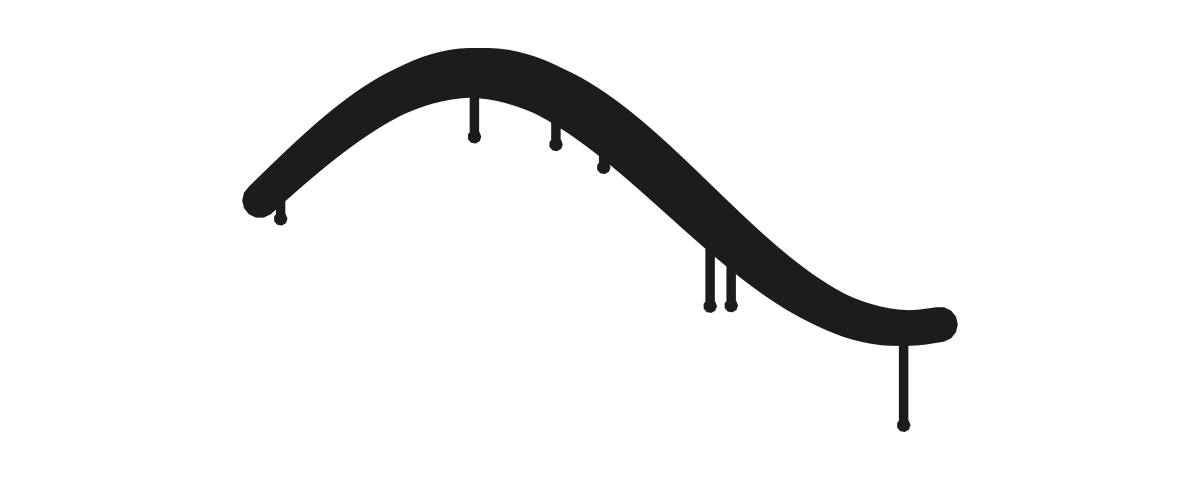
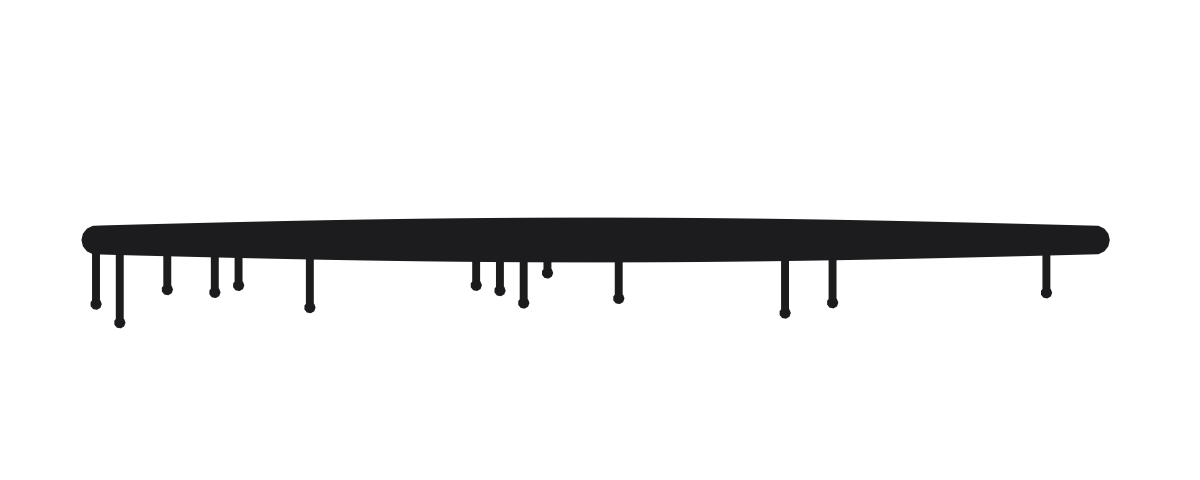
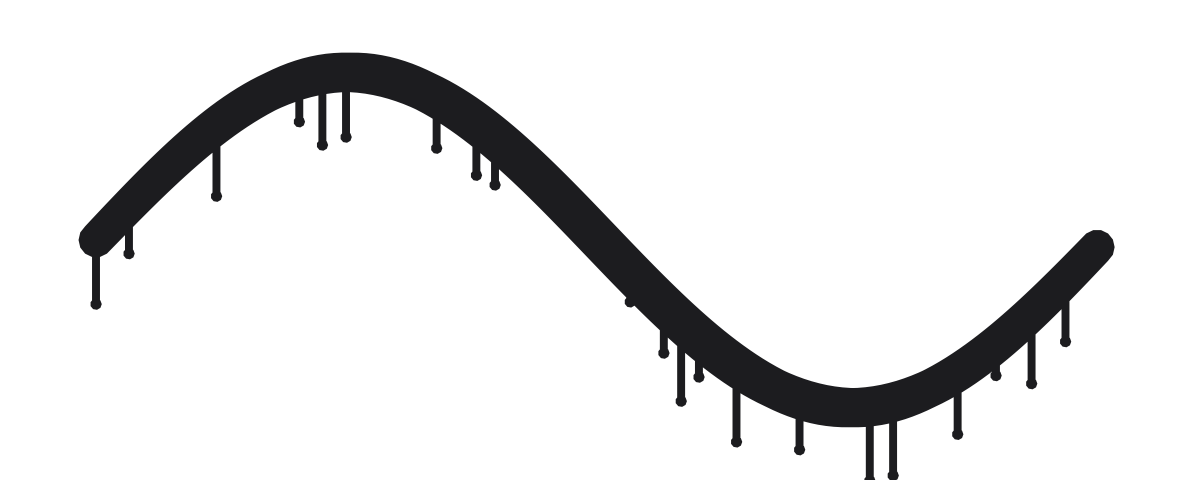
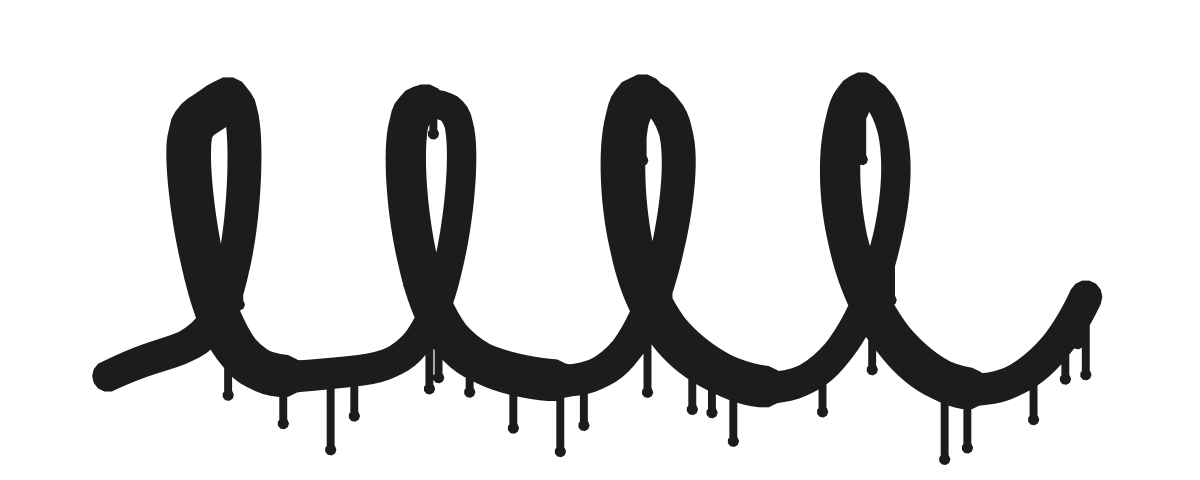
A round body (0.7× to 1.3× Size with pressure); at every third sample there is a 30% chance (at the default) of a drip: a thin run 0.22× Size wide falling 0.8× to 2.3× Size straight down the page and ending in a bead. Drips always fall downward, whatever direction you draw, and are seeded by position.
Reads: pressure
With a finger: The body is drawn at the Line weight; the drips are the same.
| Setting | Range | Factory | What it does |
|---|
| Drip frequency Options page · pen bar: Drips | 0.2× – 3.0× (Rare … Frequent) | 1.0× | Chance of a drip at each third sample: 10% at 0.2×, 30% at 1.0×, 50% at 3.0×. Also a chip on the bottom bar (“Drips”). |
| Line weight | 5% – 100% (Light – Heavy) | 50% | The force a finger or mouse stroke is drawn at, since it has no pressure. Shown on the picker's Options page and in the Studio when you draw with a finger or a mouse. |
| Steady Studio › Steady | 0% – 100% (None … Strong) | 0% | Smooths a shaky hand by averaging the path over a distance (up to ±120 font units at 100%); the ends stay put. Also a chip on the bottom bar. Brush Studio › Steady. |
Tips
- Drips can run below the baseline into the descender; check the letters below in your font.
- Horizontal strokes collect the most drips; verticals drip into themselves.
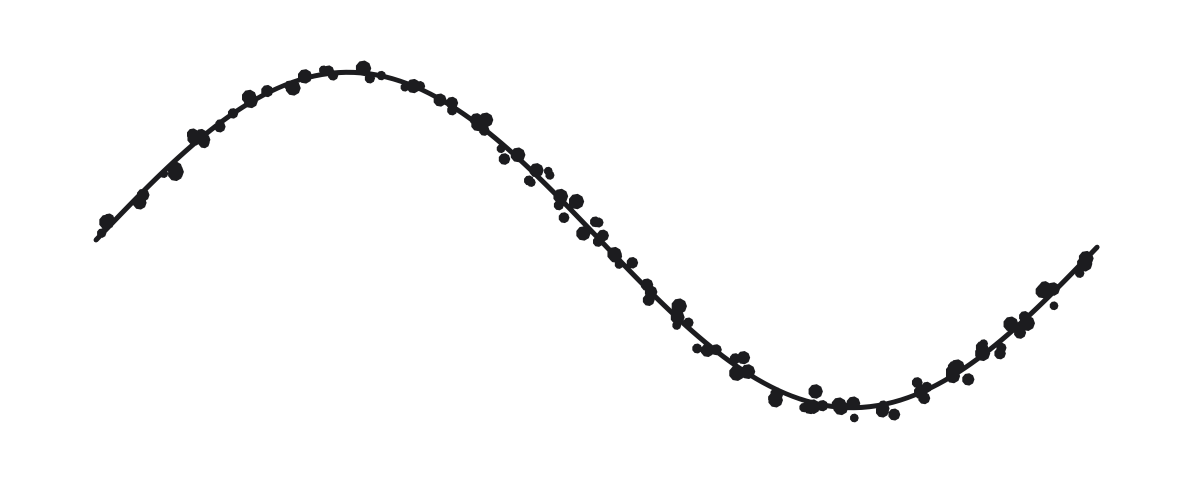
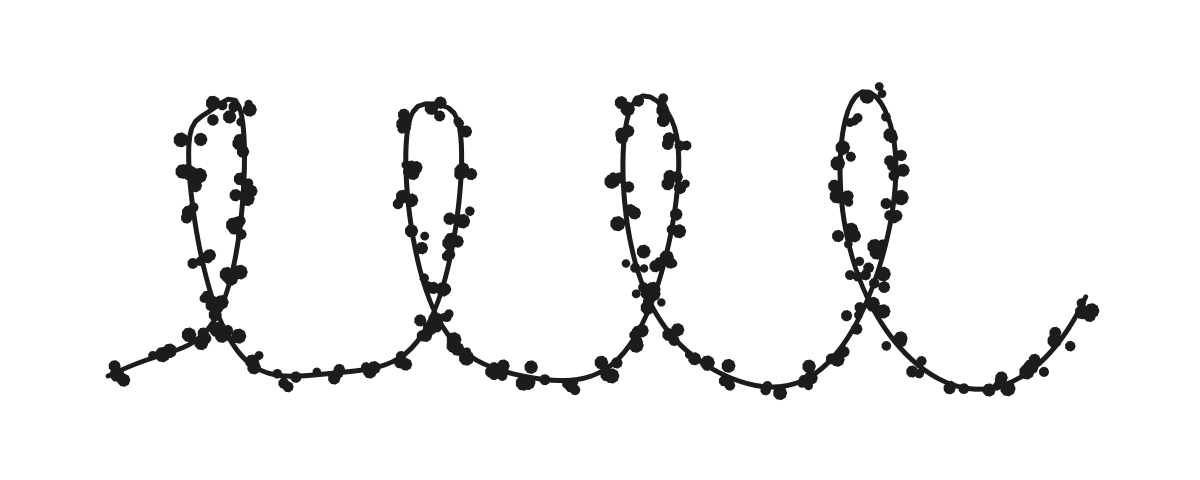
A hairline spine (0.14× Size) keeps the letter readable, and every 1.1× Size along it three to five beads (0.24× to 0.44× Size across) cluster within 0.35× Size of a point on the line. Pressure plays no part; clusters are seeded by position.
Reads: nothing but where you draw
With a finger: Identical with a finger.
| Setting | Range | Factory | What it does |
|---|
| Cluster spread Options page · pen bar: Spread | 0.2× – 3.0× (Tight … Loose) | 1.0× | How far beads reach from each cluster's centre: 0.2× Size at 0.2×, 0.5× at 3.0×. Also a chip on the bottom bar (“Spread”). |
| Steady Studio › Steady | 0% – 100% (None … Strong) | 0% | Smooths a shaky hand by averaging the path over a distance (up to ±120 font units at 100%); the ends stay put. Also a chip on the bottom bar. Brush Studio › Steady. |
Tips
- Tight clusters read as beaded letters; loose ones as swarms.
- The spine is very thin; raise Size if letters need more weight.