Pattern
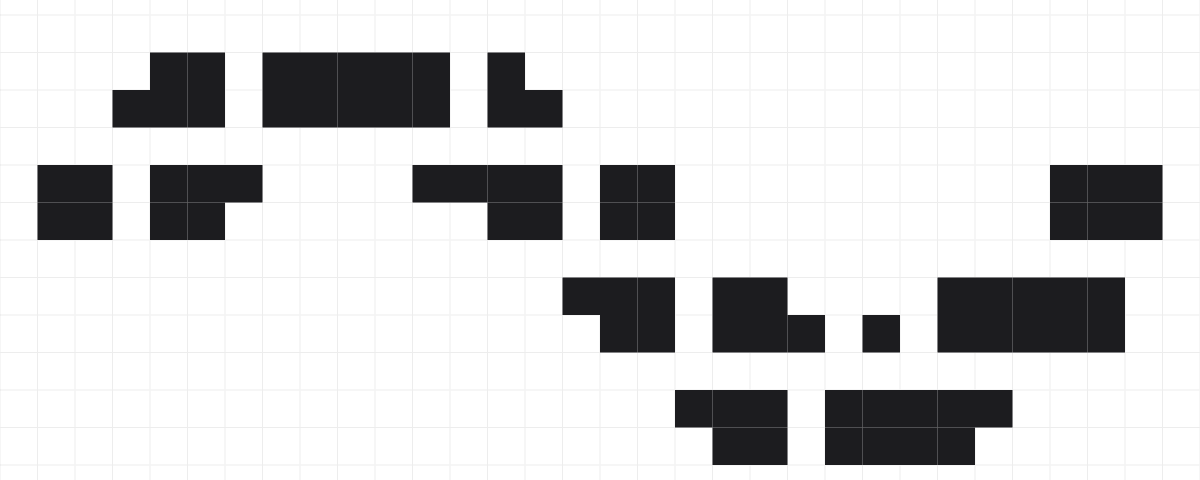
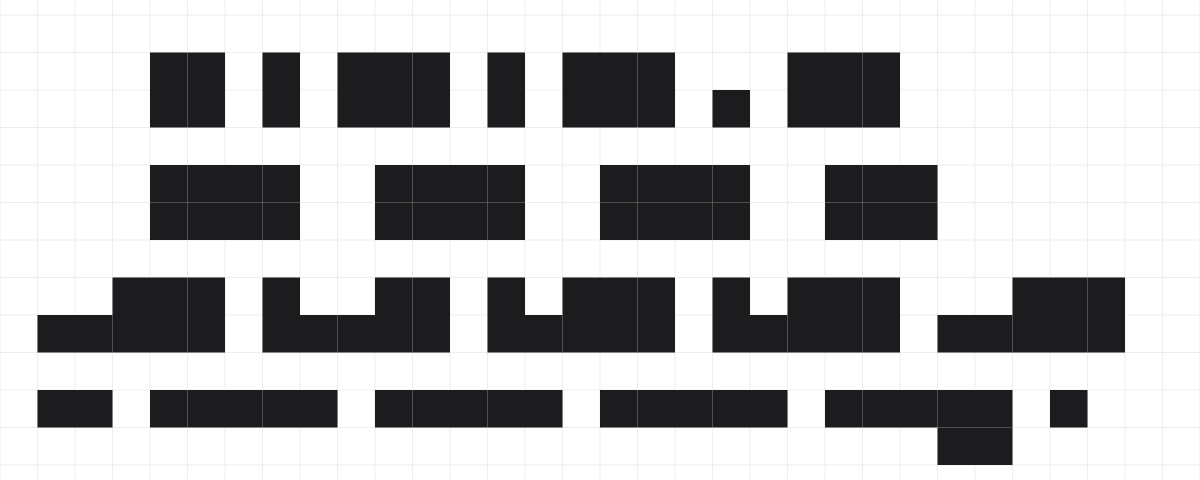
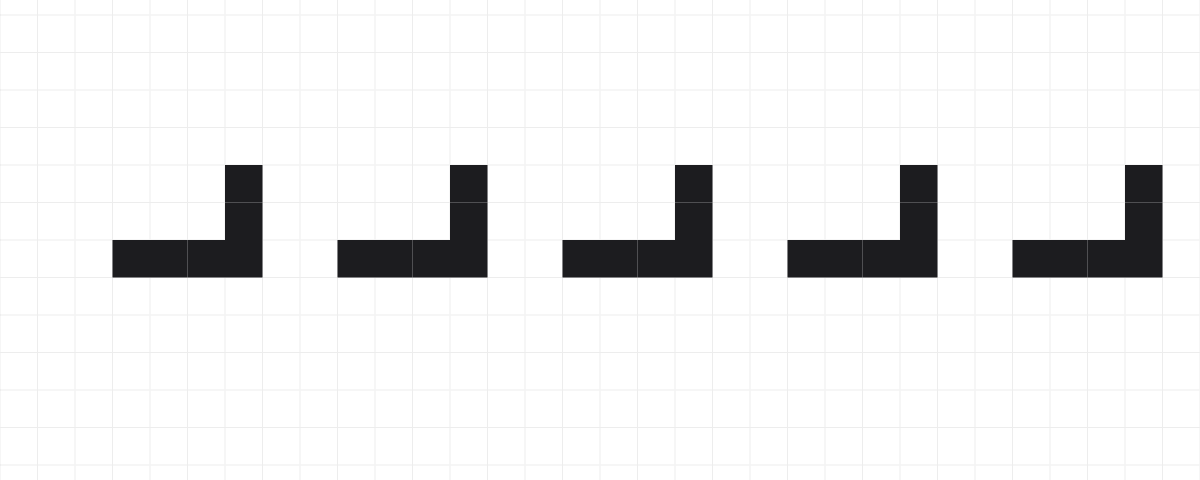
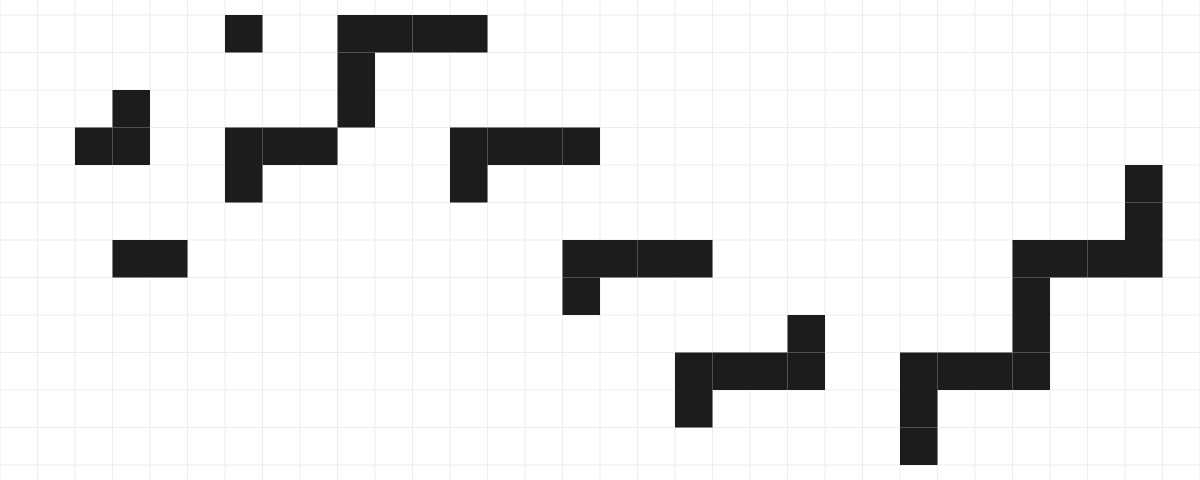
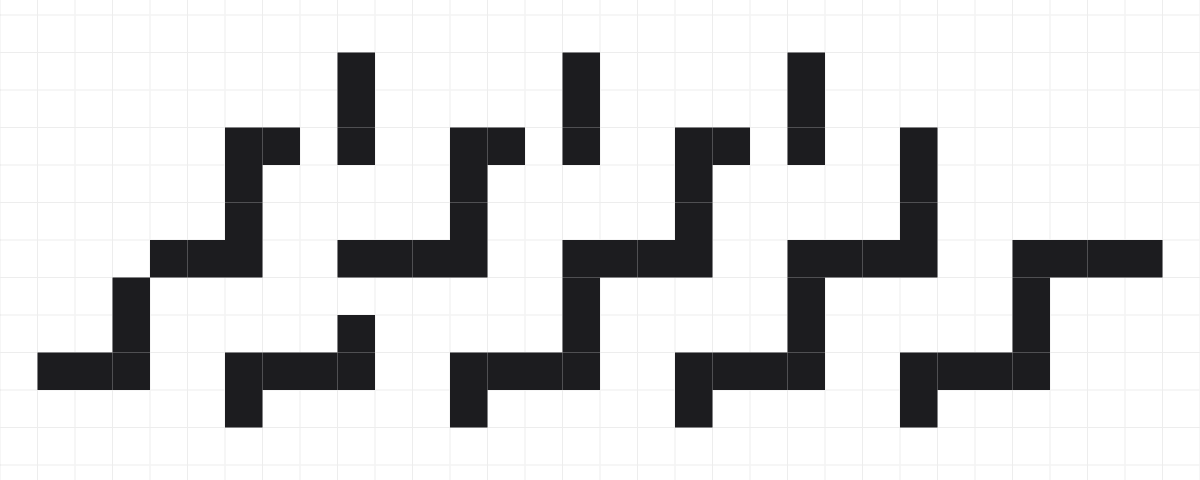
Cell patterns fixed to the grid — hatches, diagonals, scanlines, lattices, separate cells, bricks, weave and chunky blocks — whose period follows the brush size.
How these brushes work
- Pixel brushes
- For pixel fonts, drawn on a grid of cells spanning the em. A drag stamps a square of Size × Size cells every half cell along its path; each mode then shapes the stamp, filters it through a pattern fixed to the grid, shears its rows, or adds copies, growth or wear. Cells are stored as they are painted, so randomness is baked in; erasing keeps the fixed patterns (dither, scanlines, stipple, hatches, tiles, crackle, weighted) and erases a plain square for the rest.
The brushes
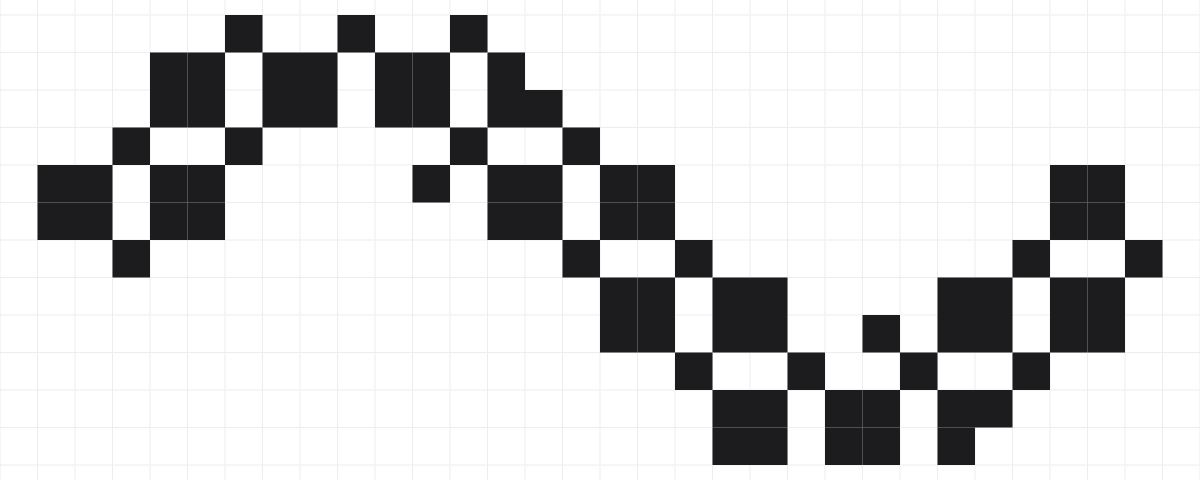
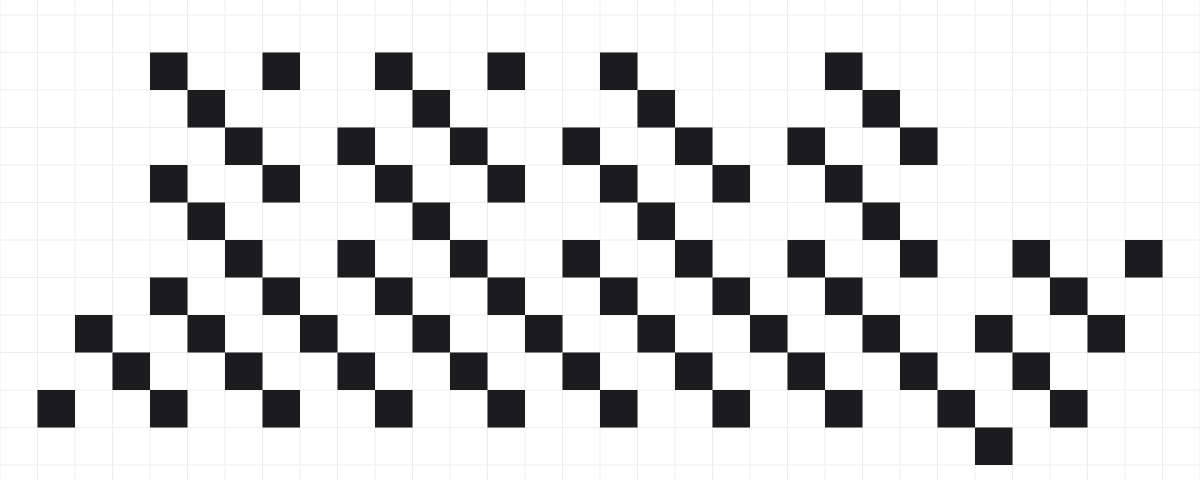
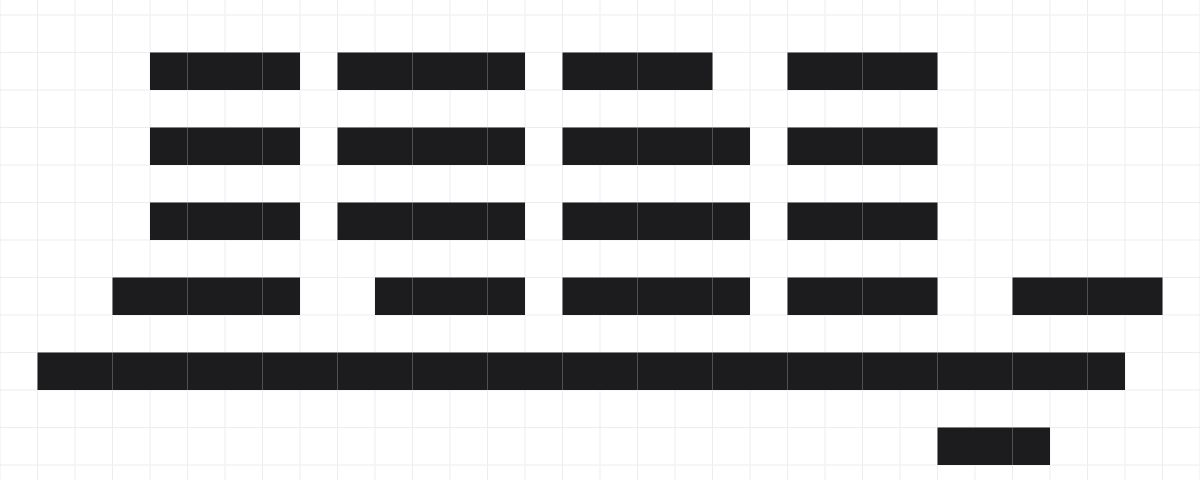
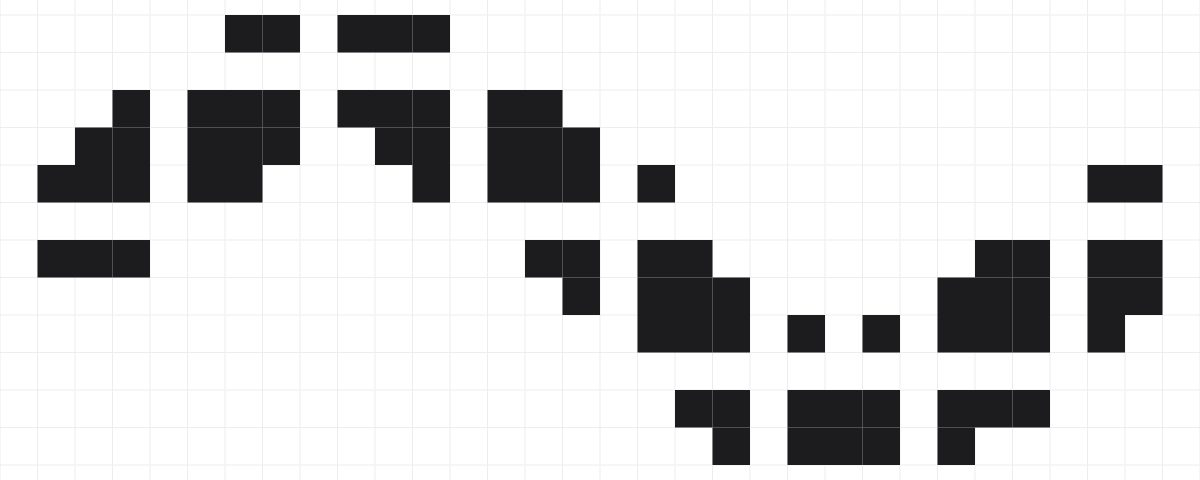
Keeps the stamp's cells that lie on two families of diagonal lines covering the whole grid (along x + y and x − y), Line spacing cells apart and Line thickness cells thick. The spacing follows Size by default, so a bigger brush draws a bigger hatch; crossing strokes share one hatch. Erasing with it clears only its own pattern.
Reads: nothing but where you draw
With a finger: Works the same with a finger, an Apple Pencil or a mouse: pixel brushes never read pressure or tilt, only where you drag.
| Setting | Range | Factory | What it does |
|---|
| Line spacing Options page | 2 – 32 | 3 | Cells between hatch lines. Also sized by the Pattern chip on the bottom bar. |
| Line thickness Options page | 1 – 16 | 1 | Each line's thickness in cells. |
Tips
- Use a Size several cells larger than the spacing so each stroke holds a few lines.
- Set Line thickness to half the spacing or more for dense, dark hatching.
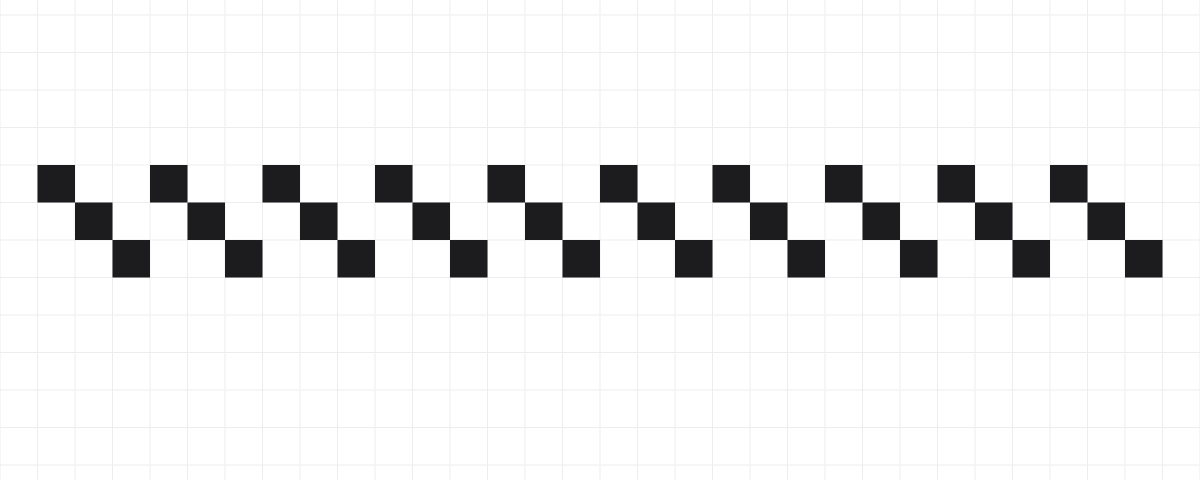
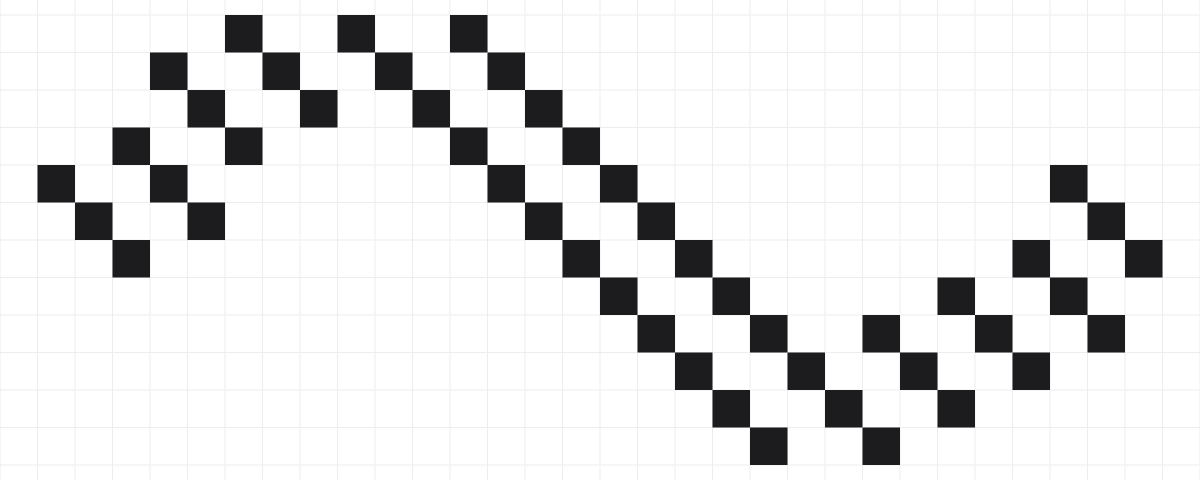
Keeps the stamp's cells on one family of diagonal lines covering the whole grid: rising (45°) or falling (135°), every Line spacing cells, Line thickness cells thick. The spacing follows Size by default. Erasing with it clears only its own pattern.
Reads: nothing but where you draw
With a finger: Works the same with a finger, an Apple Pencil or a mouse: pixel brushes never read pressure or tilt, only where you drag.
| Setting | Range | Factory | What it does |
|---|
| Line spacing Options page | 2 – 32 | 3 | Cells between stripes. Also sized by the Pattern chip on the bottom bar. |
| Line thickness Options page | 1 – 16 | 1 | Each stripe's thickness in cells. |
| Line angle Options page | Choices: 45°, 135° | 45° | Rising (45°) or falling (135°) stripes. |
Tips
- Keep one Line spacing across a font so every letter's stripes line up.
- Use a large Size: a thin stroke may catch only a stripe or two.
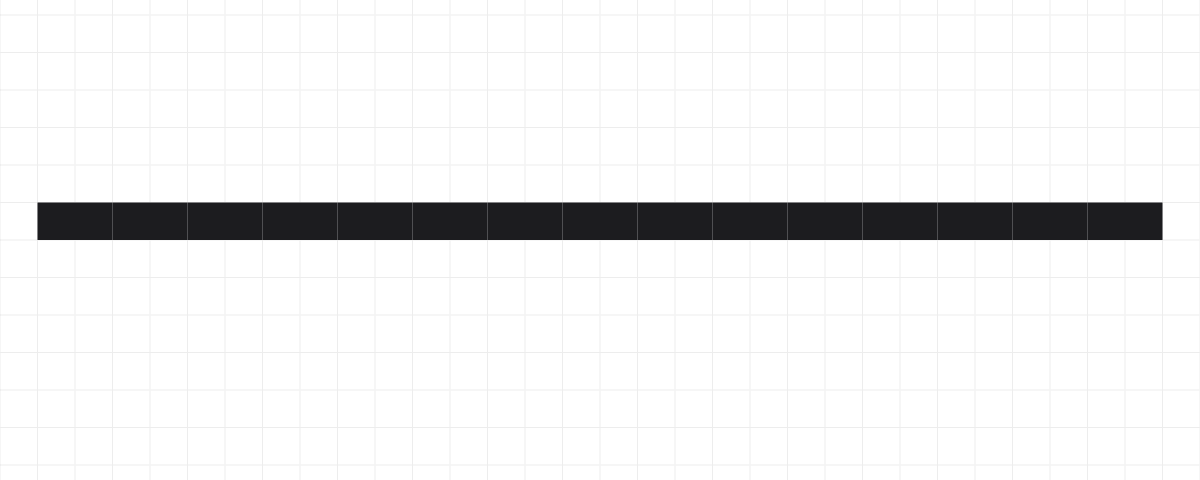
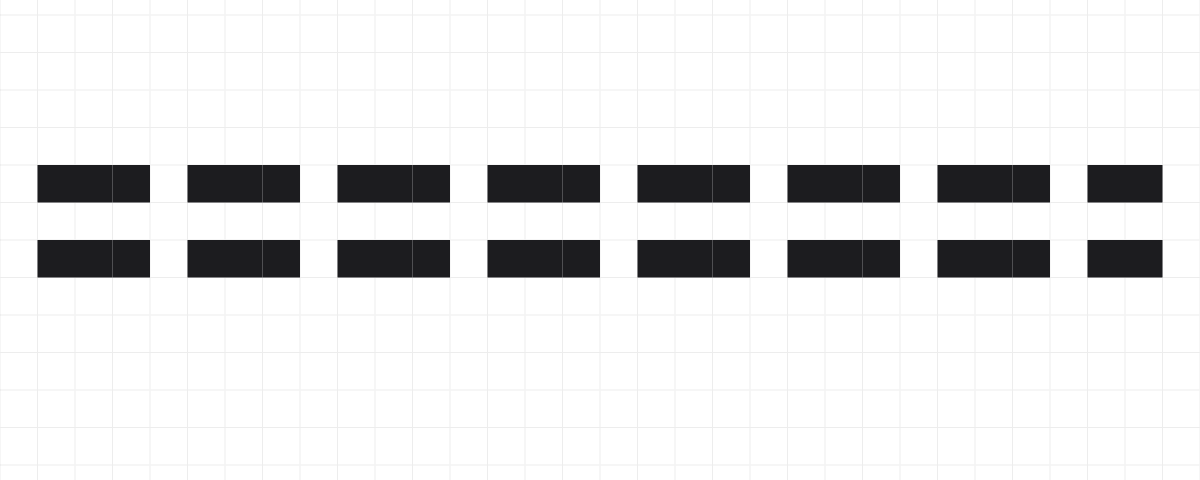
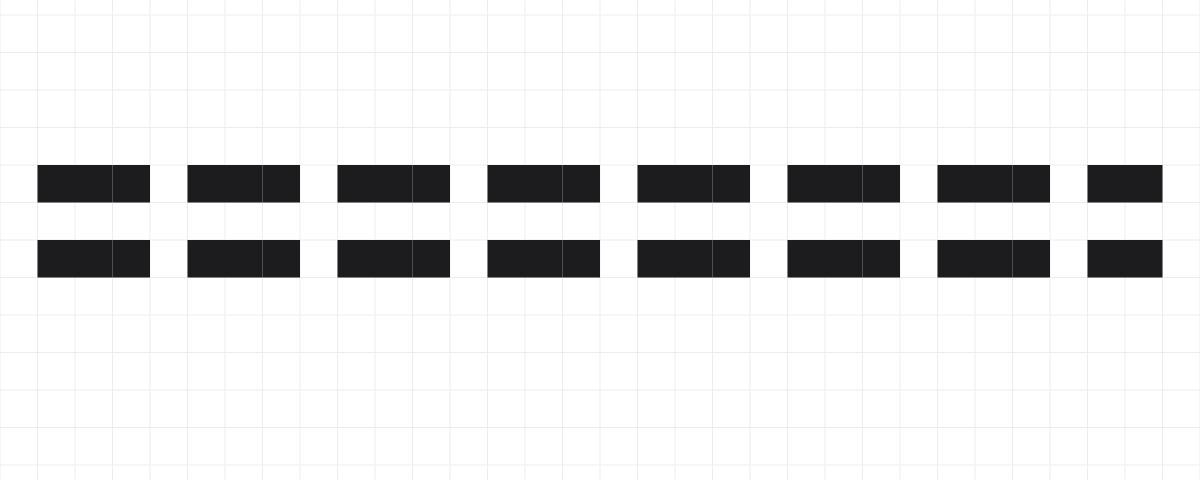
Keeps only every other row of the grid (the even rows), so strokes come out striped like a CRT screen, and every stroke shares the same rows. Erasing with it clears only its own pattern.
Reads: nothing but where you draw
With a finger: Works the same with a finger, an Apple Pencil or a mouse: pixel brushes never read pressure or tilt, only where you drag.
No settings of its own beyond size.
Tips
- A one-cell-tall horizontal stroke may fall on an empty row and vanish; use Size 2 or more.
- Erase in scanlines across solid letters to add the stripes afterwards.
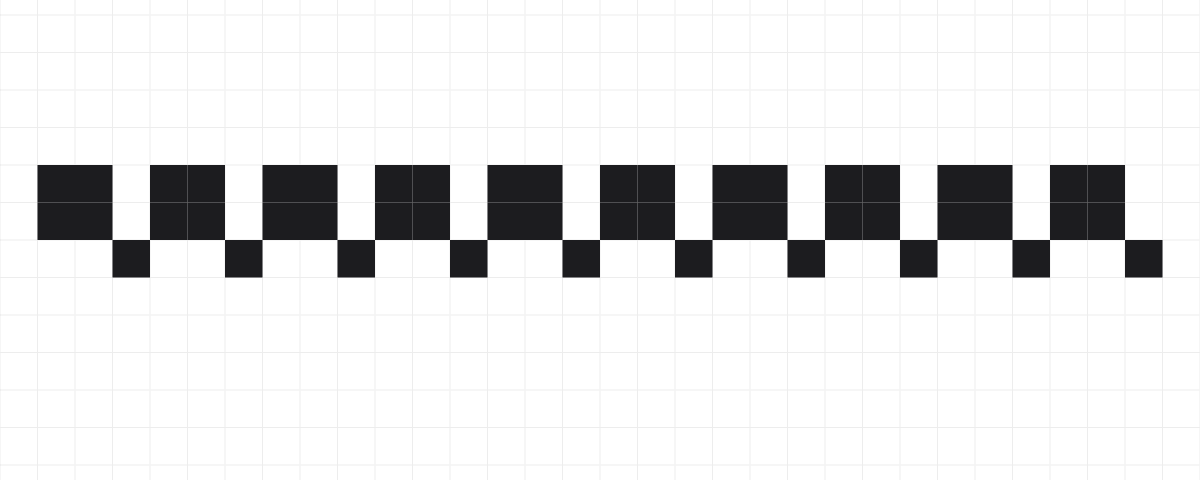
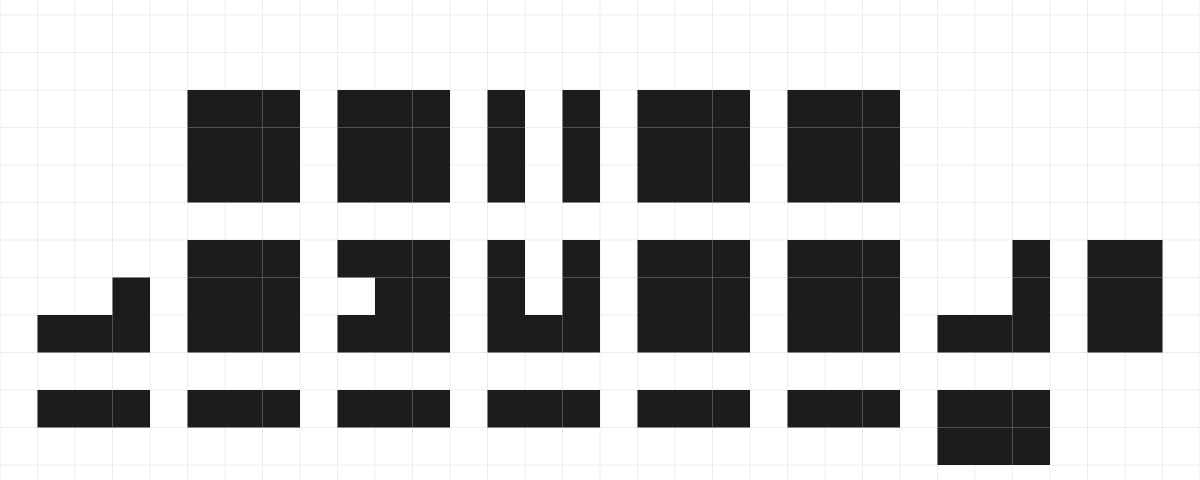
Leaves out every Tile size-th column and row of the grid, so strokes become a lattice of tiles separated by one-cell gaps. The tile size follows Size by default (Size + 1, at least 3), and the lattice is shared by every stroke. Erasing with it clears only its own pattern.
Reads: nothing but where you draw
With a finger: Works the same with a finger, an Apple Pencil or a mouse: pixel brushes never read pressure or tilt, only where you drag.
| Setting | Range | Factory | What it does |
|---|
| Tile size Options page | 2 – 32 | 4 | Cells per tile, gap included. Also sized by the Pattern chip on the bottom bar. |
Tips
- Draw over a whole area to see the lattice; thin strokes show only fragments.
- Match Tile size to your letters' stem width for a tiled-module look.
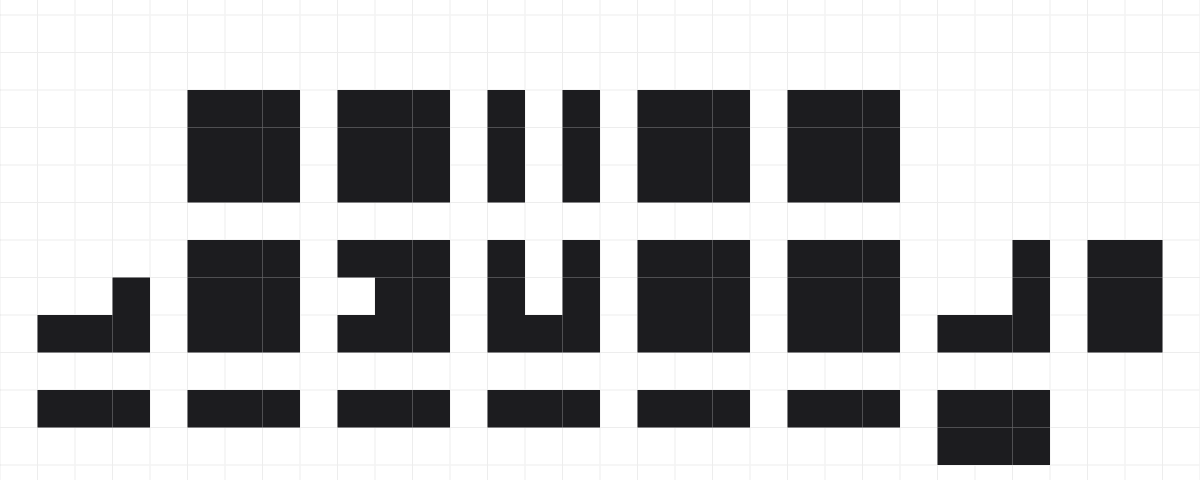
Cuts the grid into tiles (Size + 1 cells by default, at least 3) with a gutter along each tile's bottom and left edge — one cell, or two once tiles are 5 or larger — so neighbouring pixels break into separate blocks. Erasing with it clears only its own pattern.
Reads: nothing but where you draw
With a finger: Works the same with a finger, an Apple Pencil or a mouse: pixel brushes never read pressure or tilt, only where you drag.
| Setting | Range | Factory | What it does |
|---|
| Tile size Options page | 2 – 32 | 4 | Cells per block, gutter included. Also sized by the Pattern chip on the bottom bar. |
Tips
- Good for LED-sign and mosaic letters; draw with a Size at least as big as a block.
- Larger tiles get a two-cell gutter, which reads more clearly at small display sizes.
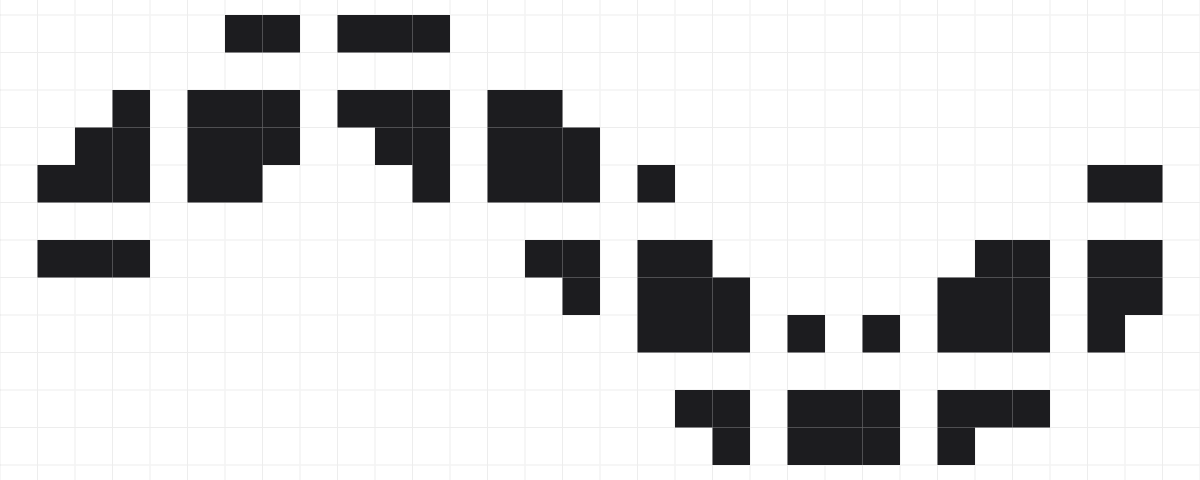
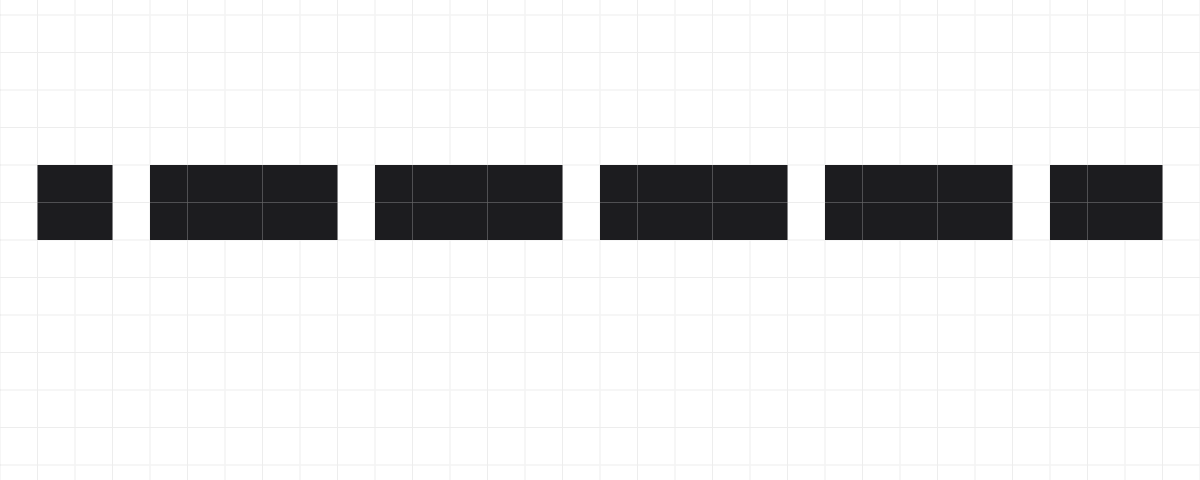
Lays brick courses Tile size cells tall with one-cell mortar lines; bricks are twice as wide as they are tall, and every other course shifts half a brick (the app's subtitle says half a cell). The courses cover the whole grid, so strokes share them. Erasing with it clears only its own pattern.
Reads: nothing but where you draw
With a finger: Works the same with a finger, an Apple Pencil or a mouse: pixel brushes never read pressure or tilt, only where you drag.
| Setting | Range | Factory | What it does |
|---|
| Tile size Options page | 2 – 32 | 3 | Course height in cells (bricks are twice as wide). Also sized by the Pattern chip on the bottom bar. |
Tips
- Use a large Size so whole bricks show inside a stroke.
- Small tile sizes read as a fine texture rather than bricks.
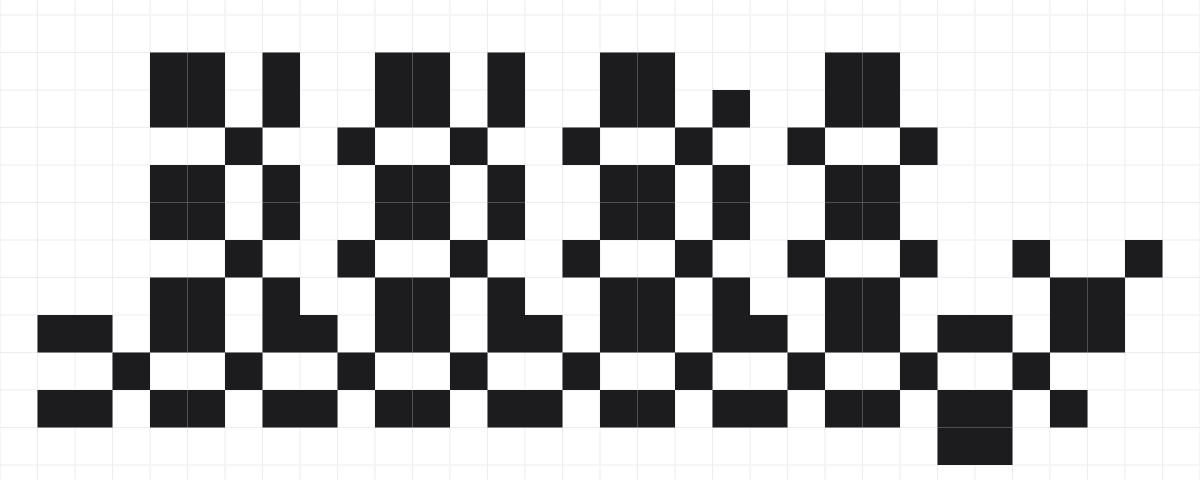
Splits the grid into blocks Tile size cells across that alternate, checkerboard-fashion, between horizontal and vertical threads half a block thick, like over-and-under rows and columns. Erasing with it clears only its own pattern.
Reads: nothing but where you draw
With a finger: Works the same with a finger, an Apple Pencil or a mouse: pixel brushes never read pressure or tilt, only where you drag.
| Setting | Range | Factory | What it does |
|---|
| Tile size Options page | 2 – 32 | 3 | Cells per woven block. Also sized by the Pattern chip on the bottom bar. |
Tips
- Weave needs a stroke several blocks wide to show the over-under rhythm.
- Tile size 4 to 6 reads best on a 32-cell grid.
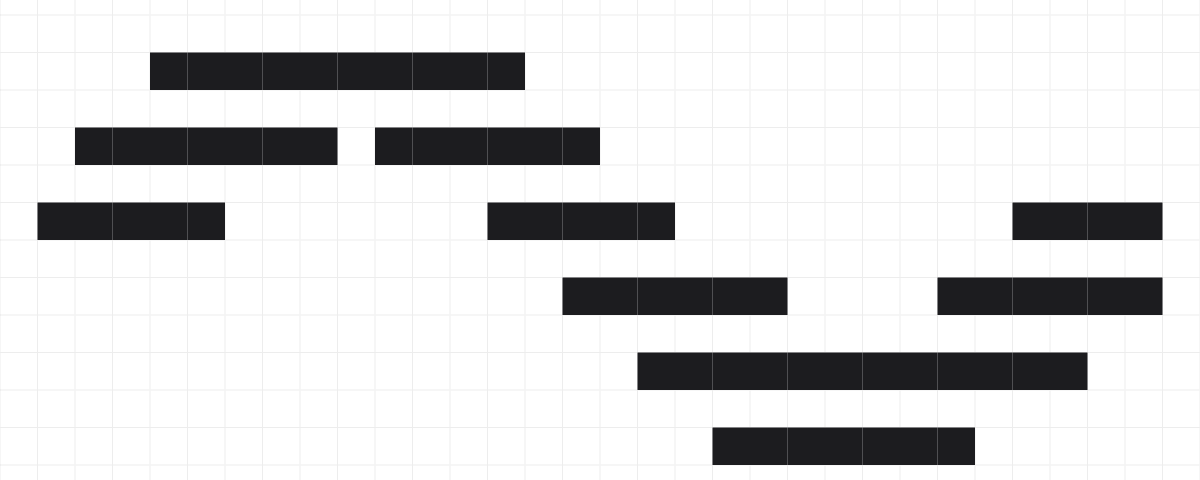
Every Block size × Block size block of the grid that the stamp touches fills whole, so strokes turn into big, low-resolution blocks (Block size follows Size by default, at least 2). Erasing with it clears a plain square.
Reads: nothing but where you draw
With a finger: Works the same with a finger, an Apple Pencil or a mouse: pixel brushes never read pressure or tilt, only where you drag.
| Setting | Range | Factory | What it does |
|---|
| Block size Options page | 2 – 32 | 3 | Cells per block. Also sized by the Pattern chip on the bottom bar. |
Tips
- Think in blocks: the letter's resolution comes from Block size, not from your line.
- A small Size with a large Block size gives the boldest low-res look.