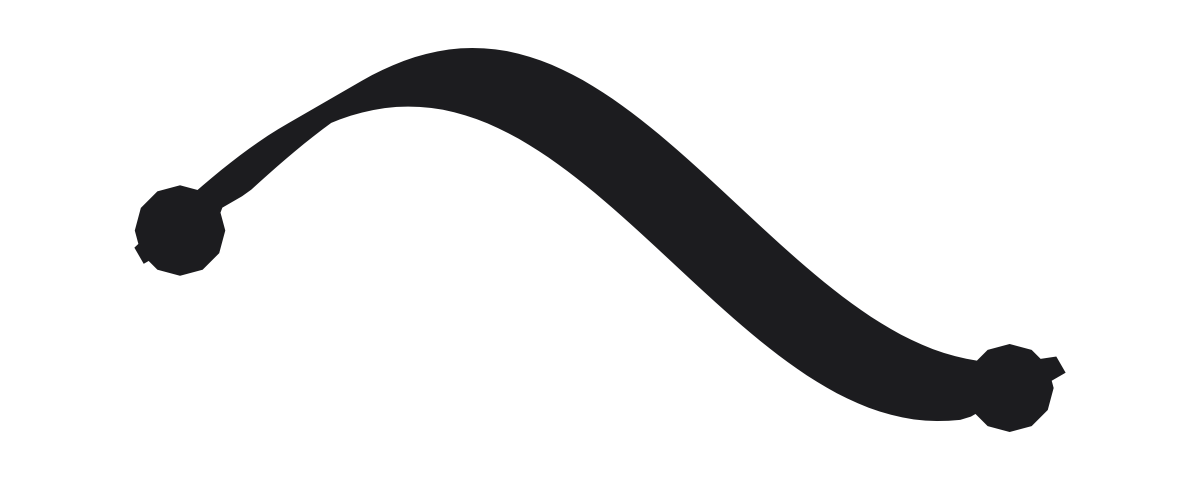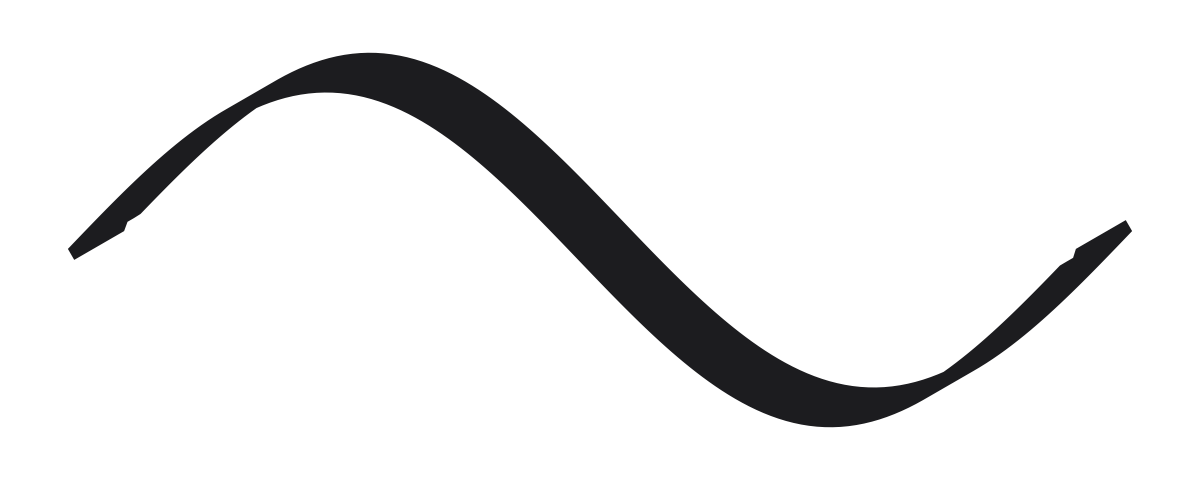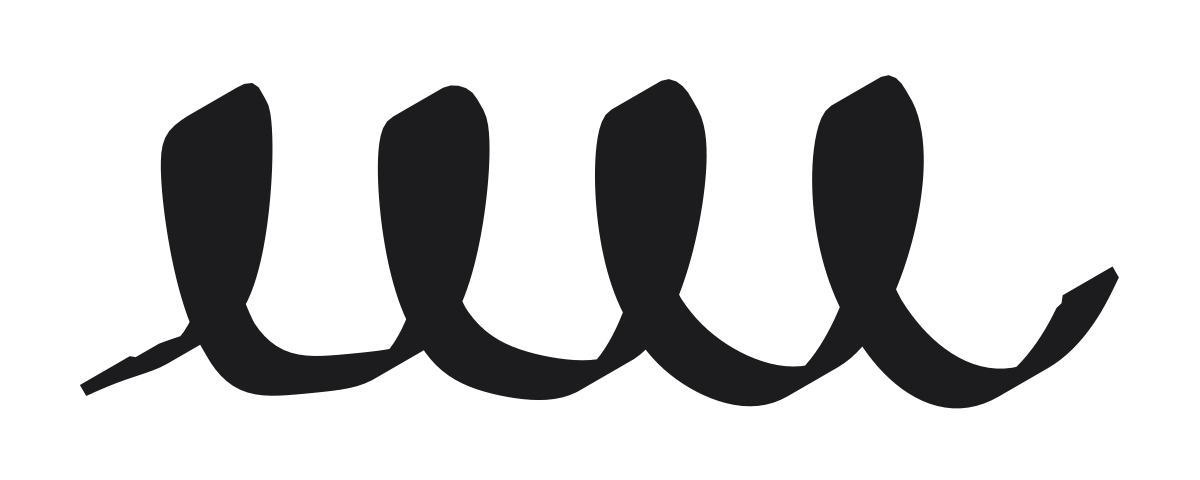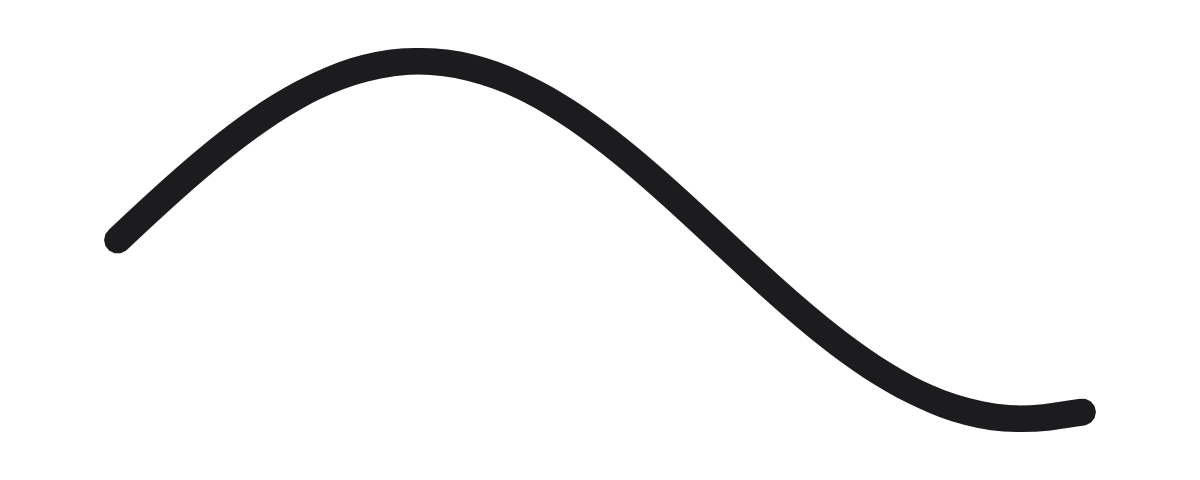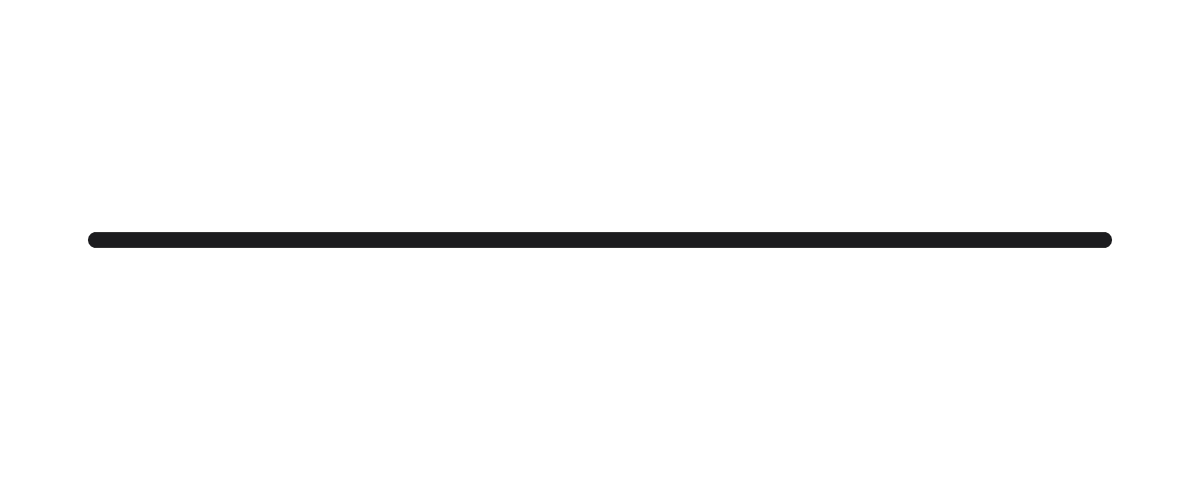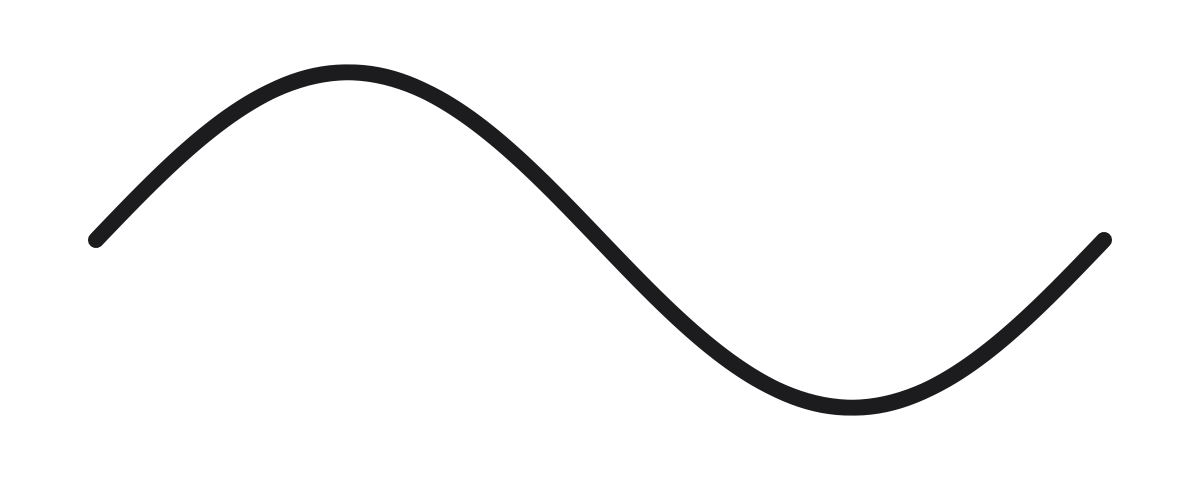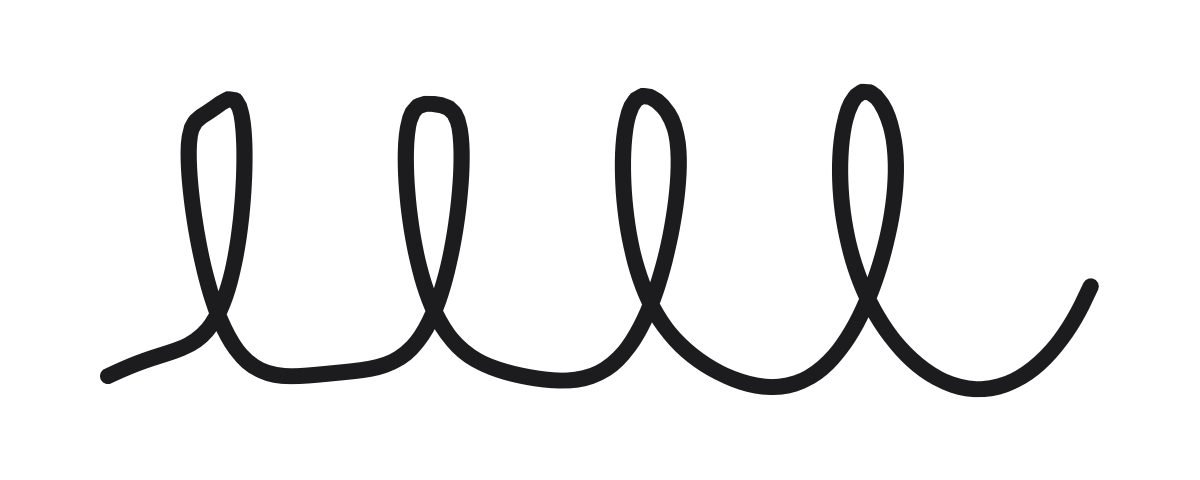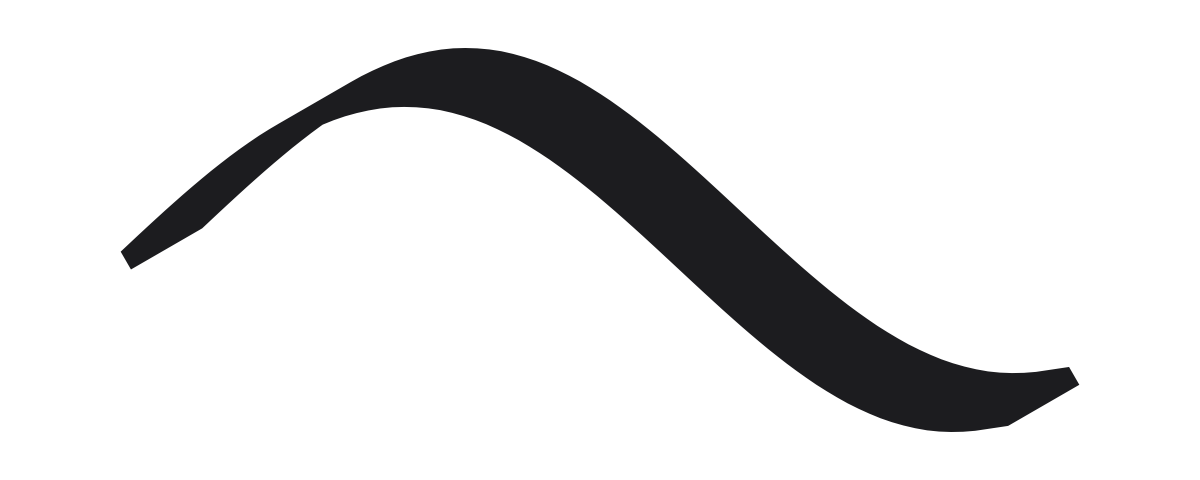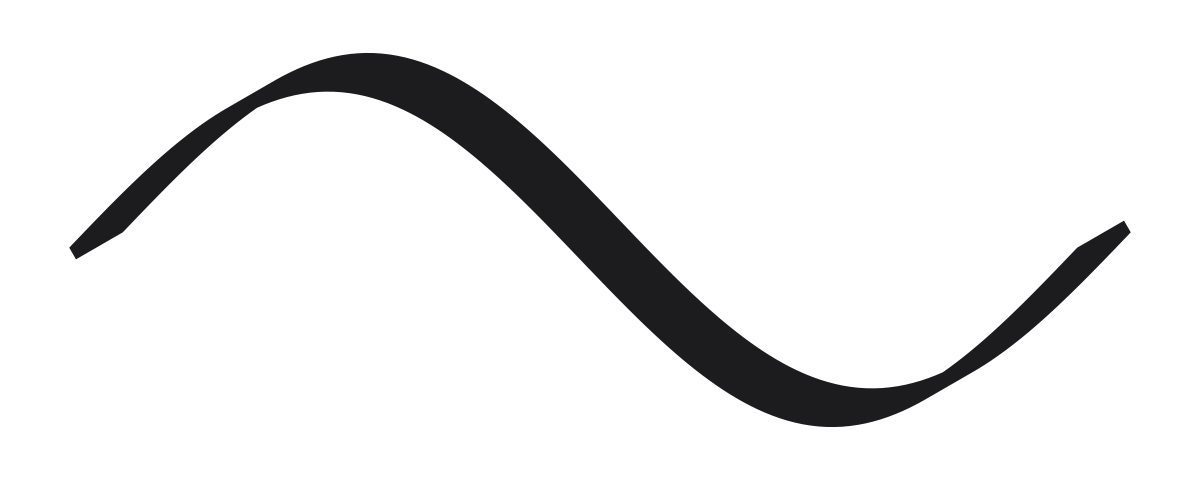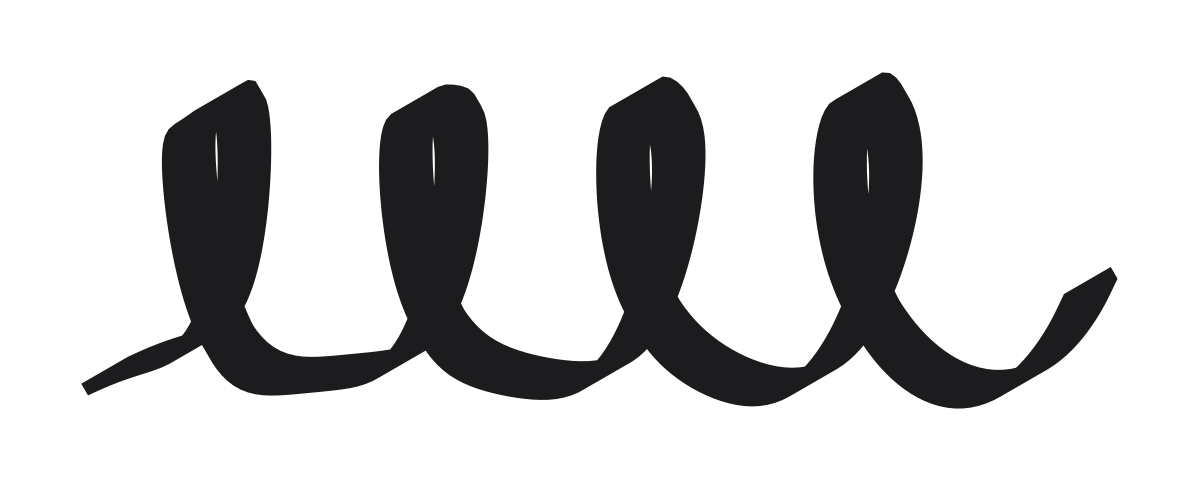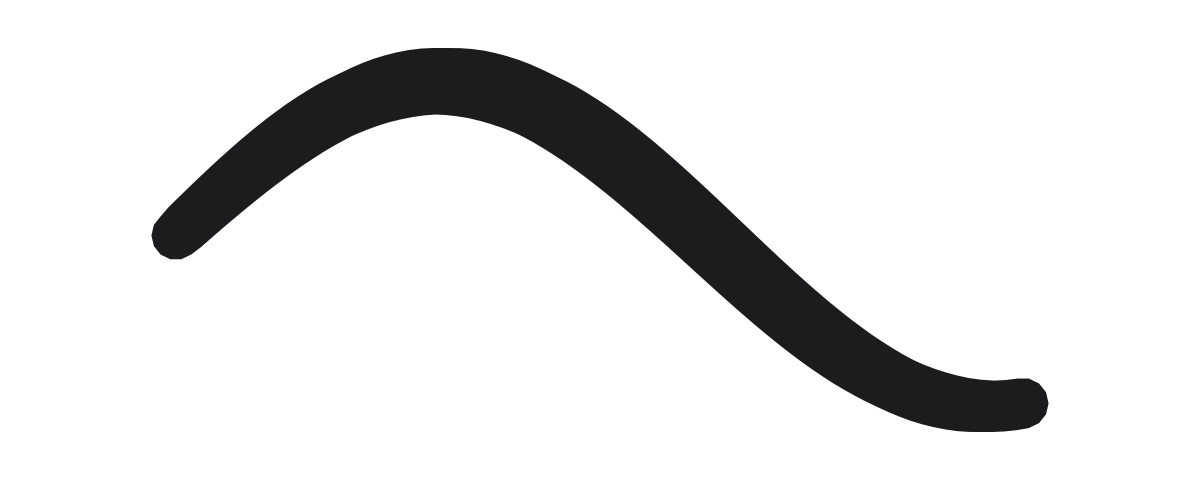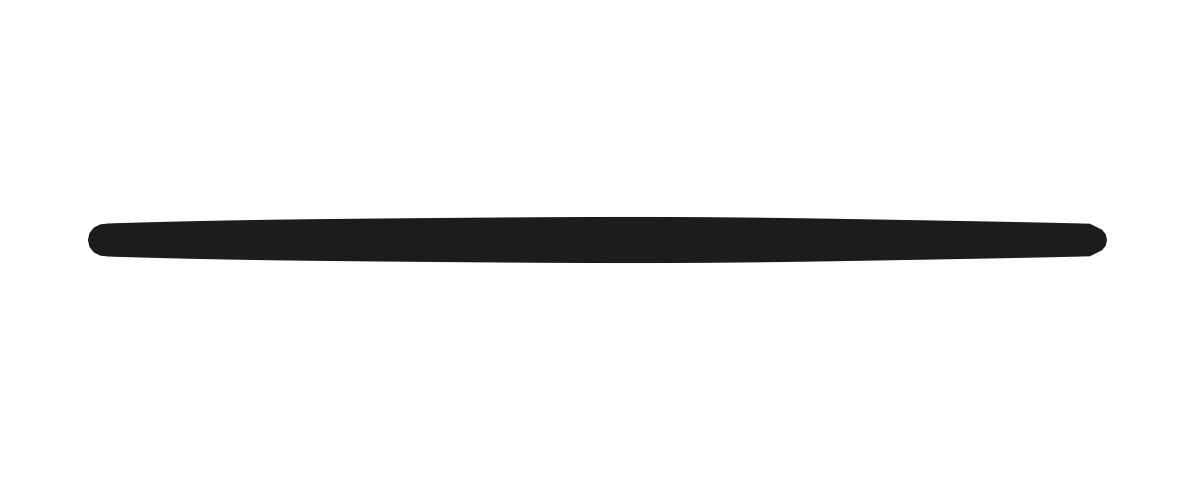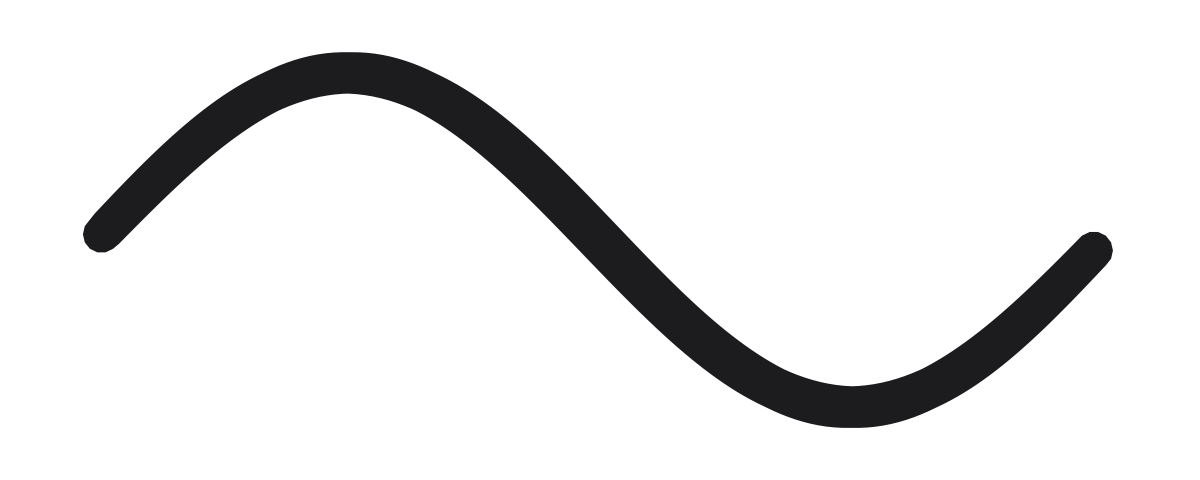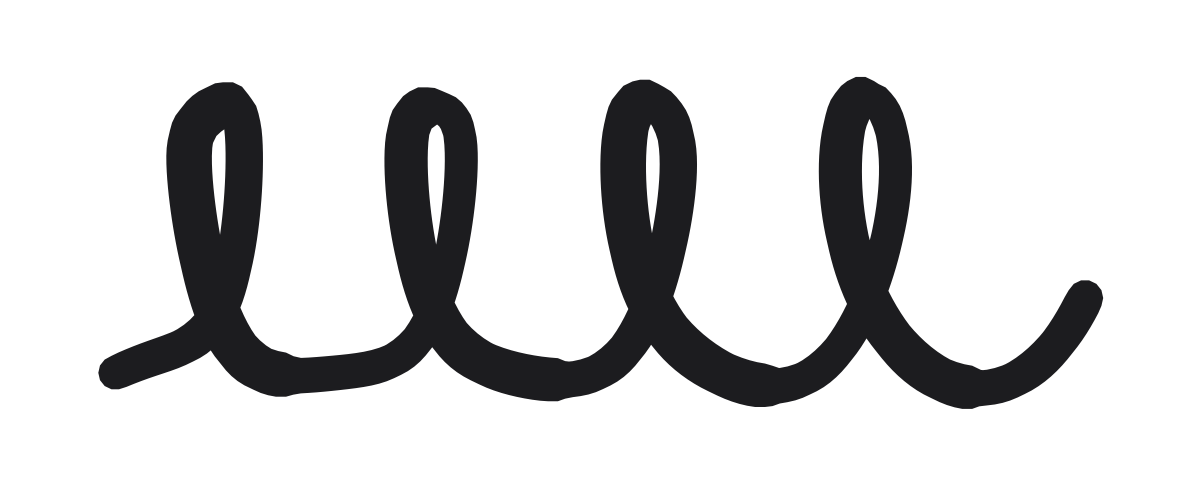
Wet brush
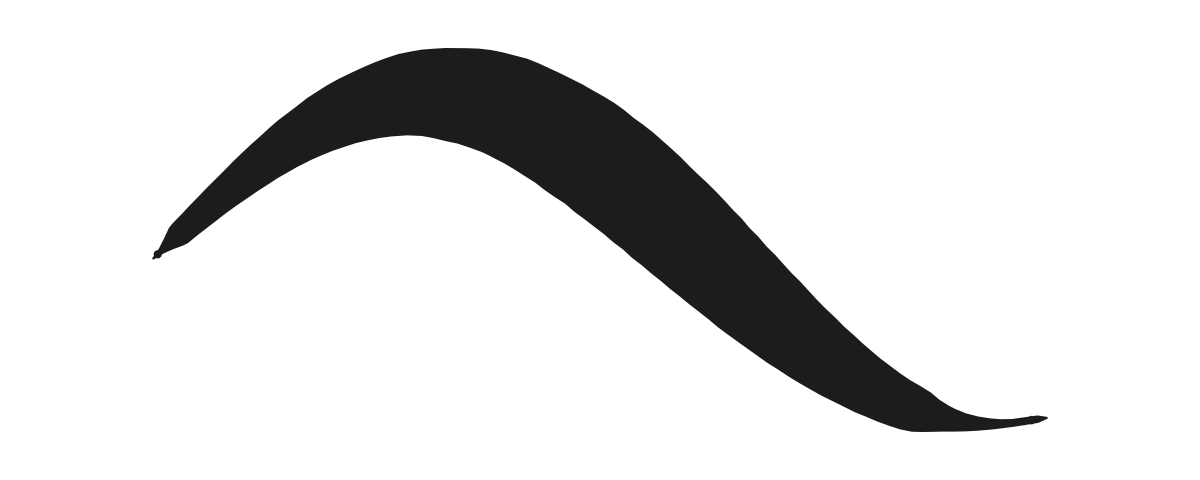
pools where you pause, bleeds at the edge
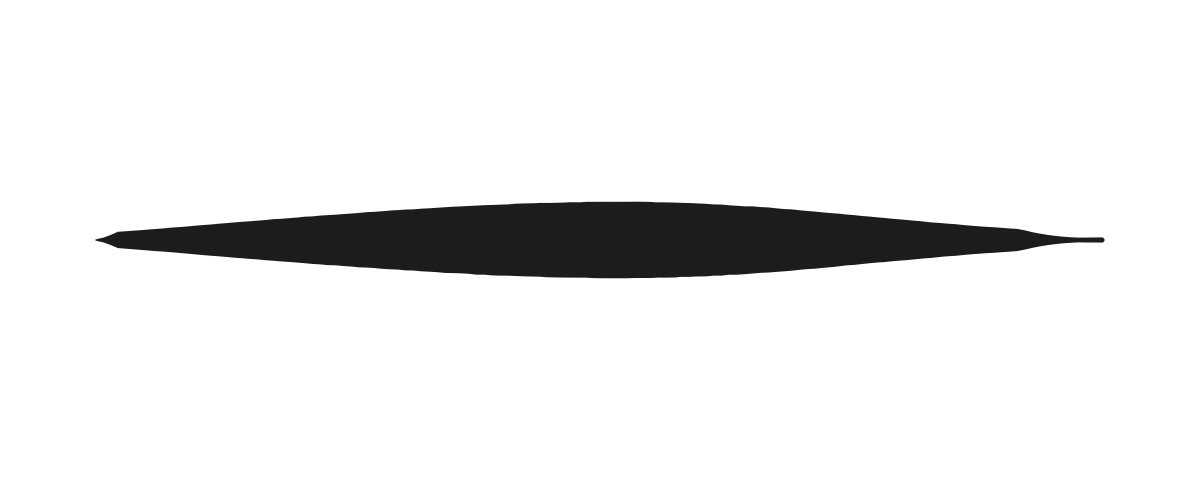
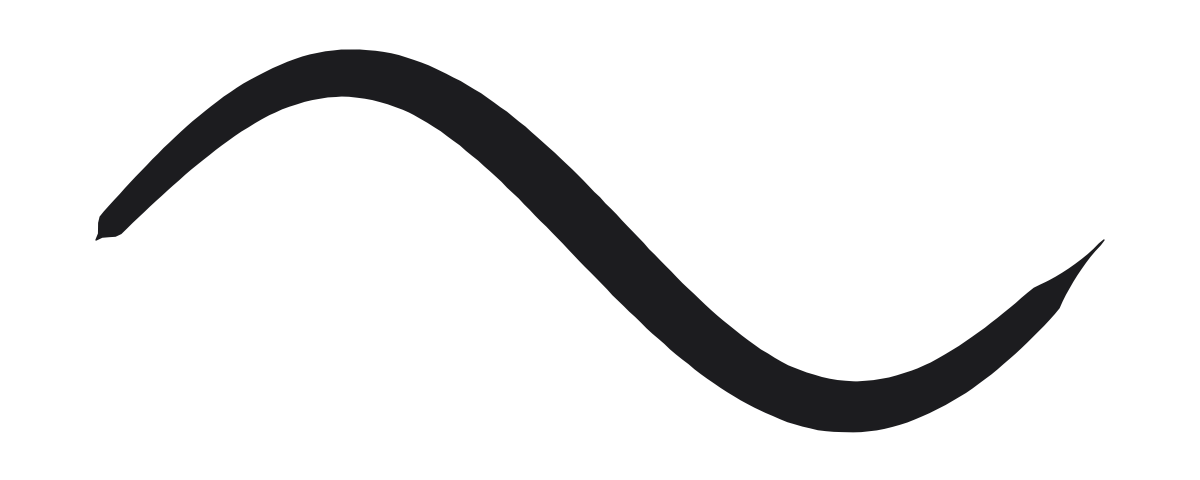
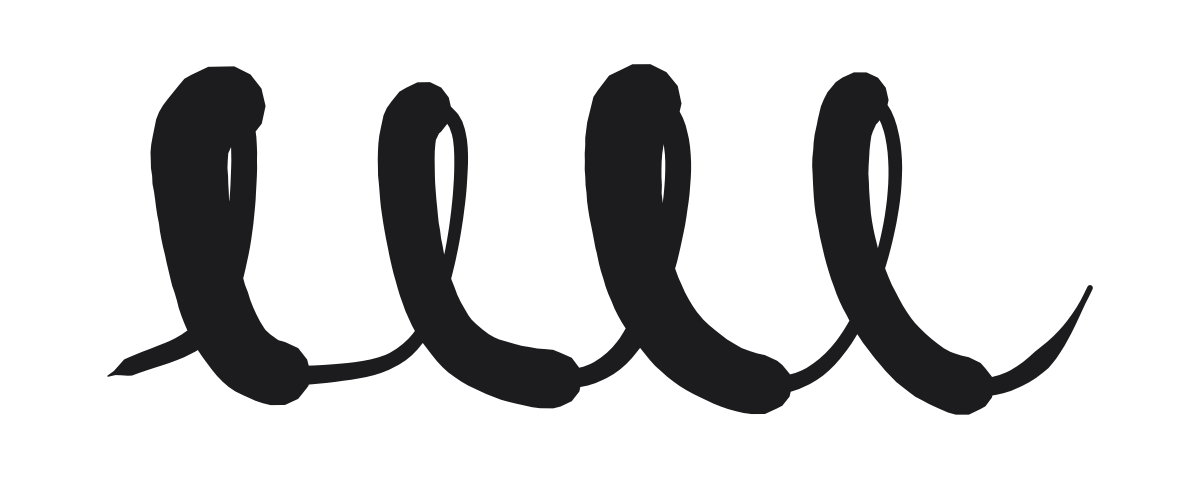
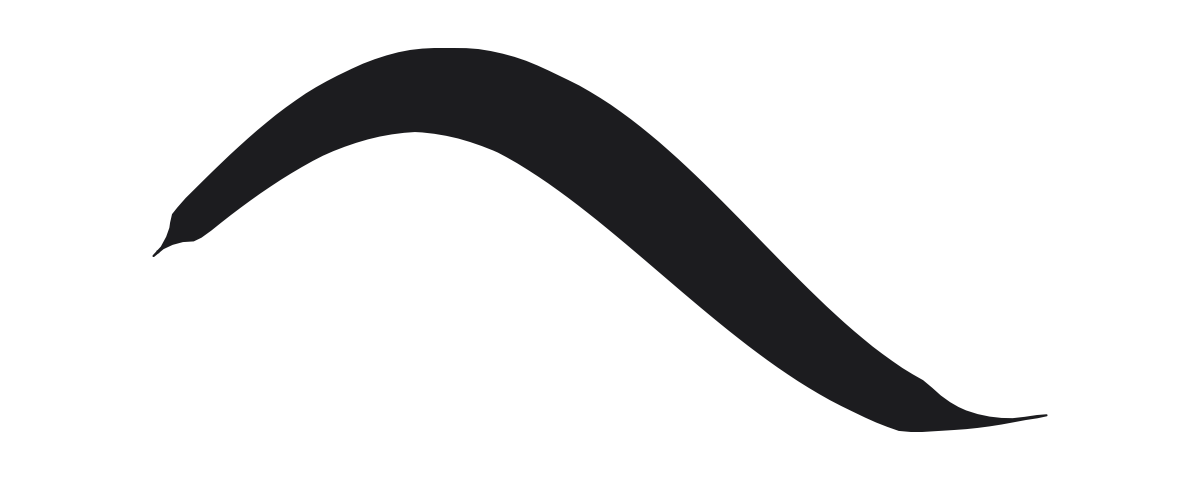
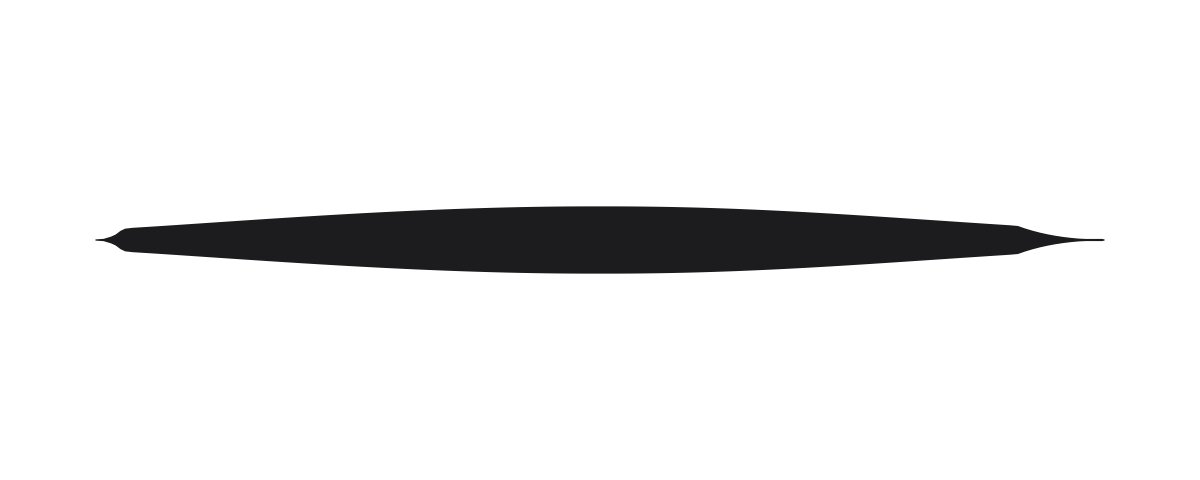
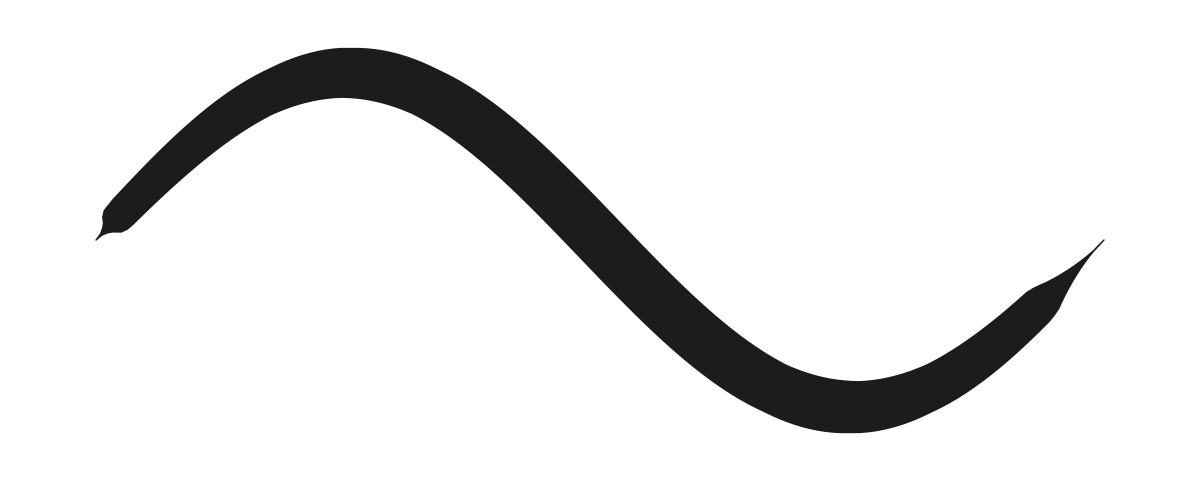
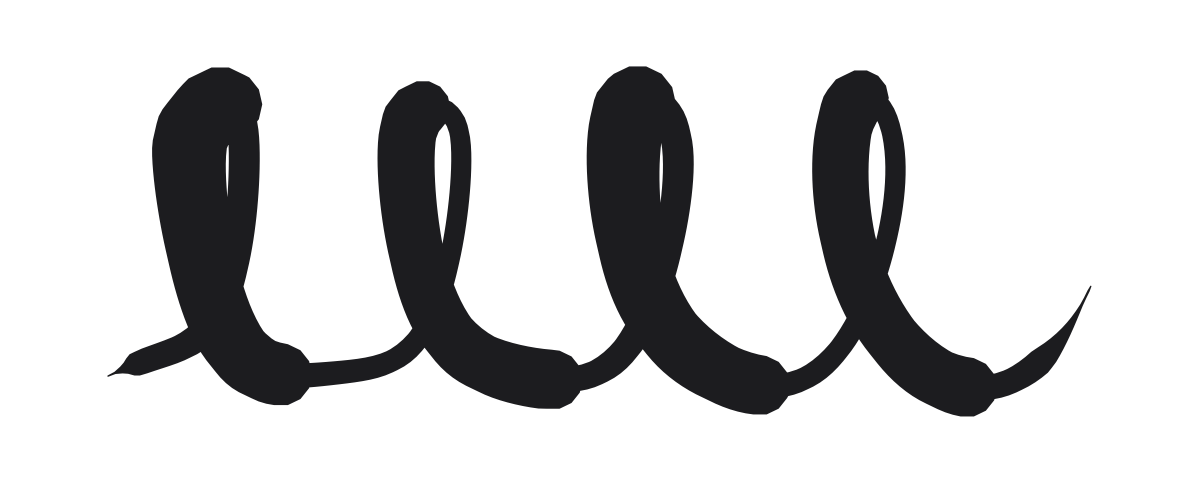
The Brush pen recipe with Ink pooling raised to 70% and Bleed to 50%: the same whisper-to-bold sumi width (0.12× to 1.9× Size), long brush tail and pointed tips, but every mid-stroke pause leaves a round blob (up to about 1.6× the line's width) and the edge swells and wobbles outward. Fast strokes still thin and leaning still broadens. At the tapered ends the line is so thin that a pause there barely pools.
Reads: pressure, tilt, speed
With a finger: A finger has no pressure or tilt: it draws at the Line weight (50% by default), and with “Speed shades the line” on in Settings (the default) fast finger strokes come out lighter. That is about 0.71× Size, with an extra 1.6× Size of taper at each end (Finger taper 80%).
| Setting | Range | Factory | What it does |
|---|---|---|---|
| Width at a light touch | 0.00× – 1.50× (Hairline … Bold) | 0.12× | Stroke width at the lightest pressure, as a multiple of Size. Needs pressure: a finger or mouse draws between this and the full-press width at the Line weight. Brush Studio › Stroke. needs pressure |
| Width at full press | 0.02× – 3.00× (Hairline … Bold) | 1.90× | Stroke width at full pressure, × Size. Set it equal to the light-touch width for a pen that ignores pressure. Brush Studio › Stroke. needs pressure |
| Pressure feel | 0.30× – 3.00× (Eager … Firm) | 1.60× | The curve between the two widths: below 1 the line swells early, above 1 it takes a firm press. Brush Studio › Stroke. needs pressure |
| Speed response | -1.00 – +1.00 (Thinner … Fatter) | -0.35 | Negative: fast strokes thin out. Positive: they fatten. At ±1 the width moves by up to 55% between a crawl and a racing stroke (five times the even pace of about 900 font units a second). Brush Studio › Stroke. |
| Line weight | 5% – 100% (Light … Heavy) | 50% | The force a stroke is drawn at when it has no pressure (a finger or a mouse). On iPhone and iPad, tapping a second finger while drawing flips between this weight and its heavy twin. It never changes strokes already drawn. Brush Studio › Stroke. |
| Nib shape | Choices: Round, Ellipse, Flat | Round | The nib's footprint. Ellipse and Flat give thick and thin by direction; Round is the same width every way. Brush Studio › Stroke › Nib. |
| Nib thinness | 8% – 100% (Blade … Round) | 100% | An ellipse's or a flat nib's thin side against its wide side; lower is a sharper blade. No effect on a round nib. Brush Studio › Stroke › Nib. |
| Nib angle follows | Choices: Fixed, Pencil tilt (needs tilt), Stroke, Barrel roll (needs roll) | Fixed | What turns a shaped nib: Fixed holds the Nib angle; Pencil tilt follows the way the Apple Pencil points; Stroke follows the line's own direction plus the Nib angle; Barrel roll follows Apple Pencil Pro's roll. Without that sensor the nib holds the Nib angle. Brush Studio › Stroke › Nib. |
| Nib angle | 0° – 180° | 30° | The shaped nib's angle from horizontal (or its offset from the stroke direction on Stroke). No effect on a round nib. For a shaped nib held at a fixed angle it is also on the picker's Options page. Brush Studio › Stroke › Nib. |
| Tilt widens | 0% – 100% (None … Strong) | 40% | How much leaning the Apple Pencil broadens the line: at 100% a nearly flat Pencil draws up to 2.2× as wide. Needs tilt. Brush Studio › Stroke › Nib. needs tilt |
| Ink pooling | 0% – 100% (None … Strong) | 70% | Ink gathers in a round blob where the pen pauses (from about 0.08 s, full at about 0.6 s), up to 1.9× the line's width at 100%. Brush Studio › Stroke › Dynamics. |
| Edge roughness | 0% – 100% (Even … Strong) | 5% | Jitters the nib's rim inward by up to 35% at 100% for a ragged edge. Works on round and ellipse nibs only; a flat nib stays clean. Brush Studio › Stroke › Dynamics. |
| Bleed | 0% – 100% (None … Strong) | 50% | A slow outward wobble of the edge, like ink on soft paper: adds up to 12% of Size to the radius. Brush Studio › Stroke › Dynamics. |
| Start cap | Choices: Round, Flat, Square, Pointed, Chisel, Blob | Pointed | The start's shape: Round (the nib), Flat (cut square at the end point), Square (cut square half a width past it), Pointed (closes to a point), Chisel (cut along the nib's edge), Blob (a pooled drop 1.35× the nib or more). Brush Studio › Ends. |
| End cap | Choices: Round, Flat, Square, Pointed, Chisel, Blob | Pointed | The end's shape, with the same choices as Start cap. Brush Studio › Ends. |
| Start taper | 0.0× – 6.0× (None … Long) | 0.6× | How far the line takes to grow from a point to full width, × Size (the Studio also shows font units). Brush Studio › Ends. |
| End taper | 0.0× – 6.0× (None … Long) | 2.4× | How far before the end the line starts to thin, × Size. Brush Studio › Ends. |
| Taper shape | Choices: Linear, Ease, Ink, Brush | Brush | The tapers' profile: Linear; Ease (an S-curve); Ink (swells quickly, then levels); Brush (stays thin for longer, a long fine tip). Brush Studio › Ends. |
| Finger taper | 0% – 100% (None … Long) | 80% | Extra taper for strokes drawn without tilt data (a finger or a mouse): adds 2 × this × Size to both tapers, so finger strokes still end pointed. Brush Studio › Ends (› Stroke on iPhone and Mac). |
| Steady | 0% – 100% (None … Strong) | 25% | Smooths a shaky hand by averaging the path over a distance (up to ±120 font units at 100%), so it works the same at any speed; the ends stay where you put them. Also a chip on the bottom bar. Brush Studio › Steady. |
| Pressure curve | Off, Linear, Soft, Firm (then five points, 0× – 3× each) | Off | Replaces the two widths and the feel with five widths from the lightest touch to full force: Linear 0.2× → 1.0×, Soft 0.35× → 1.05×, Firm 0.15× → 1.1×; each point then has its own slider. Made for Apple Pencil pressure; a finger or mouse uses the single point at its Line weight. Brush Studio › Advanced. |
Tips
- Pause on purpose inside a stroke (at a stem's turn, say) to drop a wet blot.
- Lower Bleed if small letters fill in; the wobble adds up to 6% of Size to the edge.