

Re-ink a font
Picking a new pen never changes ink you've already drawn. When you do want that, say to try your whole font in a fountain pen, re-ink it: every stroke keeps its path, and takes the new pen.
Opening Re-ink
- Open any letter on the canvas.
- Tap the brush chip (the pen's name) on the pen bar at the bottom to open the brush picker, and choose the pen you want.
- At the foot of the picker, tap Apply brush to existing strokes… (“Re-inks ink you've already drawn”).
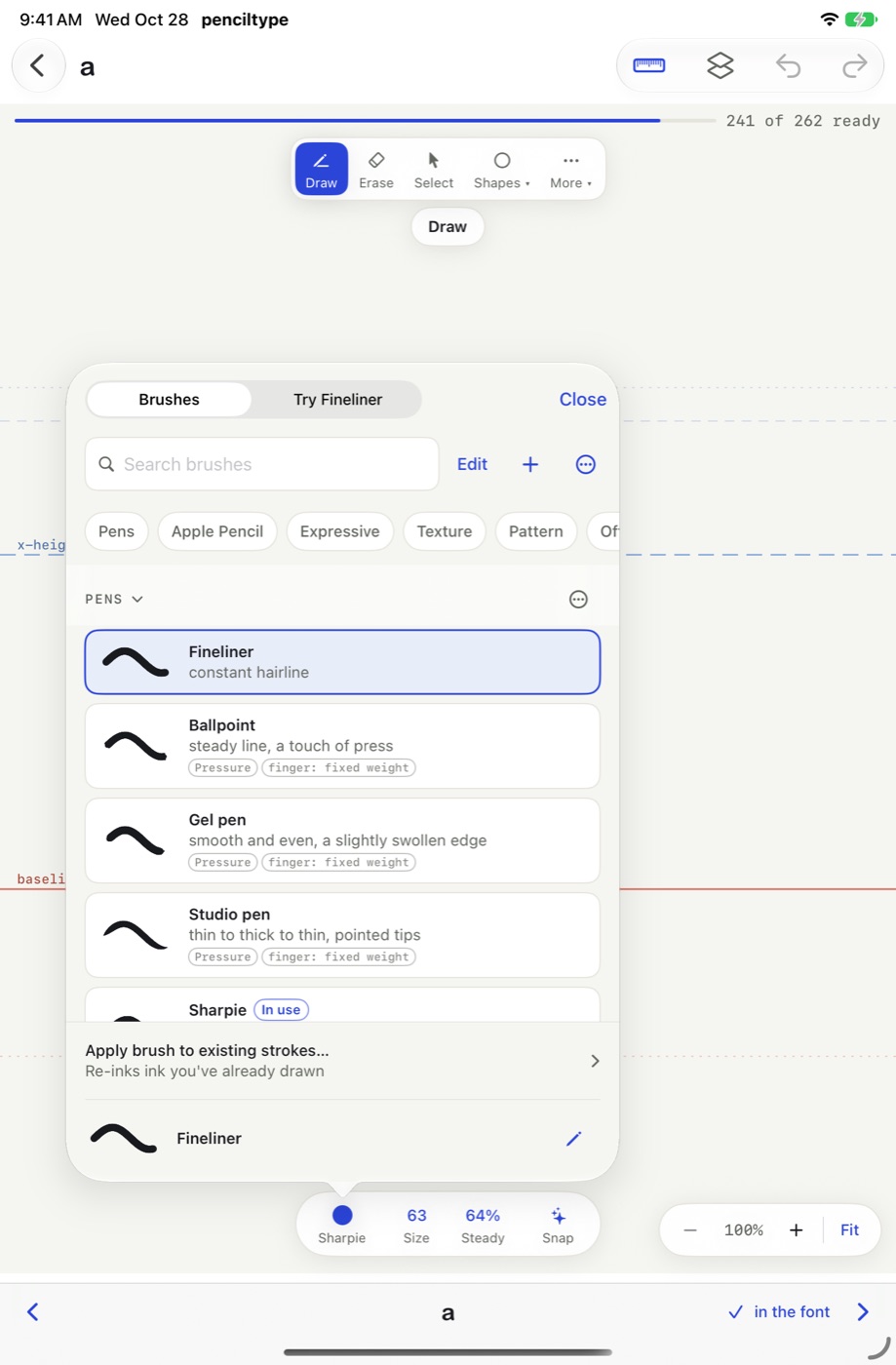
The pen you chose becomes the font's pen, and the Re-ink with Fineliner sheet opens (named after the pen). Re-ink is for pens: pixel fonts' brush pickers don't have this row.
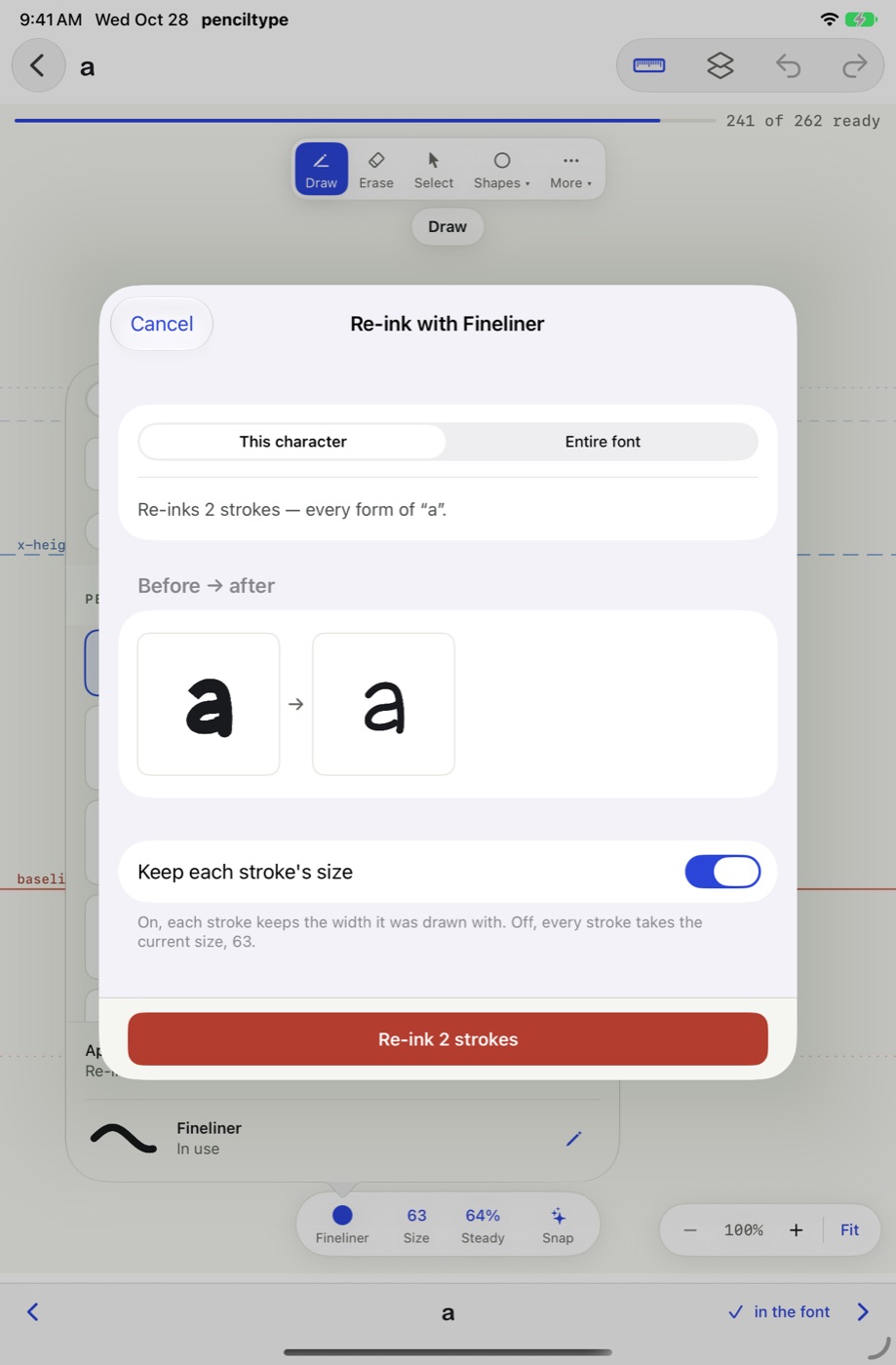
- Apply to
- This character: every form of the letter you have open (its alternates and join forms too). Entire font: every stroke in the font, saved shapes included.
- The count
- How many strokes will change: “Re-inks 2 strokes — every form of “a”.” or “Re-inks 221 strokes across the whole font, saved shapes included.”
- Before → after
- For one character, the letter twice, large: as it is, and as the new pen would ink it. For the whole font, a few of the letters you drew most recently, small. If there's nothing to re-ink, it says Nothing drawn with a pen yet.
- Keep each stroke's size
- On (the default), each stroke keeps the width it was drawn with. Off, every stroke takes the pen's current size, shown in the footnote.
- Re-ink N strokes
- The red button at the bottom does it. It's greyed out when there are no strokes to re-ink.
- Cancel
- Closes the sheet and changes nothing.
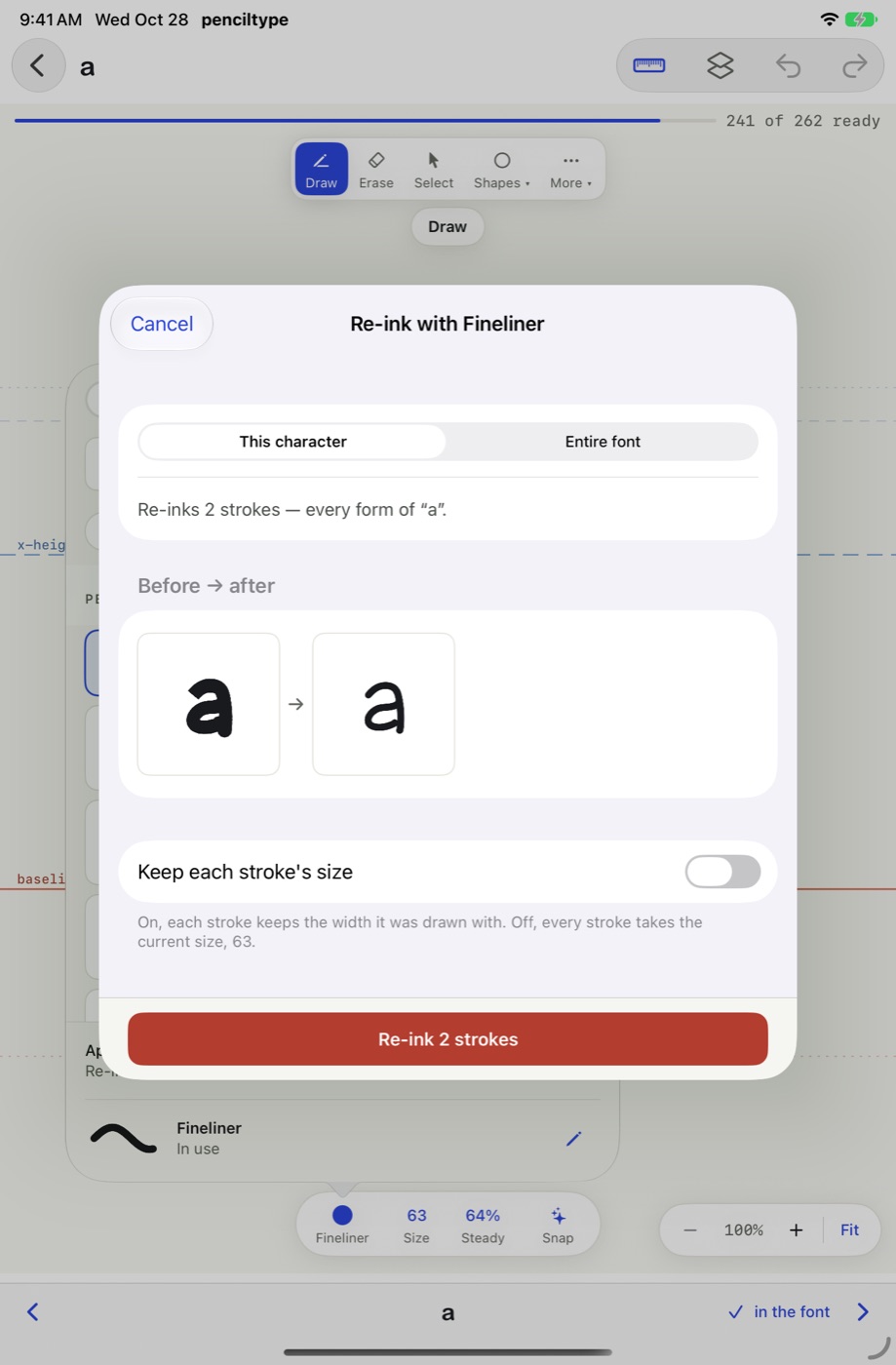
One character
With This character chosen, Re-ink N strokes re-inks straight away and closes the sheet. It's one ordinary step on the canvas: Undo brings the old ink back.
The whole font
Choose Entire font. The sheet adds: “A restore point of your library is saved first. Undo re-ink, on the grid and the canvas, brings the ink back until you draw again.”
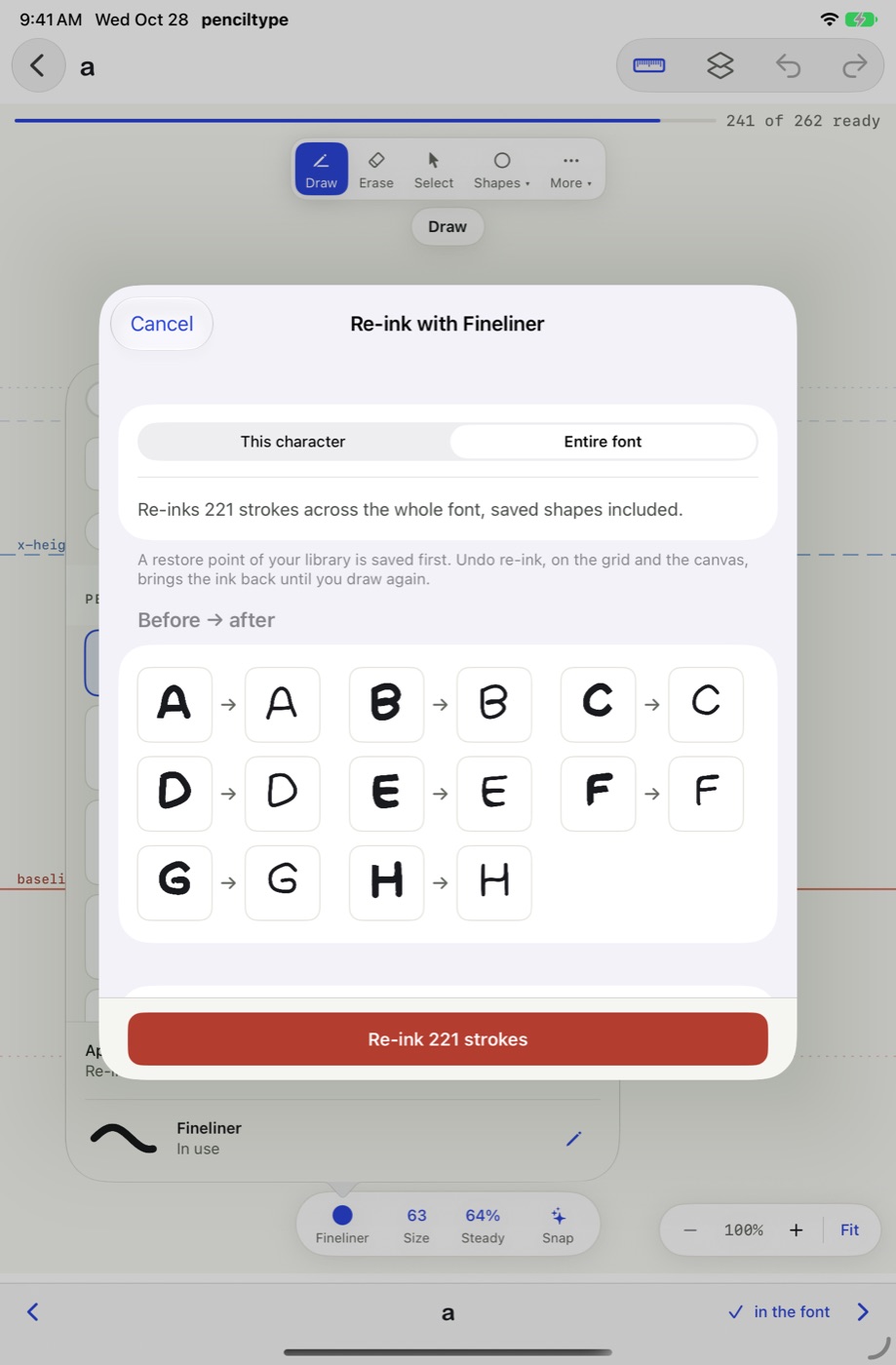
Tap Re-ink N strokes. Because this changes every letter, it asks first: Re-ink the entire font? “Every stroke in “Bubba pop” takes this pen. A restore point of your library is saved first.” Tap Re-ink the font, or Cancel to go back to the sheet.
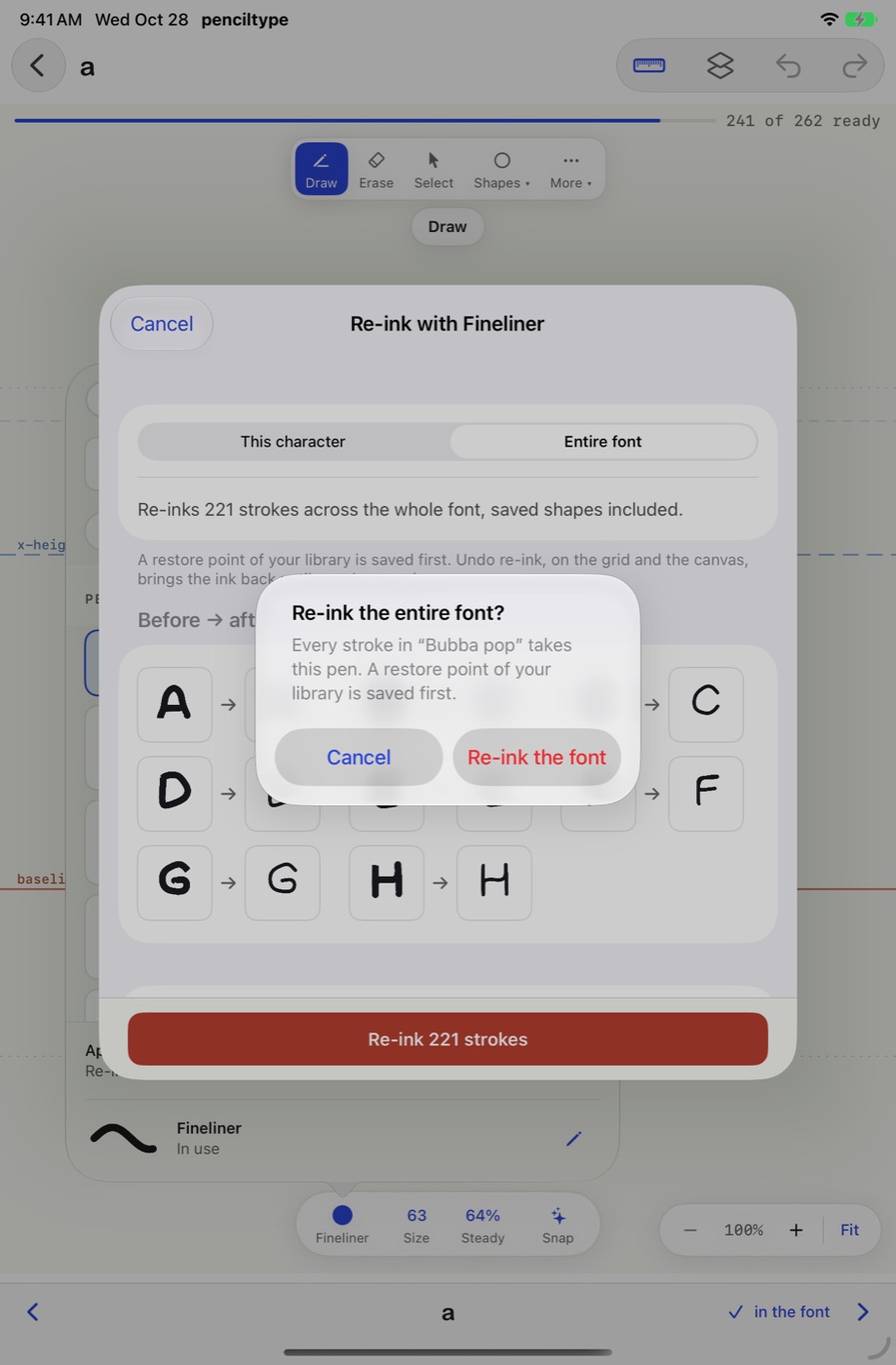
penciltype saves a restore point of your whole library (Saving a restore point…, with a spinner; the sheet can't be swiped away meanwhile), re-inks every stroke, and closes the sheet.
Undo re-ink
After a whole-font re-ink, a banner says Re-inked 221 strokes, with Undo re-ink. It shows under the top of the canvas and above the letters on the grid.
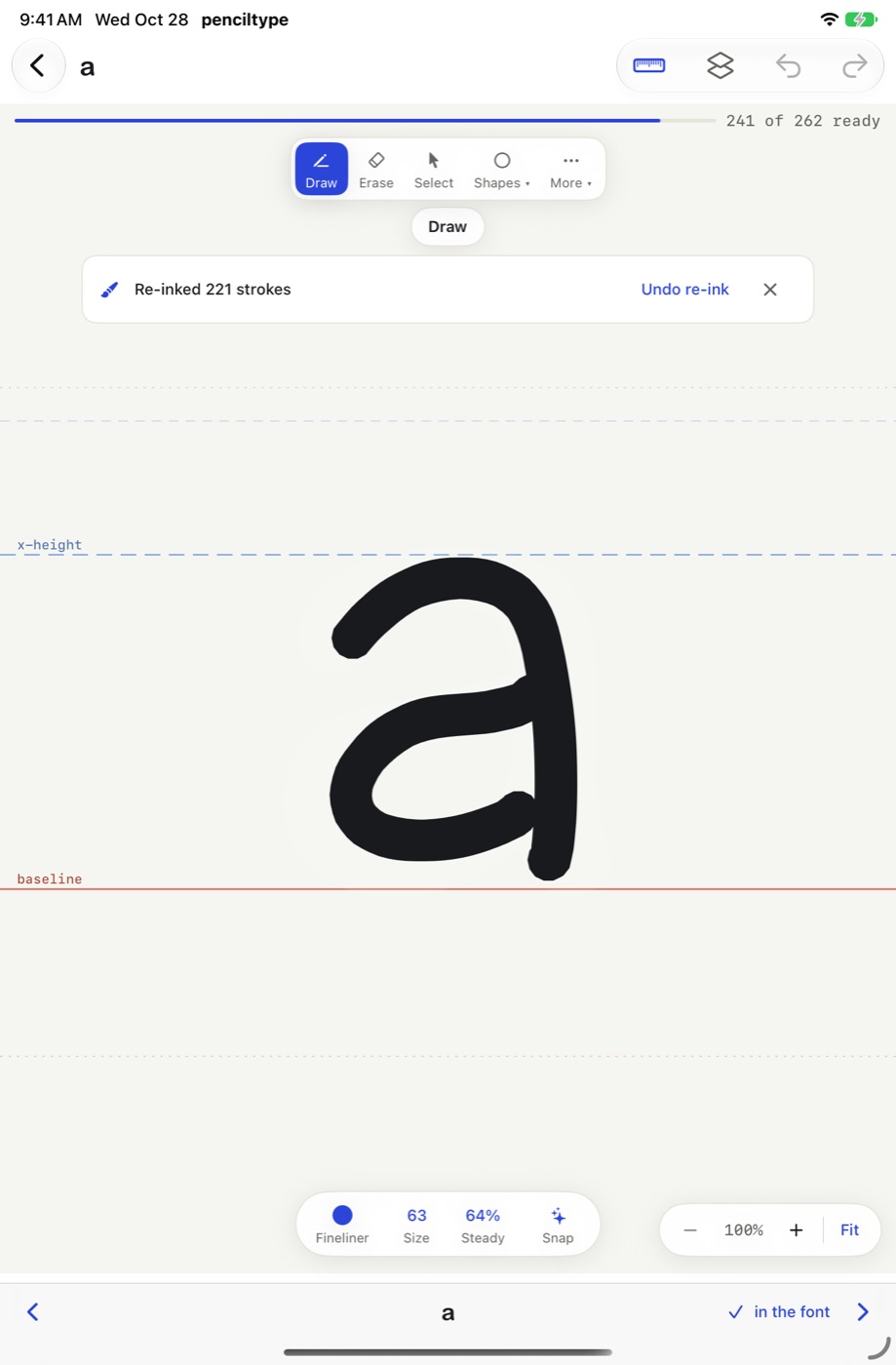
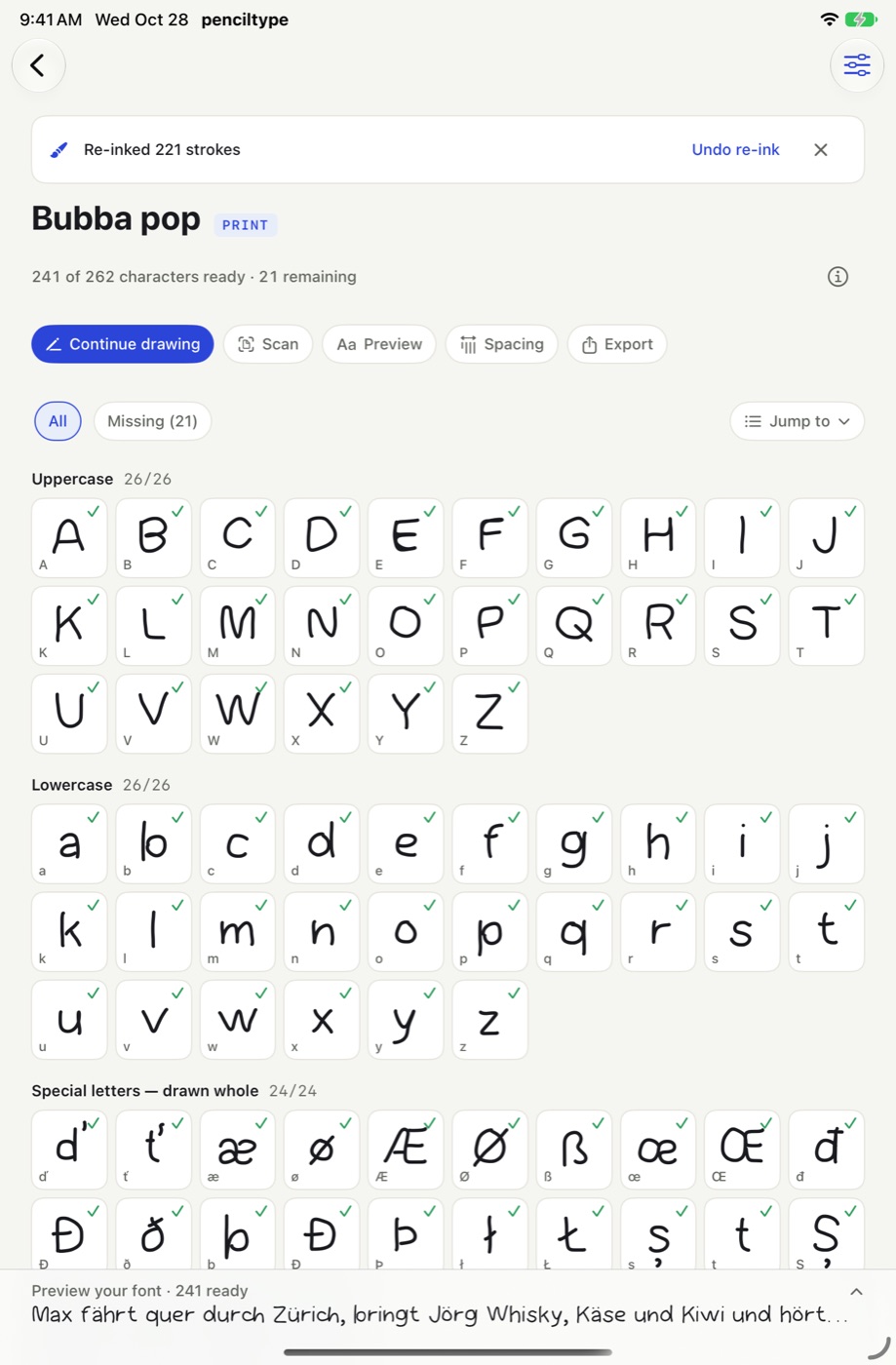
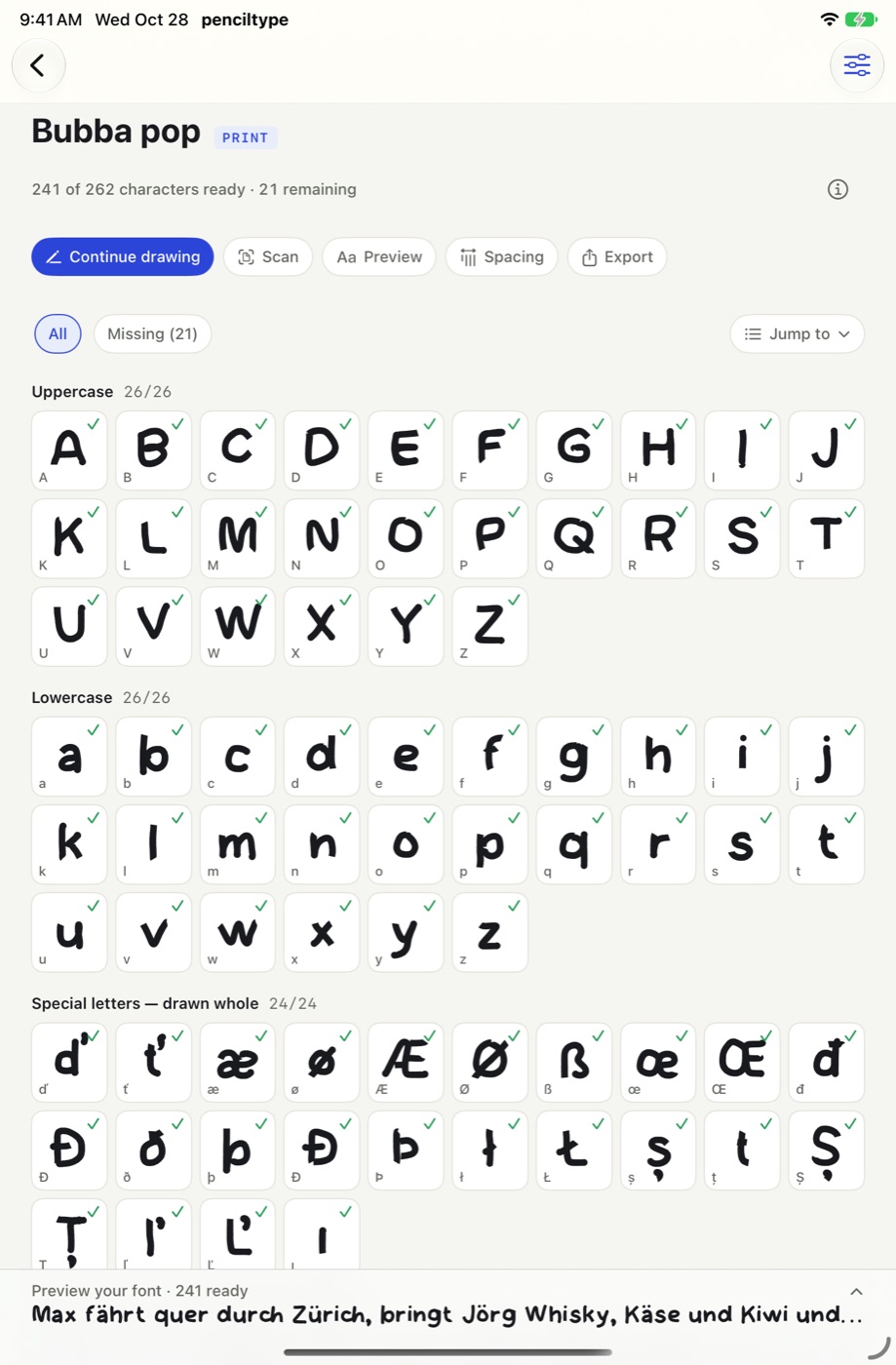
- Undo re-ink brings back every stroke's previous ink.
- The × hides the banner (“the re-inked strokes stay”).
Undo re-ink works until the font changes again. The banner goes away when you draw, import a scan, restore a backup or delete the font, and after that the way back is the restore point: Settings › Backups lists it as Before re-inking “Bubba pop”.
If the restore point can't be saved
If penciltype can't save the restore point (for example, if the device is out of space), it stops and asks: Couldn't save a restore point, with the reason and “Without one, only Undo re-ink can bring the ink back.” Re-ink anyway goes ahead without a restore point; Cancel stops, and nothing is re-inked.