

Pixel fonts
In a pixel font every letter is drawn on a grid of square cells, like a bitmap font from an old computer. The canvas works the same way as in any font, with tools and a pen bar made for cells.
You choose a pixel font, and its grid size, when you make the font (see Making a new font). Everything in The canvas — the guides, onion skins, zoom, the letter bar — applies here too.
The pixel canvas
A grid of cells covers the letter's box, and the tracing guide is snapped to the same grid so you can see which cells to fill. The tool strip has Paint, Erase and Fill, plus More ▾ for Push, Smudge and Clear…. There are no shapes, Path tool, saved shapes or imported artwork in a pixel font.
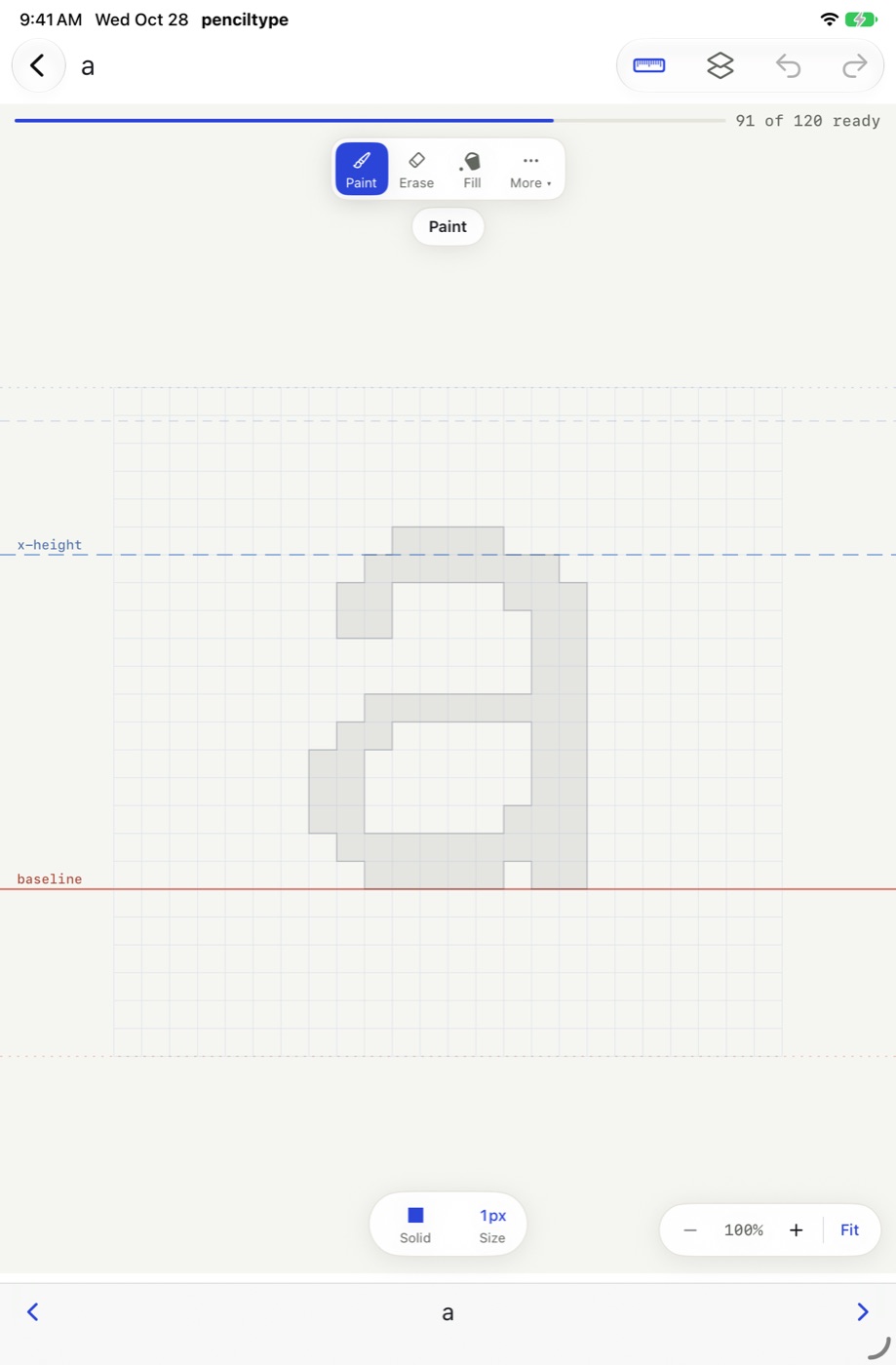
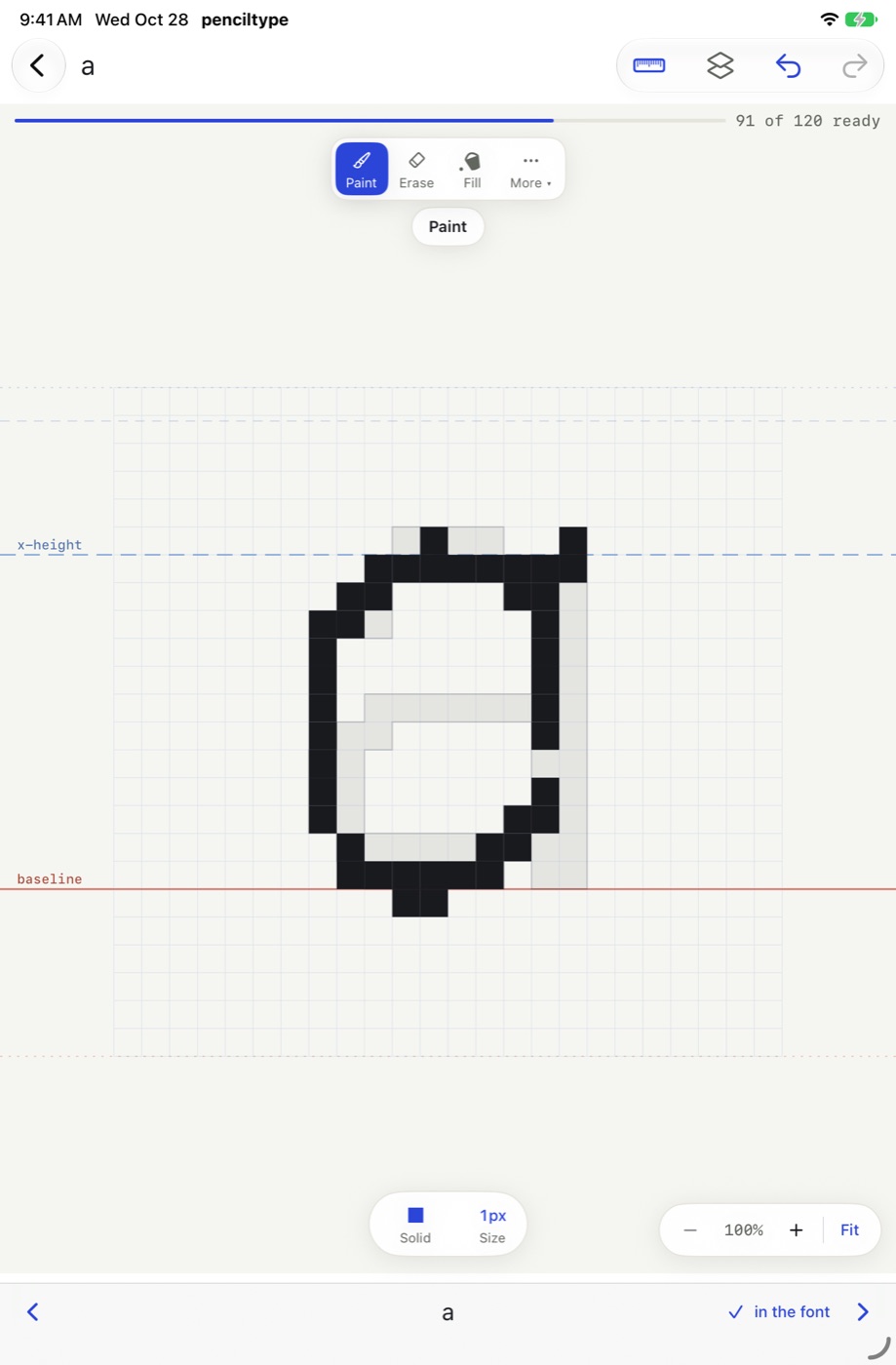
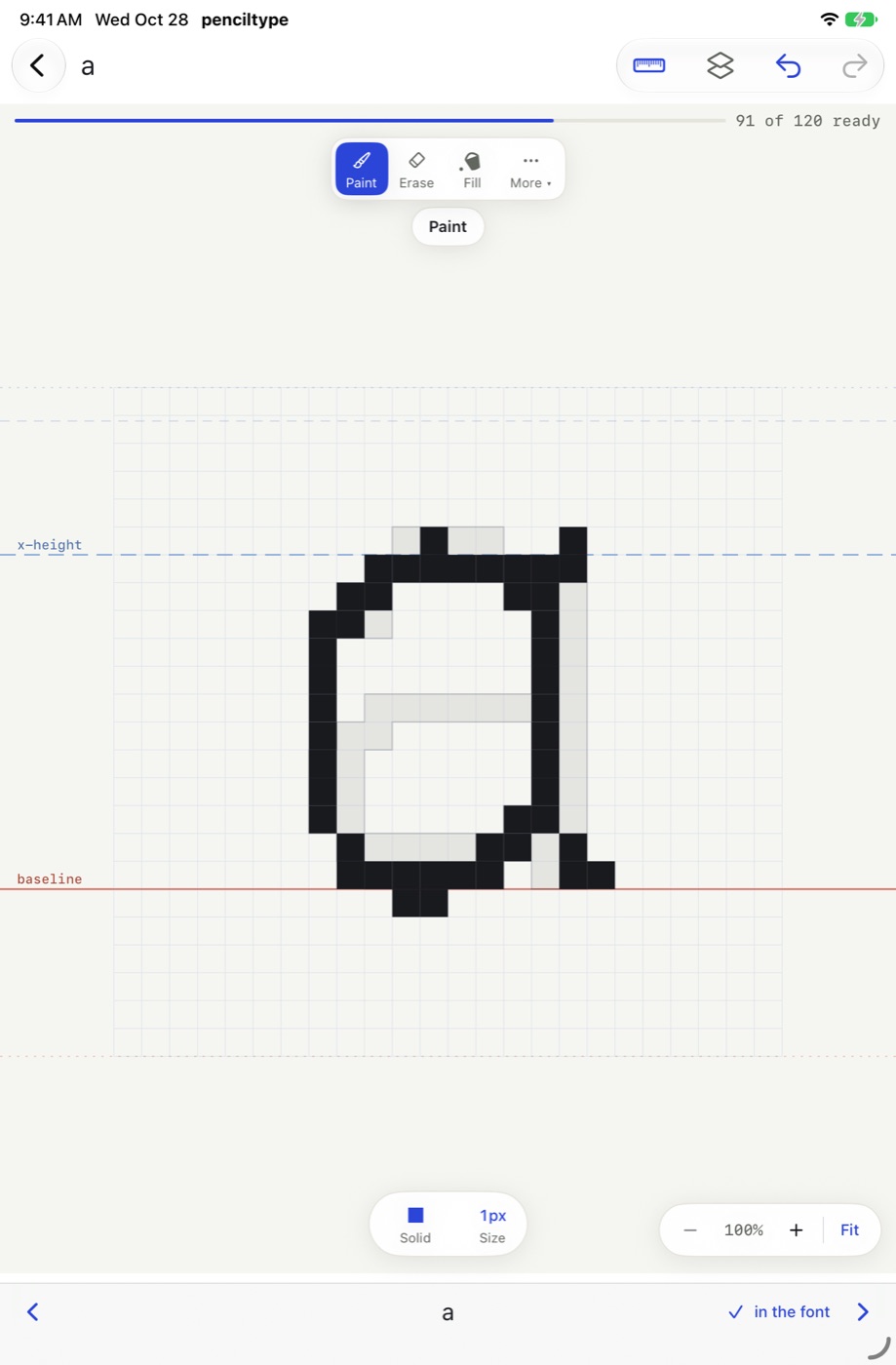
Paint
Tap or drag on the grid to stamp cells with the current pixel brush, at its size and in its pattern. Fast drags are filled in so lines have no gaps. The stroke is added to the font when you lift (and every so often during a long drag, so nothing is lost). Brushes with end pieces put them on the first and last cells; an outline brush carves a hollow tube as you go. A two-finger tap to undo never leaves a stray stamp: nothing reaches the font until the touch is clearly a stroke.
The pixel pen bar
- The pixel brush chip
- A square the true size of the brush's stamp, and the brush's name. Tap it for the pixel brush picker.
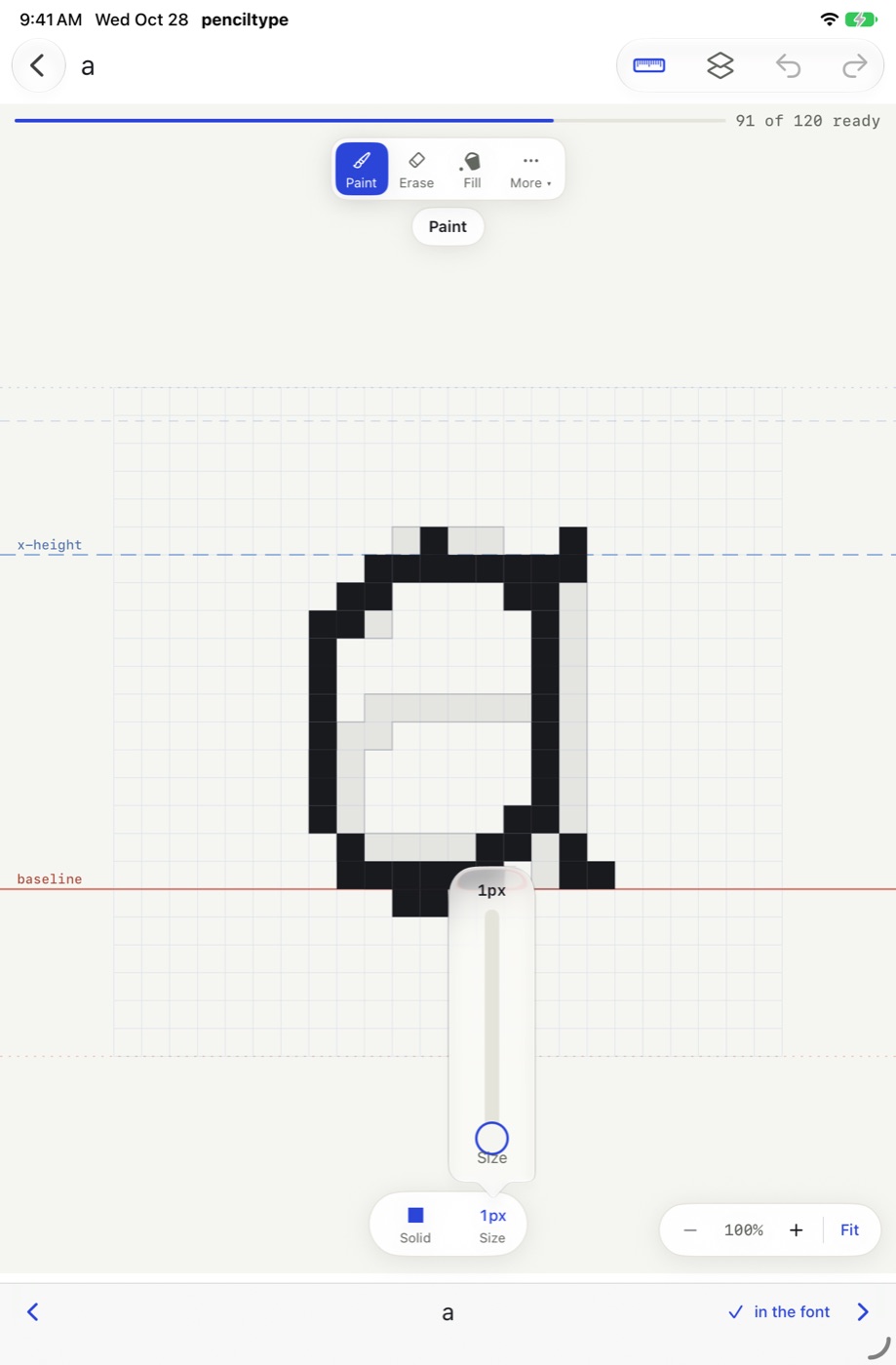
- Size
- The stamp size in cells, from 1 to 20 (shown as Npx). Tap for a vertical slider.
- Pattern
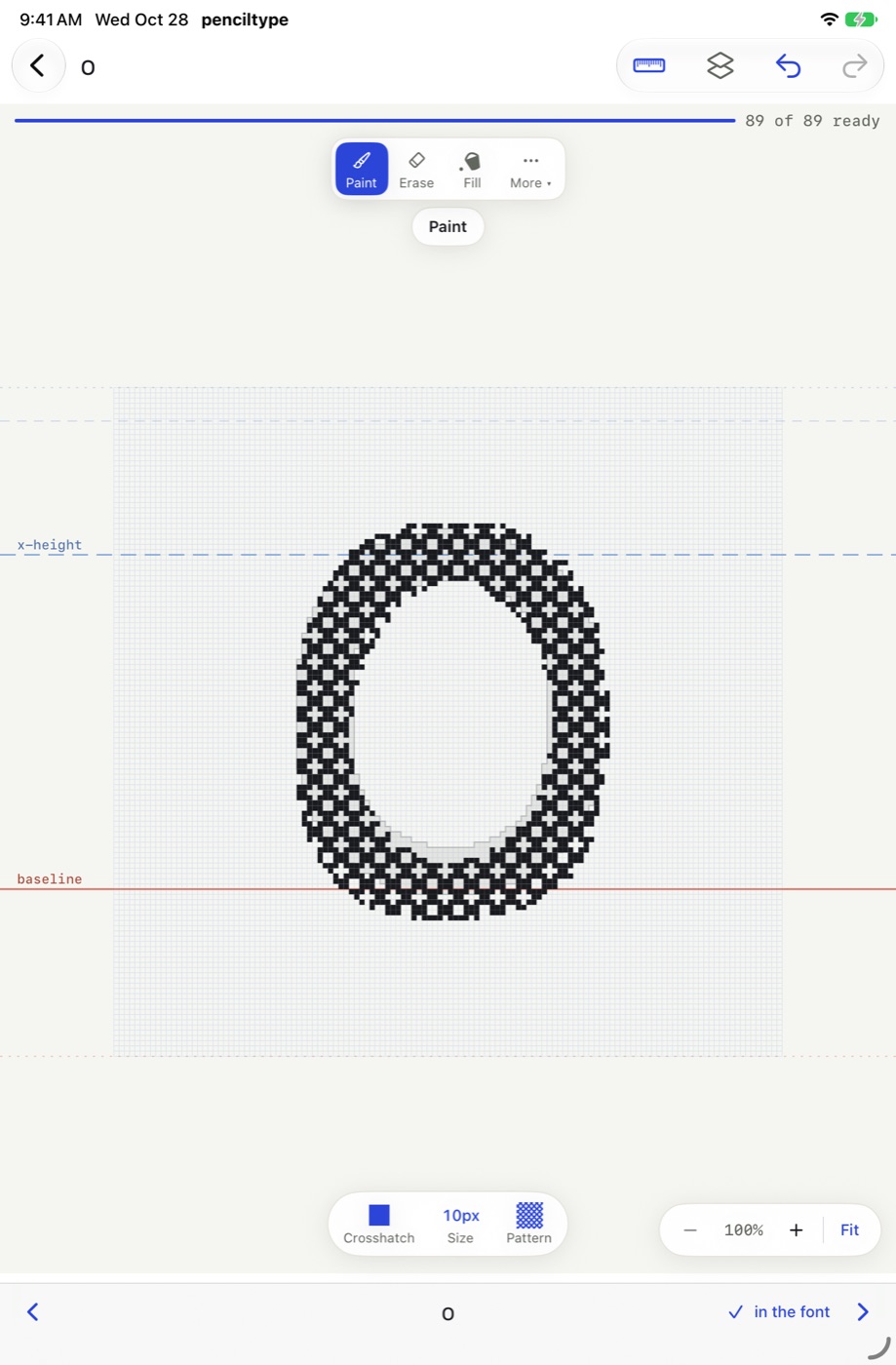
- For pattern brushes (crosshatch, diagonal, grid, cells, brick, weave, chunky, echo, magnet, drip, rake): a picture of the pattern. See below.
- The brush's knob
- For texture and motion brushes, their one drawing-time setting: Density (spray, stipple), Sway (wave), Distance (scatter), Wear (erode), Spread (bloom), Specks (fuzz), Cracks (crackle).
There is no Steady and no Snap in a pixel font.
Choosing a pixel brush
Tap the pixel brush chip to open the pixel brush picker: solid, dither, spray, pattern and effect brushes, each shown painted on your font's own grid. The picker is described fully in The brush picker, and every pixel brush has an entry in the brush reference (for example Pixel basics and Pixel patterns).
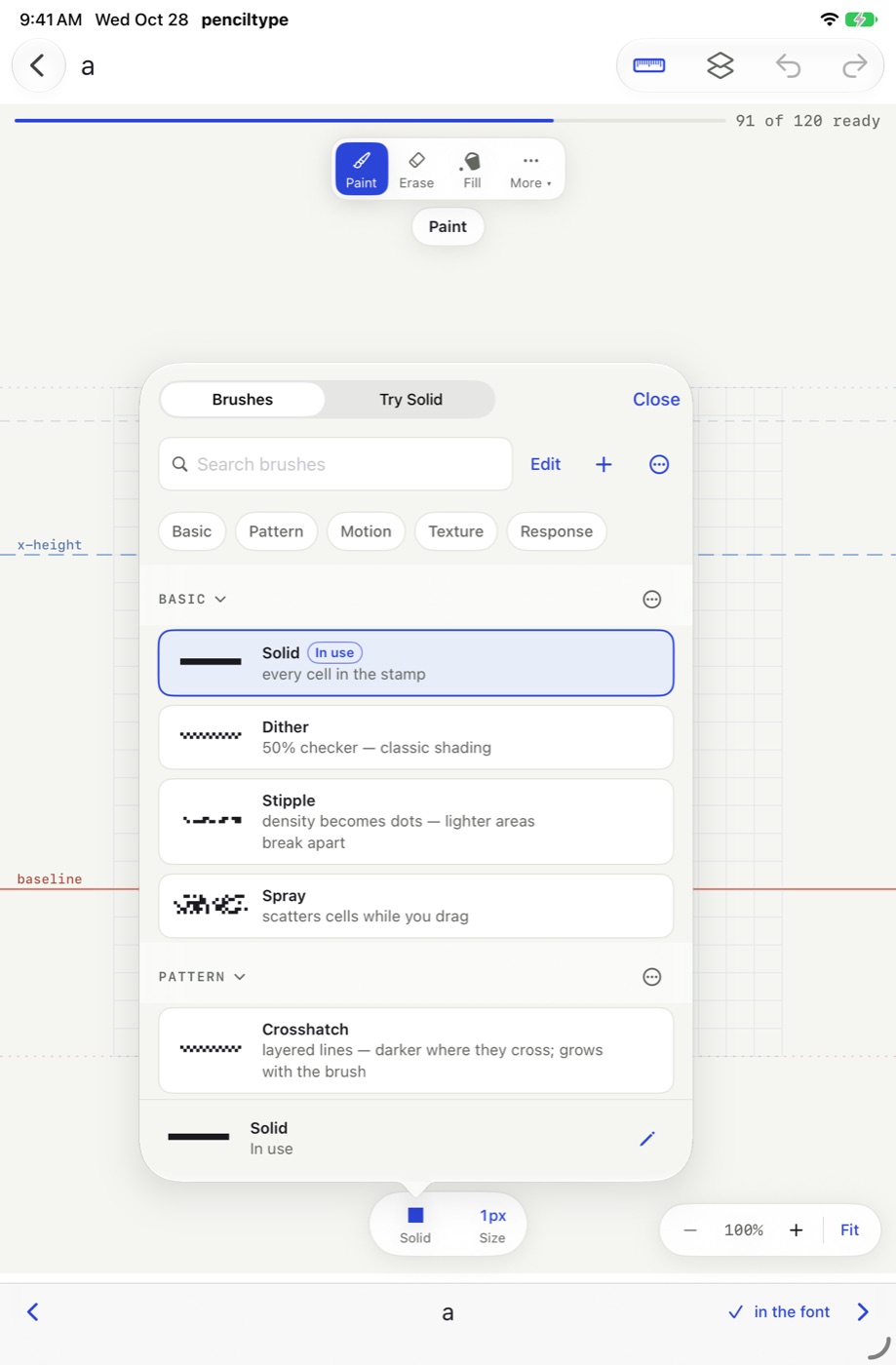
An Apple Pencil Pro squeeze, or a double-tap set to show the palette, opens this picker in a pixel font (there is no quick pen switcher for pixel brushes).
Patterns
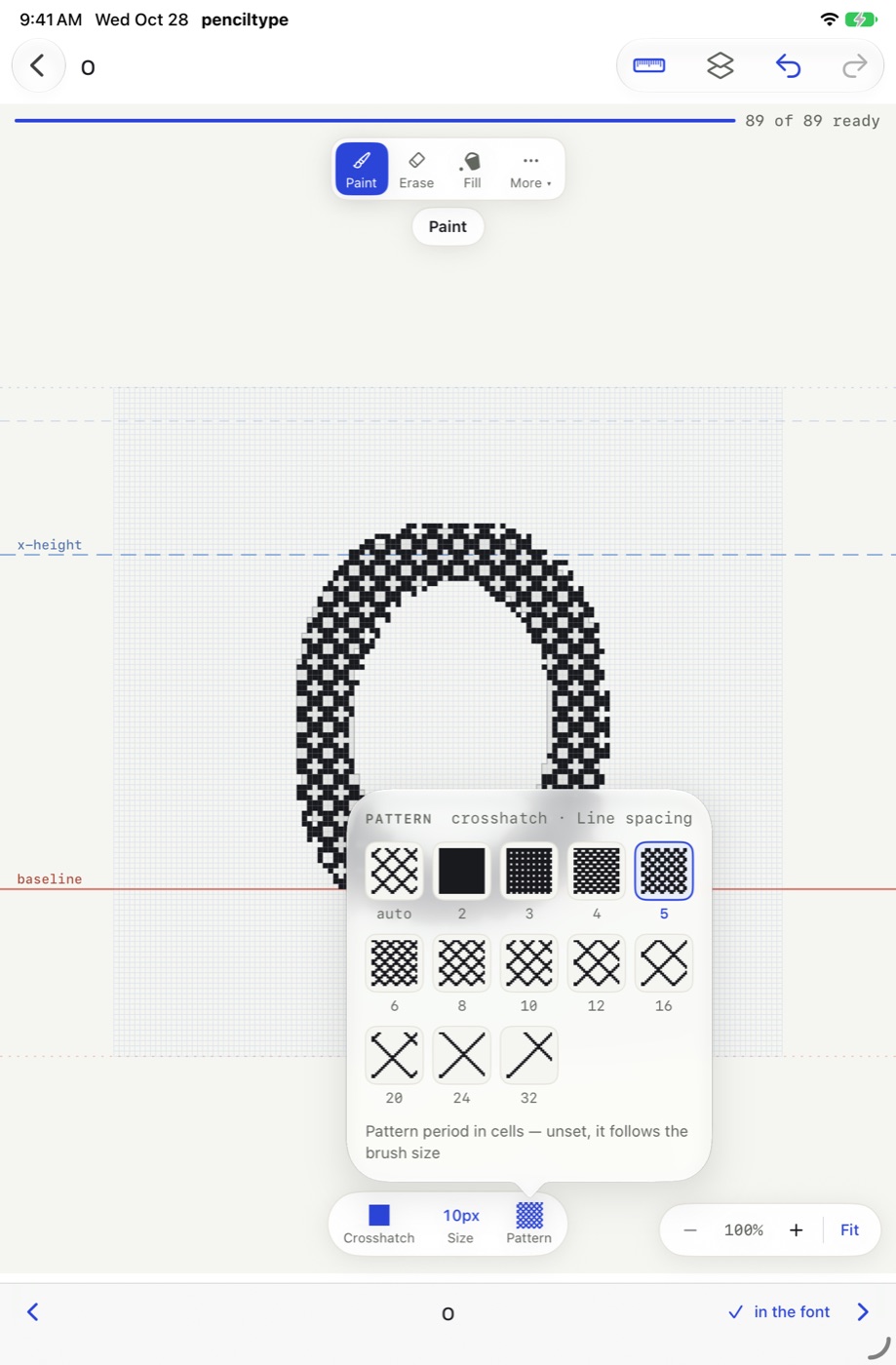
Pattern brushes show their pattern as a picture in the pen bar. Tap it to choose the pattern's size: auto (the pattern follows the brush size), then fixed sizes of 2, 3, 4, 5, 6, 8, 10, 12, 16, 20, 24 and 32 cells (echo and rake go from 1 to 16). Each swatch is drawn with the real stamp. One tap picks a size and closes the popover. The header names the brush and what the size measures — line spacing, tile size, block size, echo spacing, cluster spacing, drip length or tine spacing.
Erase
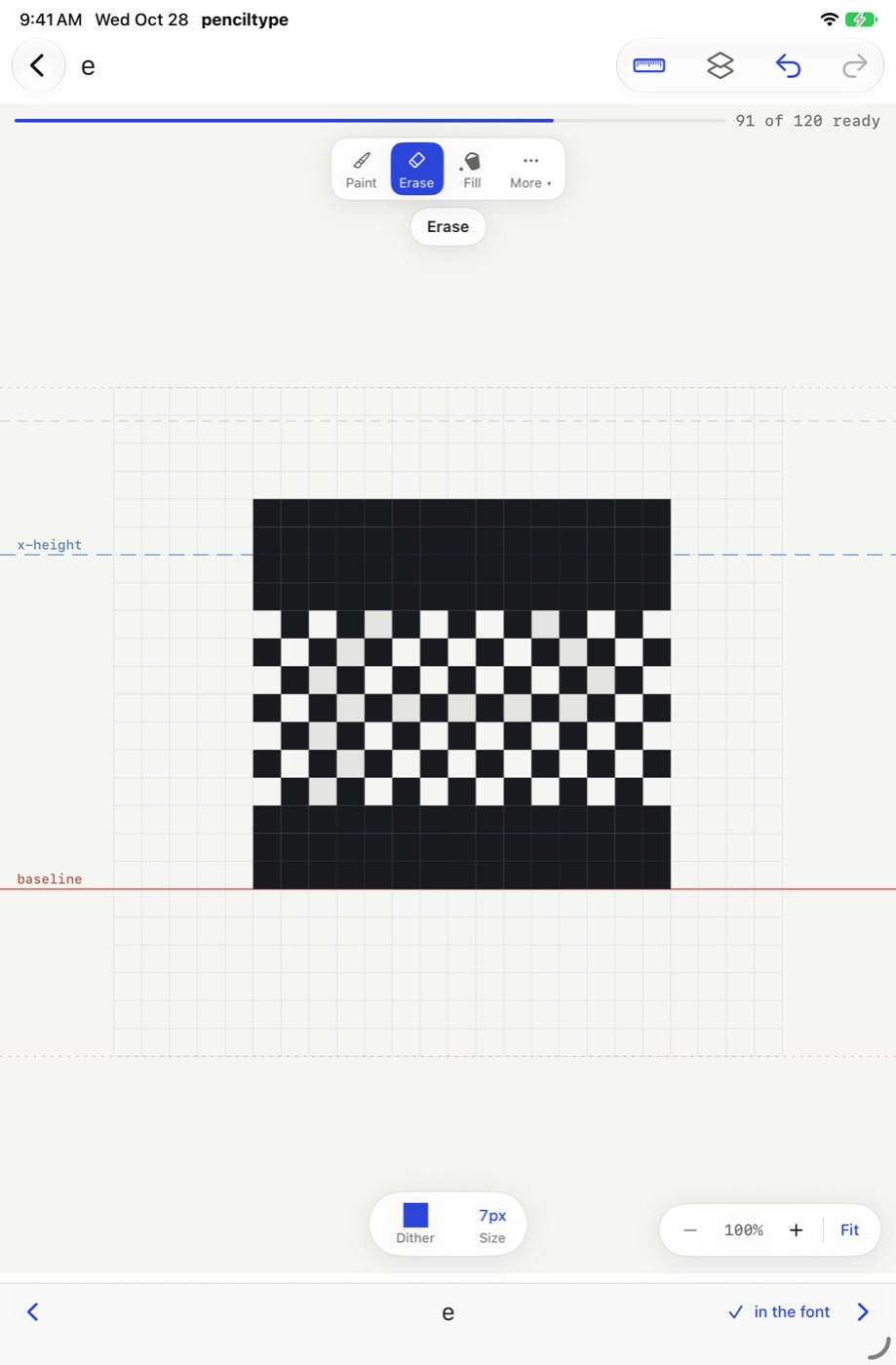
Erase clears the cells under the stamp as you drag. With a brush whose pattern is fixed — dither, for example — the eraser clears in that same pattern, so you can knock a texture back without starting over. Brushes that are random or depend on speed or time erase as a solid stamp.
Fill
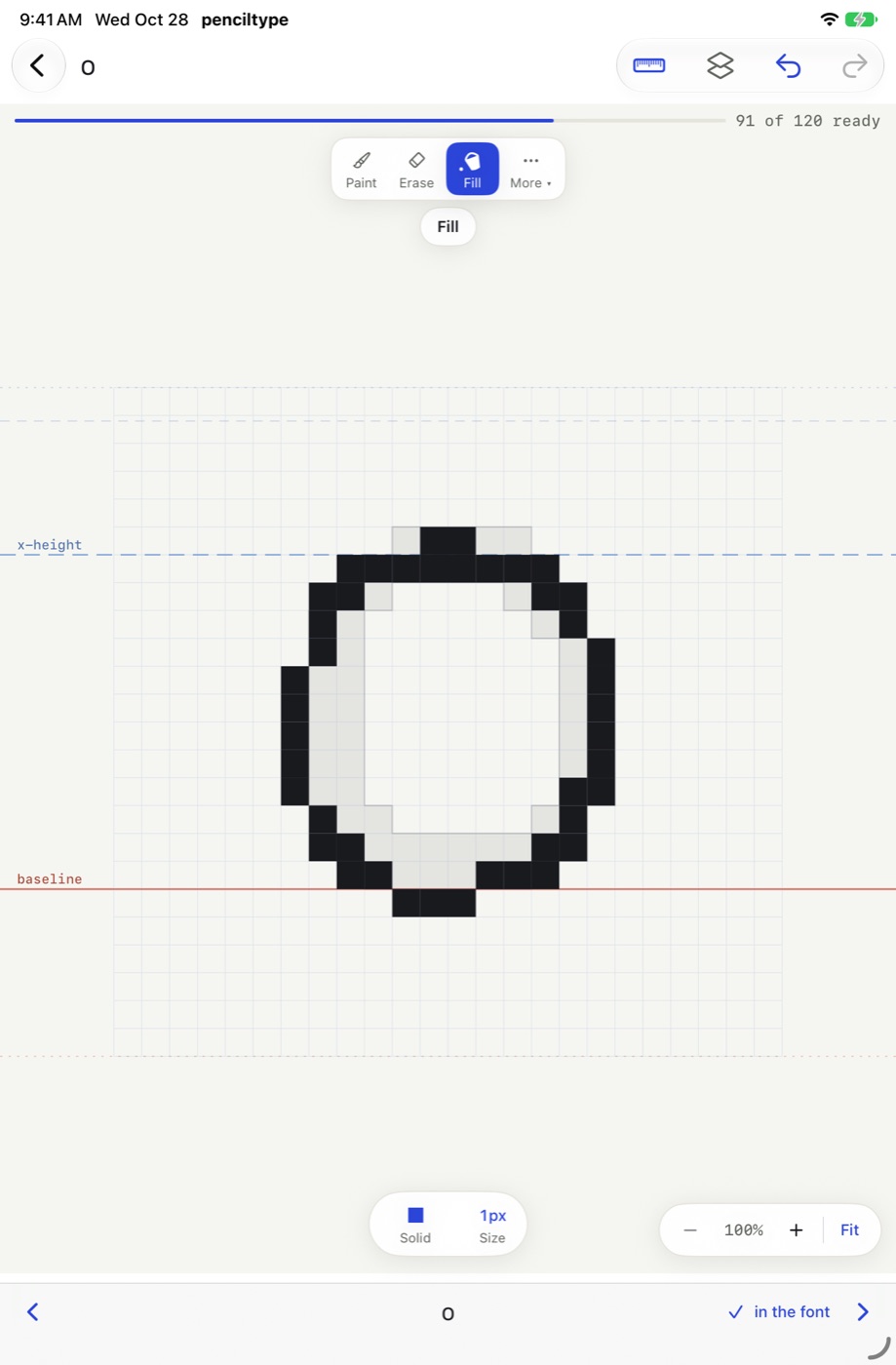
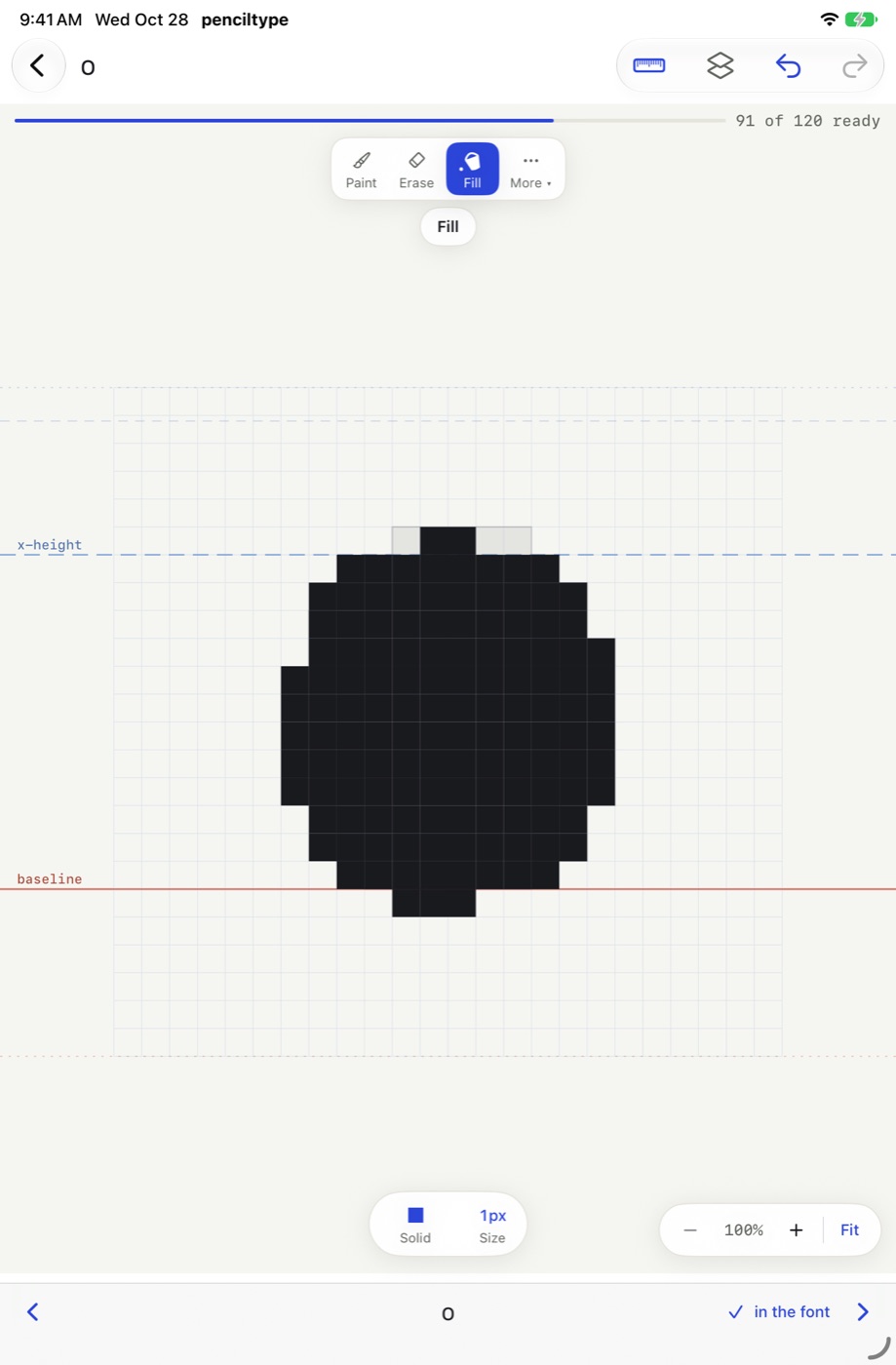
Fill is on the strip in pixel fonts. Tap inside a closed outline to fill its blank cells (cells that touch side by side, not corner to corner). A region that reaches the edge of the grid is open, and nothing happens.
Push and Smudge on cells
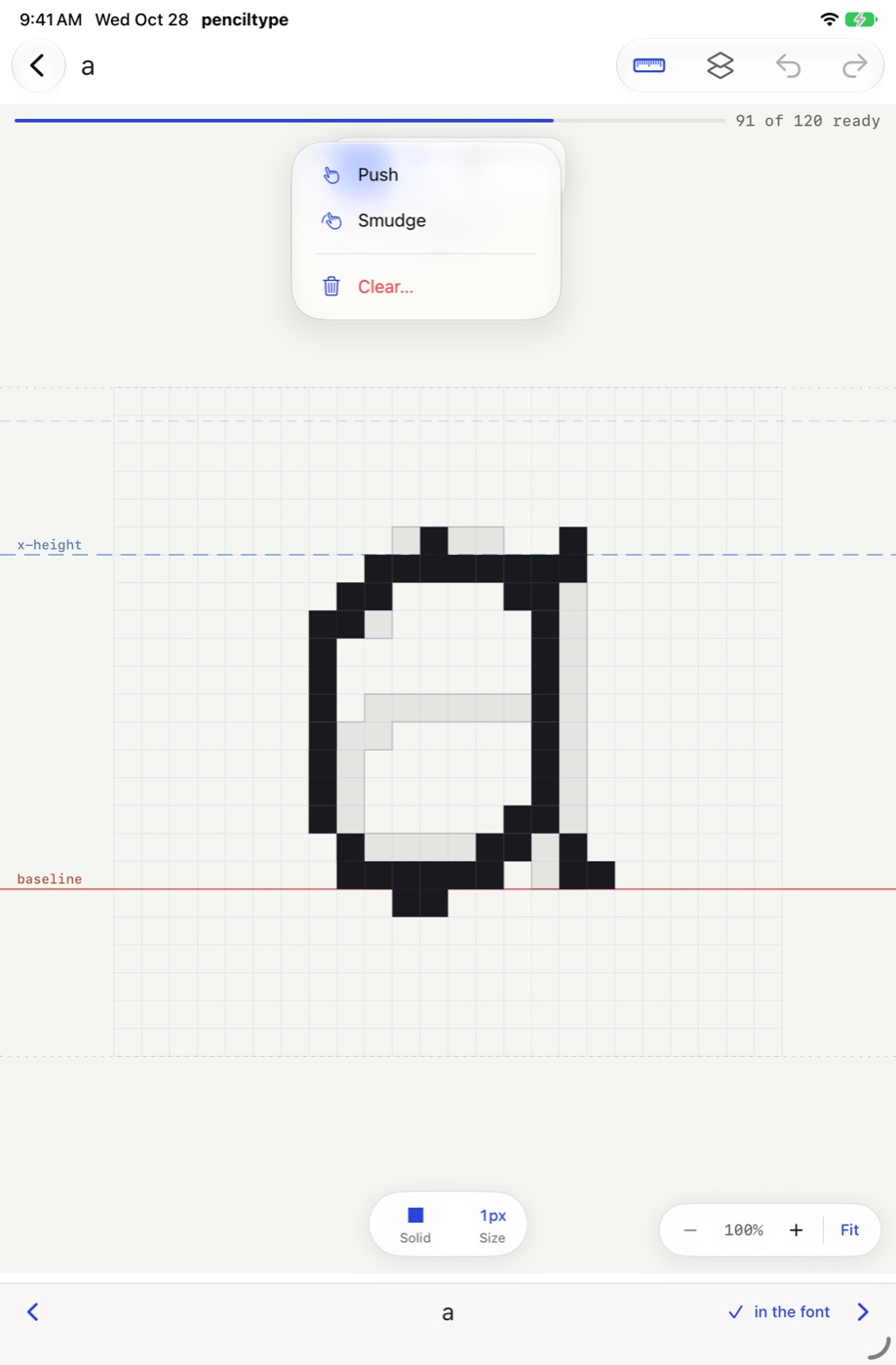
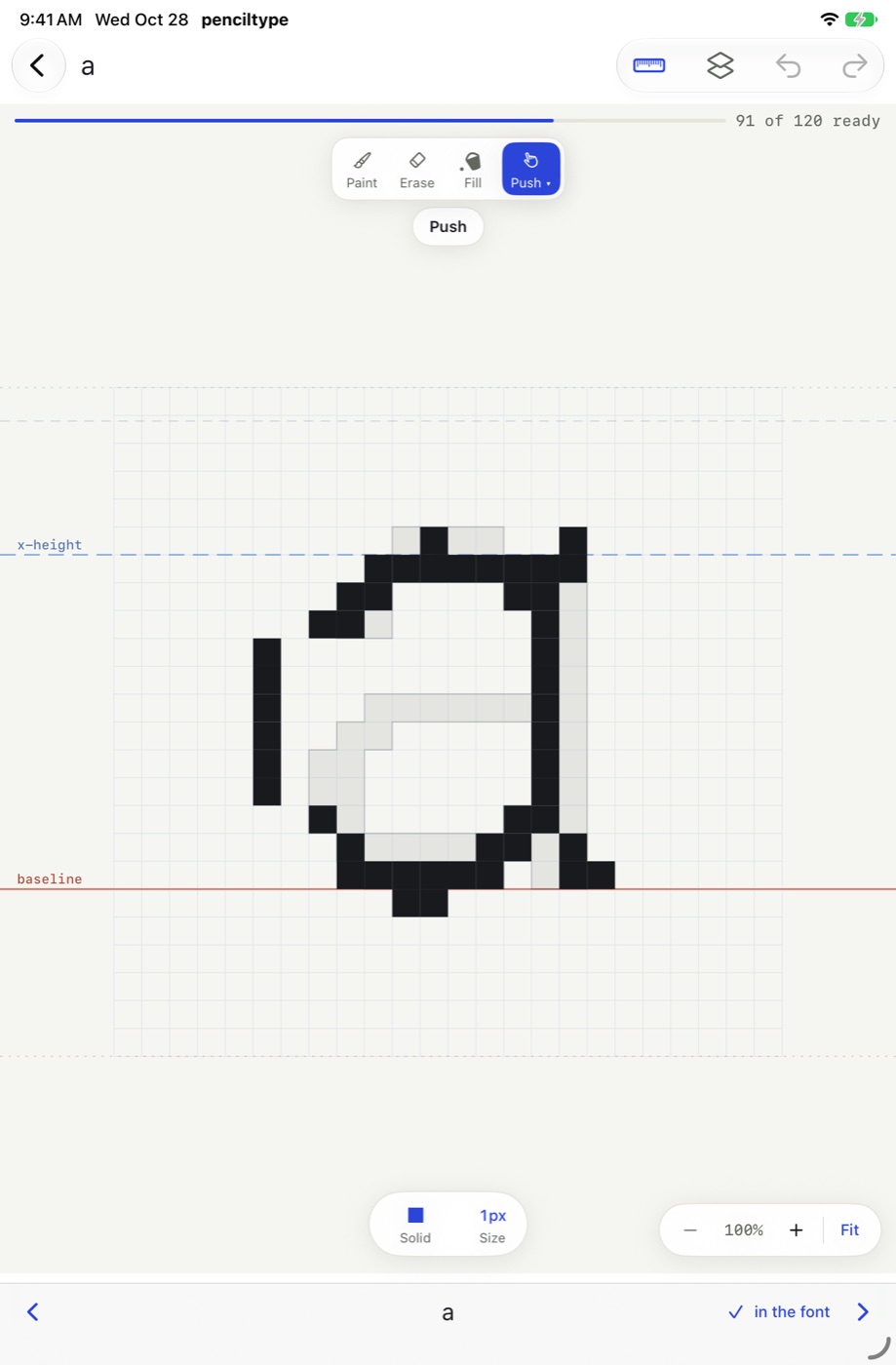
Push and Smudge (in More ▾) work on cells: Push moves whole cells along your drag (cells pushed off the grid are gone); Smudge resamples cells from behind the drag, so the front edge pulls forward and the trailing edge breaks up.
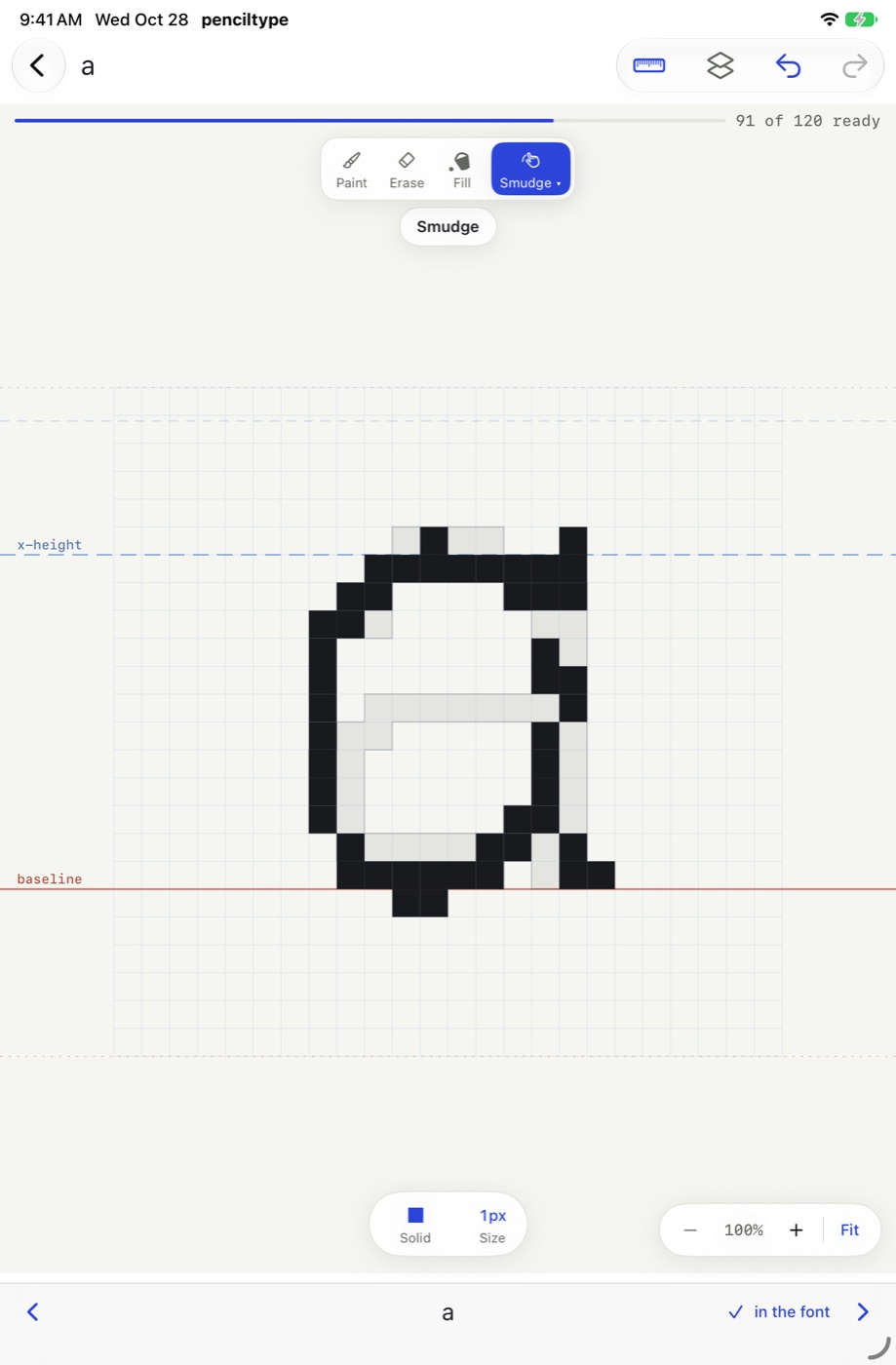
Texture brushes and their knob
Texture and motion brushes carry their main setting in the pen bar. Tap it for a slider with a live swatch painted on the grid.
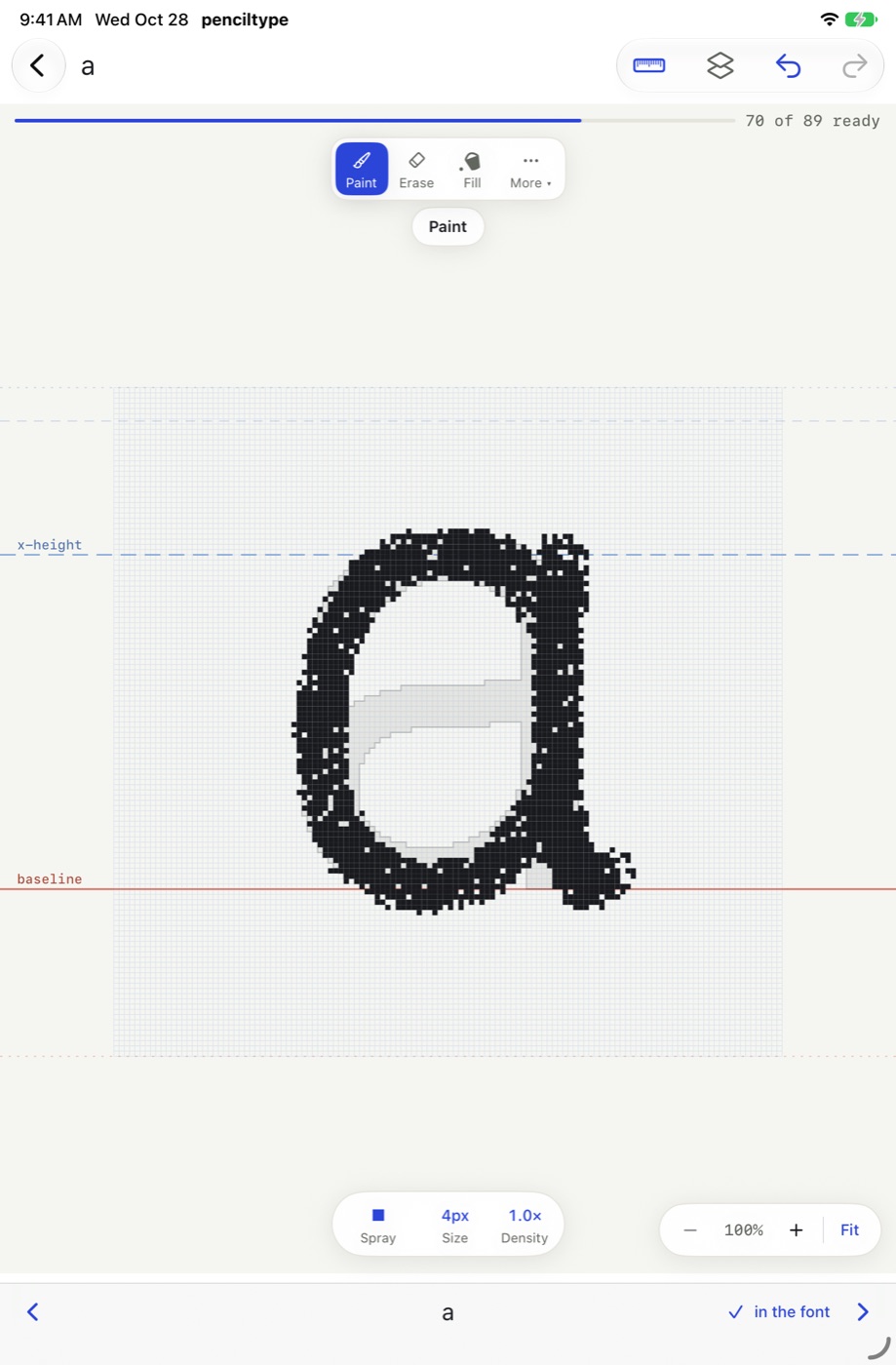
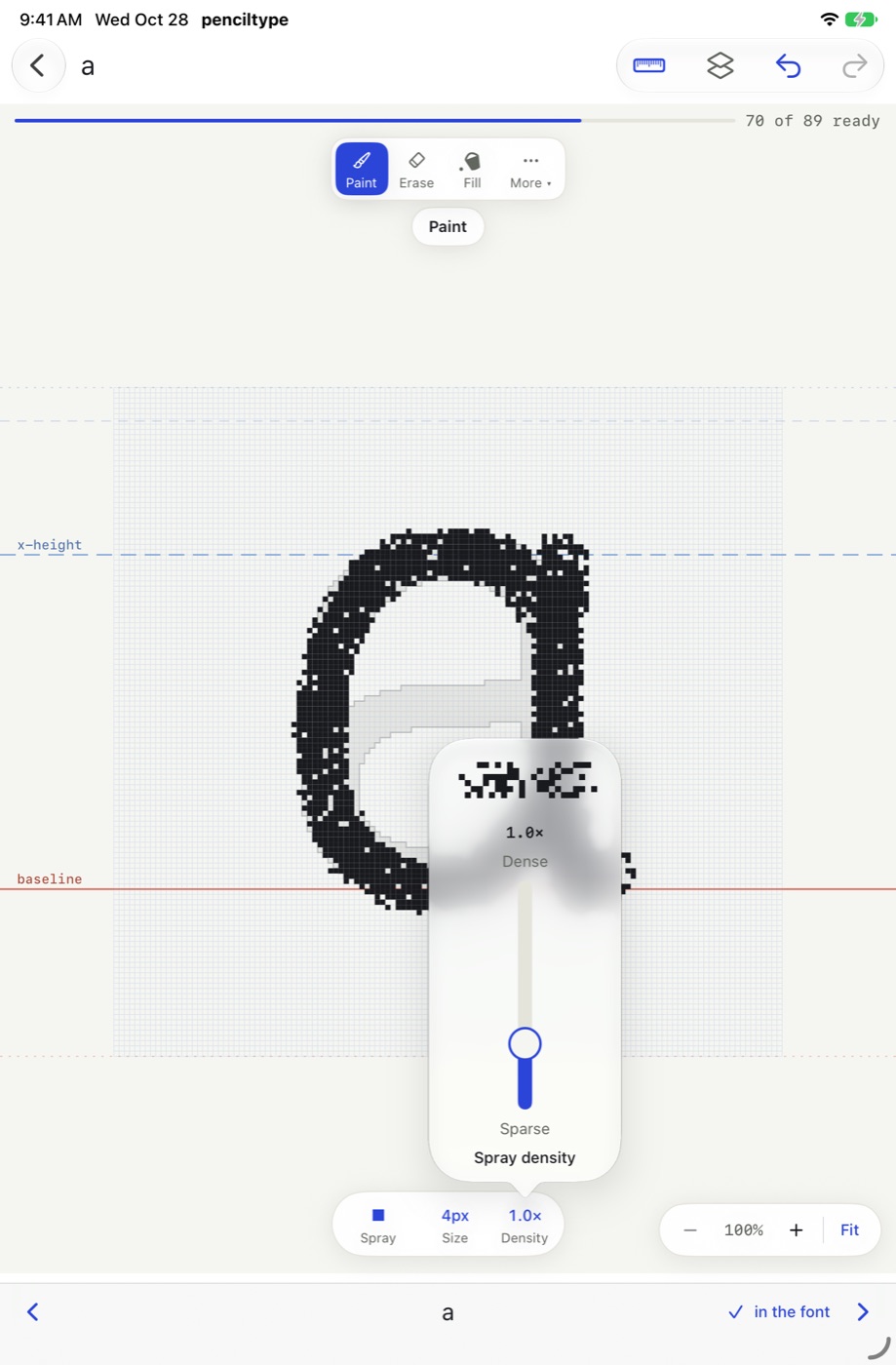
The knob's popover names it in full — Spray density, from Sparse to Dense — with the reading (1.0×) above. With an Apple Pencil hovering, a cell-sized square shows where Paint will land (red for Erase). The first hint about the brush chip in a pixel font is Your brush: Tap to pick another — dithers, sprays, patterns and effects, all on the grid.