Texture
Sprays and grit, the image-stamping Art brush, L-tree growth and five grain brushes (rough paper, chalk, crayon, canvas, dry brush) that ship real texture as outlines.
How these brushes work
- Sprays and dots
- Ink laid as droplets or dots instead of, or around, a solid line, scattered around each sample with randomness seeded by position, so every re-ink lands each droplet in the same place. Every droplet becomes its own small outline in the font.
- Dry media
- Pencil, charcoal and dry-brush nibs whose edges are jittered or broken from sample to sample, seeded by position so the same stroke always re-inks and exports identically; Rake splits the line into parallel tines.
- Art brush
- Stamps a vector shape — traced from a photo or image, or a saved shape — at an even spacing along the stroke, sized by pressure, turned to the stroke's direction, with optional scatter and size variation; holes in the artwork stay holes. Without a stamp it lays plain beads.
- L-tree growth
- Growth along the line: a thin spine follows the stroke and, at an even pitch, a small branching structure (an L-system) grows off alternating sides, bent toward the top or bottom of the page. A recipe sets generations, splits, angles, lengths, widths, curl, tips and leaves; every random draw is seeded from where the growth lands (plus an optional seed), so redrawing or exporting reproduces exactly the same growth.
- Textured
- Rasterize, bite, trace: at an even pitch along the stroke a soft disc (or a stamp) is drawn into pixels on a grid fixed to the page, bitten by a grain — paper, canvas, chalk, crayon or dry bristles — wherever the ink's coverage is weaker than the grain, and traced back into vector outlines. Because the grain belongs to the page, overlapping emissions and crossing strokes share one continuous texture, and the font ships real holes and ragged edges as outlines.
The brushes
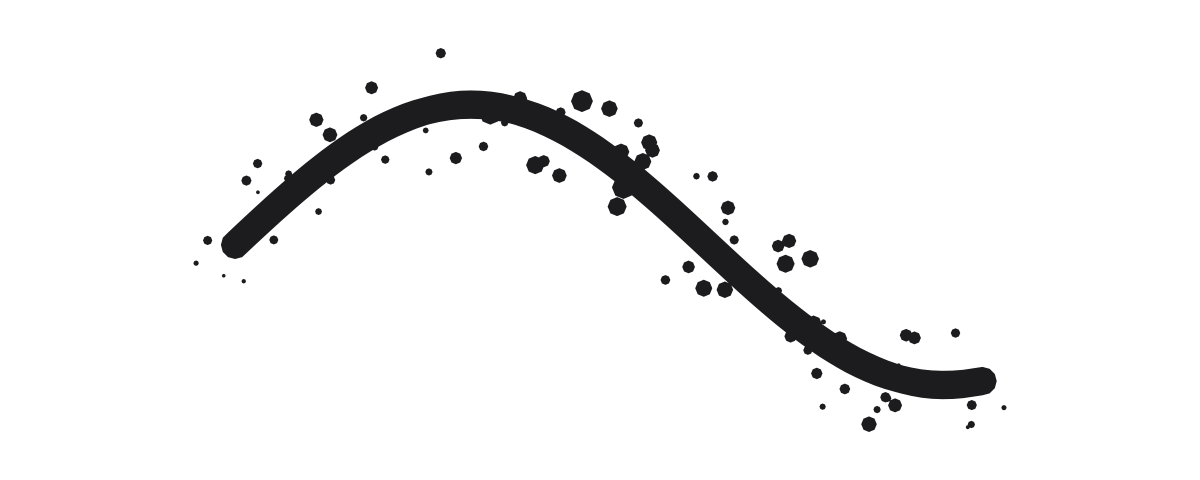
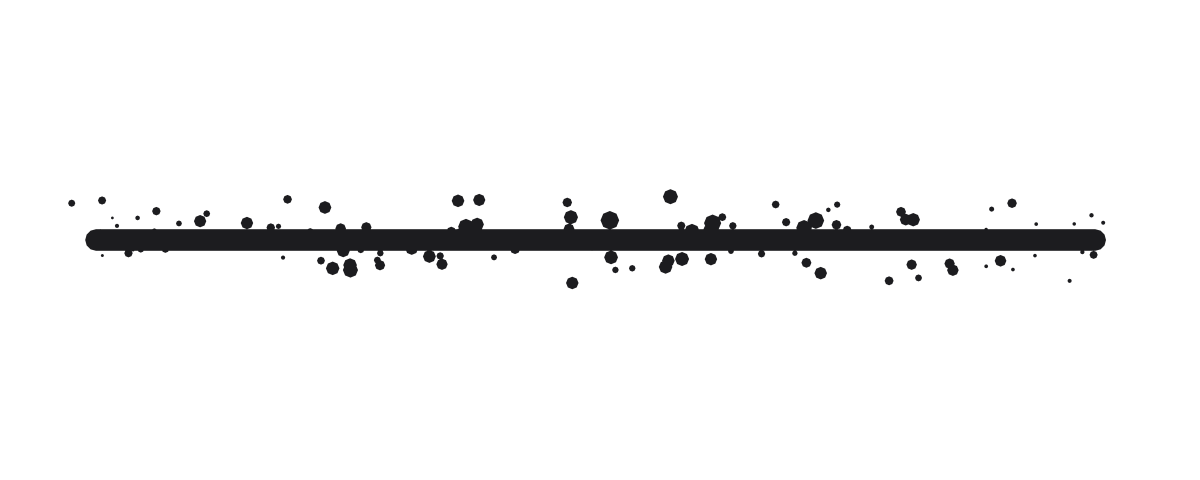
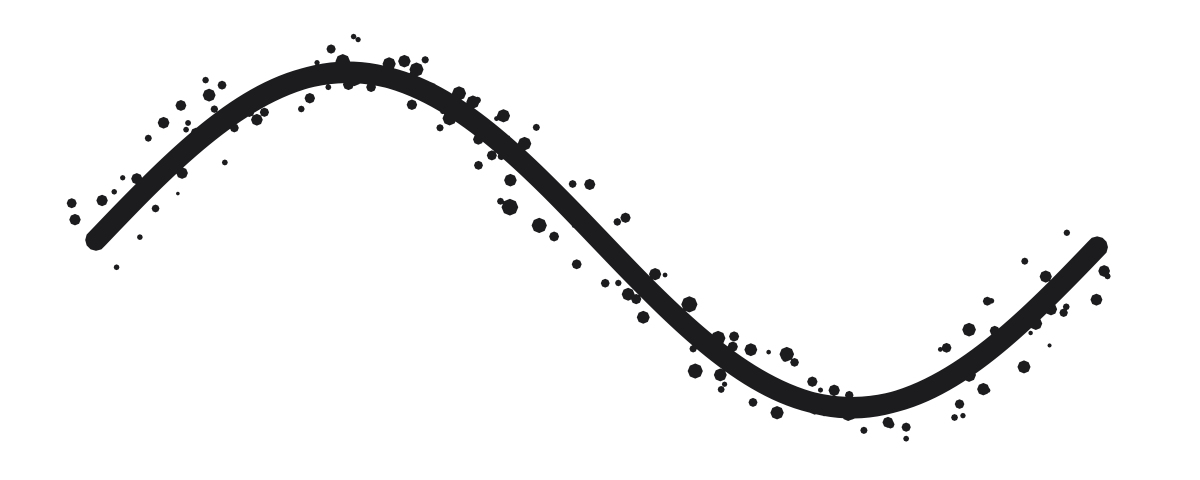
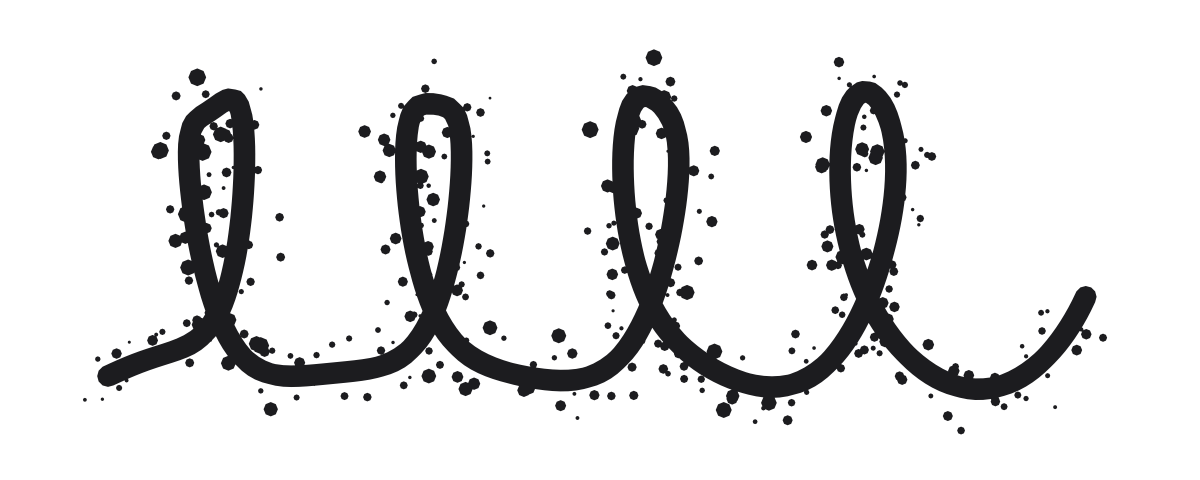
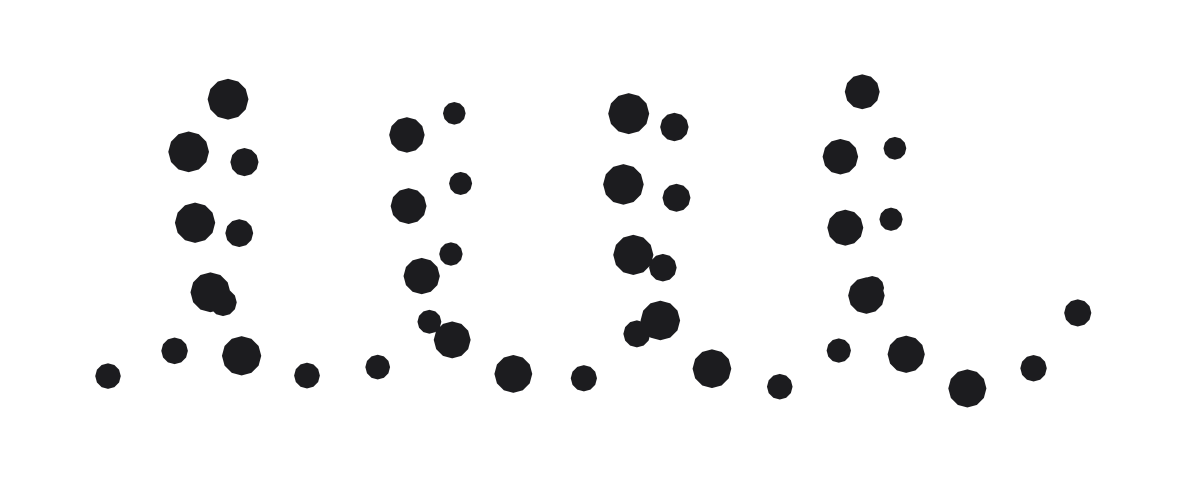
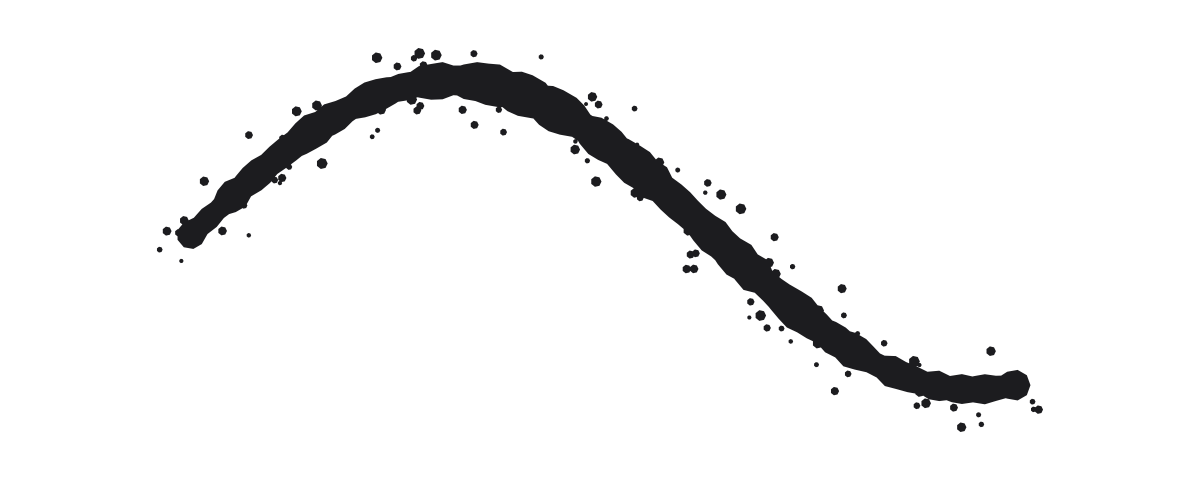
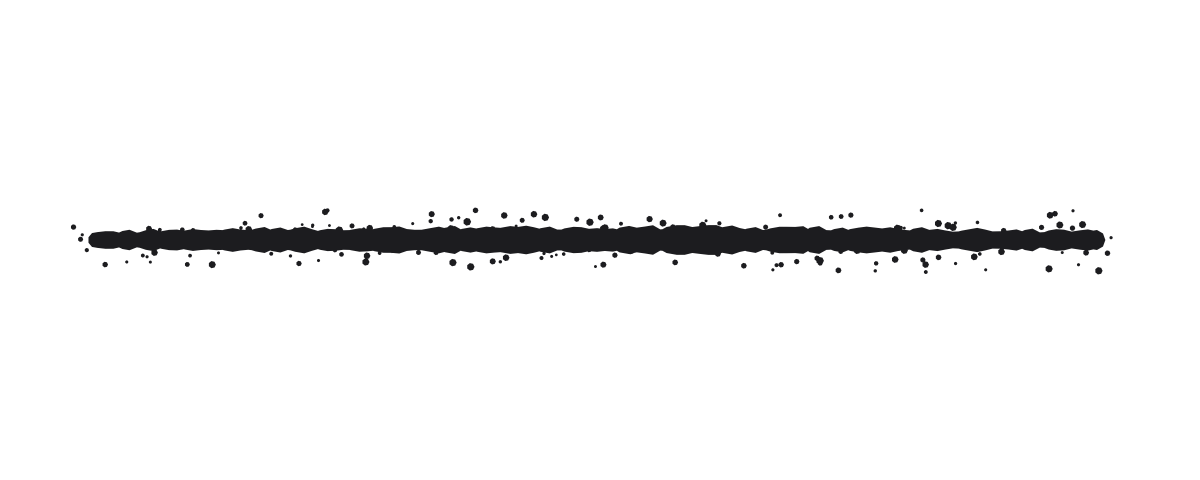
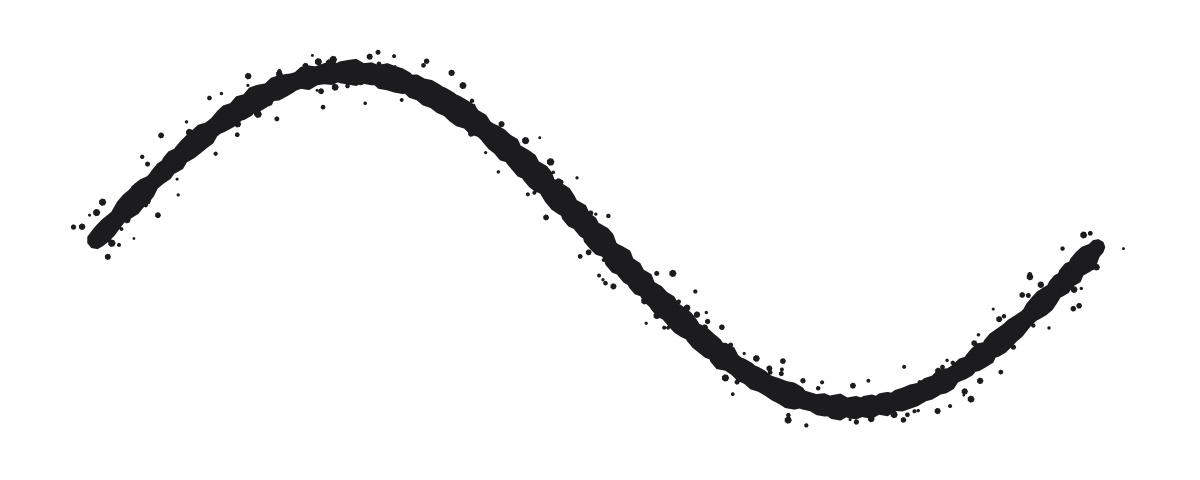
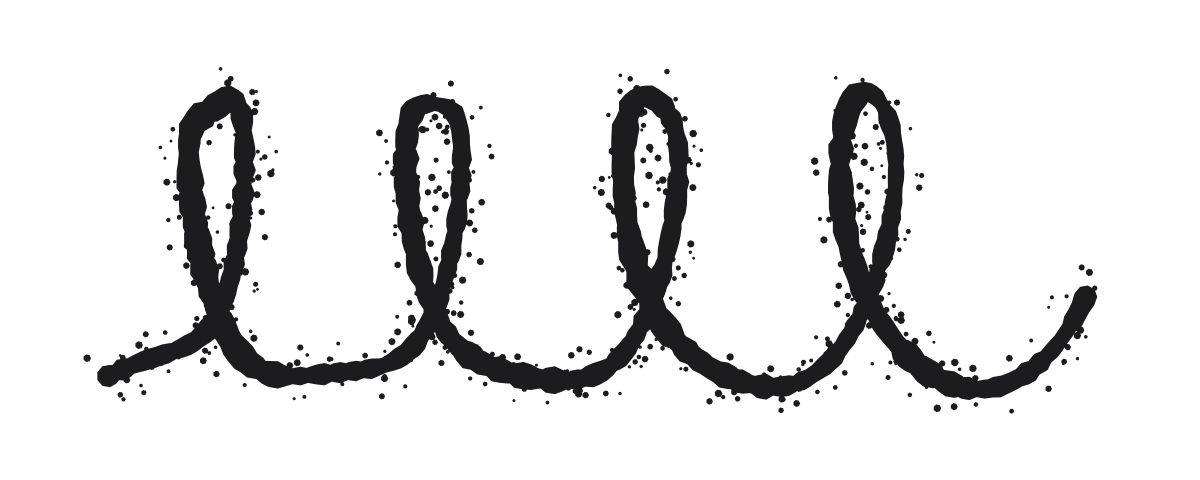
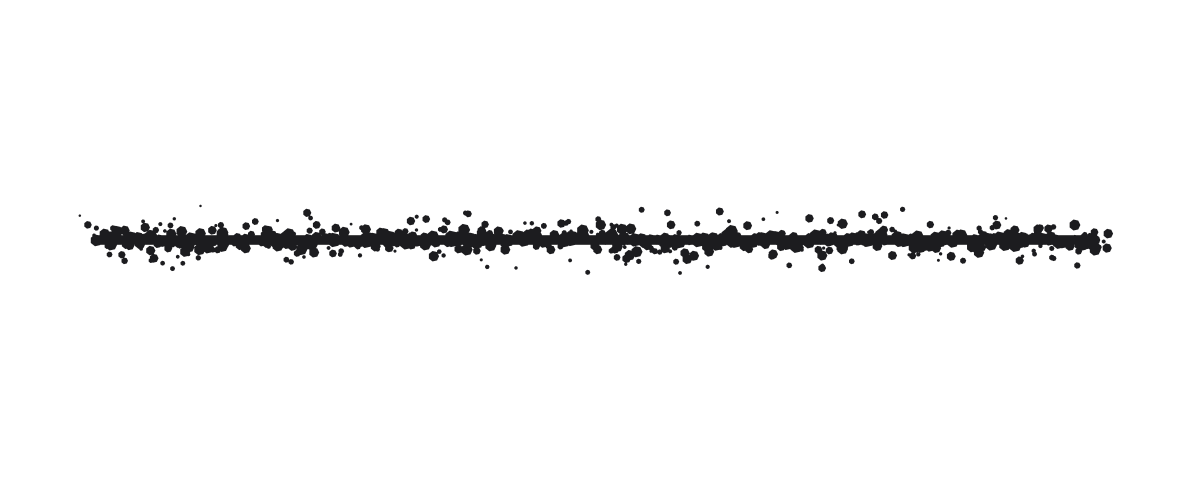
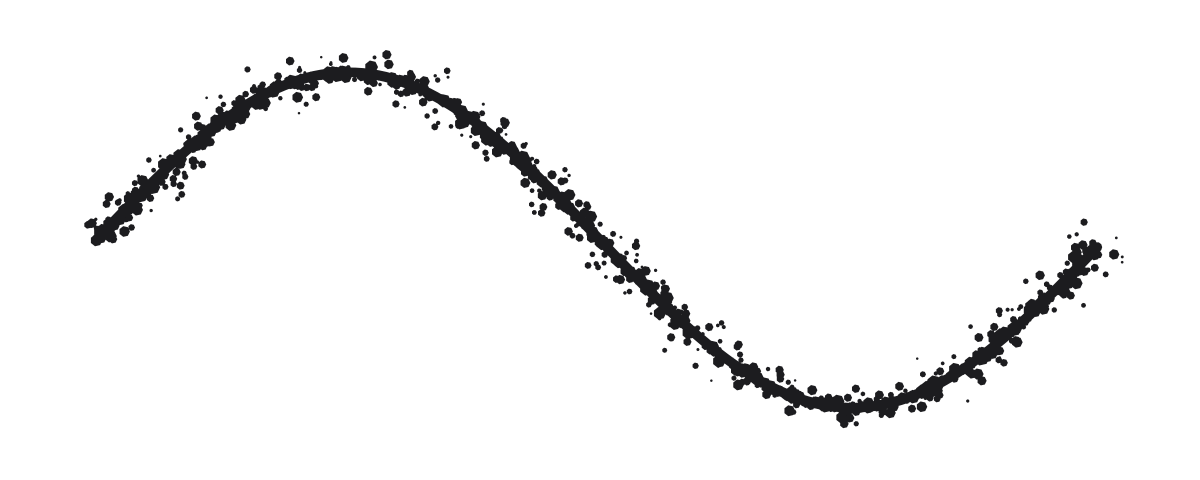
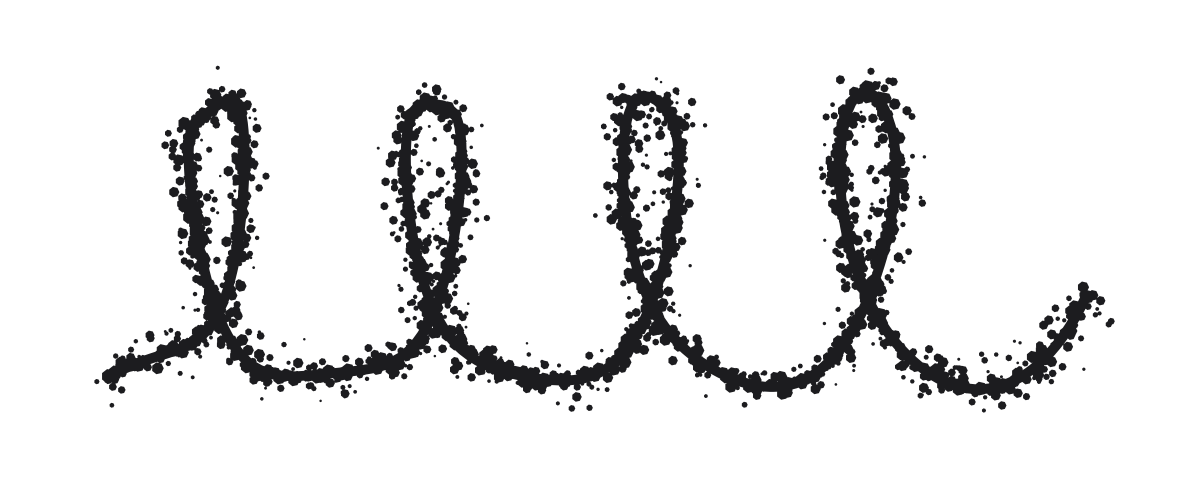
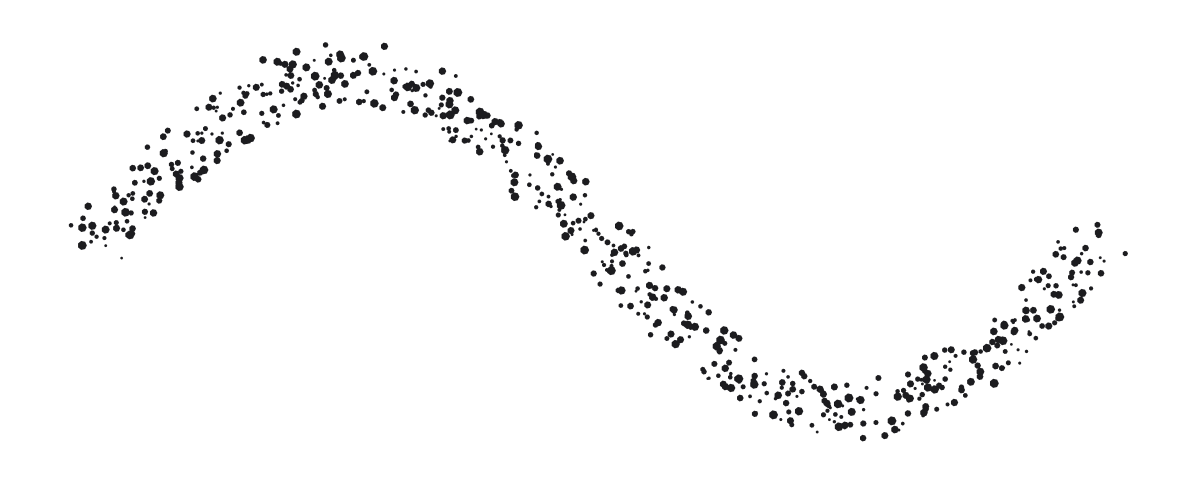
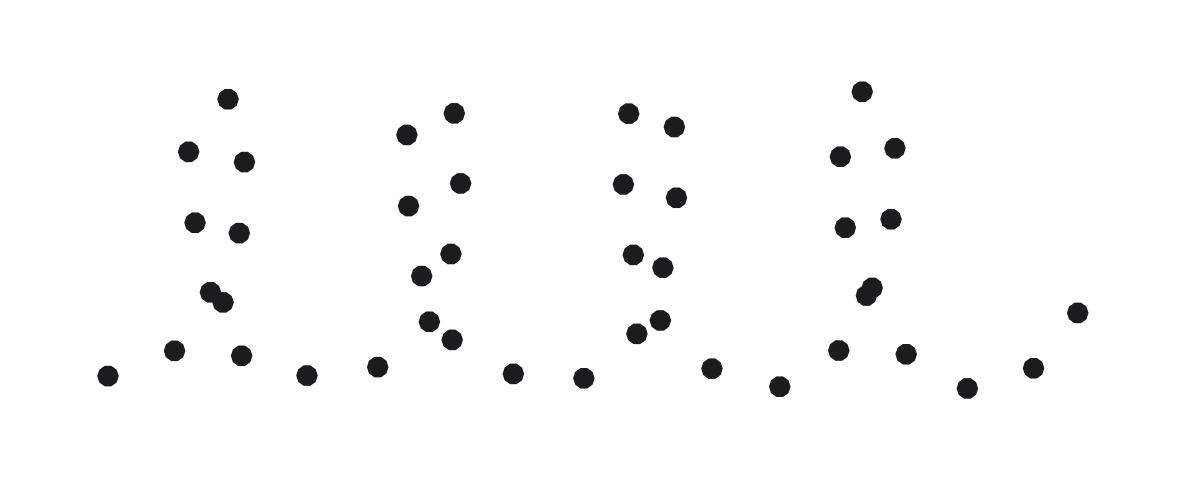
A solid spine 0.6× Size wide with ink droplets thrown around it: two to four droplets at the start and at every third sample, landing 0.4× to 1.3× Size from the line, each 0.1× to 0.36× Size across and bigger under pressure. The spine itself ignores pressure. Droplets are seeded by where they land, so a re-ink places them the same way.
Reads: pressure
With a finger: Droplets are sized by the Line weight (50% gives the classic size); the spine looks the same.
| Setting | Range | Factory | What it does |
|---|
| Spray density Options page · pen bar: Density | 0.2× – 3.0× (Sparse … Dense) | 1.0× | Multiplies the number of droplets. Also a chip on the bottom bar (“Density”). |
| Spray reach Studio › Settings | 0.3× – 3.0× (Near … Far) | 1.0× | Scales how far droplets land from the line. Brush Studio only. |
| Droplet size Studio › Settings | 0.3× – 3.0× (Small … Large) | 1.0× | Scales every droplet's size. Brush Studio only. |
| Line weight | 5% – 100% (Light – Heavy) | 50% | The force a finger or mouse stroke is drawn at, since it has no pressure. Shown on the picker's Options page and in the Studio when you draw with a finger or a mouse. |
| Steady Studio › Steady | 0% – 100% (None … Strong) | 0% | Smooths a shaky hand by averaging the path over a distance (up to ±120 font units at 100%); the ends stay put. Also a chip on the bottom bar. Brush Studio › Steady. |
Tips
- Lower Spray reach to keep droplets off neighbouring letters at tight spacing.
- Turn Spray density down for a few accent splats, up for a messy ink-splash display face.
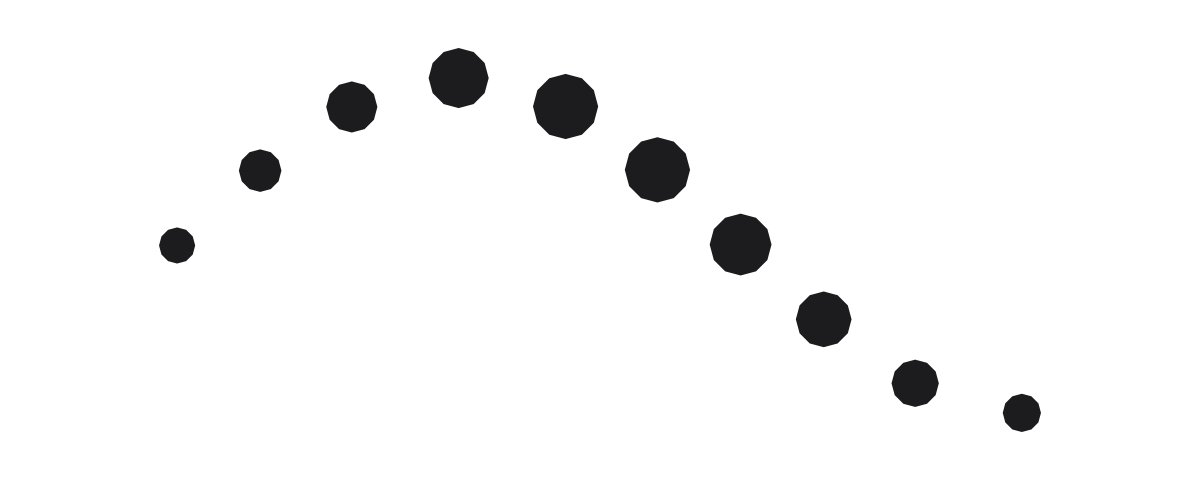
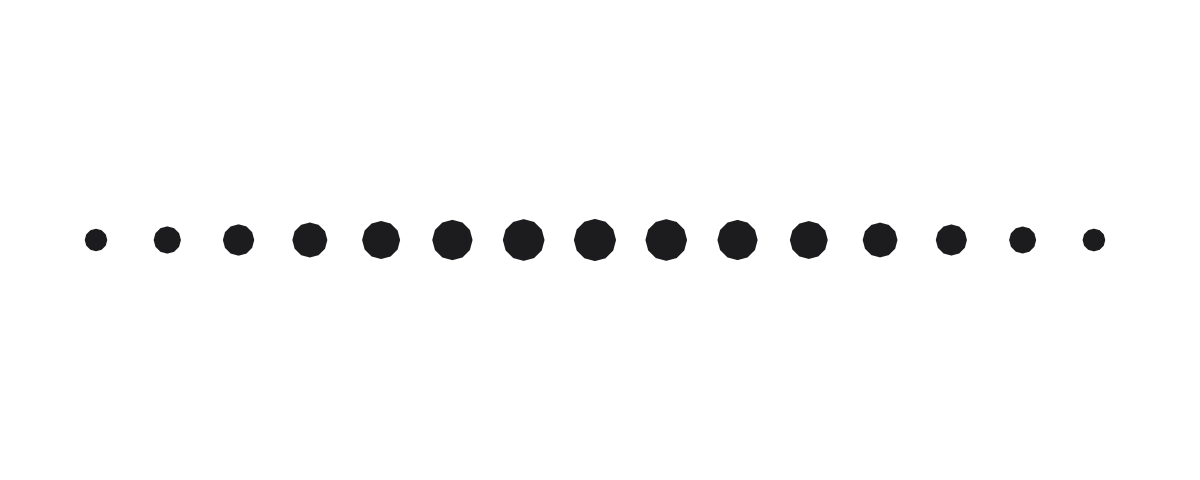
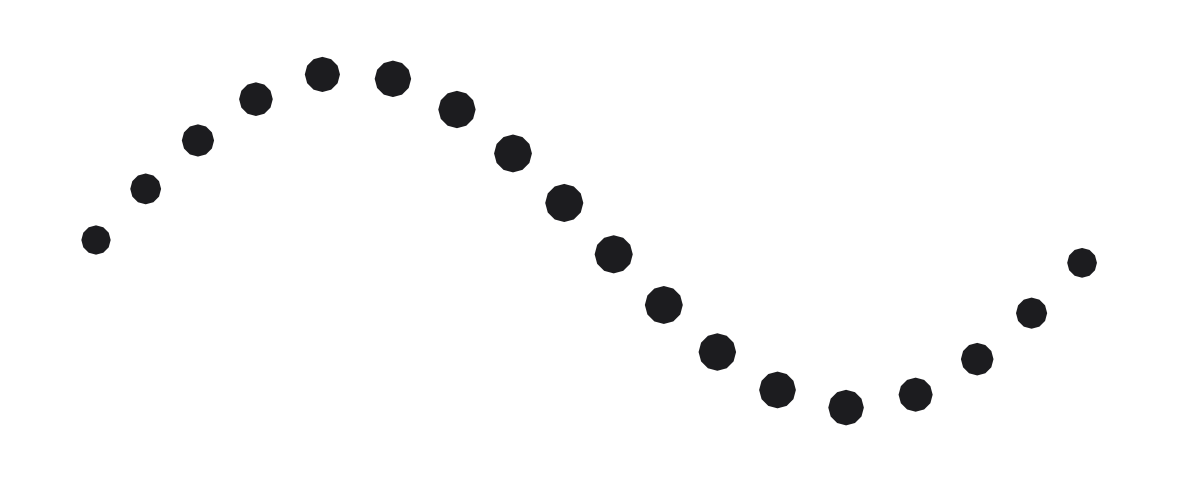
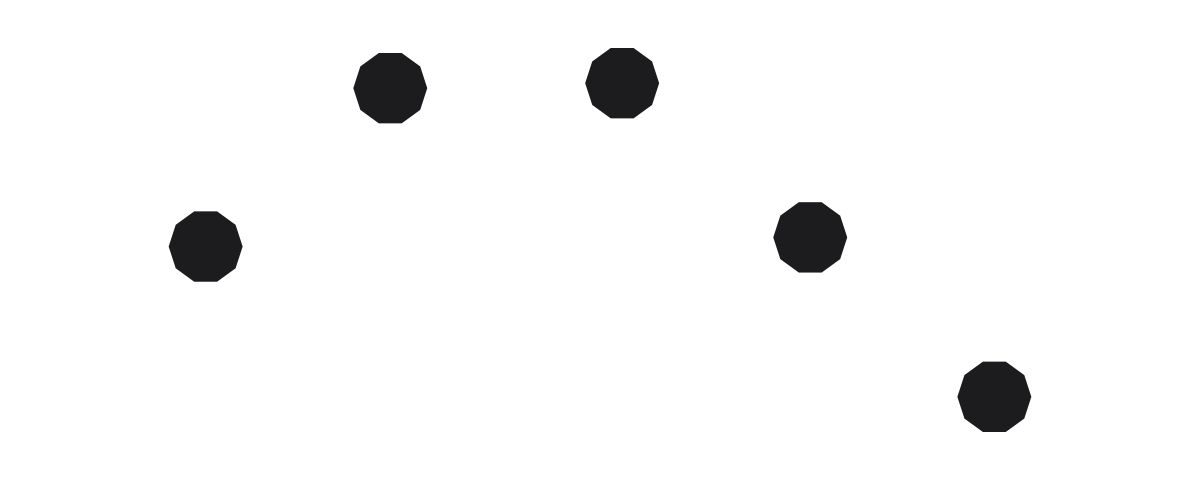
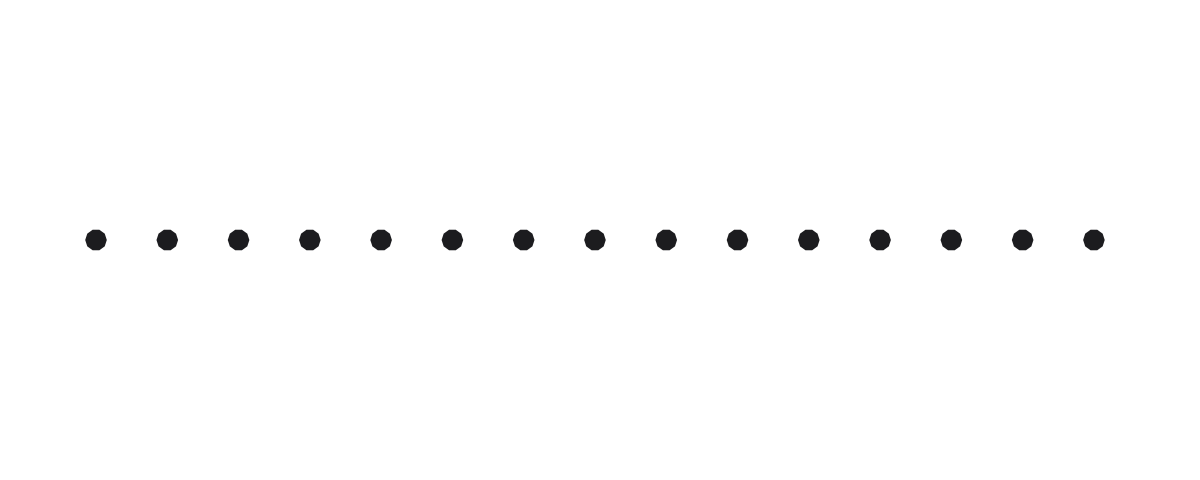
A run of separate dots with no bridges between them: one at the start, then one every 1.8× Size of distance. Each dot's diameter follows pressure (0.5× to 1.2× Size). Spacing is measured along the path, so drawing speed doesn't change it.
Reads: pressure
With a finger: Dots are drawn at the Line weight, about 0.85× Size each.
| Setting | Range | Factory | What it does |
|---|
| Dot spacing Studio › Settings | 0.6× – 4.0× (Tight … Open) | 1.8× | Distance between dots along the line, × Size (never under 6 units). Brush Studio only. |
| Line weight | 5% – 100% (Light – Heavy) | 50% | The force a finger or mouse stroke is drawn at, since it has no pressure. Shown on the picker's Options page and in the Studio when you draw with a finger or a mouse. |
| Steady Studio › Steady | 0% – 100% (None … Strong) | 0% | Smooths a shaky hand by averaging the path over a distance (up to ±120 font units at 100%); the ends stay put. Also a chip on the bottom bar. Brush Studio › Steady. |
Tips
- Set Dot spacing below 1× for a beaded line whose dots touch, higher for dotted guide letters.
- A corner can fall between dots; a single tap adds one dot exactly where you want it.
Hard graphite catching the paper's tooth: a small dense core (about 0.45× to 0.7× Size wide at a medium press, varied by pressure and a seeded jitter) bridged into a line, with two to four tiny specks scattered 0.35× to 0.9× Size around it at every other sample. Specks are 0.08× to 0.22× Size across and seeded by position, so re-inks match.
Reads: pressure
With a finger: At the default Line weight the core is about 0.58× Size on average; the specks don't depend on pressure.
| Setting | Range | Factory | What it does |
|---|
| Line weight | 5% – 100% (Light – Heavy) | 50% | The force a finger or mouse stroke is drawn at, since it has no pressure. Shown on the picker's Options page and in the Studio when you draw with a finger or a mouse. |
| Steady Studio › Steady | 0% – 100% (None … Strong) | 0% | Smooths a shaky hand by averaging the path over a distance (up to ±120 font units at 100%); the ends stay put. Also a chip on the bottom bar. Brush Studio › Steady. |
Tips
- Each speck becomes its own tiny outline in the font; at very small sizes the smallest may be lost when the font's curves are fitted, so keep Size moderate for visible grit.
- Its core is narrower than Size: raise Size to match another pen's weight.
Airbrush
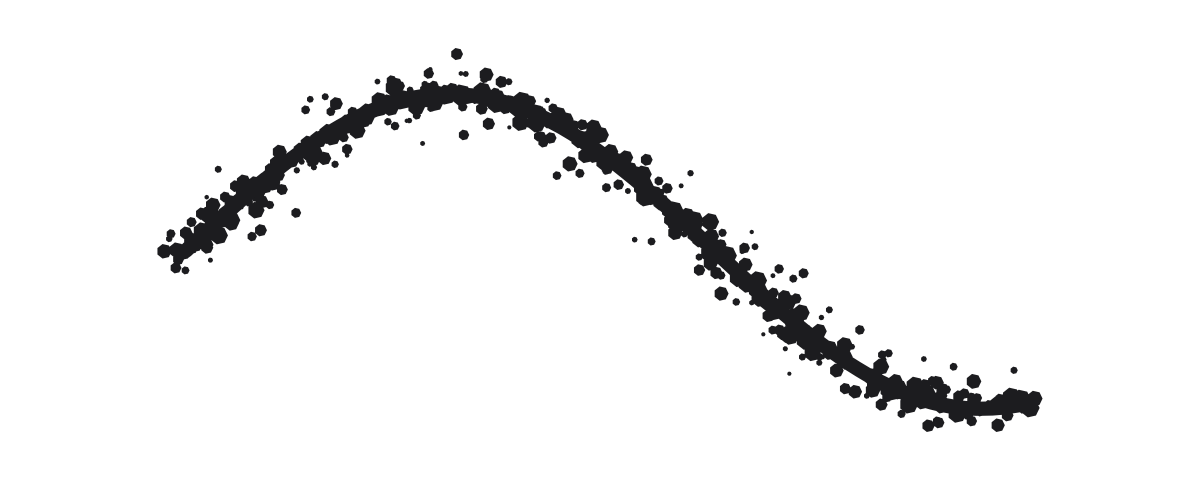
soft dense spray, heavier at the core
Factory size 30 · Steady 0%
A soft, dense mist with a legible core: a thin solid core (0.28× Size) runs along the line, and six droplets per sample land at distances biased hard toward the centre (out to 1.1× Size), shrinking toward the rim. The stroke reads as soft shading heaviest in the middle. Pressure doesn't change it.
Reads: nothing but where you draw
With a finger: Identical with a finger: it reads neither pressure nor tilt.
| Setting | Range | Factory | What it does |
|---|
| Spray density Options page · pen bar: Density | 0.2× – 3.0× (Sparse … Dense) | 1.0× | Multiplies the droplets per sample. Also a chip on the bottom bar (“Density”). |
| Spray reach Studio › Settings | 0.3× – 3.0× (Near … Far) | 1.0× | Scales how far droplets land from the line. Brush Studio only. |
| Droplet size Studio › Settings | 0.3× – 3.0× (Small … Large) | 1.0× | Scales every droplet's size. Brush Studio only. |
| Steady Studio › Steady | 0% – 100% (None … Strong) | 0% | Smooths a shaky hand by averaging the path over a distance (up to ±120 font units at 100%); the ends stay put. Also a chip on the bottom bar. Brush Studio › Steady. |
Tips
- Every droplet is an outline in the font, so long airbrush strokes make heavy glyphs; use it for accents and shading.
- Spray reach below 1× tightens the mist into a fuzzy line.
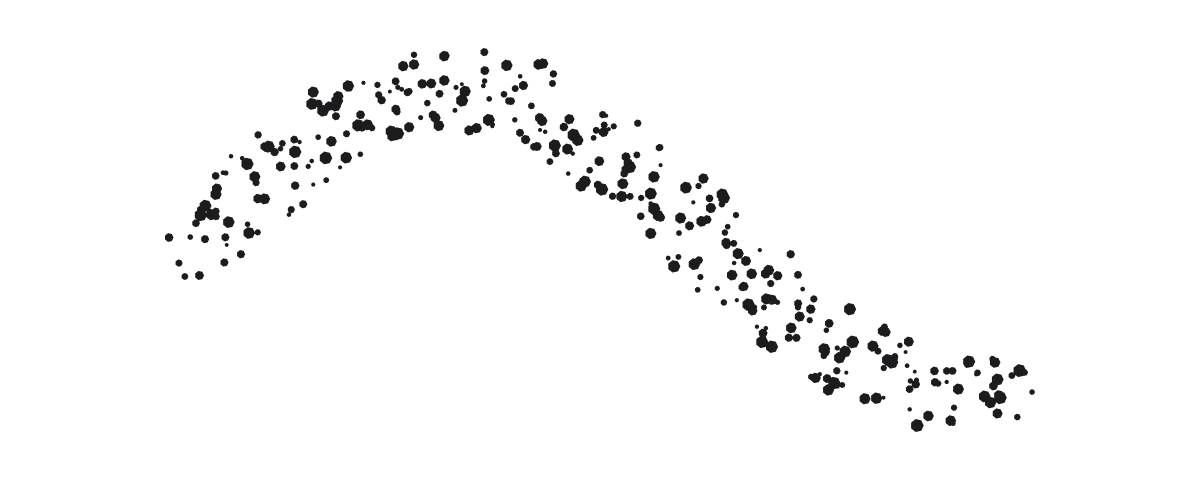
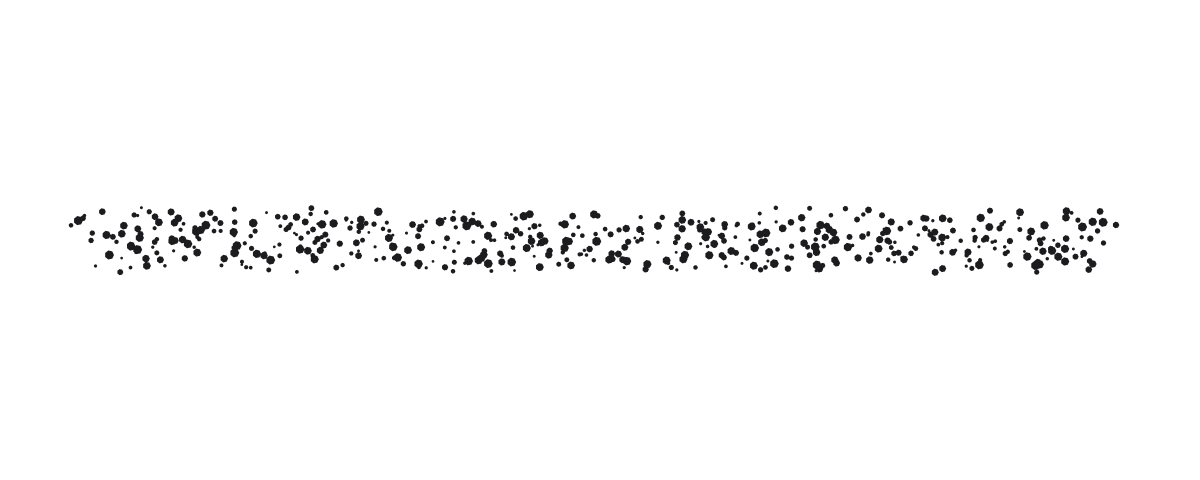
Pure mist with no solid line: four droplets per sample spread evenly over a disc reaching 0.9× Size from the path, each 0.08× to 0.26× Size across. Pressure and speed play no part; density builds where strokes overlap. Droplets are seeded by position, so re-inks land them identically.
Reads: nothing but where you draw
With a finger: Identical with a finger: it reads neither pressure nor tilt.
| Setting | Range | Factory | What it does |
|---|
| Spray density Options page · pen bar: Density | 0.2× – 3.0× (Sparse … Dense) | 1.0× | Multiplies the droplets per sample. Also a chip on the bottom bar (“Density”). |
| Spray reach Studio › Settings | 0.3× – 3.0× (Near … Far) | 1.0× | Scales how far droplets land from the line. Brush Studio only. |
| Droplet size Studio › Settings | 0.3× – 3.0× (Small … Large) | 1.0× | Scales every droplet's size. Brush Studio only. |
| Steady Studio › Steady | 0% – 100% (None … Strong) | 0% | Smooths a shaky hand by averaging the path over a distance (up to ±120 font units at 100%); the ends stay put. Also a chip on the bottom bar. Brush Studio › Steady. |
Tips
- Raise Spray density for a solid-reading graffiti fill; lower it for a speckled stencil look.
- Leave room between letters: the mist reaches 0.9× Size (× Spray reach) either side of your line.
Stamps an image along your stroke. Pick a stamp (take a photo, import an image or a file, or use a saved shape) and copies drop every 1.2× Size along the line, each scaled so its longest side is Size times a pressure factor (0.65× to 1.35×) and turned to follow the stroke. Random scatter adds turn and sideways drift and Size variation random scale; holes in the artwork stay holes. Until a stamp is picked it lays plain beads (0.6× Size dots every 1.8× Size).
Reads: pressure, direction
With a finger: Copies are sized by the Line weight (50% gives 1× Size); with Pressure sizes the stamp at 0% every copy is full size whatever the input.
| Setting | Range | Factory | What it does |
|---|
| Stamp spacing Options page | 0.6× – 4.0× (Tight … Open) | 1.2× | Distance between copies along the line, × Size. |
| Random scatter Options page | 0% – 100% (None … Strong) | 0% | Random turn (up to half a turn either way at 100%) and sideways drift (up to 0.75× Size) per copy. |
| Size variation Options page | 0% – 100% (Even … Varied) | 0% | Random scale per copy (capped at ±90%). |
| Rotate with the stroke Options page | 0 – 1 | 1 | On turns each copy to the stroke's direction; off keeps them upright. |
| STAMP | Take a photo…, Import image…, Choose a file…, or a saved shape or stamp | none | The image stamped along the stroke, traced into outlines (at most 12 rings and 256 points). Until one is picked the brush draws plain beads and the other knobs are dimmed. |
| Stamp angle Studio › Shape | 0° – 360° | 0° | A base rotation added to every copy. Brush Studio › Shape only. |
| Pressure sizes the stamp Studio › Shape | 0% – 100% (None … Strong) | 100% | How much pressure scales each copy: 100% is 0.65× to 1.35× of Size, 0% is always full Size. Needs pressure. Brush Studio › Shape only. needs pressure |
| Line weight | 5% – 100% (Light – Heavy) | 50% | The force a finger or mouse stroke is drawn at, since it has no pressure. Shown on the picker's Options page and in the Studio when you draw with a finger or a mouse. |
| Steady Studio › Steady | 0% – 100% (None … Strong) | 0% | Smooths a shaky hand by averaging the path over a distance (up to ±120 font units at 100%); the ends stay put. Also a chip on the bottom bar. Brush Studio › Steady. |
Tips
- Use a bold, simple silhouette: fine detail is thinned to at most 12 rings and 256 points.
- Turn off Rotate with the stroke for upright stamps (stars, dots) that shouldn't spin around curves.
- Set Stamp spacing below 1× so copies overlap into a continuous chain.
L-tree
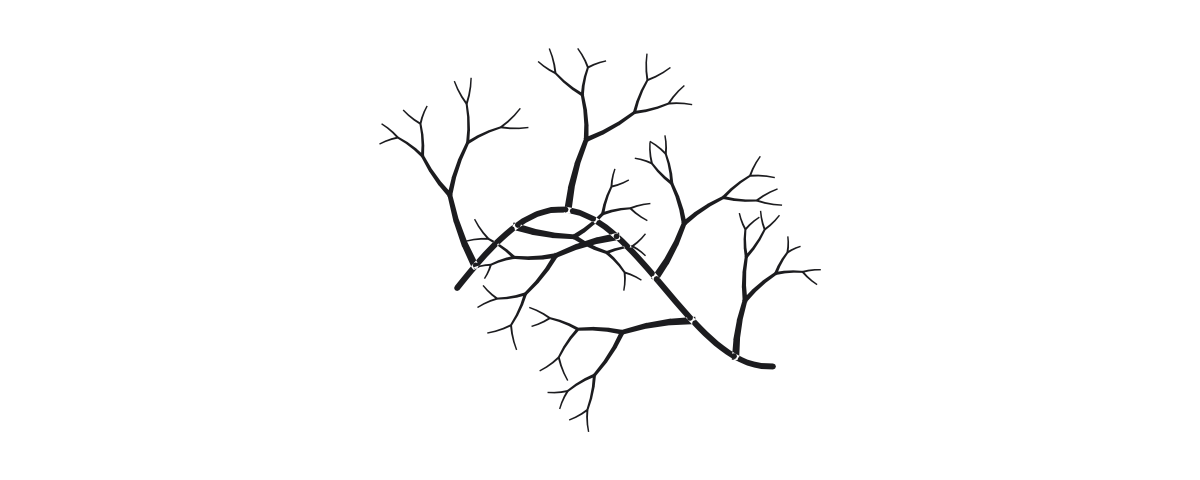
branches, florals, barbed wire grow along your line
Factory size 30 · Steady 0%
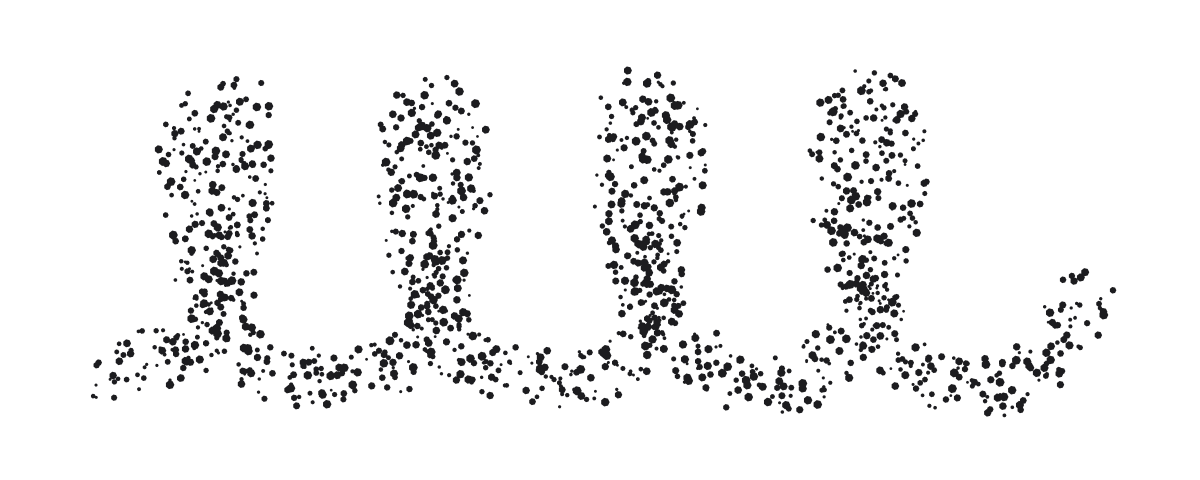
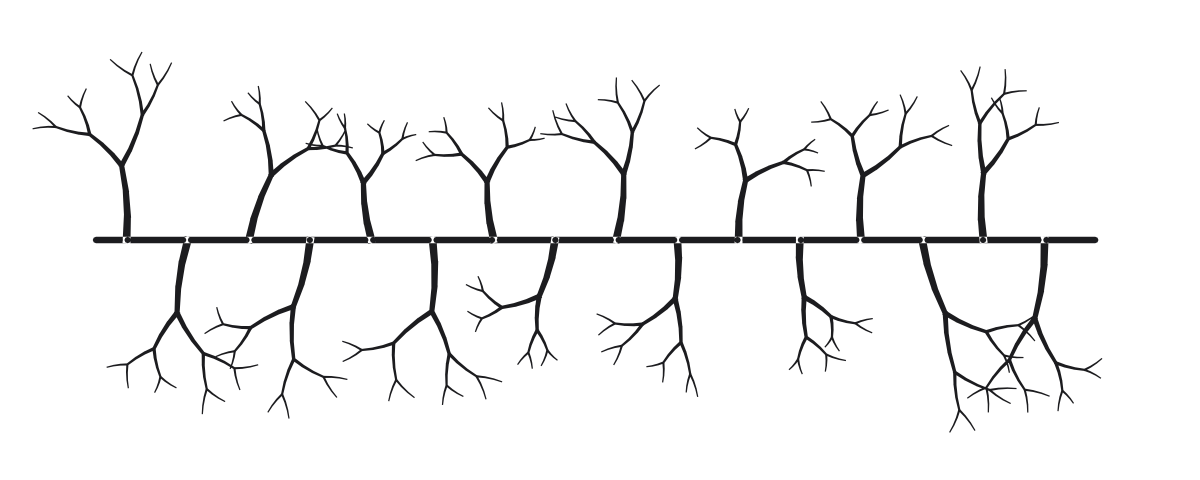
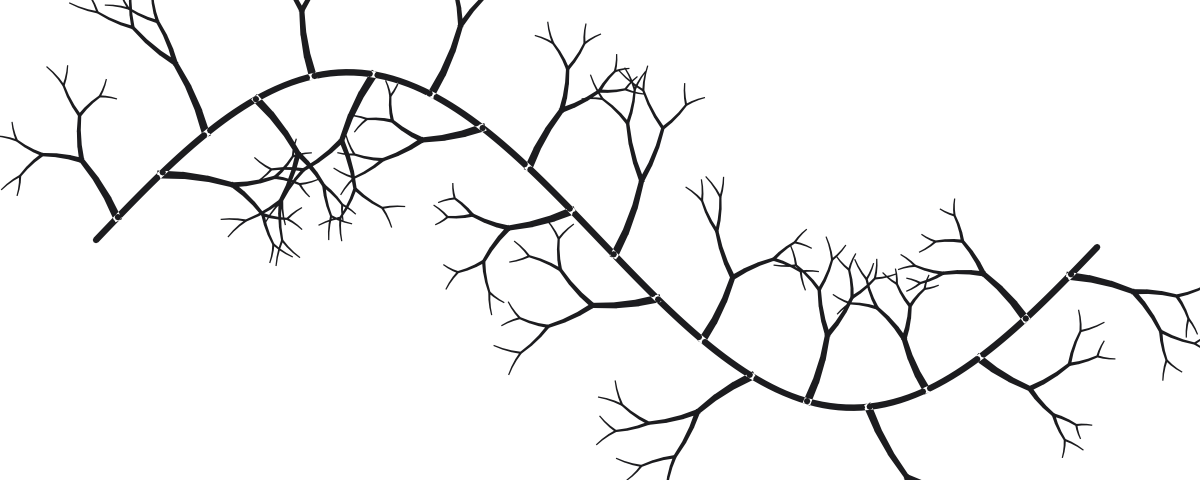
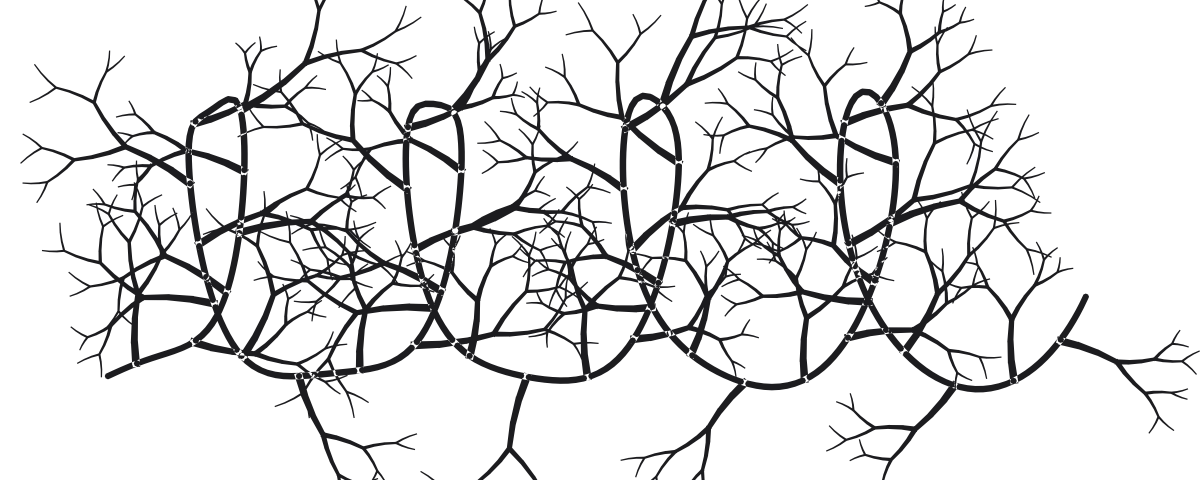
Branches grow along your line. A thin spine (0.18× Size) follows the stroke, and every 1.7× Size (the first at half that) a small tree grows off alternating sides: a trunk about 1.9× Size long and 0.22× wide that splits in two for three generations at about 32°, each child 68% as long, tapering, curling slightly and bent toward the top of the page (Grows toward +0.35). Other Growth patterns swap in other recipes. Every random draw is seeded by where it lands, so the same stroke always grows the same way; each growth is capped at 24 branches and 72 pieces.
Reads: direction
With a finger: Identical with a finger: it reads no pressure or tilt.
| Setting | Range | Factory | What it does |
|---|
| Growth pattern Options page | Choices: Branches, Floral, Fern, Vine, Thorns, Barbed wire, Roots, Coral, Crystal, Seaweed | Branches | Starts the growth from a preset recipe. Picking one replaces every recipe value and the seed below with that preset's table. Picker Options page and Brush Studio › Growth. |
| Show the line Options page | 0 – 1 | 1 | Off draws only the growth: the stroke's own spine stays invisible. |
| Seed | Randomize, New variation, a whole number (blank = none), Lock | none | Randomize rolls a whole new recipe (and a new seed unless Lock is on); New variation keeps the recipe and re-rolls every random draw; the same seed always grows the same way. Brush Studio › Growth. |
| Spacing along the stroke Studio › Growth › Layout | 0.4× – 6.0× (Tight … Open) | 1.7× | Distance between growths along the line, × Size; the first grows half a step in. Brush Studio › Growth › Layout. |
| Generations Studio › Growth › Layout | 0 – 4 | 3 | How many times branches branch (0 = a single trunk). Brush Studio › Growth › Layout. |
| Branches per split Studio › Growth › Layout | 0 – 5 | 2 | Children at each branching point. Brush Studio › Growth › Layout. |
| Segments per branch Studio › Growth › Layout | 1 – 8 | 3 | More segments bend more smoothly (and cost more of the 72-piece budget). Brush Studio › Growth › Layout. |
| Trunk length Studio › Growth › Layout | 0.2× – 4.0× (Short … Long) | 1.9× | Length of the first branch, × Size (each growth varies it ±20%). Brush Studio › Growth › Layout. |
| Grows toward Studio › Growth › Layout | -1.00 – +1.00 (Down … Up) | +0.35 | 0 grows straight out from the line, alternating sides; positive bends growth toward the top of the page, negative toward the bottom. Brush Studio › Growth › Layout. |
| Branch angle Studio › Growth › Shape | 0° – 90° (Narrow … Wide) | 32° | How far children fan out from their parent's direction (also the spike angle for Barbed wire). Brush Studio › Growth › Shape. |
| Angle wobble Studio › Growth › Shape | 0° – 69° (Even … Varied) | 14° | Random variation added to every angle. Brush Studio › Growth › Shape. |
| Child length Studio › Growth › Shape | 30% – 100% (Short … Long) | 68% | Each generation's length against its parent's. Brush Studio › Growth › Shape. |
| Trunk width Studio › Growth › Shape | 0.04× – 0.80× (Hairline … Bold) | 0.22× | The first branch's root width, × Size. Brush Studio › Growth › Shape. |
| Tip width Studio › Growth › Shape | 0% – 100% (Needle … Blunt) | 50% | Width at a last-generation branch's end against its root (0 = a needle point). Brush Studio › Growth › Shape. |
| Curl Studio › Growth › Shape | 0% – 120% (None … Strong) | 10% | Bend per segment; each branch curls one way or the other at random. Brush Studio › Growth › Shape. |
| Wave instead of curl Studio › Growth › Shape | 0 – 1 | 0 | The bend alternates sides along a branch: a wave, not a curl. Brush Studio › Growth › Shape. |
| Line thickness Studio › Growth › Shape | 0.00× – 0.60× (Hairline … Bold) | 0.18× | The spine's width along your stroke, × Size. Brush Studio › Growth › Shape. |
| Barbed wire Studio › Growth › Shape | 0 – 1 | 0 | Each growth becomes an X of four straight spikes across the line instead of a branch. Brush Studio › Growth › Shape. |
| Tips | None, Dot, Petals, Stamp | None | What grows at the end of each last branch: nothing, a dot, a five-petal bloom, or a stamp you pick (a dot until one is picked). Brush Studio › Growth › Ornaments. |
| Tip size | 0.2× – 3.0× (Small – Large) | 1.0× | Scales the tip ornament (shown when Tips is not None). Brush Studio › Growth › Ornaments. |
| Leaves | None, Leaflets, Stamp | None | What grows along each branch: nothing, paired leaflets shrinking toward the tip, or a stamp (leaflets until one is picked). Brush Studio › Growth › Ornaments. |
| Leaf size | 0.2× – 3.0× (Small – Large) | 1.0× | Scales the leaves (shown when Leaves is not None). Brush Studio › Growth › Ornaments. |
| Leaf spacing | 0.2× – 2.0× (Tight – Open) | 0.5× | Pitch of stamp leaves along a branch, × Size (Stamp leaves only). Brush Studio › Growth › Ornaments. |
| Stamp size variation | 0% – 100% (Even – Varied) | 0% | Random size per stamp tip or leaf (shown when a stamp ornament is on). Brush Studio › Growth › Ornaments. |
| Stamp turn variation | 0% – 100% (Even – Varied) | 0% | Random turn per stamp tip or leaf. Brush Studio › Growth › Ornaments. |
| Branches drawn with | Classic, Fineliner, Ballpoint, Fountain, Brush pen, Chisel, Calligraphy, Quill, Rough pencil, Charcoal, Gritty pencil, Erode | Classic | Classic lays tapered quads; any other choice sweeps each branch with that pen's nib (slower to draw). A Complexity meter (Light, Busy, Heavy) shows the cost against the budget. Brush Studio › Growth › Branch pen. |
| Steady Studio › Steady | 0% – 100% (None … Strong) | 0% | Smooths a shaky hand by averaging the path over a distance (up to ±120 font units at 100%); the ends stay put. Also a chip on the bottom bar. Brush Studio › Steady. |
Tips
- Growth reaches well past the line (several Sizes), so give these letters generous spacing.
- Turn off Show the line to keep only the growth, e.g. thorns or florals over another pen's letter.
- Use New variation in the Studio to re-roll the scatter of a recipe you like.
Rough paper
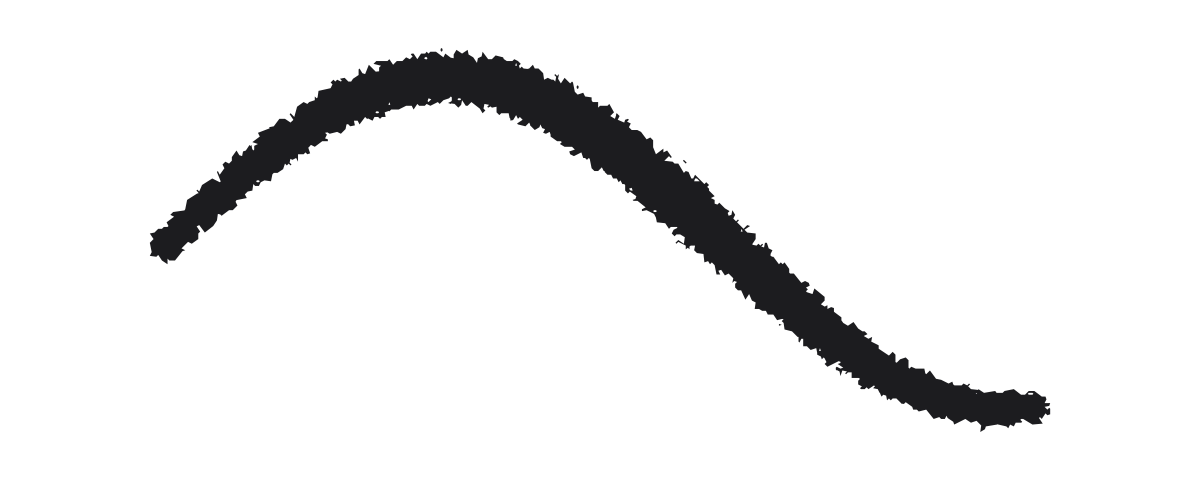
ink on toothy paper — a fine, even grain
Factory size 30 · Steady 0%
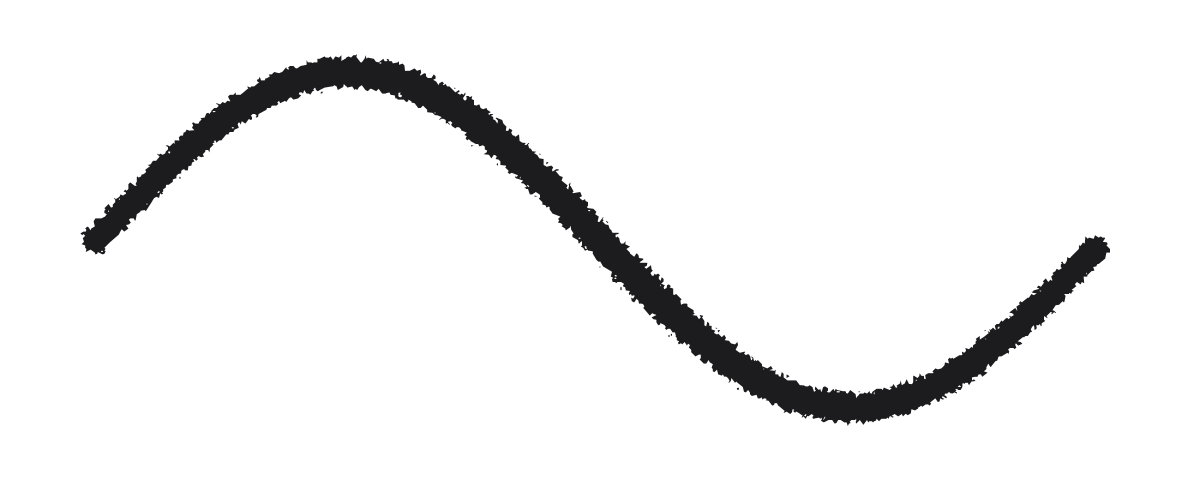
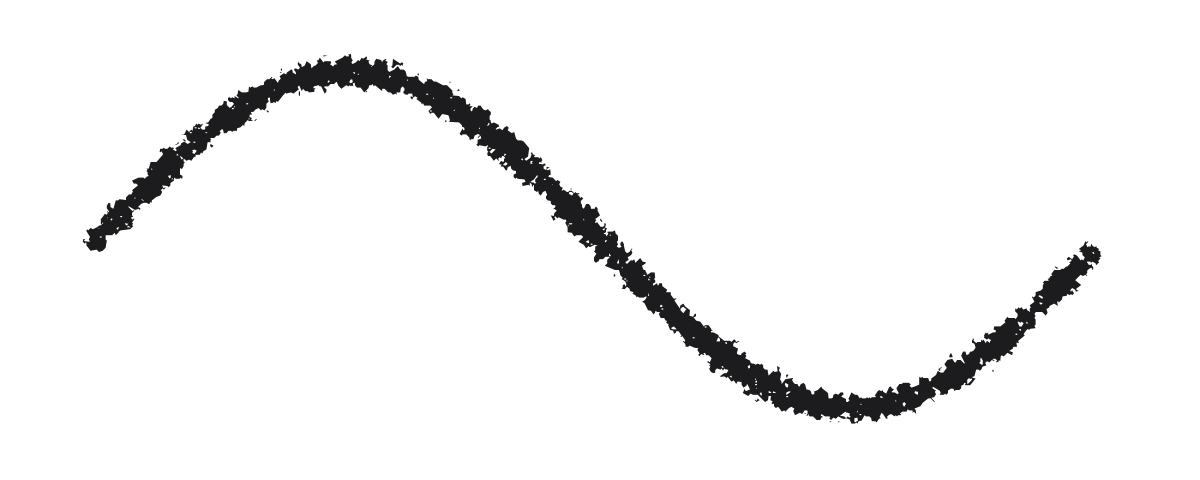
Ink on toothy paper. Every 0.42× Size along the line (Size ÷ 2 ÷ Stamp density 1.2) a disc is rasterized on a fixed grid of the page, its soft edge is bitten by a fine, even paper grain wherever the ink's coverage is weaker than the grain (Grain bite 55%), and the surviving pixels are traced back into vector outlines. The disc's diameter follows pressure (0.65× to 1.35× Size). Because the grain belongs to the page, overlapping discs and crossing strokes share one continuous tooth, and the font ships the ragged edge as real outlines.
Reads: pressure
With a finger: Discs are sized by the Line weight (50% gives 1× Size) instead of pressure; the grain is the same.
| Setting | Range | Factory | What it does |
|---|
| Grain bite Options page · pen bar: Grain | 0% – 100% (Smooth … Rough) | 55% | How deep the grain eats into the ink: up to about 60% it only roughens the edge, higher opens holes in the core. Also a chip on the bottom bar (“Grain”). |
| Stamp density Options page | 0.2× – 8.0× (Sparse … Dense) | 1.2× | How many emissions lay along the stroke: one every Size ÷ 2 ÷ this (never closer than 4 units). |
| Size variation Options page | 0% – 100% (Even … Varied) | 0% | Random size per emission (capped at ±90%). |
| Turn variation Options page | 0% – 100% (None … Strong) | 0% | A stamp source turns a random amount each time; a grain's disc has no angle, so this does nothing for the five grains. |
| Scatter Options page | 0% – 100% (Near … Far) | 0% | Emissions drift sideways from the stroke, up to 0.75× Size at 100%. |
| Grain | Paper, Canvas, Chalk, Crayon, Dry brush, Stamp | Paper | Which grain bites the ink, or Stamp: a shape you pick, rasterized along the stroke and bitten by the paper grain (grainy discs until one is picked). Brush Studio › Texture. |
| Line weight | 5% – 100% (Light – Heavy) | 50% | The force a finger or mouse stroke is drawn at, since it has no pressure. Shown on the picker's Options page and in the Studio when you draw with a finger or a mouse. |
| Steady Studio › Steady | 0% – 100% (None … Strong) | 0% | Smooths a shaky hand by averaging the path over a distance (up to ±120 font units at 100%); the ends stay put. Also a chip on the bottom bar. Brush Studio › Steady. |
Tips
- Around 50% Grain bite only the edge roughens; above about 60% holes start to open inside.
- The grain is measured in font units, so a bigger Size shows more grain, not coarser grain.
Chalk
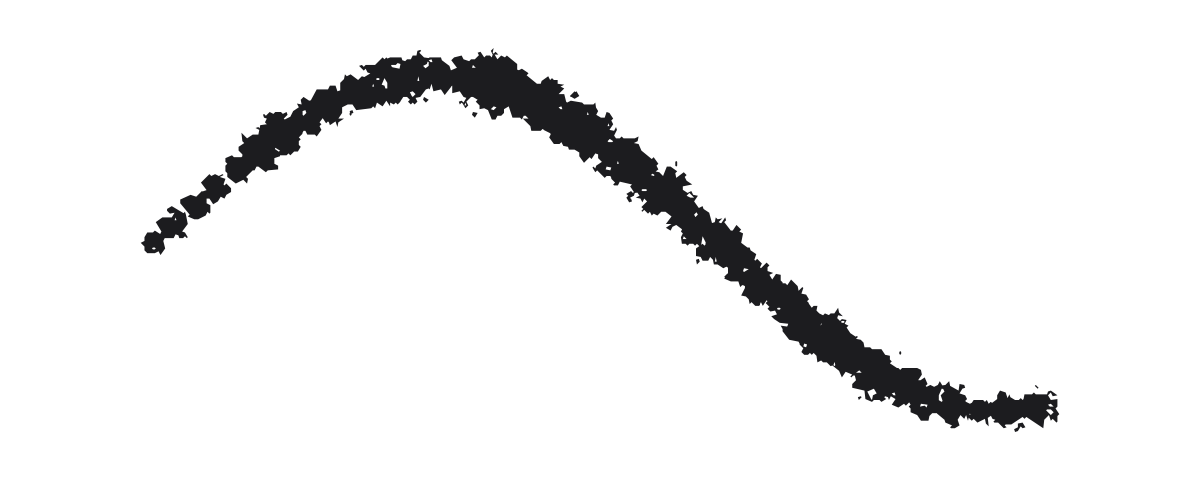
coarse, blotchy, speckled — a chalk stick
Factory size 30 · Steady 0%
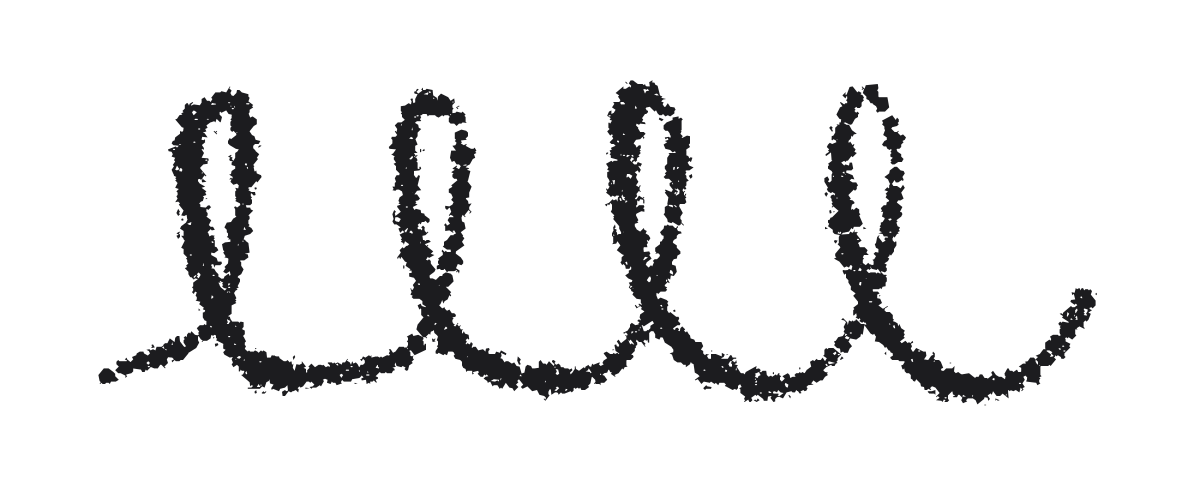
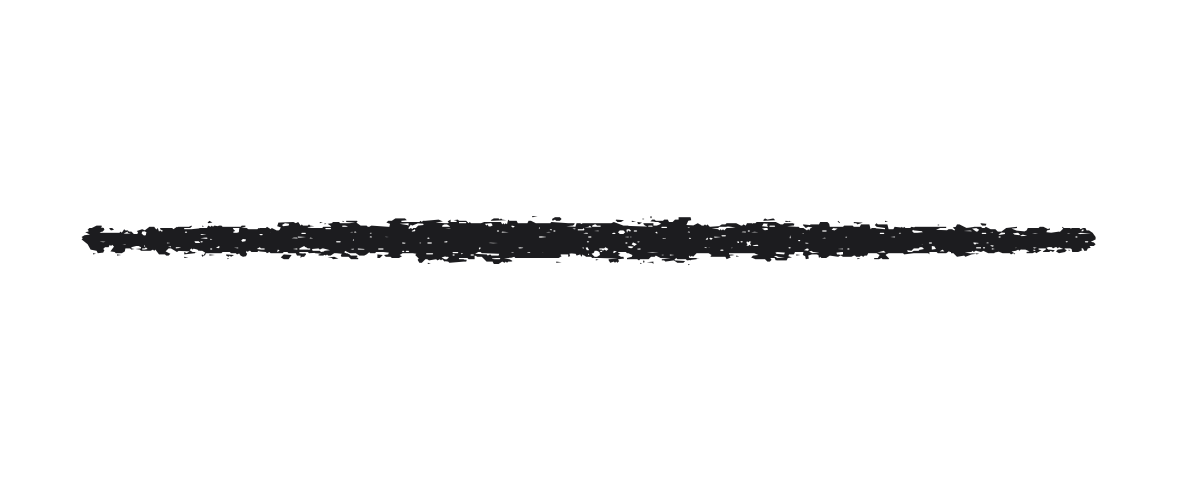
A stick of chalk: discs every half Size along the line, each varying ±25% in size, bitten deep (Grain bite 80%) by a coarse, blotchy grain with extra specks. The edge comes out ragged and small holes open inside the stroke. Each emission is rasterized, bitten and traced back into outlines; the grain belongs to the page, so overlapping strokes share it.
Reads: pressure
With a finger: Discs are sized by the Line weight (50% gives 1× Size) instead of pressure; the grain is the same.
| Setting | Range | Factory | What it does |
|---|
| Grain bite Options page · pen bar: Grain | 0% – 100% (Smooth … Rough) | 80% | How deep the grain eats into the ink: up to about 60% it only roughens the edge, higher opens holes in the core. Also a chip on the bottom bar (“Grain”). |
| Stamp density Options page | 0.2× – 8.0× (Sparse … Dense) | 1.0× | How many emissions lay along the stroke: one every Size ÷ 2 ÷ this (never closer than 4 units). |
| Size variation Options page | 0% – 100% (Even … Varied) | 25% | Random size per emission (capped at ±90%). |
| Turn variation Options page | 0% – 100% (None … Strong) | 0% | A stamp source turns a random amount each time; a grain's disc has no angle, so this does nothing for the five grains. |
| Scatter Options page | 0% – 100% (Near … Far) | 0% | Emissions drift sideways from the stroke, up to 0.75× Size at 100%. |
| Grain | Paper, Canvas, Chalk, Crayon, Dry brush, Stamp | Chalk | Which grain bites the ink, or Stamp: a shape you pick, rasterized along the stroke and bitten by the paper grain (grainy discs until one is picked). Brush Studio › Texture. |
| Line weight | 5% – 100% (Light – Heavy) | 50% | The force a finger or mouse stroke is drawn at, since it has no pressure. Shown on the picker's Options page and in the Studio when you draw with a finger or a mouse. |
| Steady Studio › Steady | 0% – 100% (None … Strong) | 0% | Smooths a shaky hand by averaging the path over a distance (up to ±120 font units at 100%); the ends stay put. Also a chip on the bottom bar. Brush Studio › Steady. |
Tips
- Chalk reads best at larger sizes, where the blotches have room.
- Lower Grain bite toward 60% for a solid core with a rough rim.
Crayon
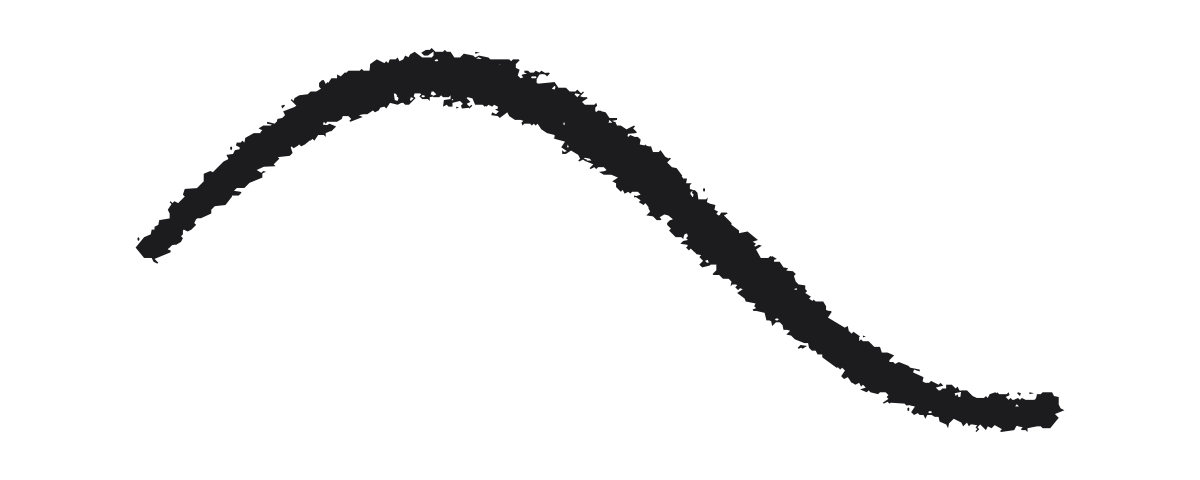
waxy drag, grain stretched along the page
Factory size 30 · Steady 0%
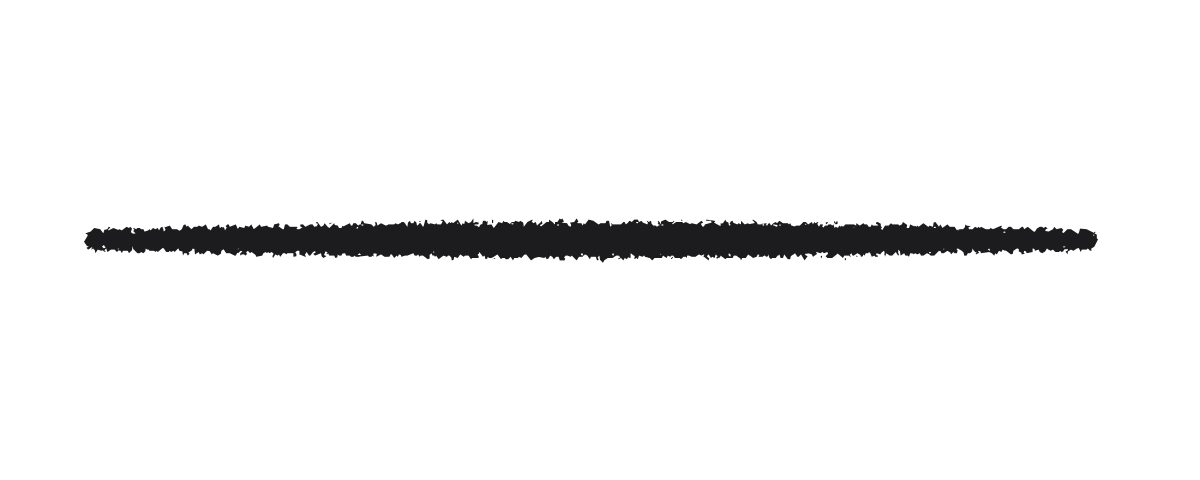
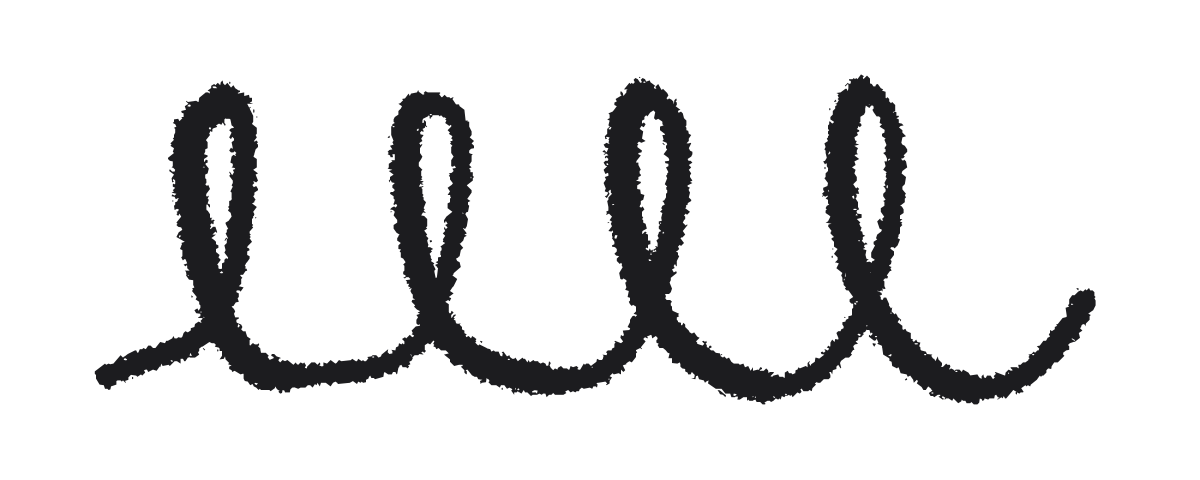
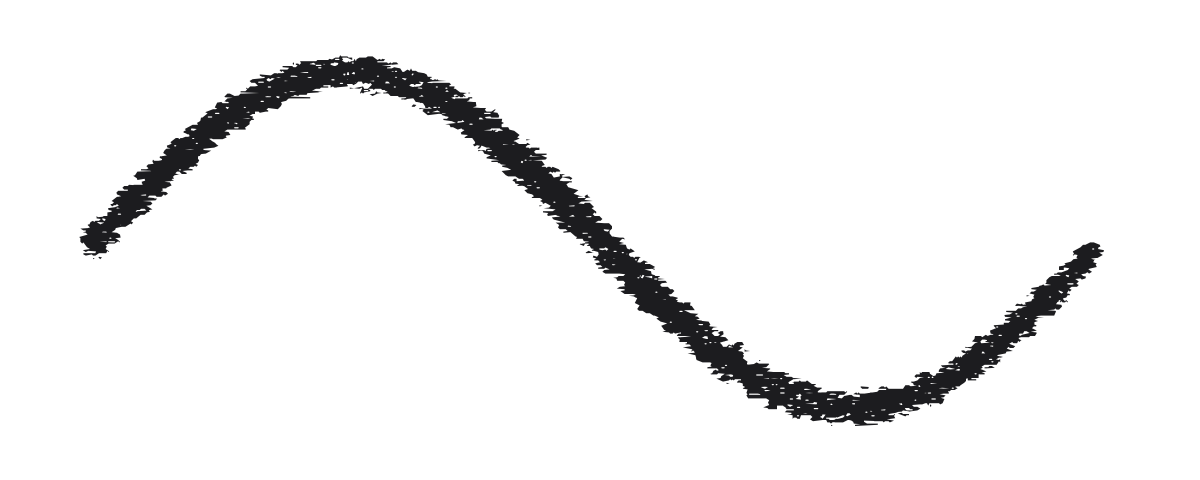
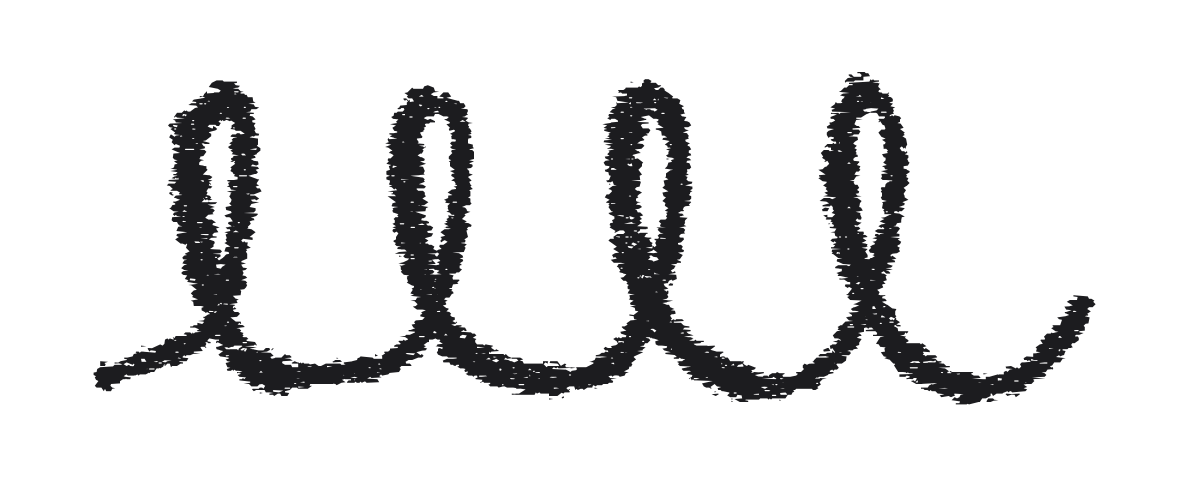
Waxy crayon: discs every 0.36× Size, bitten (Grain bite 70%) by a grain stretched horizontally across the page, so the texture runs in left-to-right streaks whatever direction you draw. The edges drag and break; holes are rare. Each emission is rasterized, bitten and traced back into outlines.
Reads: pressure
With a finger: Discs are sized by the Line weight (50% gives 1× Size) instead of pressure; the grain is the same.
| Setting | Range | Factory | What it does |
|---|
| Grain bite Options page · pen bar: Grain | 0% – 100% (Smooth … Rough) | 70% | How deep the grain eats into the ink: up to about 60% it only roughens the edge, higher opens holes in the core. Also a chip on the bottom bar (“Grain”). |
| Stamp density Options page | 0.2× – 8.0× (Sparse … Dense) | 1.4× | How many emissions lay along the stroke: one every Size ÷ 2 ÷ this (never closer than 4 units). |
| Size variation Options page | 0% – 100% (Even … Varied) | 0% | Random size per emission (capped at ±90%). |
| Turn variation Options page | 0% – 100% (None … Strong) | 0% | A stamp source turns a random amount each time; a grain's disc has no angle, so this does nothing for the five grains. |
| Scatter Options page | 0% – 100% (Near … Far) | 0% | Emissions drift sideways from the stroke, up to 0.75× Size at 100%. |
| Grain | Paper, Canvas, Chalk, Crayon, Dry brush, Stamp | Crayon | Which grain bites the ink, or Stamp: a shape you pick, rasterized along the stroke and bitten by the paper grain (grainy discs until one is picked). Brush Studio › Texture. |
| Line weight | 5% – 100% (Light – Heavy) | 50% | The force a finger or mouse stroke is drawn at, since it has no pressure. Shown on the picker's Options page and in the Studio when you draw with a finger or a mouse. |
| Steady Studio › Steady | 0% – 100% (None … Strong) | 0% | Smooths a shaky hand by averaging the path over a distance (up to ±120 font units at 100%); the ends stay put. Also a chip on the bottom bar. Brush Studio › Steady. |
Tips
- The streaks are horizontal on the page: horizontals look streaked along their length, verticals grainy across their width.
- Raise Stamp density for a smoother, waxier fill.
Ink over woven canvas: the grain is a regular crossing-thread lattice (a 3-unit weave) mixed with noise, biting deep (82%) so the weave shows through the ink as a fine grid of gaps. Discs land every 0.42× Size and are rasterized, bitten and traced back into outlines; the weave belongs to the page, so every stroke shares it.
Reads: pressure
With a finger: Discs are sized by the Line weight (50% gives 1× Size) instead of pressure; the grain is the same.
| Setting | Range | Factory | What it does |
|---|
| Grain bite Options page · pen bar: Grain | 0% – 100% (Smooth … Rough) | 82% | How deep the grain eats into the ink: up to about 60% it only roughens the edge, higher opens holes in the core. Also a chip on the bottom bar (“Grain”). |
| Stamp density Options page | 0.2× – 8.0× (Sparse … Dense) | 1.2× | How many emissions lay along the stroke: one every Size ÷ 2 ÷ this (never closer than 4 units). |
| Size variation Options page | 0% – 100% (Even … Varied) | 0% | Random size per emission (capped at ±90%). |
| Turn variation Options page | 0% – 100% (None … Strong) | 0% | A stamp source turns a random amount each time; a grain's disc has no angle, so this does nothing for the five grains. |
| Scatter Options page | 0% – 100% (Near … Far) | 0% | Emissions drift sideways from the stroke, up to 0.75× Size at 100%. |
| Grain | Paper, Canvas, Chalk, Crayon, Dry brush, Stamp | Canvas | Which grain bites the ink, or Stamp: a shape you pick, rasterized along the stroke and bitten by the paper grain (grainy discs until one is picked). Brush Studio › Texture. |
| Line weight | 5% – 100% (Light – Heavy) | 50% | The force a finger or mouse stroke is drawn at, since it has no pressure. Shown on the picker's Options page and in the Studio when you draw with a finger or a mouse. |
| Steady Studio › Steady | 0% – 100% (None … Strong) | 0% | Smooths a shaky hand by averaging the path over a distance (up to ±120 font units at 100%); the ends stay put. Also a chip on the bottom bar. Brush Studio › Steady. |
Tips
- The weave is a fixed 3 font units: it shows best on bold strokes.
- Lower Grain bite to keep the weave on the edges only.
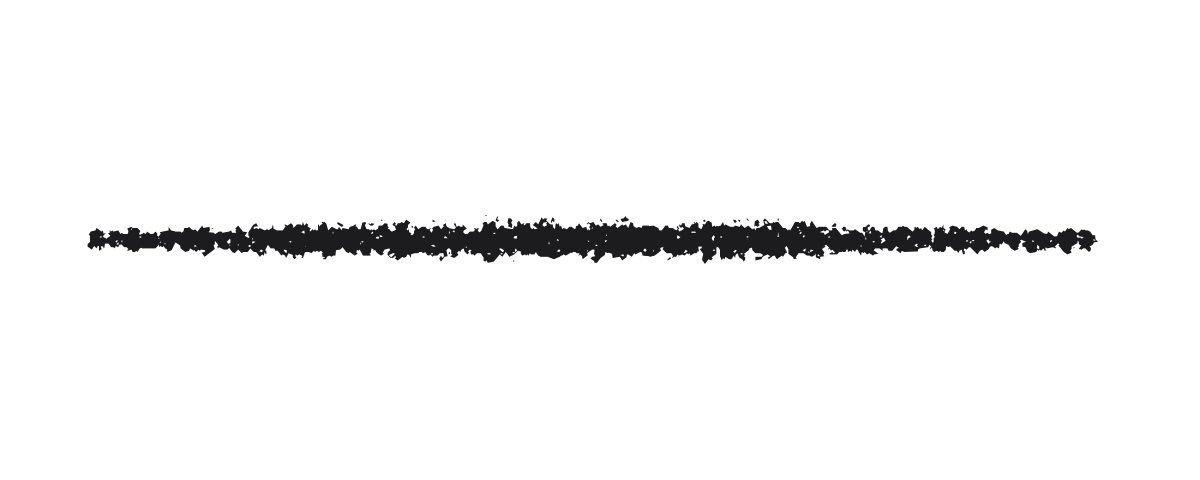
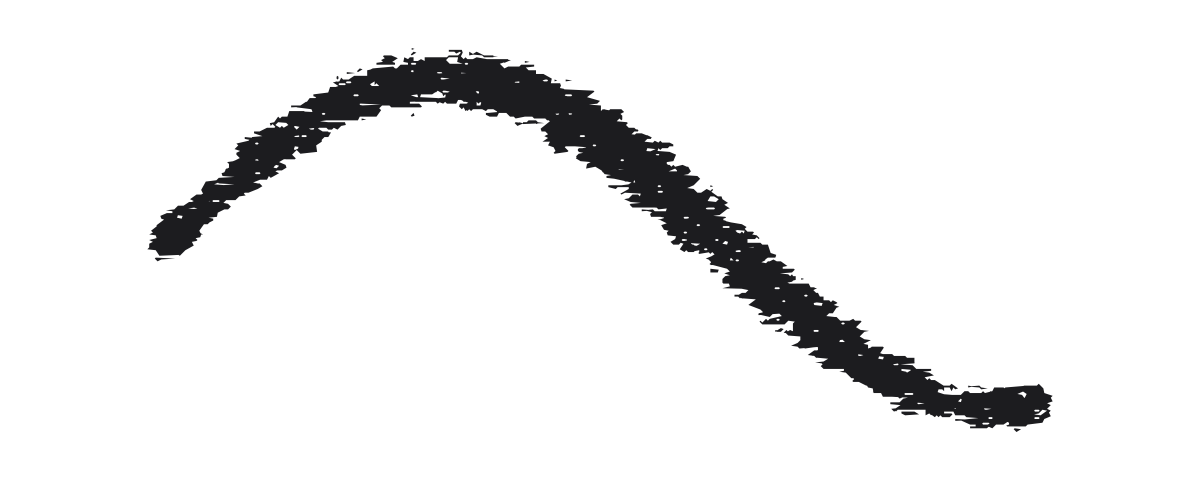
A nearly dry brush: densely packed discs (every 0.31× Size), ±20% size jitter, bitten very deep (90%) by a grain stretched along the page and pushed apart in contrast, so bristle streaks read as streaks with clear gaps between them. Each emission is rasterized, bitten and traced back into outlines.
Reads: pressure
With a finger: Discs are sized by the Line weight (50% gives 1× Size) instead of pressure; the grain is the same.
| Setting | Range | Factory | What it does |
|---|
| Grain bite Options page · pen bar: Grain | 0% – 100% (Smooth … Rough) | 90% | How deep the grain eats into the ink: up to about 60% it only roughens the edge, higher opens holes in the core. Also a chip on the bottom bar (“Grain”). |
| Stamp density Options page | 0.2× – 8.0× (Sparse … Dense) | 1.6× | How many emissions lay along the stroke: one every Size ÷ 2 ÷ this (never closer than 4 units). |
| Size variation Options page | 0% – 100% (Even … Varied) | 20% | Random size per emission (capped at ±90%). |
| Turn variation Options page | 0% – 100% (None … Strong) | 0% | A stamp source turns a random amount each time; a grain's disc has no angle, so this does nothing for the five grains. |
| Scatter Options page | 0% – 100% (Near … Far) | 0% | Emissions drift sideways from the stroke, up to 0.75× Size at 100%. |
| Grain | Paper, Canvas, Chalk, Crayon, Dry brush, Stamp | Dry brush | Which grain bites the ink, or Stamp: a shape you pick, rasterized along the stroke and bitten by the paper grain (grainy discs until one is picked). Brush Studio › Texture. |
| Line weight | 5% – 100% (Light – Heavy) | 50% | The force a finger or mouse stroke is drawn at, since it has no pressure. Shown on the picker's Options page and in the Studio when you draw with a finger or a mouse. |
| Steady Studio › Steady | 0% – 100% (None … Strong) | 0% | Smooths a shaky hand by averaging the path over a distance (up to ±120 font units at 100%); the ends stay put. Also a chip on the bottom bar. Brush Studio › Steady. |
Tips
- The streaks run horizontally on the page, so horizontal strokes look most like a dry brush.
- Lower Grain bite to around 70% for a fuller stroke with fewer gaps.